
Crossword Editor: Crossword Constructor Tool for PC
PocketStar
Unduh Crossword Editor: Crossword Constructor Tool di PC Dengan Emulator GameLoop
Crossword Editor: Crossword Constructor Tool di PC
Crossword Editor: Crossword Constructor Tool, berasal dari pengembang PocketStar, berjalan di sistem Android di masa lalu.
Sekarang, Anda dapat memainkan Crossword Editor: Crossword Constructor Tool di PC dengan GameLoop dengan lancar.
Unduh di perpustakaan GameLoop atau hasil pencarian. Tidak ada lagi memperhatikan baterai atau panggilan frustasi pada waktu yang salah lagi.
Nikmati saja Crossword Editor: Crossword Constructor Tool PC di layar besar secara gratis!
Crossword Editor: Crossword Constructor Tool Pengantar
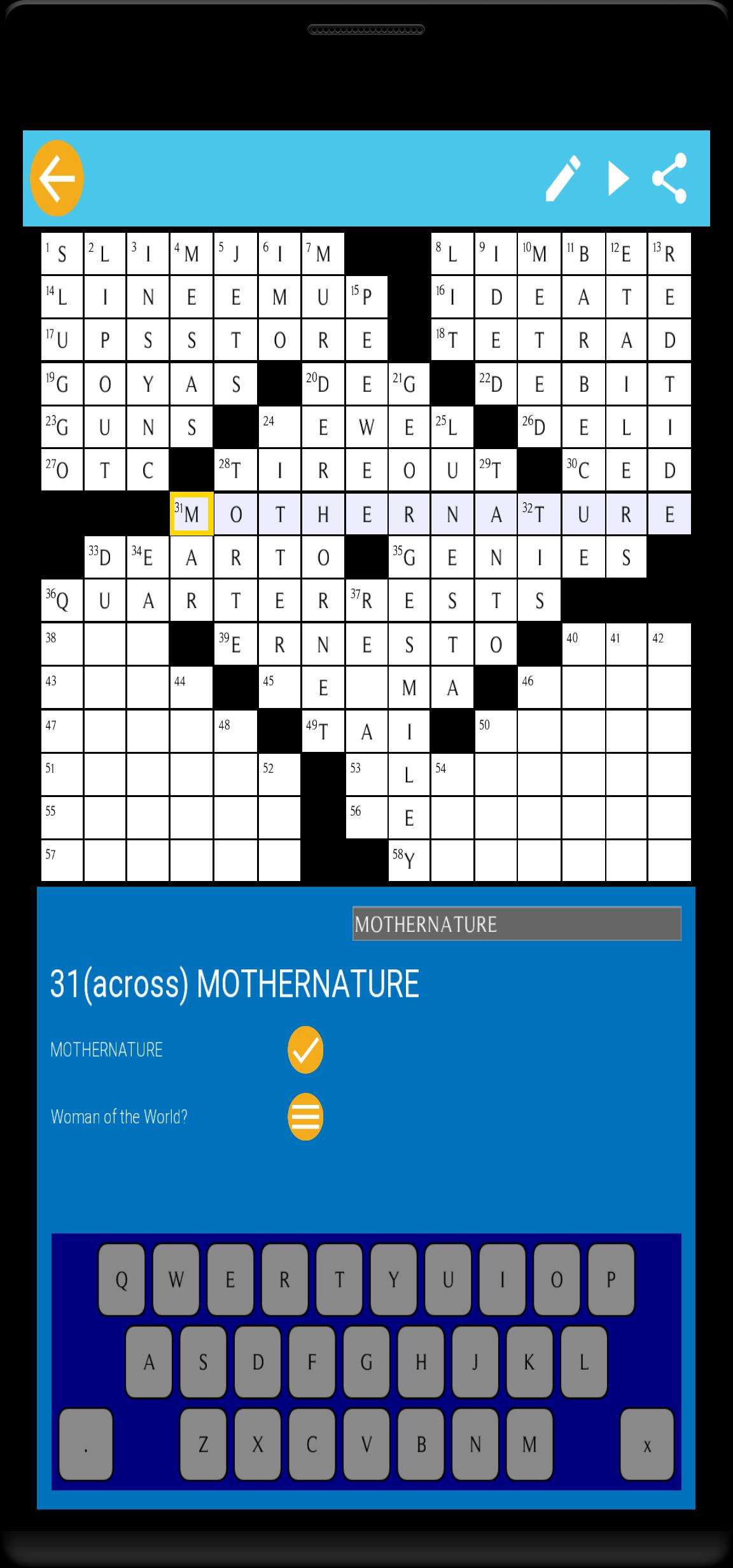
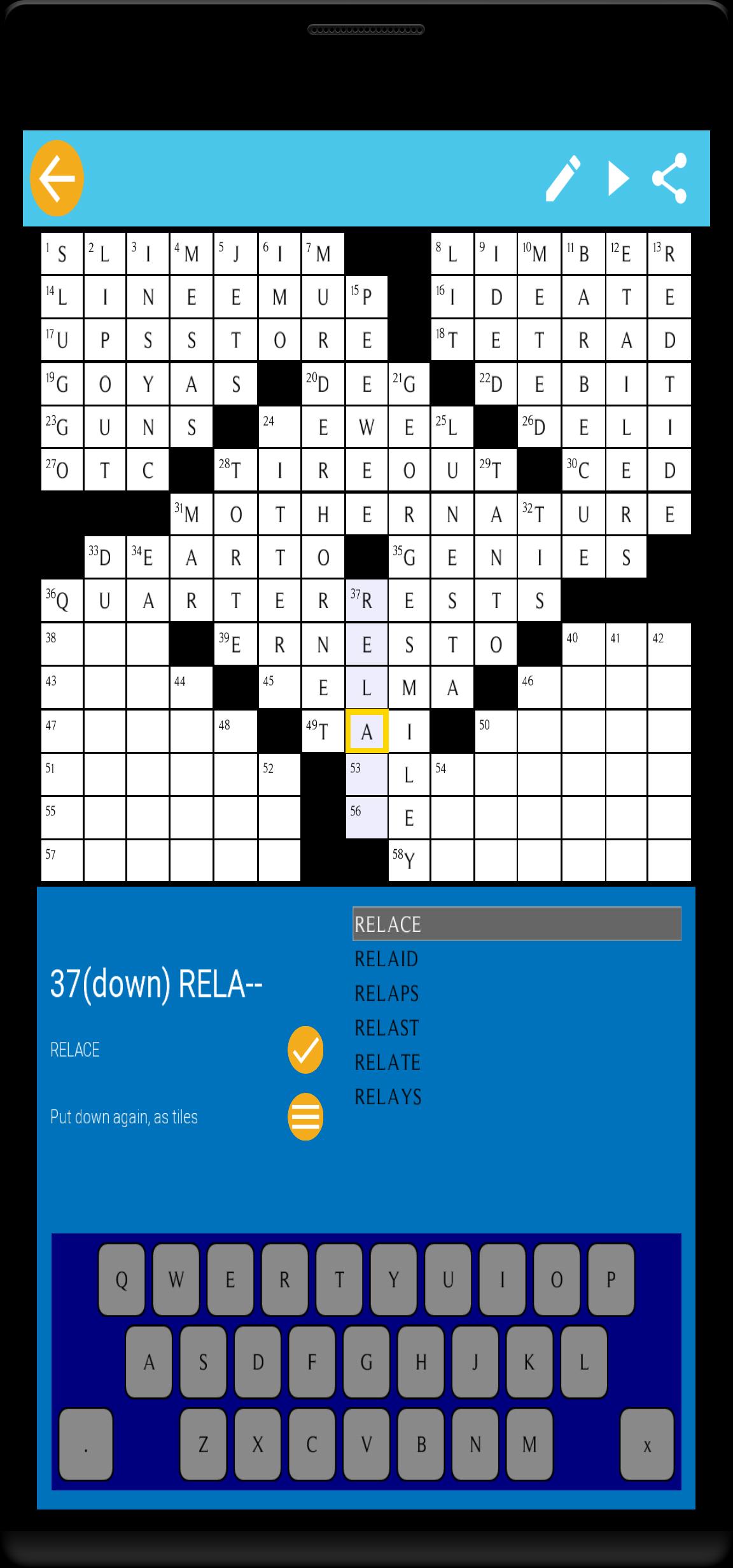
Crossword Editor: Crossword Constructor Tool for building professional crosswords, with intelligent word complete feature.
So, you plan to make serious crosswords like the ones you see in newspapers? You need some sharp tools to help you, like what these professional crossword authors have already done. Crossword editor will be your best friend in the process.
In the market there are desktop versions of these crossword construct helping tools crossfire or compilers which usually take 40 US dollars. And they can only be used with a desktop. With Crossword Editor, you can access to these professional features freely, almost without limitation.
Features and working flow
1 Start new crosswords based on existing grid templates.
2 Type words with help of intelligent word completing.
3 Type clues for any word with the clue editing screen.
4 Type dot to toggle between normal grid and black grid.
5 Play the puzzle at any time.
6 Share the puzzle with PUZ format (Across Lite format) or PNG format
If you prefer the tool automatically generating a crossword, you could try another product of ours, wordapp crossword make.
Pratinjau
Tag
KataInformasi
Pengembang
PocketStar
Versi Terbaru
1.0.0
Terakhir Diperbarui
2020-12-08
Kategori
Kata
Tersedia di
Google Play
Menampilkan lebih banyak
Cara memainkan Crossword Editor: Crossword Constructor Tool dengan GameLoop di PC
1. Download GameLoop dari situs resminya, lalu jalankan file exe untuk menginstal GameLoop.
2. Buka GameLoop dan cari “Crossword Editor: Crossword Constructor Tool”, temukan Crossword Editor: Crossword Constructor Tool di hasil pencarian dan klik “Install”.
3. Nikmati bermain Crossword Editor: Crossword Constructor Tool di GameLoop.
Minimum requirements
OS
Windows 8.1 64-bit or Windows 10 64-bit
GPU
GTX 1050
CPU
i3-8300
Memory
8GB RAM
Storage
1GB available space
Recommended requirements
OS
Windows 8.1 64-bit or Windows 10 64-bit
GPU
GTX 1050
CPU
i3-9320
Memory
16GB RAM
Storage
1GB available space