
VEXUS CAM for PC
VEXUS BRASIL
Unduh VEXUS CAM di PC Dengan Emulator GameLoop
VEXUS CAM di PC
VEXUS CAM, berasal dari pengembang VEXUS BRASIL, berjalan di sistem Android di masa lalu.
Sekarang, Anda dapat memainkan VEXUS CAM di PC dengan GameLoop dengan lancar.
Unduh di perpustakaan GameLoop atau hasil pencarian. Tidak ada lagi memperhatikan baterai atau panggilan frustasi pada waktu yang salah lagi.
Nikmati saja VEXUS CAM PC di layar besar secara gratis!
VEXUS CAM Pengantar
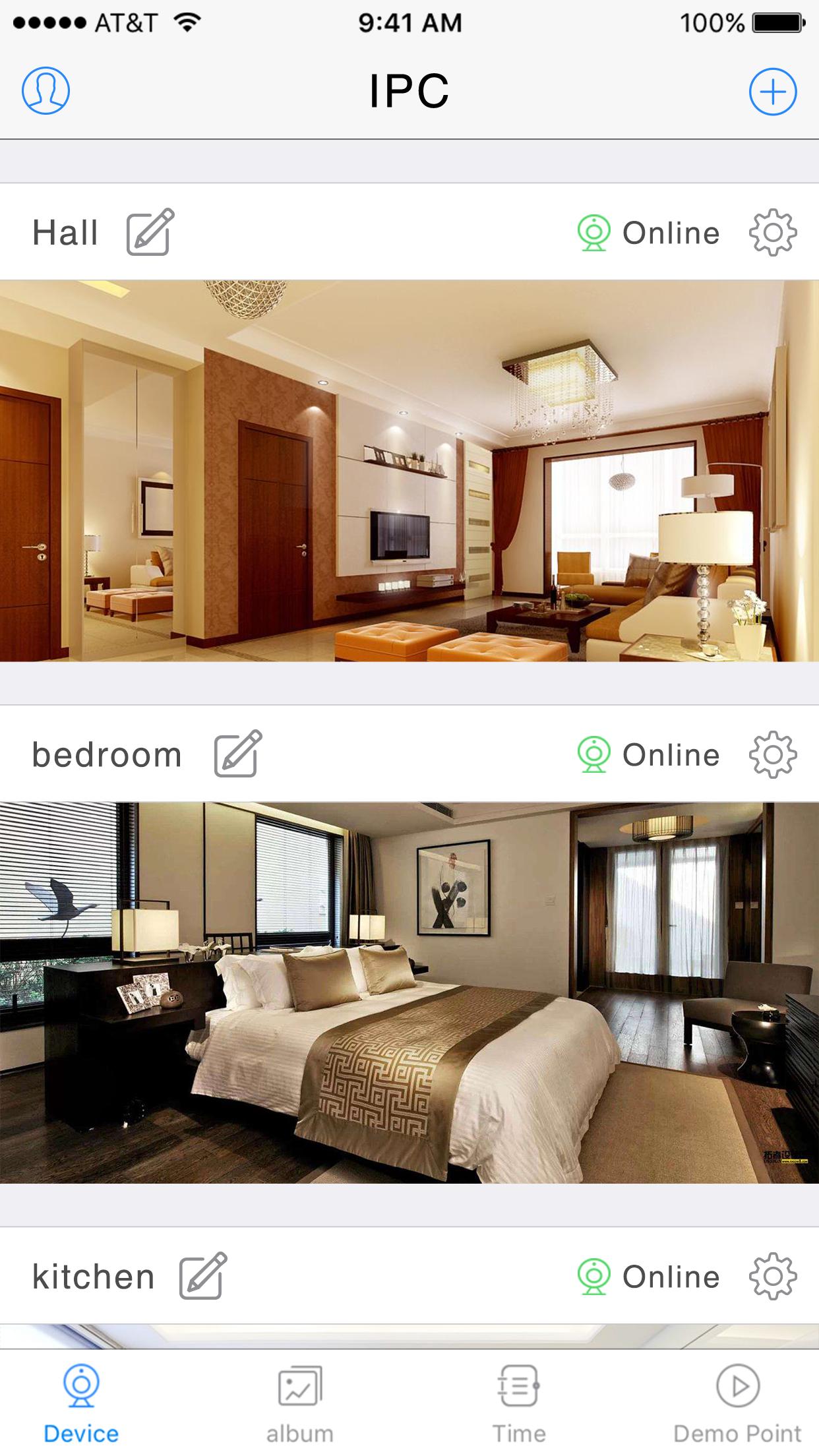
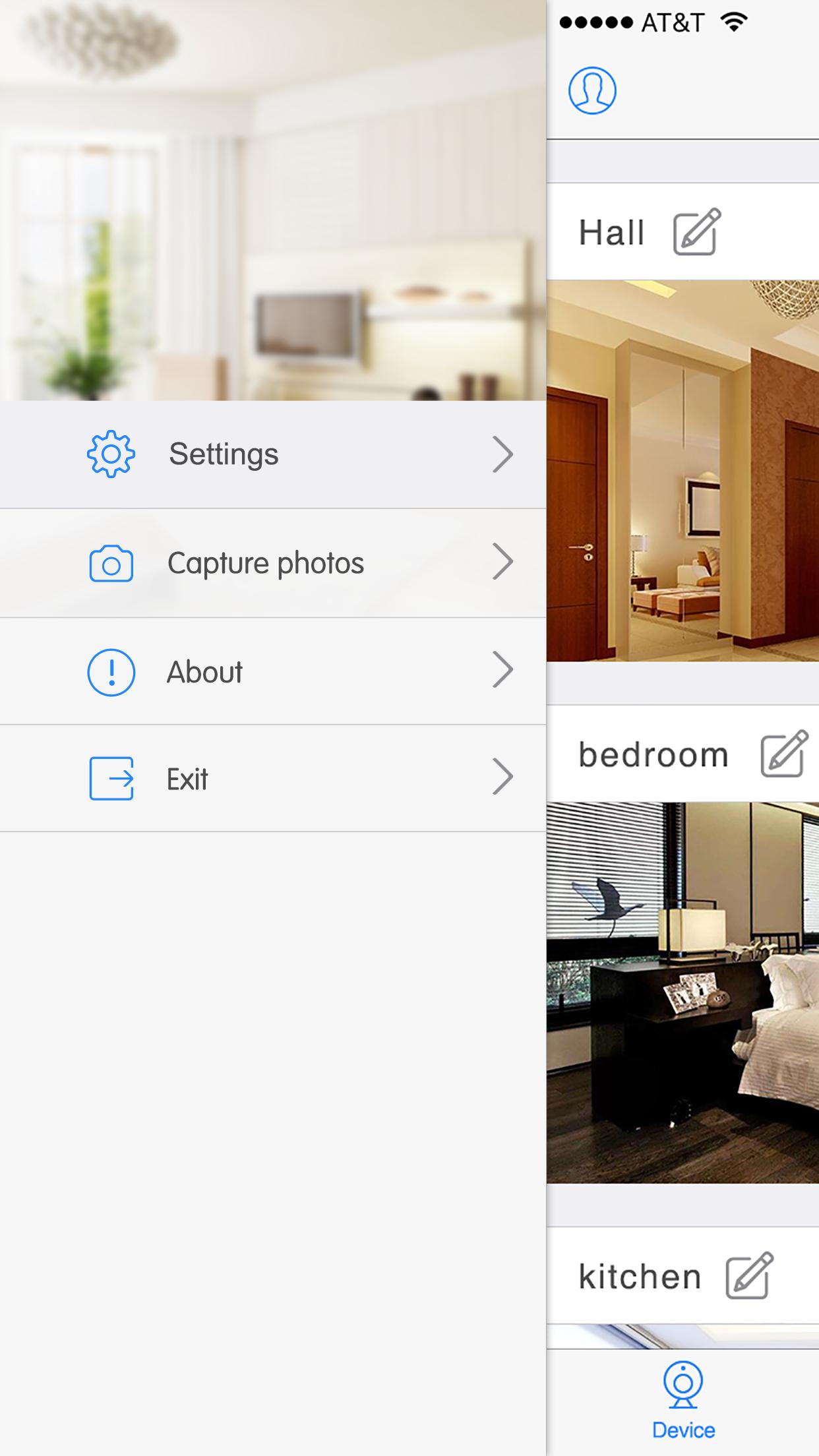
Support multiplayer online browsing. Just add the cameras to you phone with this App
· Easily direct connect to your cameras through VEXUS CAM secure live connection service (Free).
· Simple setup process, does not need setup dynamic DNS or port forwarding on your home router.
· Supports VEXUS CAM camera edge recording, record and play back from on camera SD card
· Save snapshots and record video clips to your photos folder Pan, tilt and zoom control for VEXUS CAM Pan Tilt cameras
· Listen and talk through your audio enabled cameras
· Control IR lights by switching between day and night modes
· Turn on or turn off real time notification from your VEXUS CAM cameras
Support VEXUS CAM cameras only, functions base on camera’s available features
Pratinjau
Informasi
Pengembang
VEXUS BRASIL
Versi Terbaru
V6.38.02.09
Terakhir Diperbarui
2019-09-11
Kategori
Cuaca
Tersedia di
Google Play
Menampilkan lebih banyak
Cara memainkan VEXUS CAM dengan GameLoop di PC
1. Download GameLoop dari situs resminya, lalu jalankan file exe untuk menginstal GameLoop.
2. Buka GameLoop dan cari “VEXUS CAM”, temukan VEXUS CAM di hasil pencarian dan klik “Install”.
3. Nikmati bermain VEXUS CAM di GameLoop.
Minimum requirements
OS
Windows 8.1 64-bit or Windows 10 64-bit
GPU
GTX 1050
CPU
i3-8300
Memory
8GB RAM
Storage
1GB available space
Recommended requirements
OS
Windows 8.1 64-bit or Windows 10 64-bit
GPU
GTX 1050
CPU
i3-9320
Memory
16GB RAM
Storage
1GB available space