
ZZZ Video Player HD : New Version for All Formats for PC
SnapByte Apps
Unduh ZZZ Video Player HD : New Version for All Formats di PC Dengan Emulator GameLoop
ZZZ Video Player HD : New Version for All Formats di PC
ZZZ Video Player HD : New Version for All Formats, berasal dari pengembang SnapByte Apps, berjalan di sistem Android di masa lalu.
Sekarang, Anda dapat memainkan ZZZ Video Player HD : New Version for All Formats di PC dengan GameLoop dengan lancar.
Unduh di perpustakaan GameLoop atau hasil pencarian. Tidak ada lagi memperhatikan baterai atau panggilan frustasi pada waktu yang salah lagi.
Nikmati saja ZZZ Video Player HD : New Version for All Formats PC di layar besar secara gratis!
ZZZ Video Player HD : New Version for All Formats Pengantar
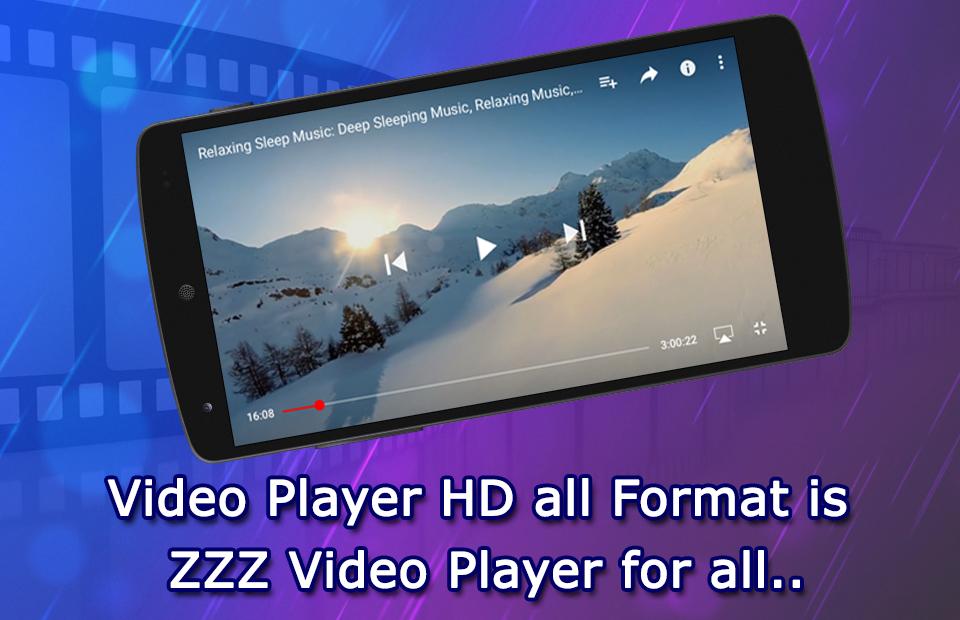
HD ZZZ Player 2018 is an intelligent and convenient ZZZ Video Player that makes you feel like enjoying an unprecedented audio-visual!
High Quality ZZZ Player 2018
We ensure that your file is played in the original resolution, through the optimization of the encoding format file playback speed and effectiveness to achieve the best results.
Besides, ZZZ Player 2018 can plays all the audio formats, enjoy the best free music experience. With this Player you can adjust the video/audio effect such as set video displaying size and adjust the audio track, etc.
Enjoy high quality videos plays smoothly
HD ZZZ Video Player with the device default decoder for decoding, thus ensuring the speed and effectiveness of the video for you to enjoy smoother better quality videos.
Outstanding sound effects
HD ZZZ Player with the equalizer, bass booster, and stereo surround sound effect, Make you feel like being in the cinema.
Support ALL Formats
ZZZ Video player supports almost all video formats including AVI , MP4 , WMV , RMVB , MKV , 3GP , M4V , MOV , TS , MPG , FLV etc, just depends on your device decoder.
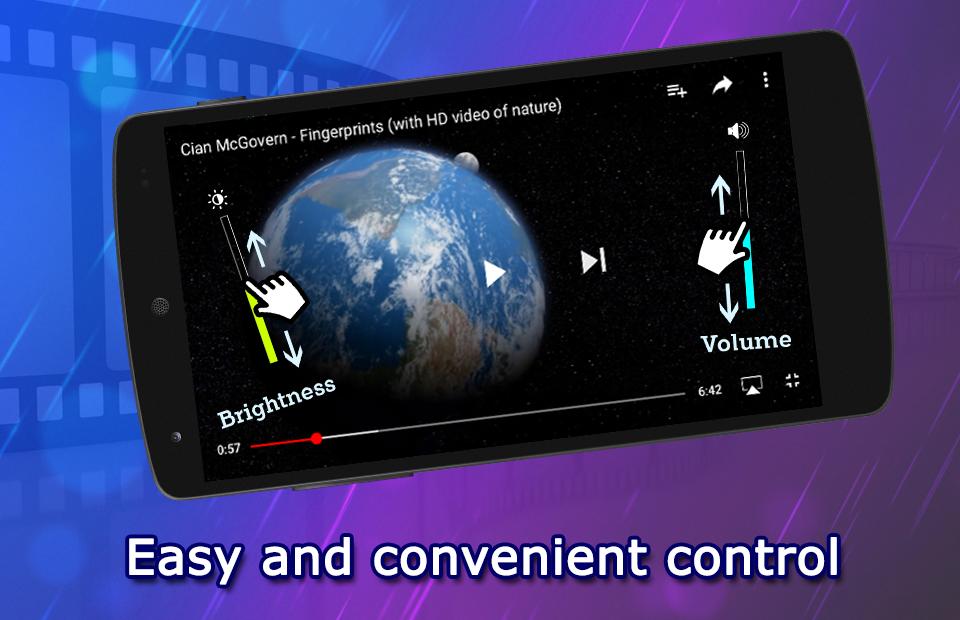
Easy and convenient control
Sliding the video screen to control the volume, screen brightness and the progress.
HD Video Player with equalizer player helps you to make your audio playing super cool. Equalizer player allow you adjust the video/audio effect and Enjoy ultimate high quality top video. ZZZ player with mp3 cutter makes your favorite song to ringtone features.
This is amazing ZZZ HD Video Player Where You Will Get All Feature In A Single App.
You Will Never Seen Such Types Of Amazing Features With Video.
Support All the formats are supported, including MKV, MP4, AVI, MOV, Ogg, FLAC, TS, M2TS, Wv and AAC Etc.
If you like our app then don’t forget to rate it, review it and share with your love ones.
Thank You & Enjoy…
Pratinjau
Informasi
Pengembang
SnapByte Apps
Versi Terbaru
1.0
Terakhir Diperbarui
2017-12-06
Kategori
Video-players-editors
Tersedia di
Google Play
Menampilkan lebih banyak
Cara memainkan ZZZ Video Player HD : New Version for All Formats dengan GameLoop di PC
1. Download GameLoop dari situs resminya, lalu jalankan file exe untuk menginstal GameLoop.
2. Buka GameLoop dan cari “ZZZ Video Player HD : New Version for All Formats”, temukan ZZZ Video Player HD : New Version for All Formats di hasil pencarian dan klik “Install”.
3. Nikmati bermain ZZZ Video Player HD : New Version for All Formats di GameLoop.
Minimum requirements
OS
Windows 8.1 64-bit or Windows 10 64-bit
GPU
GTX 1050
CPU
i3-8300
Memory
8GB RAM
Storage
1GB available space
Recommended requirements
OS
Windows 8.1 64-bit or Windows 10 64-bit
GPU
GTX 1050
CPU
i3-9320
Memory
16GB RAM
Storage
1GB available space