
Video Velocity-Slow mo Fast mo for PC
Grade Star Apps
Unduh Video Velocity-Slow mo Fast mo di PC Dengan Emulator GameLoop
Video Velocity-Slow mo Fast mo di PC
Video Velocity-Slow mo Fast mo, berasal dari pengembang Grade Star Apps, berjalan di sistem Android di masa lalu.
Sekarang, Anda dapat memainkan Video Velocity-Slow mo Fast mo di PC dengan GameLoop dengan lancar.
Unduh di perpustakaan GameLoop atau hasil pencarian. Tidak ada lagi memperhatikan baterai atau panggilan frustasi pada waktu yang salah lagi.
Nikmati saja Video Velocity-Slow mo Fast mo PC di layar besar secara gratis!
Video Velocity-Slow mo Fast mo Pengantar
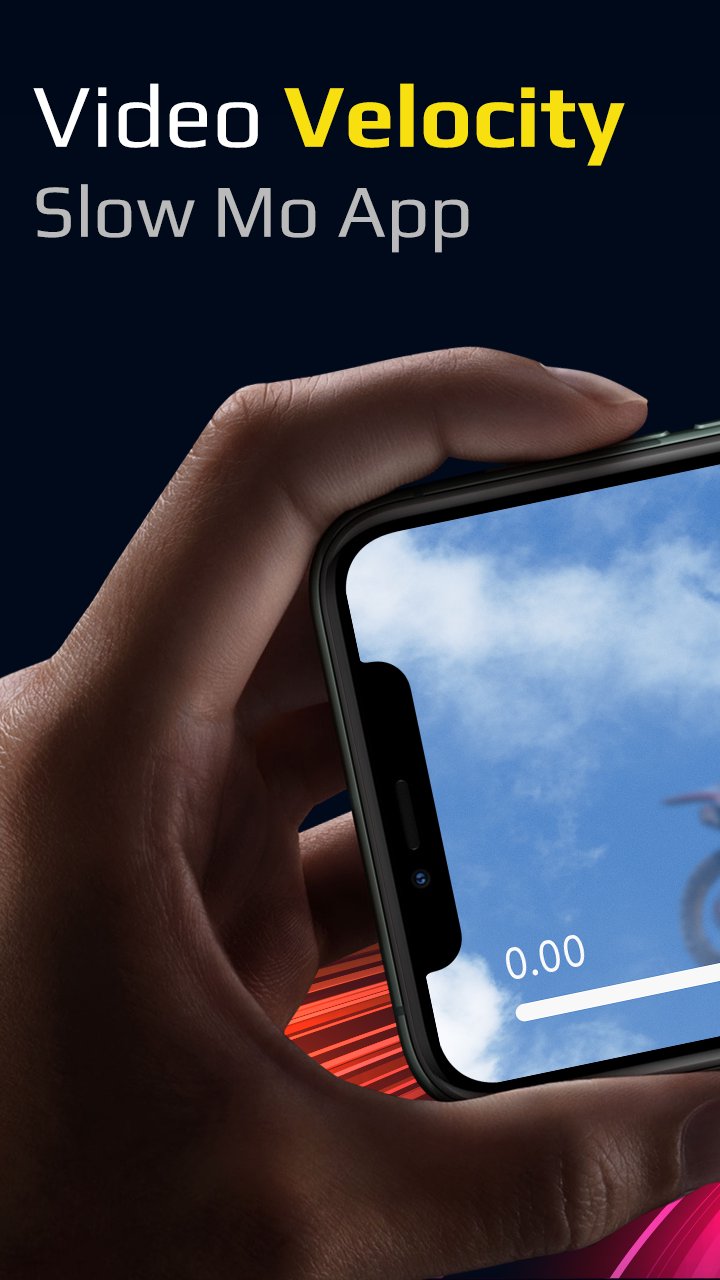
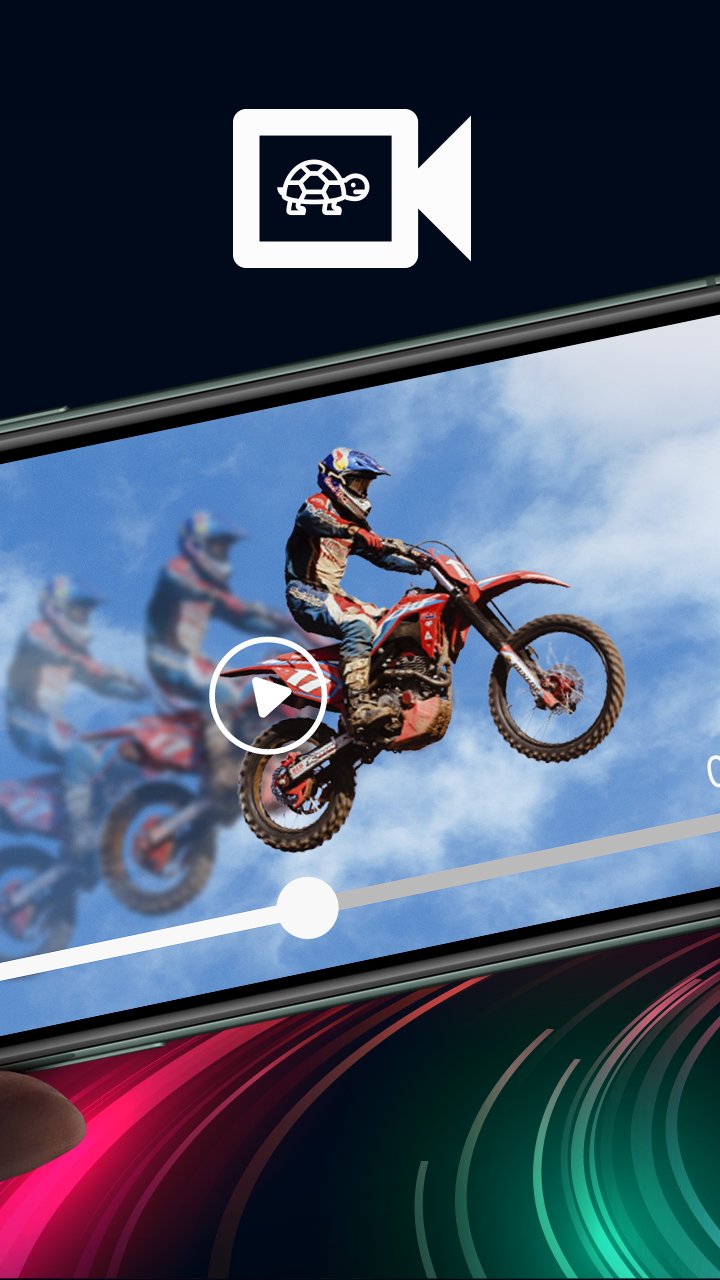
Video Velocity or Slow Motion Fast Motion Video app lets you create a slow motion video as well as fast forward video. Slow motion video editor can easily create slow-mo and fast motion effect. You can slow down the playback speed of the video and also fast forward the video playback rate.
Slow down videos
To make slow mo effect, select the speed you want, support 0.1x, 0.2x, 0.25x, 0.3x, 0.4x, 0.5x, 0.6x, 0.8x, 0.9x, 0.95x
Fast forward videos
To make fast motion effect, just select the supported fast speed 1.25x, 1.5x, 1.75x, 2.0x, 2.5x, 3.0x, 4.0x, 5.0x, 6.0x, 7.0x, 8.0x, 10.0x to speed up video.
Watch videos in slow motion and fast motion. Simple user interface and easy to use as well! Shoot, edit, and share videos on any social networking platforms in a stunning smooth slow motion. Slow Motion Camera supports all type of popular video formats including AVI, 3GP, MKV, TS, MPG , M4V, MOV, MP4, WMV and more.
§ FEATURES §
• Slow motion video and Fast motion video with live preview in video player during editing.
• Change resolution of video.
• Speed up video up to 10x
• Slow down video up to 0.1x
• Add Multiple Fast Motion, Slow Motion effect in the Same Video
• Add audio to video with audio trim feature before adding audio to video.
• Share screen after exporting video.
• My Creation
Get the all new Video Velocity - Slow mo, Fast mo Video app for FREE!!!
Pratinjau
Tag
Video-PlayersInformasi
Pengembang
Grade Star Apps
Versi Terbaru
1.0
Terakhir Diperbarui
2022-07-29
Kategori
Video-players-editors
Tersedia di
Google Play
Menampilkan lebih banyak
Cara memainkan Video Velocity-Slow mo Fast mo dengan GameLoop di PC
1. Download GameLoop dari situs resminya, lalu jalankan file exe untuk menginstal GameLoop.
2. Buka GameLoop dan cari “Video Velocity-Slow mo Fast mo”, temukan Video Velocity-Slow mo Fast mo di hasil pencarian dan klik “Install”.
3. Nikmati bermain Video Velocity-Slow mo Fast mo di GameLoop.
Minimum requirements
OS
Windows 8.1 64-bit or Windows 10 64-bit
GPU
GTX 1050
CPU
i3-8300
Memory
8GB RAM
Storage
1GB available space
Recommended requirements
OS
Windows 8.1 64-bit or Windows 10 64-bit
GPU
GTX 1050
CPU
i3-9320
Memory
16GB RAM
Storage
1GB available space