
Topway Defender for PC
Topway CFTV
Unduh Topway Defender di PC Dengan Emulator GameLoop
Topway Defender di PC
Topway Defender, berasal dari pengembang Topway CFTV, berjalan di sistem Android di masa lalu.
Sekarang, Anda dapat memainkan Topway Defender di PC dengan GameLoop dengan lancar.
Unduh di perpustakaan GameLoop atau hasil pencarian. Tidak ada lagi memperhatikan baterai atau panggilan frustasi pada waktu yang salah lagi.
Nikmati saja Topway Defender PC di layar besar secara gratis!
Topway Defender Pengantar
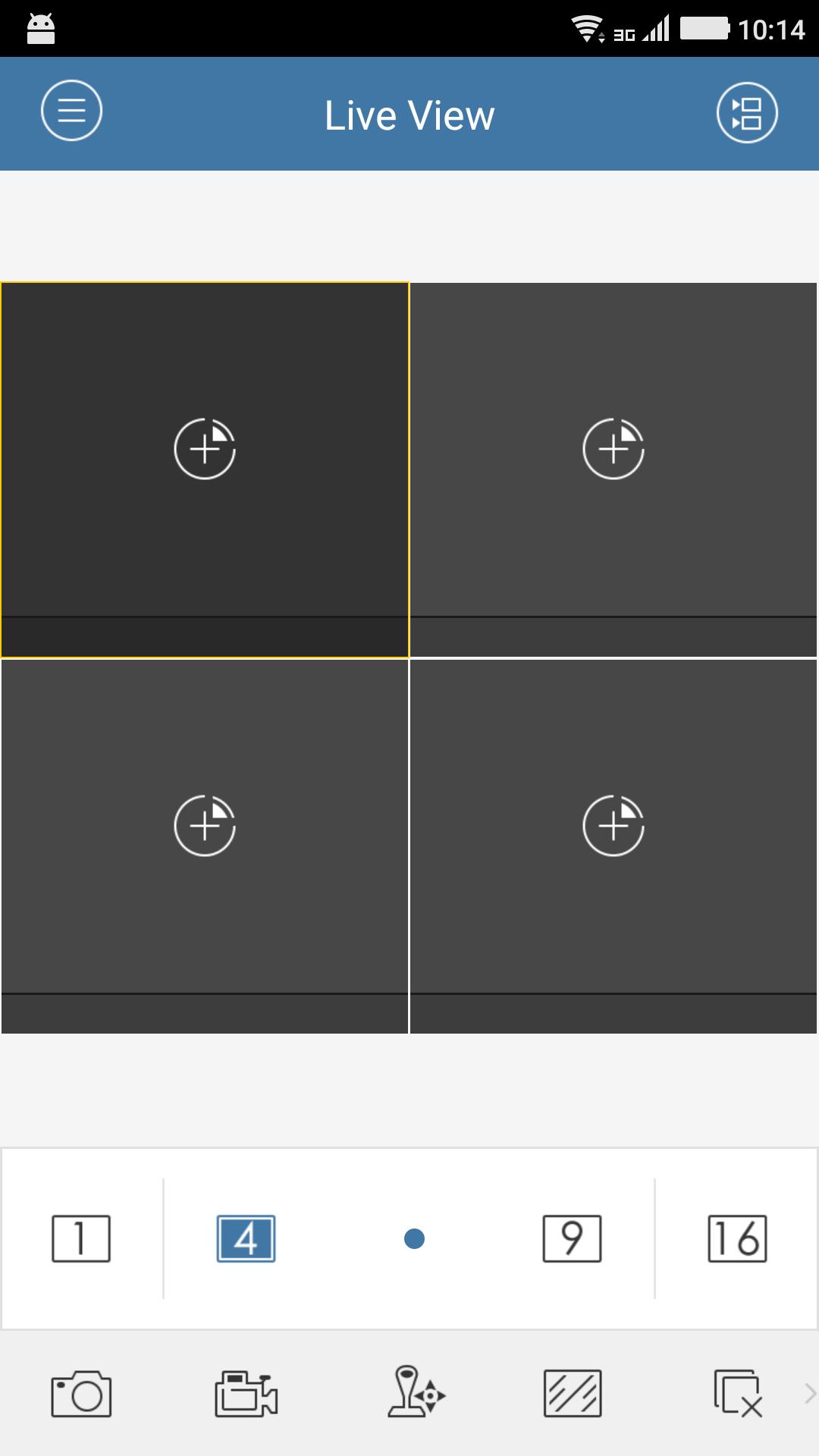
Topway Defender (Android) mobile client software, which is based on Android OS (Version 2.3 or higher), can be used to remotely monitor the live video from embedded DVR, NVR, network camera, network speed dome and DVS via wireless network, play back record files, control alarm output and realize PTZ control as well.
With this software installed in your mobile phone, you are able to log onto the front-end device via Wi-Fi, 2G or 3G; besides, if there is no public IP available for the device, it’s accessible by using a dynamic domain name, or by mapping ports to the public IP of router.
Notes:
1.Wi-Fi, 2G or 3G access service must be supported by the phone.
2.Network traffic charges may be produced during the use of this client software. Please refer to the local ISP.
Pratinjau
Tag
Video-PlayersInformasi
Pengembang
Topway CFTV
Versi Terbaru
4.5.0.0205
Terakhir Diperbarui
2021-02-06
Kategori
Video-players-editors
Tersedia di
Google Play
Menampilkan lebih banyak
Cara memainkan Topway Defender dengan GameLoop di PC
1. Download GameLoop dari situs resminya, lalu jalankan file exe untuk menginstal GameLoop.
2. Buka GameLoop dan cari “Topway Defender”, temukan Topway Defender di hasil pencarian dan klik “Install”.
3. Nikmati bermain Topway Defender di GameLoop.
Minimum requirements
OS
Windows 8.1 64-bit or Windows 10 64-bit
GPU
GTX 1050
CPU
i3-8300
Memory
8GB RAM
Storage
1GB available space
Recommended requirements
OS
Windows 8.1 64-bit or Windows 10 64-bit
GPU
GTX 1050
CPU
i3-9320
Memory
16GB RAM
Storage
1GB available space