MAX Player - HD Video Player for PC
Photogram Inc.
Unduh MAX Player - HD Video Player di PC Dengan Emulator GameLoop
MAX Player - HD Video Player di PC
MAX Player - HD Video Player, berasal dari pengembang Photogram Inc., berjalan di sistem Android di masa lalu.
Sekarang, Anda dapat memainkan MAX Player - HD Video Player di PC dengan GameLoop dengan lancar.
Unduh di perpustakaan GameLoop atau hasil pencarian. Tidak ada lagi memperhatikan baterai atau panggilan frustasi pada waktu yang salah lagi.
Nikmati saja MAX Player - HD Video Player PC di layar besar secara gratis!
MAX Player - HD Video Player Pengantar
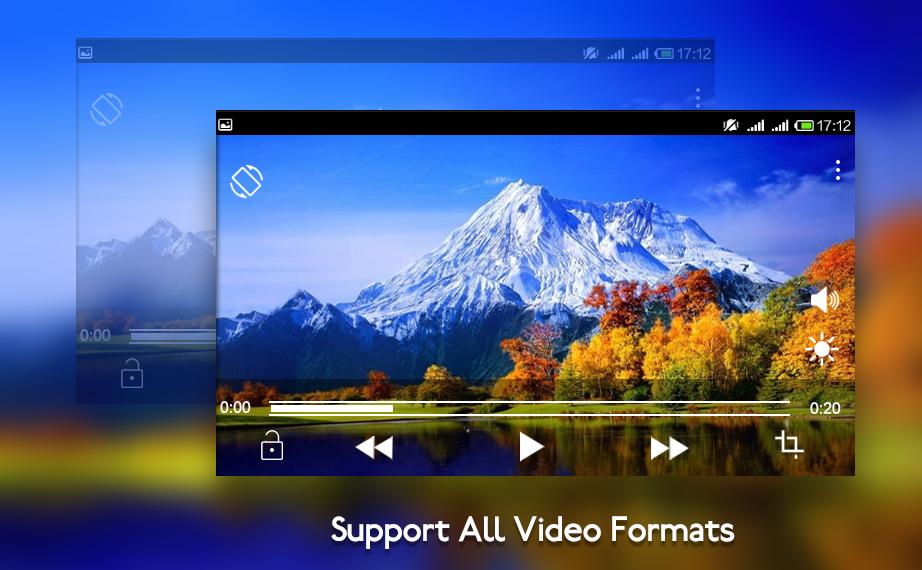
Max video player is the easiest phone video player, has a powerful video decoding capabilities to easily support you play almost all video files stored on your phone.
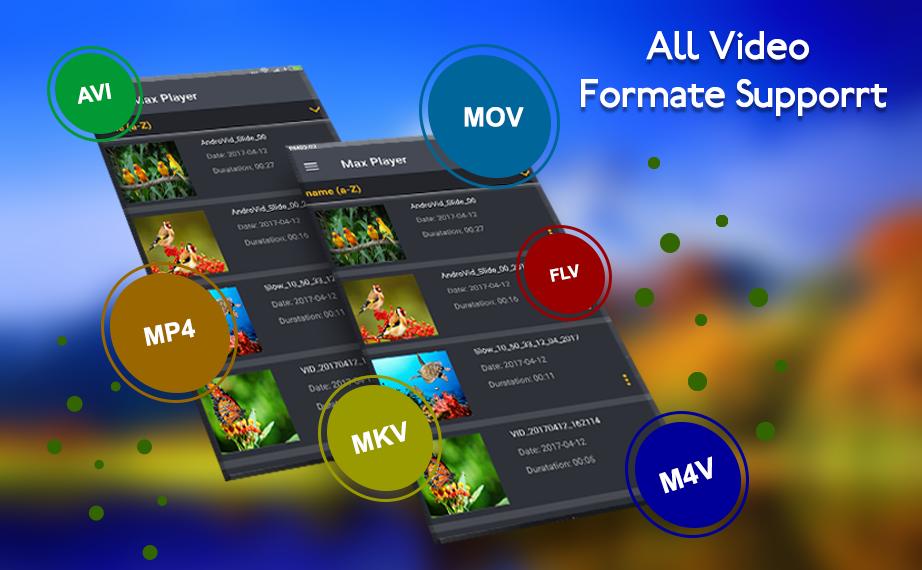
Watch The TV shows, movies, videos as well as locally stored FLV, MKV , MP4 , MP3 , AVI , MOV , WAV , FLAC video files.MAX Player Video player for android is high quality media player.
3D video player supports all multi media video formats including AVI rmvb , MP4 , WMV , rmvb , MKV , 3GP , M4V , MOV , TS , MPG , FLV , mp3 mx mix
1 realtime video player music player with equalizer and presets
2 quicktime pro lists all video files
3 bass and treble adjustment
4 support for all video and audio formats
5 quick start and smooth and easy playback with video resume
6 video streaming support
7 multiple subtitle formats support
8 Load your favorite video files on your device (mp4, flv, avi, mkv, 3gp and several other formats)
The most useful video player in android platform. “3D Video Player” is the most powerful media player in Android market that supports all the most popular video and audio formats without any conversion.
Audio Player Functionality :
> Music Player can guide you easily to find out all the music in your phone. And manage your music easily.
> Stylish , Powerful and Fast Music Player with elegant app design . Music Player lets you manage all of your music files quickly and easily .This audio player supports almost all types of mp3 , midi ,wav , flac raw aac files and other audio formats . Easily browse and play music songs by genres , albums , artists , songs and folder .
> Music player is a powerful audio player and perfect mp3 player for Android!
> This music player is not only show up the music list, but also allow you built your own favorite play list.
3d Player has support for multi-track audio and subtitles. It supports auto-rotation, aspect-ratio adjustments and gestures to control volume and brightness.
Pratinjau
Informasi
Pengembang
Photogram Inc.
Versi Terbaru
13.0
Terakhir Diperbarui
2018-05-04
Kategori
Video-players-editors
Tersedia di
Google Play
Menampilkan lebih banyak
Cara memainkan MAX Player - HD Video Player dengan GameLoop di PC
1. Download GameLoop dari situs resminya, lalu jalankan file exe untuk menginstal GameLoop.
2. Buka GameLoop dan cari “MAX Player - HD Video Player”, temukan MAX Player - HD Video Player di hasil pencarian dan klik “Install”.
3. Nikmati bermain MAX Player - HD Video Player di GameLoop.
Minimum requirements
OS
Windows 8.1 64-bit or Windows 10 64-bit
GPU
GTX 1050
CPU
i3-8300
Memory
8GB RAM
Storage
1GB available space
Recommended requirements
OS
Windows 8.1 64-bit or Windows 10 64-bit
GPU
GTX 1050
CPU
i3-9320
Memory
16GB RAM
Storage
1GB available space