
Jamong Player for PC
duongame
Unduh Jamong Player di PC Dengan Emulator GameLoop
Jamong Player di PC
Jamong Player, berasal dari pengembang duongame, berjalan di sistem Android di masa lalu.
Sekarang, Anda dapat memainkan Jamong Player di PC dengan GameLoop dengan lancar.
Unduh di perpustakaan GameLoop atau hasil pencarian. Tidak ada lagi memperhatikan baterai atau panggilan frustasi pada waktu yang salah lagi.
Nikmati saja Jamong Player PC di layar besar secara gratis!
Jamong Player Pengantar
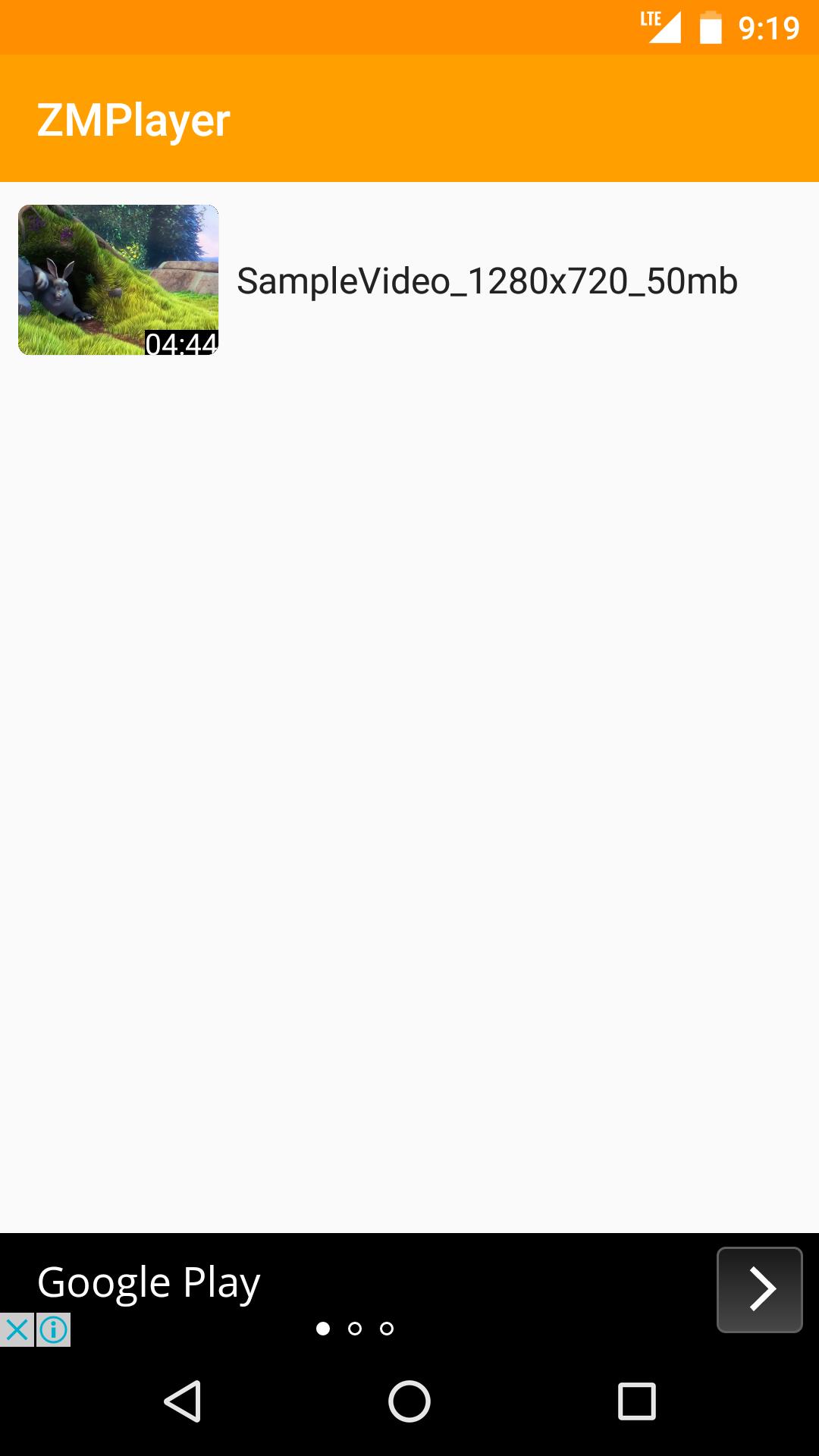
Jamong Player(HD Video, Subtitles)
-Supports All Video Formats
-Supports Subtitles include non Unicode Text
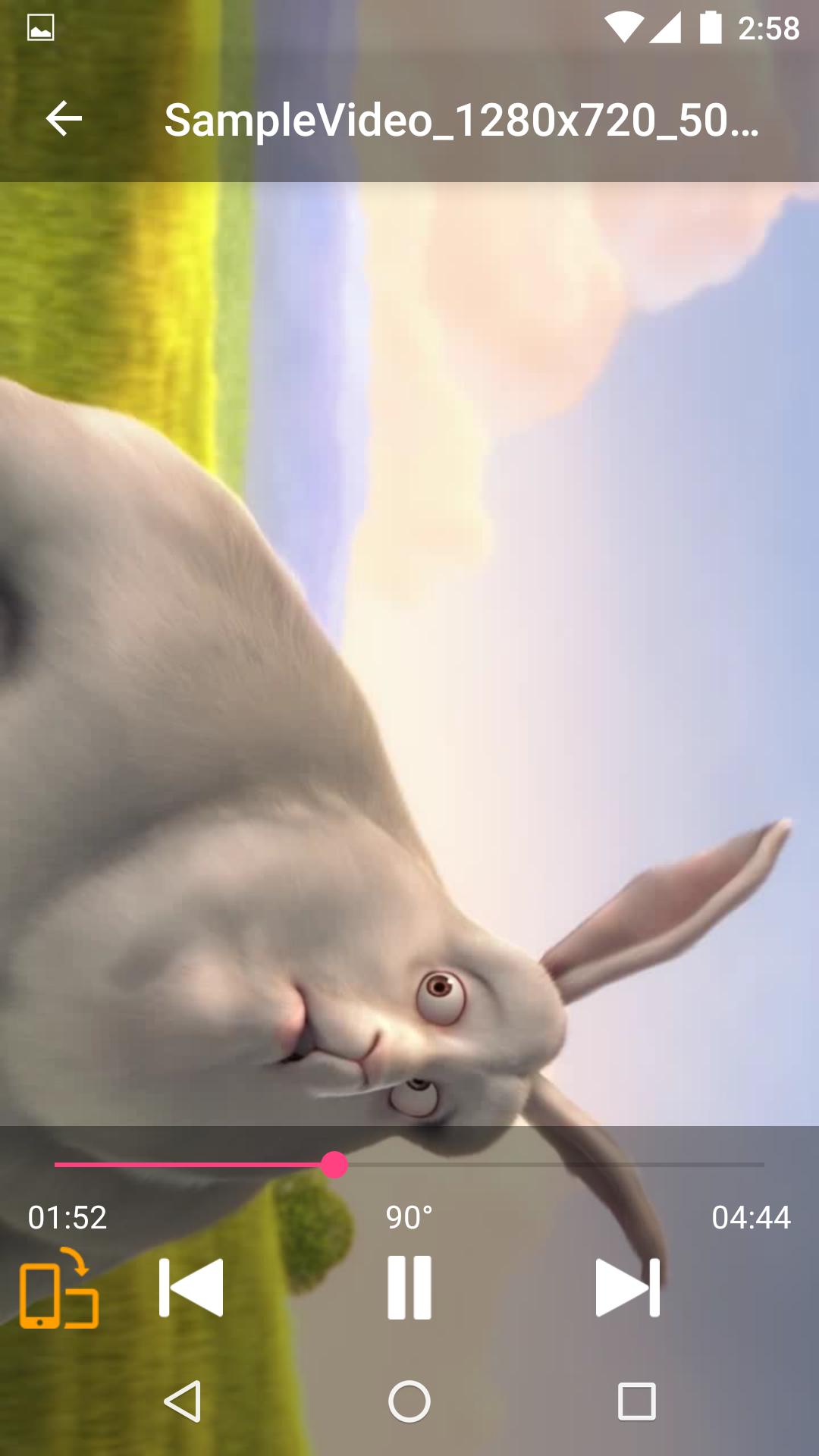
-Supports Force Video Rotation(Recent file's rotation information will be saved)
'Force Video Rotation' is the reason why we made Jamong Player.
User recorded videos often save wrong rotation information.
With Jamong Player, you don't worry about that.
If you have any suggestion or question, please send us an email.
Thank you.
--
Some of the screens are from the Big Buck Bunny licensed under the Creative Commons Attribution 3.0 Unported.
(c) copyright 2008, Blender Foundation / www.bigbuckbunny.org
Pratinjau
Informasi
Pengembang
duongame
Versi Terbaru
1.0.2
Terakhir Diperbarui
2017-06-30
Kategori
Video-players-editors
Tersedia di
Google Play
Menampilkan lebih banyak
Cara memainkan Jamong Player dengan GameLoop di PC
1. Download GameLoop dari situs resminya, lalu jalankan file exe untuk menginstal GameLoop.
2. Buka GameLoop dan cari “Jamong Player”, temukan Jamong Player di hasil pencarian dan klik “Install”.
3. Nikmati bermain Jamong Player di GameLoop.
Minimum requirements
OS
Windows 8.1 64-bit or Windows 10 64-bit
GPU
GTX 1050
CPU
i3-8300
Memory
8GB RAM
Storage
1GB available space
Recommended requirements
OS
Windows 8.1 64-bit or Windows 10 64-bit
GPU
GTX 1050
CPU
i3-9320
Memory
16GB RAM
Storage
1GB available space