
EX Player - All Video Player for PC
Marks App Studio
Unduh EX Player - All Video Player di PC Dengan Emulator GameLoop
EX Player - All Video Player di PC
EX Player - All Video Player, berasal dari pengembang Marks App Studio, berjalan di sistem Android di masa lalu.
Sekarang, Anda dapat memainkan EX Player - All Video Player di PC dengan GameLoop dengan lancar.
Unduh di perpustakaan GameLoop atau hasil pencarian. Tidak ada lagi memperhatikan baterai atau panggilan frustasi pada waktu yang salah lagi.
Nikmati saja EX Player - All Video Player PC di layar besar secara gratis!
EX Player - All Video Player Pengantar
Video Player is a freemium video and music player for android devices.
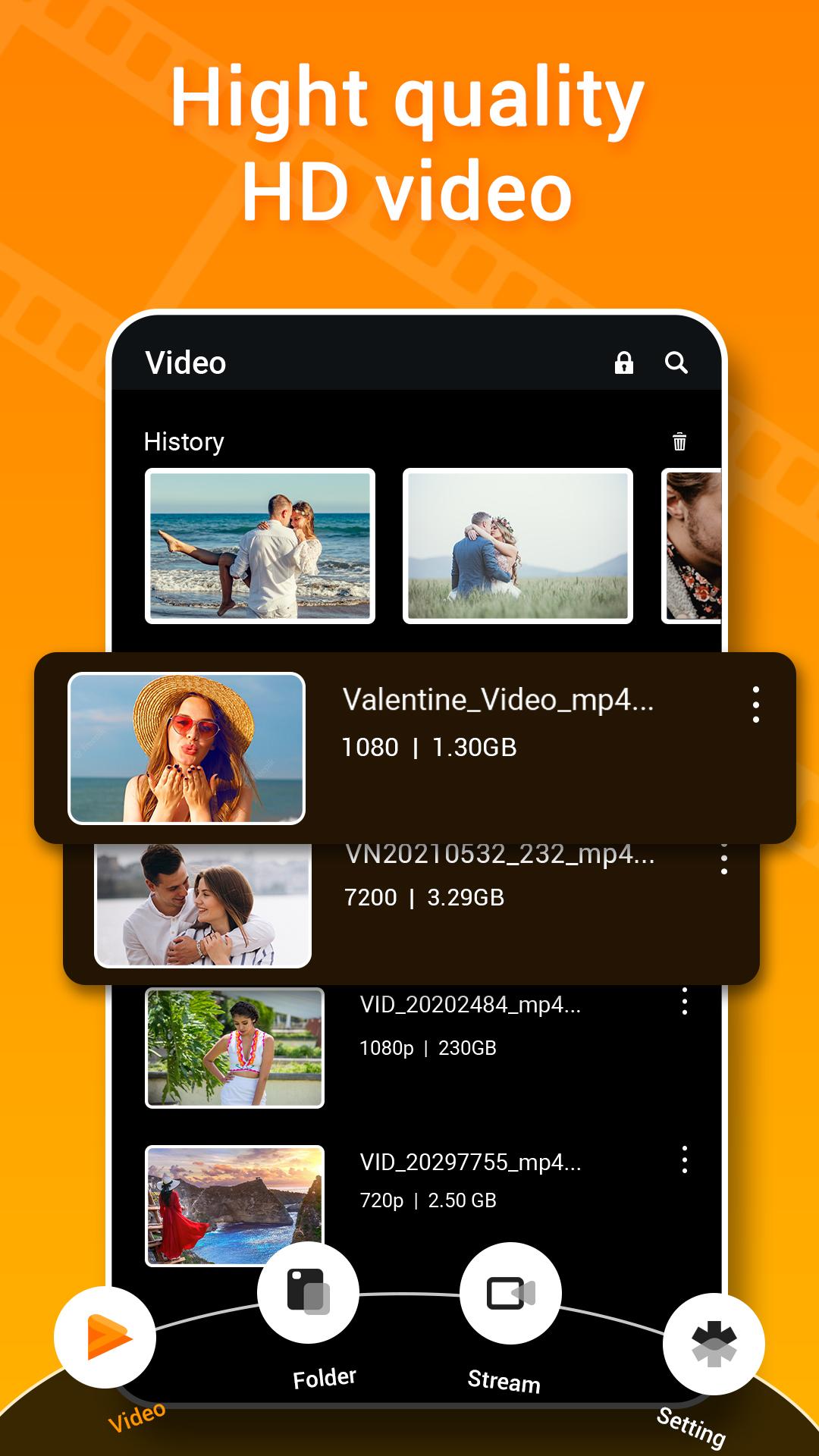
4K/Ultra HD 🎬 video files are supported by Video Player with XPlayer in all formats. High resolution videos can be played using the user-friendly player.
EX Player is an all-in-one video player for Android that supports all HQ video and audio formats and includes 4K Movie Player, Video Player, and 4K MP4 HD Player.
⭐️ Video Player App Features :
- Ultra HD video player with 4K video capability.
- Support all video file types, such as MKV, MP4, M4V, AVI, MOV, WMV among others.
- You can play videos in split-screen, pop-up windows, or the background.
- Adjust Playback Speed.
- Manage Recently played videos
- Create and manage Playlist
- Quickly locate Any video file on your smartphone and SD Card.
- Simple volume, brightness, and playback control.
- private folder for videos
- Efficiently manage or share videos.
- Use Chromecast to cast videos to a TV.
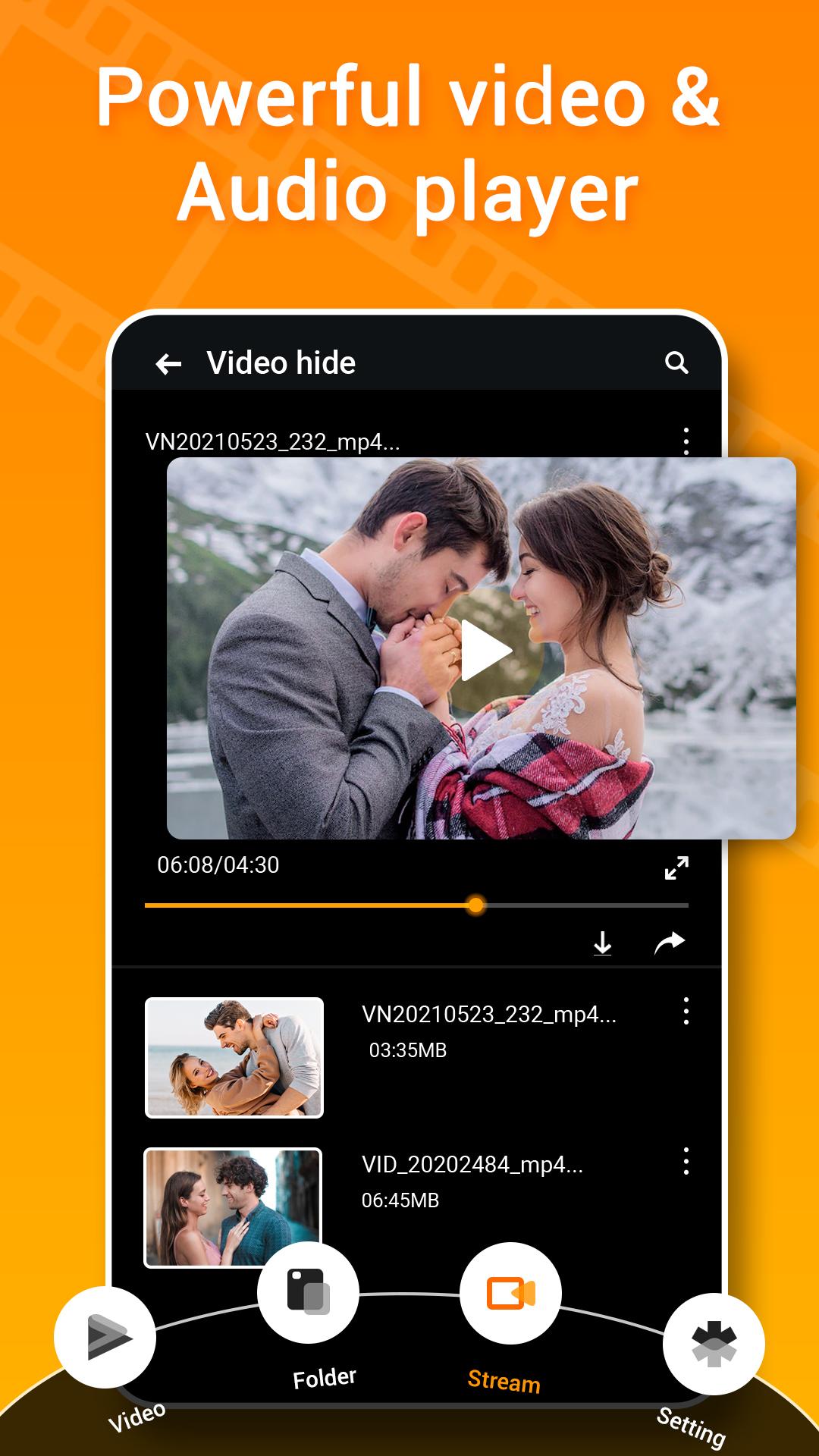
Video player with a floating pop-up: Video Player enables full-screen video viewing as well as multitasking with a floating pop-up. The screen size that HD Video Player chooses by default will allow you to enjoy the floating pop-up window. Additionally, HD Video Player allows you to move the floating pop-up window wherever you choose on the screen.
HD Quality Video Player:
Video Player plays HD, full HD, and 4K videos very smoothly, allowing you to enjoy videos that are smoother and of higher quality. Swiping on the playback screen in the HD Video Player makes it simple to change the volum and brightness.
The finest video player is that. We are striving hard to make this hd video player perfect for you.
In any case, if you notice any bugs or crashes, kindly REPORT it by sending a mail to us at: sammarks1999@gmail.com
Pratinjau
Tag
Video-PlayersInformasi
Pengembang
Marks App Studio
Versi Terbaru
1.1
Terakhir Diperbarui
2022-07-20
Kategori
Video-players-editors
Tersedia di
Google Play
Menampilkan lebih banyak
Cara memainkan EX Player - All Video Player dengan GameLoop di PC
1. Download GameLoop dari situs resminya, lalu jalankan file exe untuk menginstal GameLoop.
2. Buka GameLoop dan cari “EX Player - All Video Player”, temukan EX Player - All Video Player di hasil pencarian dan klik “Install”.
3. Nikmati bermain EX Player - All Video Player di GameLoop.
Minimum requirements
OS
Windows 8.1 64-bit or Windows 10 64-bit
GPU
GTX 1050
CPU
i3-8300
Memory
8GB RAM
Storage
1GB available space
Recommended requirements
OS
Windows 8.1 64-bit or Windows 10 64-bit
GPU
GTX 1050
CPU
i3-9320
Memory
16GB RAM
Storage
1GB available space