
Halo Video Player for PC
Bahria Studio
Unduh Halo Video Player di PC Dengan Emulator GameLoop
Halo Video Player di PC
Halo Video Player, berasal dari pengembang Bahria Studio, berjalan di sistem Android di masa lalu.
Sekarang, Anda dapat memainkan Halo Video Player di PC dengan GameLoop dengan lancar.
Unduh di perpustakaan GameLoop atau hasil pencarian. Tidak ada lagi memperhatikan baterai atau panggilan frustasi pada waktu yang salah lagi.
Nikmati saja Halo Video Player PC di layar besar secara gratis!
Halo Video Player Pengantar
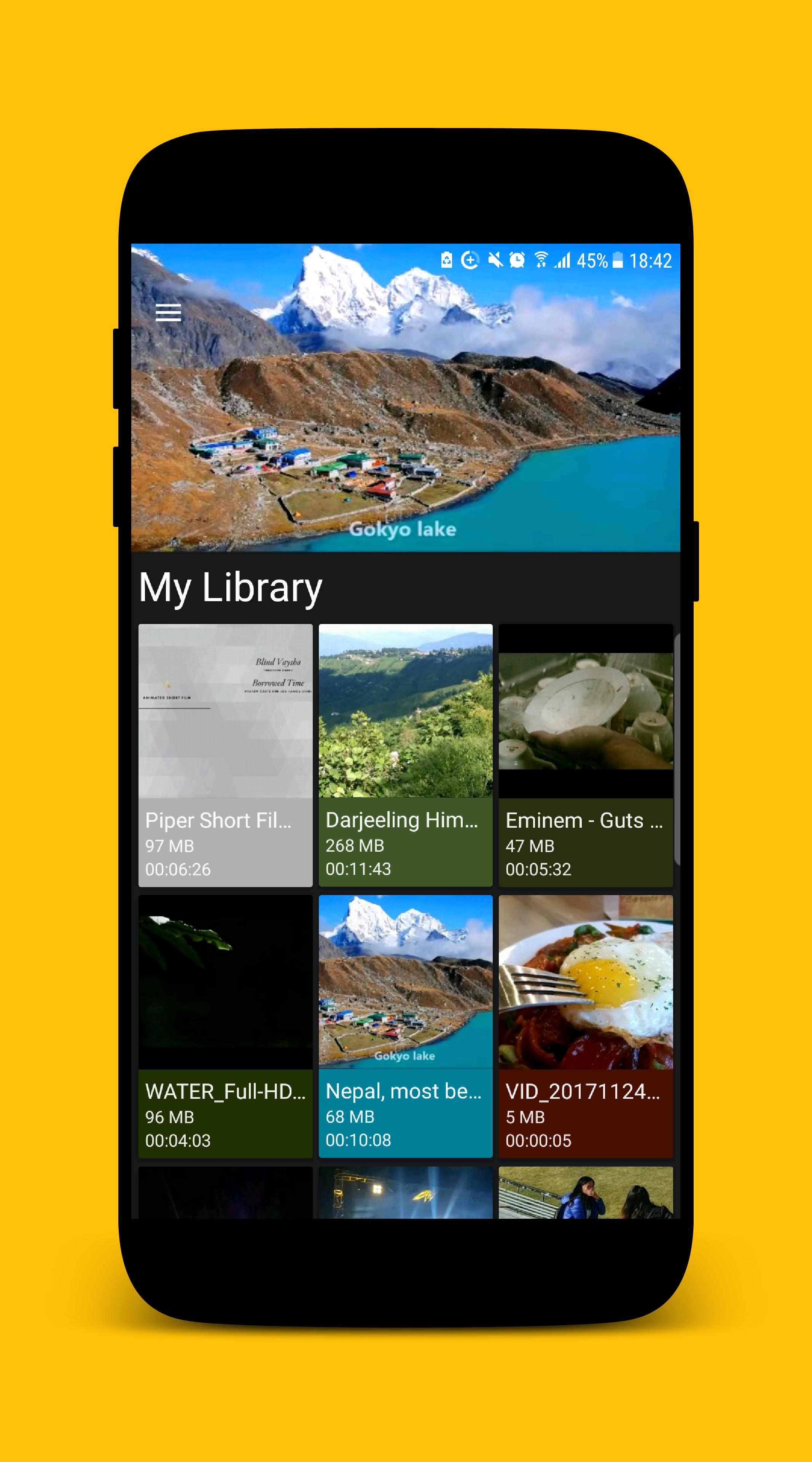
MP4 Video Player for Android is a free Multimedia player which allows you to browse and play all the popular video formats on your phone or tablet smoothly and control the seek, brightness and volume easily.
KEY FEATURES
• Supports all popular video formats.
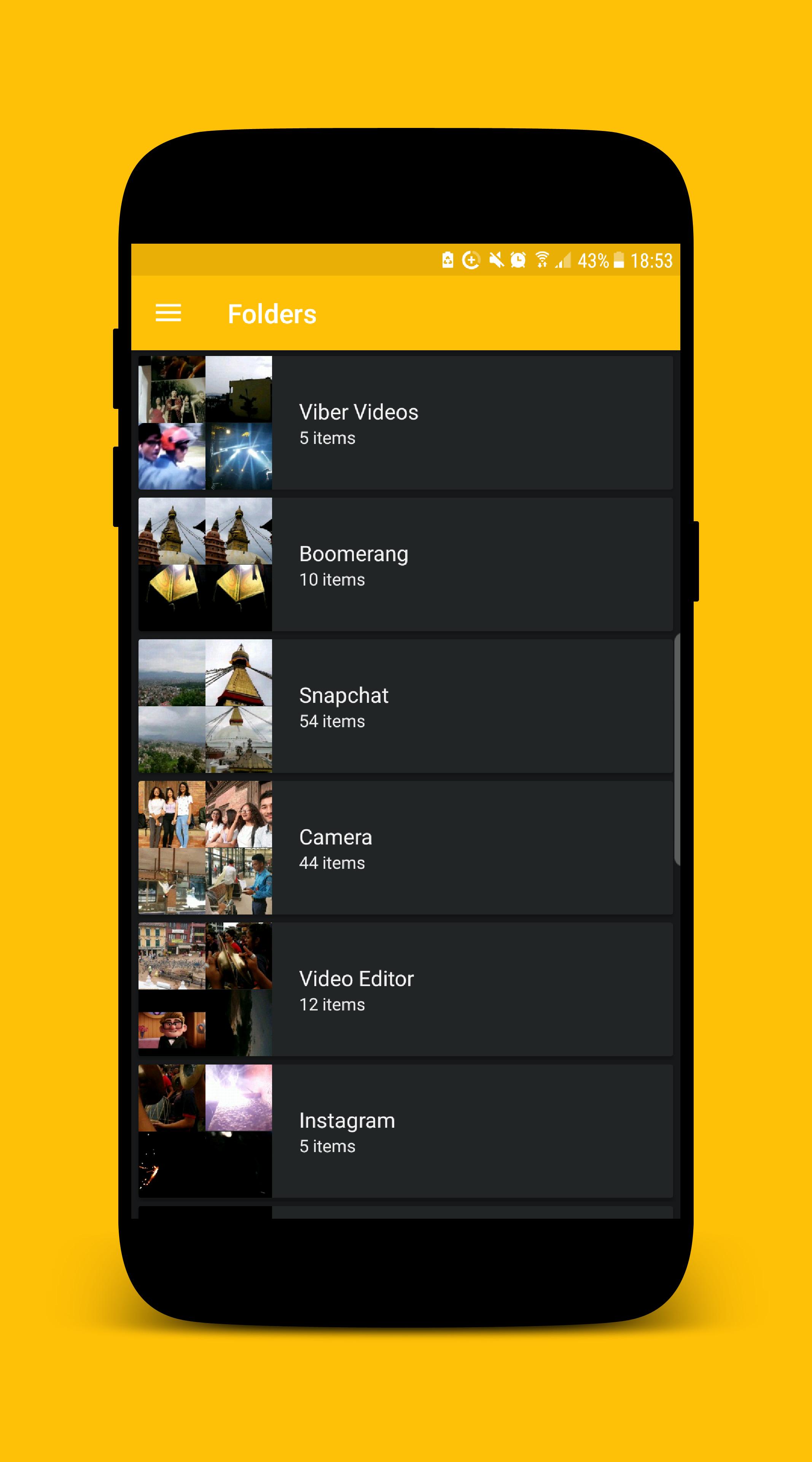
• Built-in powerful video manager.
• Gesture to seek the video.
• Gesture to control the volume.
• Gesture to control the brightness.
• Provides 'Hide Video' mode which hides the video from the videos list inside the app. (The video file will still be visible while exploring using other apps.)
We ensure you will love this MP4 Video Player after using it. If you are looking for an MP4 video player with a better user experience and user interface MP4 Video Player is the best choice for you.
If you face any problem while using MP4 Video Player app or want to request new features or just want to say hello, then feel free to contact us, we will try our best to make you happy.
Thank you for using MP4 Video Player.
Pratinjau
Informasi
Pengembang
Bahria Studio
Versi Terbaru
2.0.1
Terakhir Diperbarui
2017-12-26
Kategori
Video-players-editors
Tersedia di
Google Play
Menampilkan lebih banyak
Cara memainkan Halo Video Player dengan GameLoop di PC
1. Download GameLoop dari situs resminya, lalu jalankan file exe untuk menginstal GameLoop.
2. Buka GameLoop dan cari “Halo Video Player”, temukan Halo Video Player di hasil pencarian dan klik “Install”.
3. Nikmati bermain Halo Video Player di GameLoop.
Minimum requirements
OS
Windows 8.1 64-bit or Windows 10 64-bit
GPU
GTX 1050
CPU
i3-8300
Memory
8GB RAM
Storage
1GB available space
Recommended requirements
OS
Windows 8.1 64-bit or Windows 10 64-bit
GPU
GTX 1050
CPU
i3-9320
Memory
16GB RAM
Storage
1GB available space