
Add Face On Video - Funny Face Video Changer for PC
Animation Message
Unduh Add Face On Video - Funny Face Video Changer di PC Dengan Emulator GameLoop
Add Face On Video - Funny Face Video Changer di PC
Add Face On Video - Funny Face Video Changer, berasal dari pengembang Animation Message, berjalan di sistem Android di masa lalu.
Sekarang, Anda dapat memainkan Add Face On Video - Funny Face Video Changer di PC dengan GameLoop dengan lancar.
Unduh di perpustakaan GameLoop atau hasil pencarian. Tidak ada lagi memperhatikan baterai atau panggilan frustasi pada waktu yang salah lagi.
Nikmati saja Add Face On Video - Funny Face Video Changer PC di layar besar secara gratis!
Add Face On Video - Funny Face Video Changer Pengantar
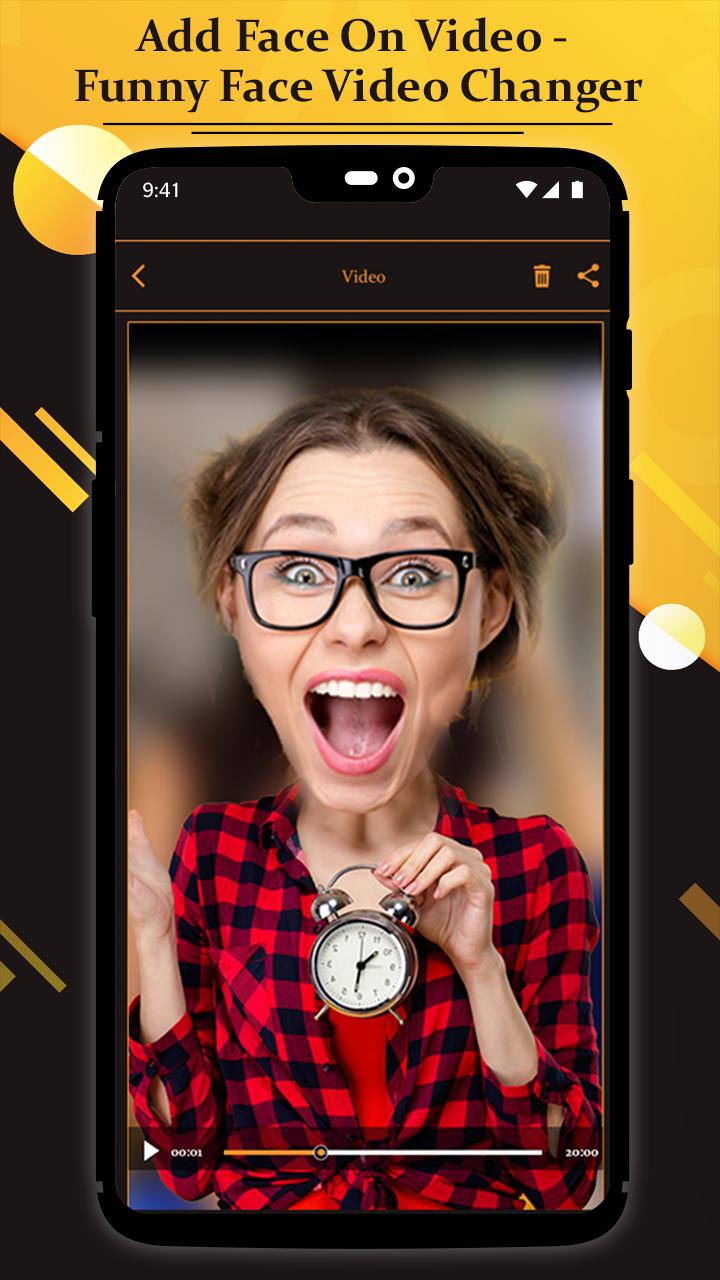
Substituting a new face onto someone else's body in a video can be fast and easy or extremely time-intensive, depending on the tools you have and how realistic you need the effect to be.
You can achieve a professional effect using the app Add Face On Video - Funny Face Video Changer.
Using a few well-chosen photos, you can substitute a face on a video using this app Add Face On Video - Funny Face Video Changer on your smartphone.
Make sure you adjust the photo's position for frames where the person in the video is moving his head.
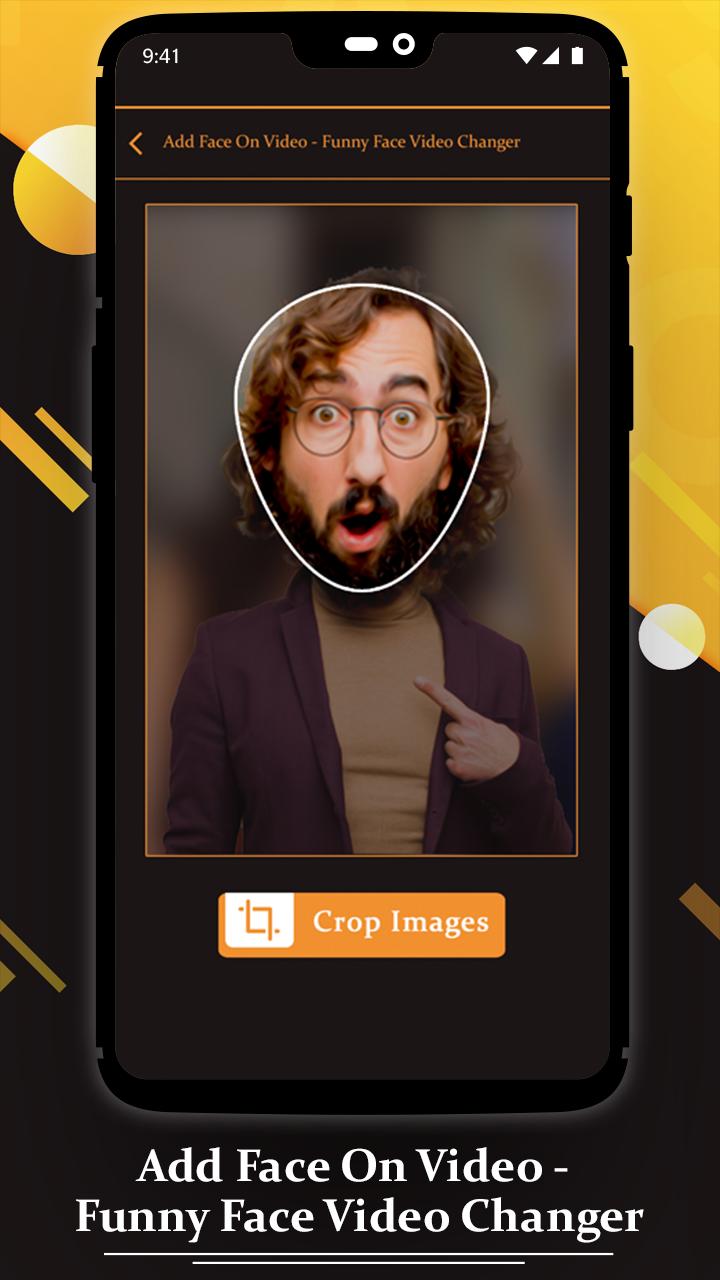
Prepare the photo of the face by removing all unnecessary elements around the face. The photo of the face should not include any background scenery or body parts.
Share your created video clip with your friends and make fun.
features
- Easy and fast create funny video
- add emojis, funny pic on videos
- Easy to place anyone’s face on clip
- Simple to crop and edit face image
- Share it with your friends
How to Use?
- Go to download and Install Add Face On Video - Funny Face Video Changer app
- Click on App icon and "Start" the app
- Open the video project in which you intend to insert the face photo.
- After Select video, choose a face pic which you want to add in video
-Import the face photo into the library of your video project.
- Select video from web and Download it.
- After Finish the process, you can see edited video on "My Creation"
-Crate funny videos and make fun with your friends!!!
Pratinjau
Informasi
Pengembang
Animation Message
Versi Terbaru
9.0
Terakhir Diperbarui
2021-04-29
Kategori
Video-players-editors
Tersedia di
Google Play
Menampilkan lebih banyak
Cara memainkan Add Face On Video - Funny Face Video Changer dengan GameLoop di PC
1. Download GameLoop dari situs resminya, lalu jalankan file exe untuk menginstal GameLoop.
2. Buka GameLoop dan cari “Add Face On Video - Funny Face Video Changer”, temukan Add Face On Video - Funny Face Video Changer di hasil pencarian dan klik “Install”.
3. Nikmati bermain Add Face On Video - Funny Face Video Changer di GameLoop.
Minimum requirements
OS
Windows 8.1 64-bit or Windows 10 64-bit
GPU
GTX 1050
CPU
i3-8300
Memory
8GB RAM
Storage
1GB available space
Recommended requirements
OS
Windows 8.1 64-bit or Windows 10 64-bit
GPU
GTX 1050
CPU
i3-9320
Memory
16GB RAM
Storage
1GB available space