4K Video Player - 16K Ultra HD - HD Video Player for PC
SW_Dev
Unduh 4K Video Player - 16K Ultra HD - HD Video Player di PC Dengan Emulator GameLoop
4K Video Player - 16K Ultra HD - HD Video Player di PC
4K Video Player - 16K Ultra HD - HD Video Player, berasal dari pengembang SW_Dev, berjalan di sistem Android di masa lalu.
Sekarang, Anda dapat memainkan 4K Video Player - 16K Ultra HD - HD Video Player di PC dengan GameLoop dengan lancar.
Unduh di perpustakaan GameLoop atau hasil pencarian. Tidak ada lagi memperhatikan baterai atau panggilan frustasi pada waktu yang salah lagi.
Nikmati saja 4K Video Player - 16K Ultra HD - HD Video Player PC di layar besar secara gratis!
4K Video Player - 16K Ultra HD - HD Video Player Pengantar
4K Video Player - 16K Ultra HD - HD Video Player
* 4K Video Player - 16K Ultra HD - HD Video Player guarantees amazing watching quality for playing all media formats including 4K, 4K Ultra HD, Full HD, 1080p HD media files. It has small installation size which makes it among the best in HD Video Players. This 16K Ultra HD Video Player is full of Unique Features, Catchy UI & Support faster HD player streaming, HD Video Player is using most of the tools to support All formats of videos media visibility & enhance quality of videos for providing better 1080p HD resolution & Playback experience.
* All formats Video Player for Android has a powerful video decoding capabilities to easily support almost all HD Video Player files that are stored on your Android phone. You can also do quick search across its search bar in order to access 16K Ultra HD files easily. The core function is to support 4K Ultra HD streaming which is a powerful tool with playing Full HD acceleration for on Android devices.
* Main Features:-
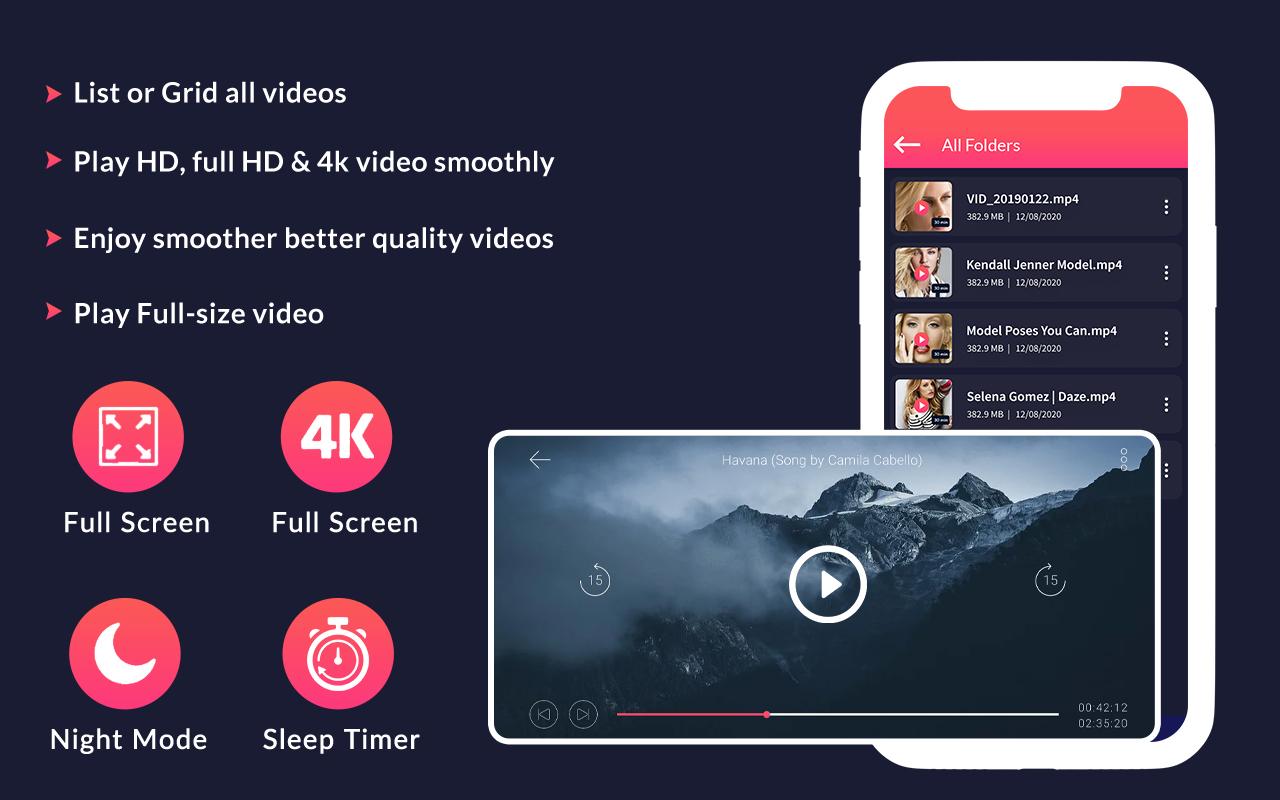
-> Video Player 2021 for Android.
-> Small installation size, takes 4MB only.
-> Smooth scrolling over layout.
-> Search media files within in specific folder of entire device.
-> Sort videos in order of Title, Date, Quantity & Size.
-> Play 1080p HD Videos OFFLINE.
-> List & Grid View.
-> All function on this app is FREE (supported by ads).
-> Play 4K & Full HD media files with faster acceleration.
-> Interface Lock Function.
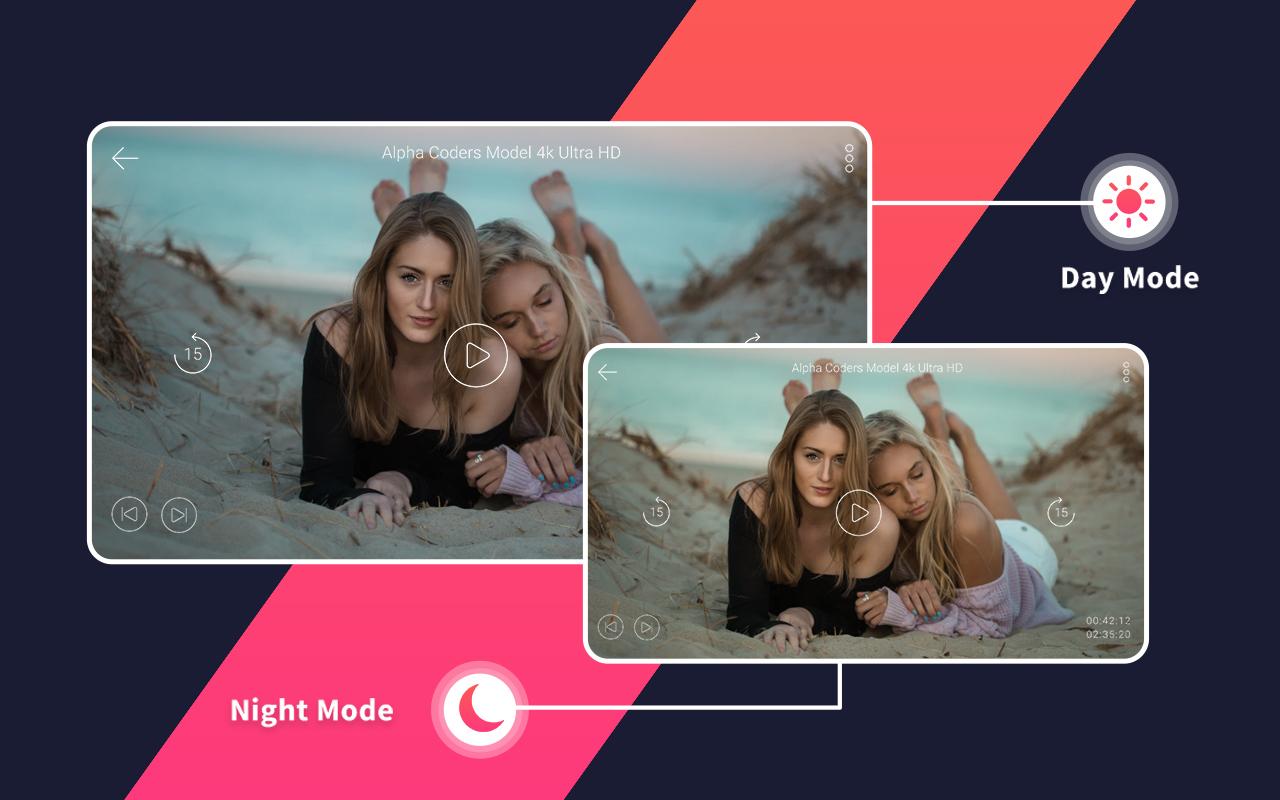
-> Night Mode for playing 4K Ultra HD Videos.
-> HD Video Resume Playback.
-> Long press multiple selection of files.
-> 4K Ultra HD Video Player pro.
-> Advance Control for Volume, Sound Effects, Brightness etc.
-> Control background playback with notification alert even.
-> Best 4K HD Video Player..
-> Compatible with all Android gadgets (+4.1 version)
-> Delete Multiple Videos at the same time.
-> Can play 4K 2160p Videos (depends on Hardware).
-> Share media on Social Handlers.
-> Can play Videos and Audios with Full HD Video Playback.
-> Cool User Interface.
-> Gesture Controls feature is use to relocate Volume, Brightness & to seek 4K, HD media list instantly.
-> Hardware acceleration and Extension mode(HW+)
-> support 4K, Ultra HD video player & MKV, MP4, M4V, AVI, MOV, FLV, WMV, and all types of video formats.
* Complete Media Player:-
It is a complete player for your Device as it supports all video & audio format including 4K, Ultra HD, Full HD, 1080p HD in your device. Full HD Video Player is also a MP3 Player.
* Multiple Files Views:-
This 16K Ultra HD Video Player allows you to choose all media view format for your 1080p media screen.
* Video Player for Android Gadgets:-
Playit supports all Android devices for watching Full HD Videos in a smooth way.
Note:
4K Video Player only plays 4K videos if your device supports 4K videos or camera can shoot in 4K, we are working on this feature to make it work on all devices.
Disclaimer:-
Full HD Video Player is a legal android application built using android's MediaPlayer Api. Some of the screenshots are from the Big Buck Bunny licensed under the Creative Commons Attribution 3.0.
Thank you...!!!!
Pratinjau
Informasi
Pengembang
SW_Dev
Versi Terbaru
1.0
Terakhir Diperbarui
2021-02-12
Kategori
Video-players-editors
Tersedia di
Google Play
Menampilkan lebih banyak
Cara memainkan 4K Video Player - 16K Ultra HD - HD Video Player dengan GameLoop di PC
1. Download GameLoop dari situs resminya, lalu jalankan file exe untuk menginstal GameLoop.
2. Buka GameLoop dan cari “4K Video Player - 16K Ultra HD - HD Video Player”, temukan 4K Video Player - 16K Ultra HD - HD Video Player di hasil pencarian dan klik “Install”.
3. Nikmati bermain 4K Video Player - 16K Ultra HD - HD Video Player di GameLoop.
Minimum requirements
OS
Windows 8.1 64-bit or Windows 10 64-bit
GPU
GTX 1050
CPU
i3-8300
Memory
8GB RAM
Storage
1GB available space
Recommended requirements
OS
Windows 8.1 64-bit or Windows 10 64-bit
GPU
GTX 1050
CPU
i3-9320
Memory
16GB RAM
Storage
1GB available space