
Wizard Ozone Remote Control for PC
Wizard Ozone
Unduh Wizard Ozone Remote Control di PC Dengan Emulator GameLoop
Wizard Ozone Remote Control di PC
Wizard Ozone Remote Control, berasal dari pengembang Wizard Ozone, berjalan di sistem Android di masa lalu.
Sekarang, Anda dapat memainkan Wizard Ozone Remote Control di PC dengan GameLoop dengan lancar.
Unduh di perpustakaan GameLoop atau hasil pencarian. Tidak ada lagi memperhatikan baterai atau panggilan frustasi pada waktu yang salah lagi.
Nikmati saja Wizard Ozone Remote Control PC di layar besar secara gratis!
Wizard Ozone Remote Control Pengantar
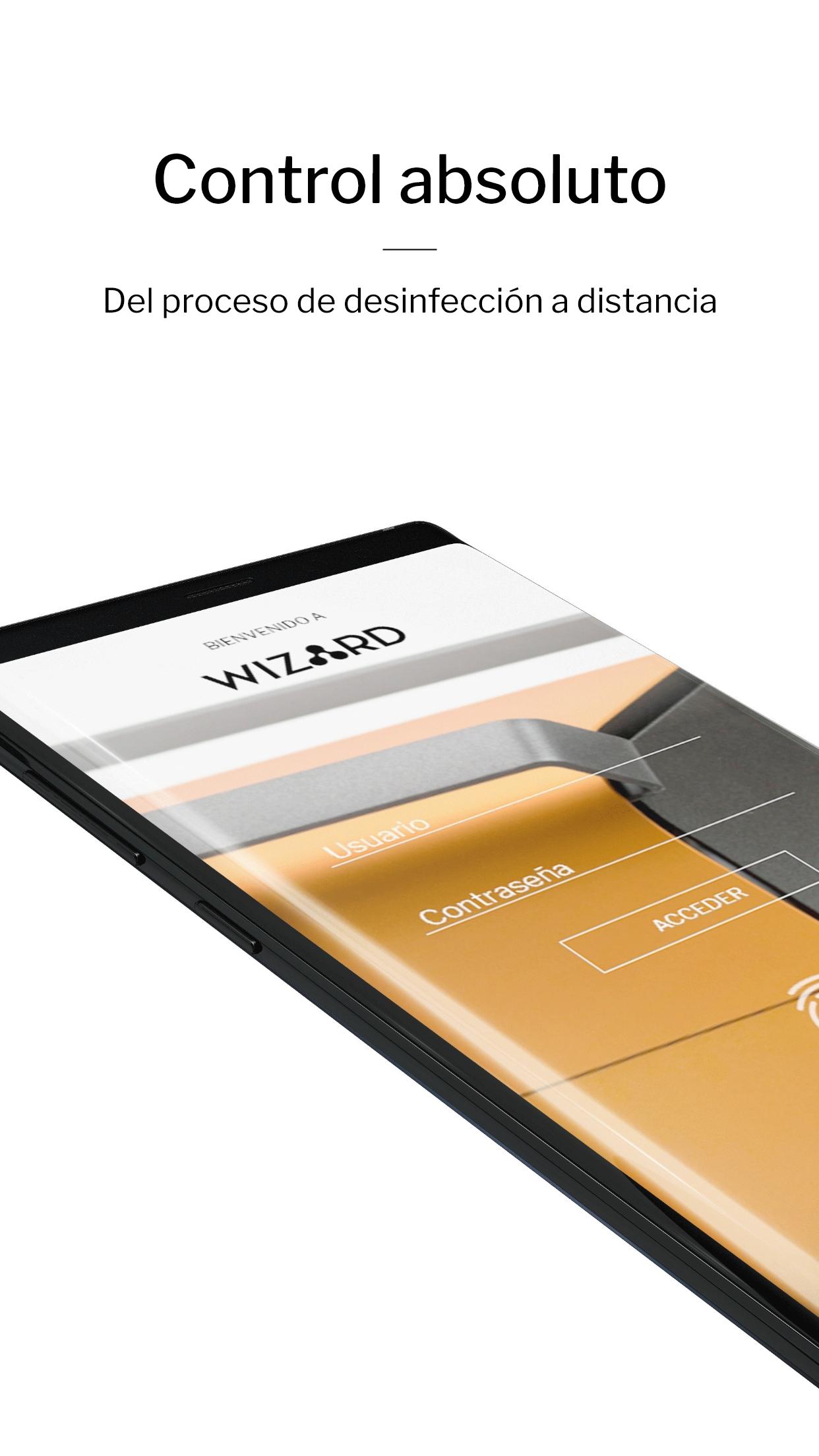
Technology, design and safety combined. With the Ozone Wizard App, you can manage sanitation processes remotely. Ozone generators with double de-ozonization and oxygenation cycle, active carbon filters and ozone detector with real time measurement. Everything at the reach of your hand.
EASY ACCESS AND HANDLING
Connect your ozone generator via Bluetooth from your mobile phone. Start your day-to-day activities, while you disinfect your home or business remotely. A simple and easy-to-use control app.
MAXIMUM SECURITY
Manage your App wherever you go and start cleaning cycles, receive real-time data and safety warnings. The ozone disinfection process has never been so convenient and safe.
FULL CONTROL
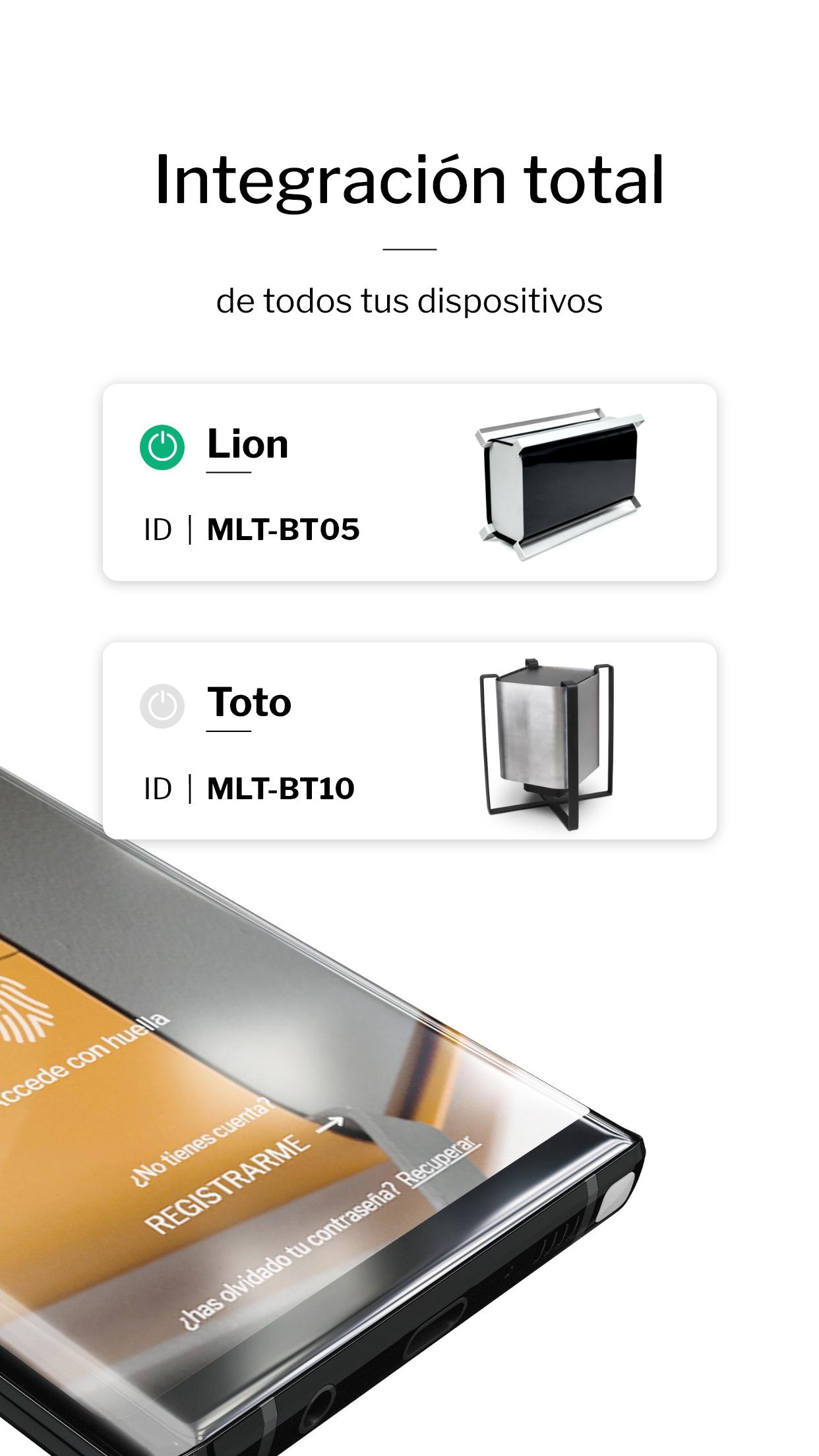
You can manage multiple machines from a single location. Our App allows simultaneous use of different ozone generators wherever they are. Connect them to your Wizard App and have total control of the process in different spaces.
INSTRUCTIONS AND USER MANUAL
At Wizard Ozone, we want you to use the full potential of our products. Discover the Toto and Lion user manual for proper and correct management of air and surface disinfection through their App.
Simple, fast, safe and efficient. Powerd by Wizard.
Pratinjau
Tag
AlatInformasi
Pengembang
Wizard Ozone
Versi Terbaru
2.5
Terakhir Diperbarui
2021-12-29
Kategori
Alat
Tersedia di
Google Play
Menampilkan lebih banyak
Cara memainkan Wizard Ozone Remote Control dengan GameLoop di PC
1. Download GameLoop dari situs resminya, lalu jalankan file exe untuk menginstal GameLoop.
2. Buka GameLoop dan cari “Wizard Ozone Remote Control”, temukan Wizard Ozone Remote Control di hasil pencarian dan klik “Install”.
3. Nikmati bermain Wizard Ozone Remote Control di GameLoop.
Minimum requirements
OS
Windows 8.1 64-bit or Windows 10 64-bit
GPU
GTX 1050
CPU
i3-8300
Memory
8GB RAM
Storage
1GB available space
Recommended requirements
OS
Windows 8.1 64-bit or Windows 10 64-bit
GPU
GTX 1050
CPU
i3-9320
Memory
16GB RAM
Storage
1GB available space