WiFi Connect - Share WiFi & Hotspot for PC
Scorpion Infosoft
Unduh WiFi Connect - Share WiFi & Hotspot di PC Dengan Emulator GameLoop
WiFi Connect - Share WiFi & Hotspot di PC
WiFi Connect - Share WiFi & Hotspot, berasal dari pengembang Scorpion Infosoft, berjalan di sistem Android di masa lalu.
Sekarang, Anda dapat memainkan WiFi Connect - Share WiFi & Hotspot di PC dengan GameLoop dengan lancar.
Unduh di perpustakaan GameLoop atau hasil pencarian. Tidak ada lagi memperhatikan baterai atau panggilan frustasi pada waktu yang salah lagi.
Nikmati saja WiFi Connect - Share WiFi & Hotspot PC di layar besar secara gratis!
WiFi Connect - Share WiFi & Hotspot Pengantar
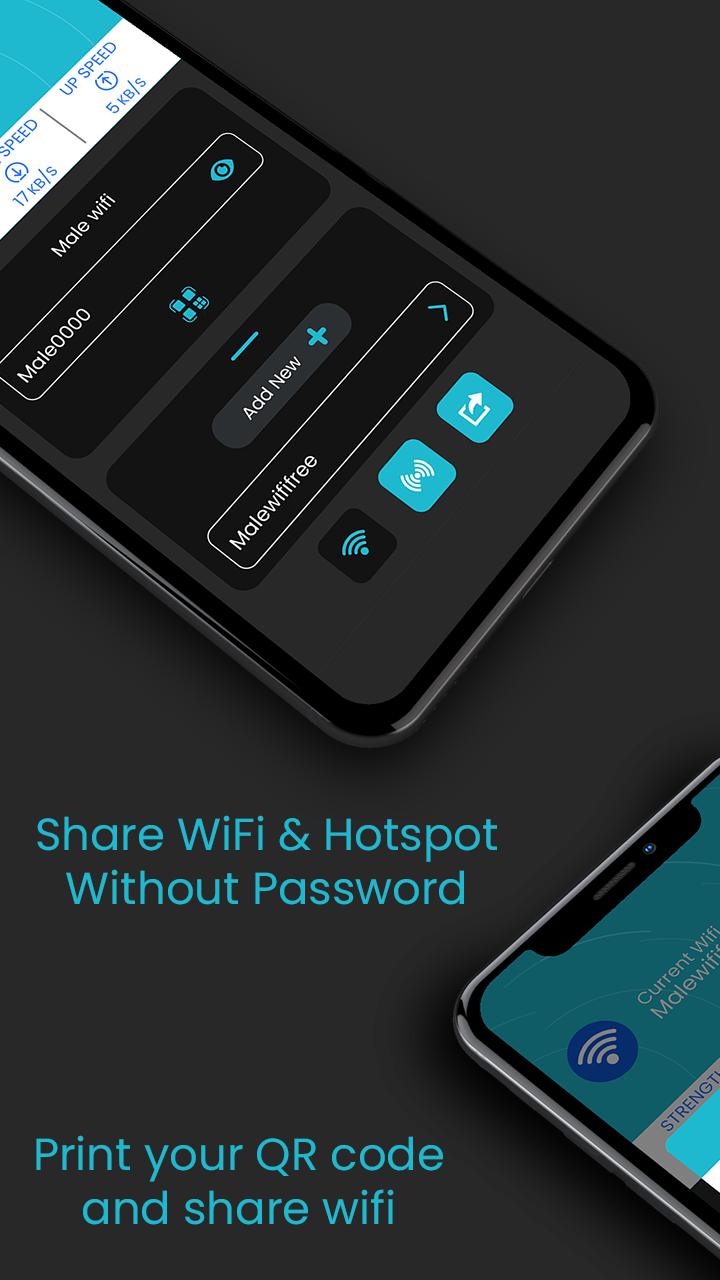
WiFi Connect: Share Wi-Fi and Hotspot let user to share their WiFi or Hotspot with others through one simple QR code. No worries about giving sensitive information to others.
Just share the code and let your friend connect to WiFi or hotspot immediately.
User also can generate and get print out of QR code for same. This will be an great for restaurants , café, coffee shops and other venue that offers WiFi. Users can simply scan a QR code and get connect to it.
It's usual that many user may have same password with their different account and may not like to share their password so WiFi Connect may be the best solution.
How this works?
Just add credentials for the first time to a connected WiFi and that's all.
1. Add your WiFi password just once.
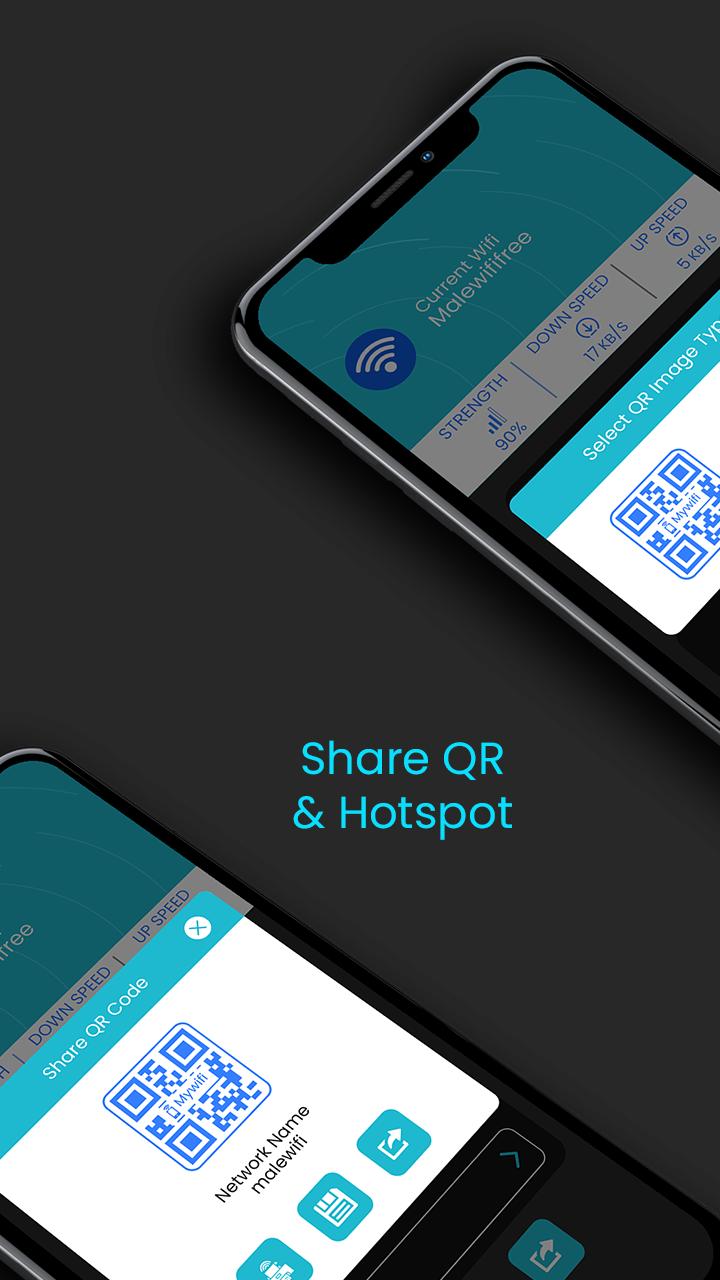
2. Click on QR code to generate QR code and share it.
Easily Manage WIFI Networks
Add and connect your WiFi network. User also can modify or remove existing Wi-Fi network within the app itself.
Share WIFI or Hotspot QR Code
Allow your friends to connect with your WiFi or hotspot just by scanning QR code and without knowing real password.
Save or Print QR Code
Save and get print out of saved connections for venues or event. Just display it at your your café, hotel or any other venues.
Download the app and create your QR code today.
Pratinjau
Informasi
Pengembang
Scorpion Infosoft
Versi Terbaru
1.8
Terakhir Diperbarui
2021-06-20
Kategori
Alat
Tersedia di
Google Play
Menampilkan lebih banyak
Cara memainkan WiFi Connect - Share WiFi & Hotspot dengan GameLoop di PC
1. Download GameLoop dari situs resminya, lalu jalankan file exe untuk menginstal GameLoop.
2. Buka GameLoop dan cari “WiFi Connect - Share WiFi & Hotspot”, temukan WiFi Connect - Share WiFi & Hotspot di hasil pencarian dan klik “Install”.
3. Nikmati bermain WiFi Connect - Share WiFi & Hotspot di GameLoop.
Minimum requirements
OS
Windows 8.1 64-bit or Windows 10 64-bit
GPU
GTX 1050
CPU
i3-8300
Memory
8GB RAM
Storage
1GB available space
Recommended requirements
OS
Windows 8.1 64-bit or Windows 10 64-bit
GPU
GTX 1050
CPU
i3-9320
Memory
16GB RAM
Storage
1GB available space