
Wifi Analyzer - Kekuatan Sinya for PC
Klaus Apps
Unduh Wifi Analyzer - Kekuatan Sinya di PC Dengan Emulator GameLoop
Wifi Analyzer - Kekuatan Sinya di PC
Wifi Analyzer - Kekuatan Sinya, berasal dari pengembang Klaus Apps, berjalan di sistem Android di masa lalu.
Sekarang, Anda dapat memainkan Wifi Analyzer - Kekuatan Sinya di PC dengan GameLoop dengan lancar.
Unduh di perpustakaan GameLoop atau hasil pencarian. Tidak ada lagi memperhatikan baterai atau panggilan frustasi pada waktu yang salah lagi.
Nikmati saja Wifi Analyzer - Kekuatan Sinya PC di layar besar secara gratis!
Wifi Analyzer - Kekuatan Sinya Pengantar
Turns your android phone into a Wi-Fi analyzer!!
Shows the Wi-Fi channels around you and helps you to find a less crowded channel for your wireless router.
Introducing a new way to analyze and optimize your WiFi, Turn you android device into WiFi Analyzer!
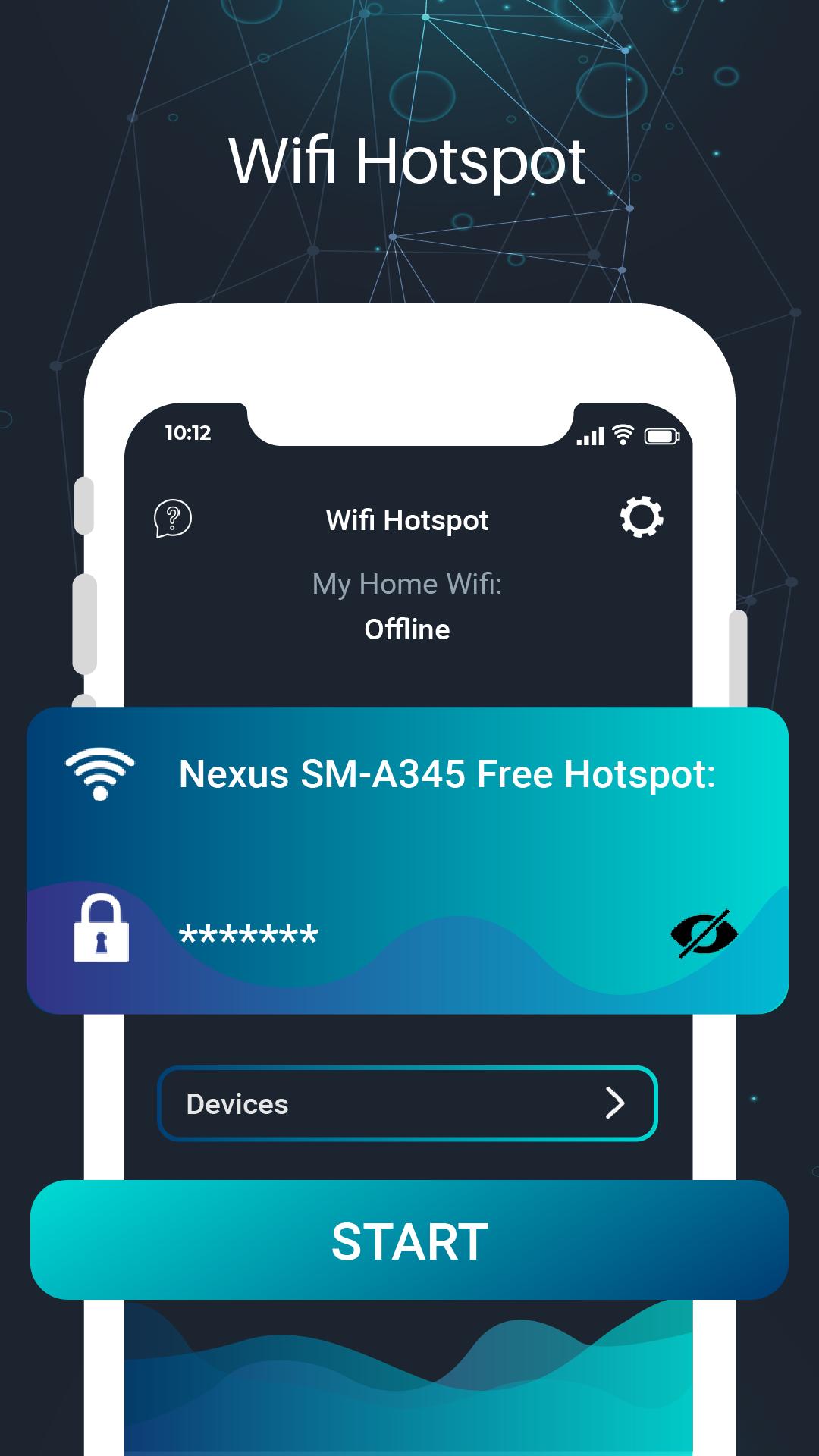
WiFi Analyzer Recommends the best channel and place for your network. This app also support to create Wifi HotSpot. Wifi Hotspot application with lightweight data storage is able to broadcast wifi, share wifi from your phone in the high-speed, secure and simple way.
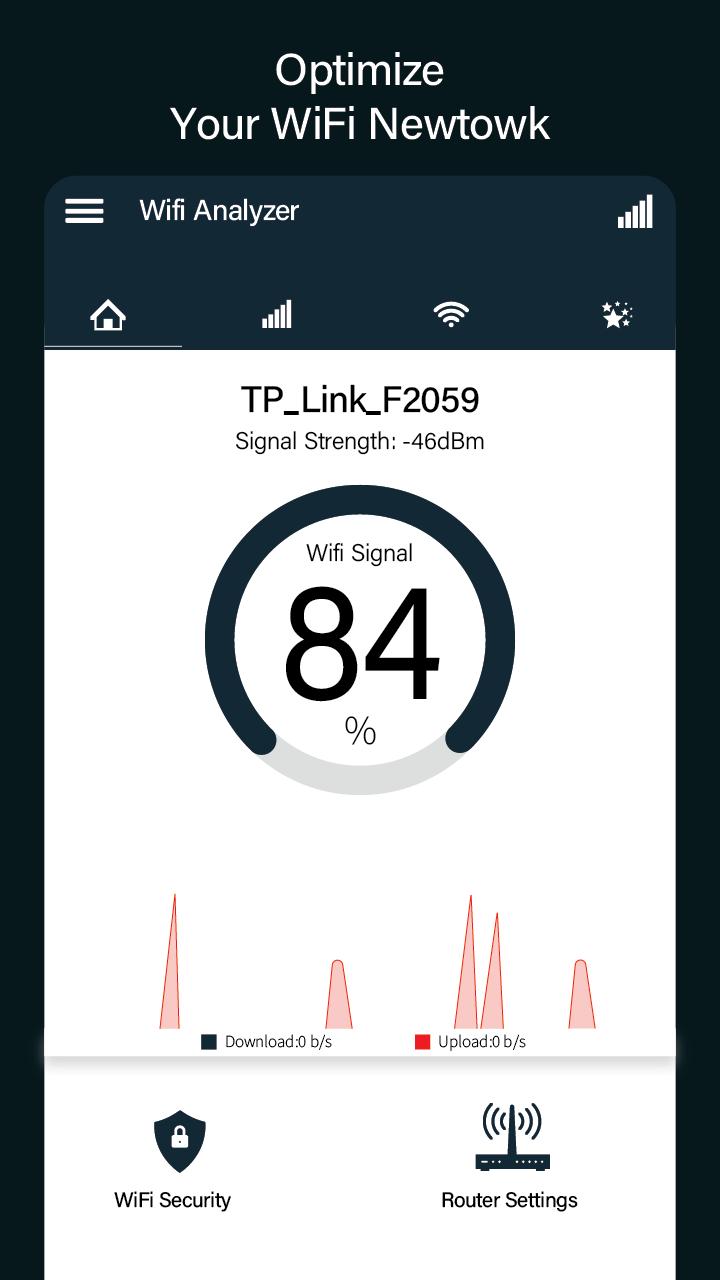
WiFi Analyzer - WiFi Test & WiFi Scanner is used to Analyze and Optimize WiFi Networks by test WiFi Signal, Scanning signal strength, Crowded signal and Channel rating. Wifi Analyzer is powerful WiFi Protector to Detect Who is on my WiFi. This app can help you Block strange devices to protect my WiFi Security. It also increase the network performance via analyzing and monitoring your WiFi network!.
If you broadcast Wifi HotSpot network by your Mobile Phones, you can share GPGS/3G/4G/5G network with other ones, laptops, tablets and other research devices.
With a simple click of Portable Wifi Hotspot, you are able to share wifi connection with your friends, families, business partners and an arbitrary number of WLAN-compatible devices.
WiFi Scanner help you optimize your WiFi network by examining surrounding WiFi networks, measuring their signal strength as well as identifying crowded channels.
WiFi Analyzer gives you the most useful optimization information to help decrease interference and increase connection speed and stability & will provide useful information about WiFi signals around you witch supports 2.4Ghz and 5Ghz.
Users' privacy and security is a huge concern these days and WiFi Analyzer is designed to use as few permissions as possible. It asks for just enough to perform the analysis.
This wifi tool app monitors and analyzes your network and warns you if there are problems.
For beginners: easy to understand, you don't need to be an IT expert. You can detect the problems without knowing how the RSSI, link speed work or what they mean.
Wifi analyser also detect Who is on My WiFi(Who Use My WiFi) is a free Network Tools (Who Use my WiFi, WiFi Signal Strength Meter, WiFi Extender, WiFi Security, Router Setup, Router Tools ,WiFi Tools, IP Tools etc.). Wifi Analyzer and Wifi HotSpot app can easily scan my wifi and see how many devices connected to your wifi router such as tplink/tp-link router, dlink router, netgear router or huawei router etc.
Features:
- WiFi Optimizer for Interference Issues
- Channel Analyzer for Nearby APs
- Real-time data and distance calculations.
- History of signal strength
- Supports 2.4GHz/5GHz
- View Hidden WiFis
- Copy MAC address
- Identify nearby Access Points
- Graph channels signal strength
- Graph Access Point signal strength over time
- Analyze WiFi networks to rate channels
- Channel Optimizer + Much More!
Pratinjau
Tag
AlatInformasi
Pengembang
Klaus Apps
Versi Terbaru
1.0.4
Terakhir Diperbarui
2020-10-22
Kategori
Alat
Tersedia di
Google Play
Menampilkan lebih banyak
Cara memainkan Wifi Analyzer - Kekuatan Sinya dengan GameLoop di PC
1. Download GameLoop dari situs resminya, lalu jalankan file exe untuk menginstal GameLoop.
2. Buka GameLoop dan cari “Wifi Analyzer - Kekuatan Sinya”, temukan Wifi Analyzer - Kekuatan Sinya di hasil pencarian dan klik “Install”.
3. Nikmati bermain Wifi Analyzer - Kekuatan Sinya di GameLoop.
Minimum requirements
OS
Windows 8.1 64-bit or Windows 10 64-bit
GPU
GTX 1050
CPU
i3-8300
Memory
8GB RAM
Storage
1GB available space
Recommended requirements
OS
Windows 8.1 64-bit or Windows 10 64-bit
GPU
GTX 1050
CPU
i3-9320
Memory
16GB RAM
Storage
1GB available space