Universal TV Remote App for PC
RevolutionX Apps
Unduh Universal TV Remote App di PC Dengan Emulator GameLoop
Universal TV Remote App di PC
Universal TV Remote App, berasal dari pengembang RevolutionX Apps, berjalan di sistem Android di masa lalu.
Sekarang, Anda dapat memainkan Universal TV Remote App di PC dengan GameLoop dengan lancar.
Unduh di perpustakaan GameLoop atau hasil pencarian. Tidak ada lagi memperhatikan baterai atau panggilan frustasi pada waktu yang salah lagi.
Nikmati saja Universal TV Remote App PC di layar besar secara gratis!
Universal TV Remote App Pengantar
Universal TV Remote App is designed to let you control your TV all the way from your android device. It is a smart TV remote app to control and manage your television from a mobile device you hold. Using infrared technology the TV remote control app is developed to let you manage your TV from your cell phone. You hold one device instead of using physical remote control along with your cell phone. Infrared blaster technology of your phone empowered this app to let you control your TV from your android mobile phone.
Universal TV Remote control App works with almost all famous TV brands The Smart TV remote control app provides all the functionalities available in your physical TV remote control. Universal smart TV remote app uses the IR blaster to control and manage things going on your TV device. It is a phone remote control for your TV to let you free of remote control displacement worries. Turn on our Universal TV Remote control App and start watching your TV without searching for remote control that is often misplaced by people living in the compartment.
Universal TV Remote control App is a powerful virtual remote control for smartphones. It enables us to navigate on television, play and pause videos, phone’s keyboard, and copy and paste texts from mobile device to television. TV remote control connects easily with almost every smart TV brand like a remote control for Samsung TV, remote control for Sony TV, remote control for LG TV, remote control for Vizio TV. It also supports some top brands for TV remote includes Skyworth TV remote, TV Remote for Sharp, etc.
⭕ Features of IR Universal Remote Control App:
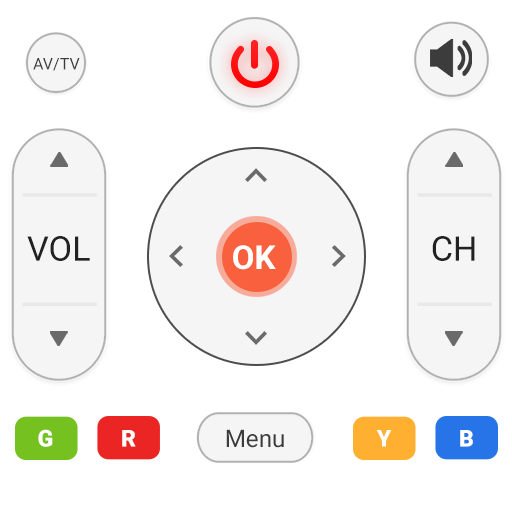
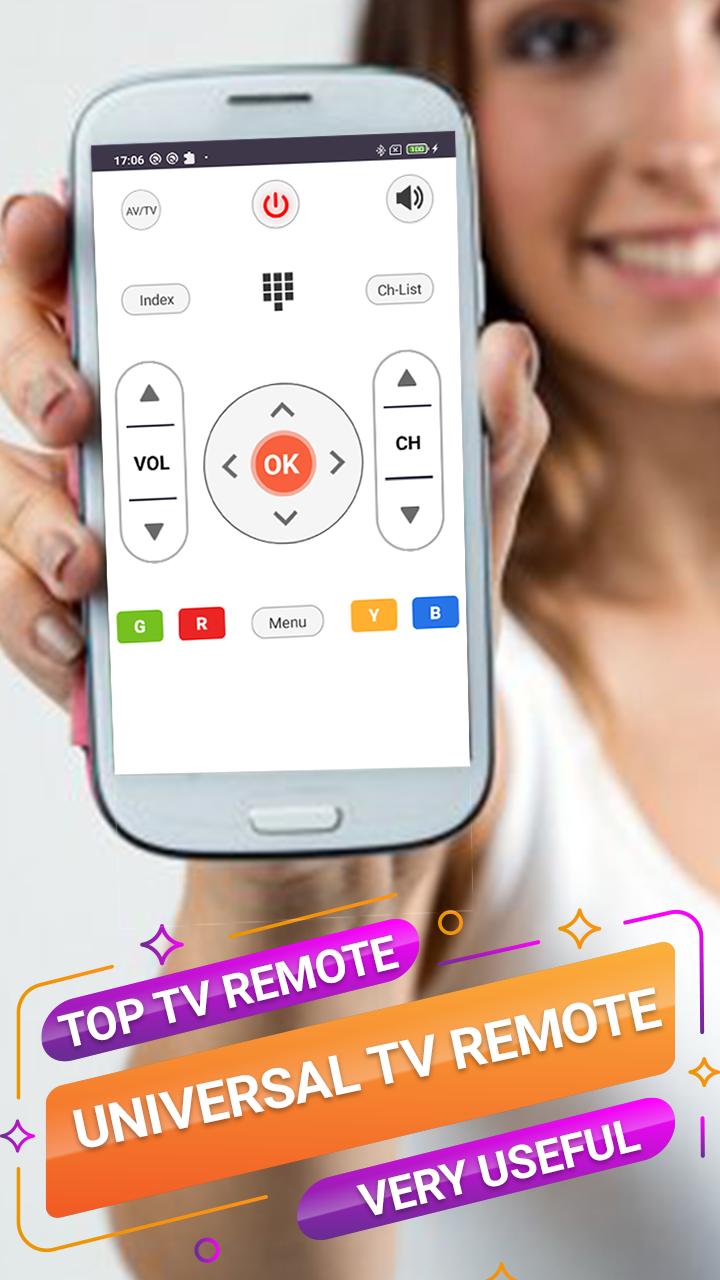
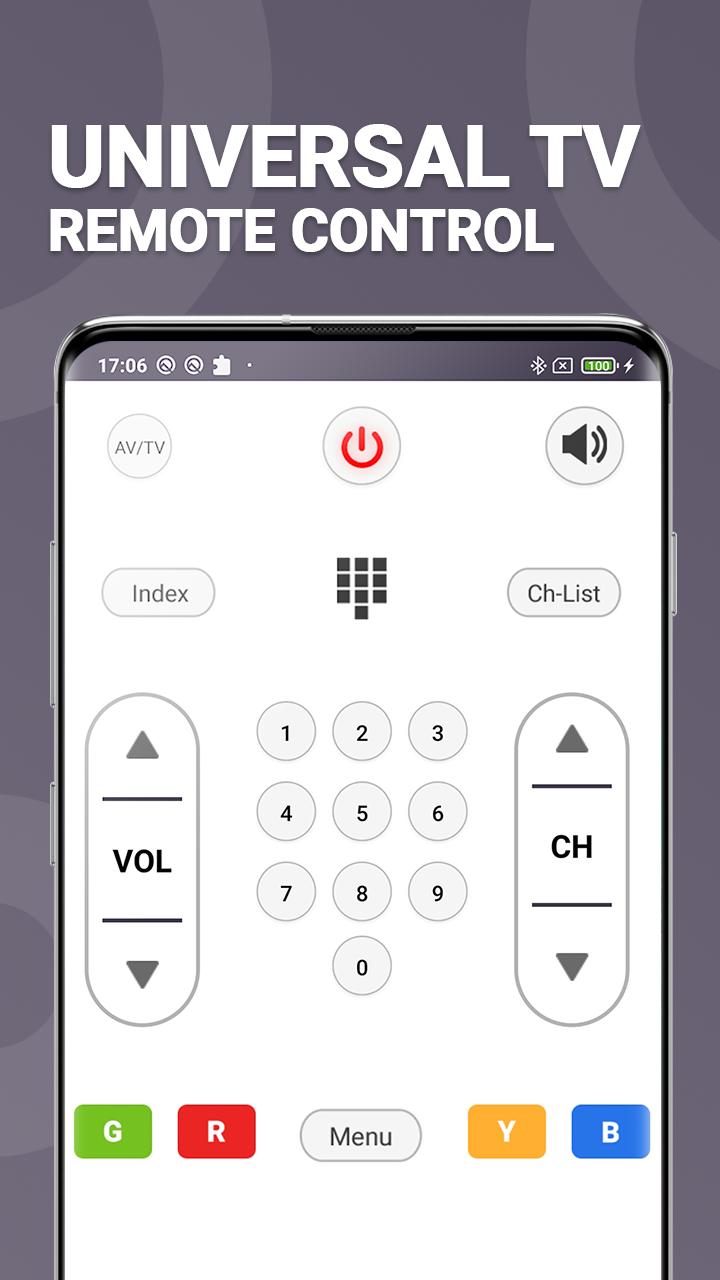
• Power ON / OFF Control.
• AV / TV.
• Channel Digits buttons.
• Channel index and lists.
• Volume Up and down Control.
• Channel Up and down Control.
• Menu Button with up / down and left / right Controls.
• Red / Green / Blue / Yellow (Multiple purpose keys).
Note:
• Phone or Tablet with built-in IR blaster is required for the Traditional IR TV devices.
• For Smart TVs / devices, both the smart TV device and the user's mobile device must be connected to the same network.
• This app is compatible with the TV brands/models listed in the app. This is an unofficial TV remote application for these Television brands.
Disclaimer - Universal TV Remote control App requires an IR blaster, you should have a built-in IR transmitter or external infrared to control the TV.
Enjoy watching your television with control inside your android device via our Universal TV Remote control App free. Do let us know in case of any issue with below mentioned contacts. Don’t forget to rate us. Share it with friends and family to let them facilitate with this amazing free remote control app.
Contacts:
Facebook: https://goo.gl/VxnPH5
Twitter: https://goo.gl/27nkVV
Website: https://goo.gl/YzJUn2
Pratinjau
Informasi
Pengembang
RevolutionX Apps
Versi Terbaru
1.2.3
Terakhir Diperbarui
2021-07-19
Kategori
Alat
Tersedia di
Google Play
Menampilkan lebih banyak
Cara memainkan Universal TV Remote App dengan GameLoop di PC
1. Download GameLoop dari situs resminya, lalu jalankan file exe untuk menginstal GameLoop.
2. Buka GameLoop dan cari “Universal TV Remote App”, temukan Universal TV Remote App di hasil pencarian dan klik “Install”.
3. Nikmati bermain Universal TV Remote App di GameLoop.
Minimum requirements
OS
Windows 8.1 64-bit or Windows 10 64-bit
GPU
GTX 1050
CPU
i3-8300
Memory
8GB RAM
Storage
1GB available space
Recommended requirements
OS
Windows 8.1 64-bit or Windows 10 64-bit
GPU
GTX 1050
CPU
i3-9320
Memory
16GB RAM
Storage
1GB available space