TWC WiFi Finder for PC
Charter/Spectrum
Unduh TWC WiFi Finder di PC Dengan Emulator GameLoop
TWC WiFi Finder di PC
TWC WiFi Finder, berasal dari pengembang Charter/Spectrum, berjalan di sistem Android di masa lalu.
Sekarang, Anda dapat memainkan TWC WiFi Finder di PC dengan GameLoop dengan lancar.
Unduh di perpustakaan GameLoop atau hasil pencarian. Tidak ada lagi memperhatikan baterai atau panggilan frustasi pada waktu yang salah lagi.
Nikmati saja TWC WiFi Finder PC di layar besar secara gratis!
TWC WiFi Finder Pengantar
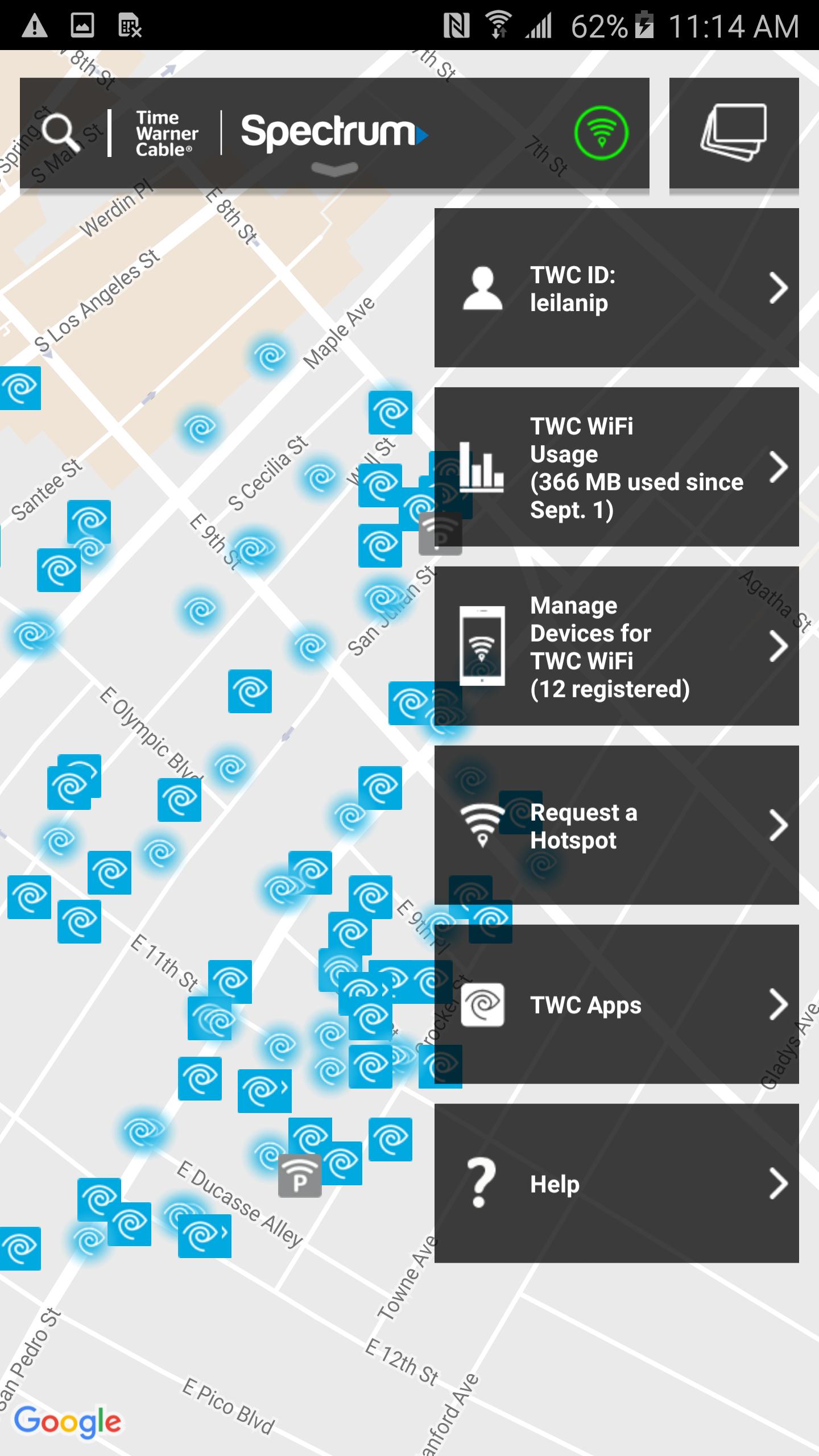
The free WiFi Finder app makes it easy to locate and connect to the nationwide TWC WiFi® network so you can get fast, reliable Internet on-the-go. Access is FREE for qualified Internet customers. Not a customer? No worries. Free Trial and Access Pass options are also available.
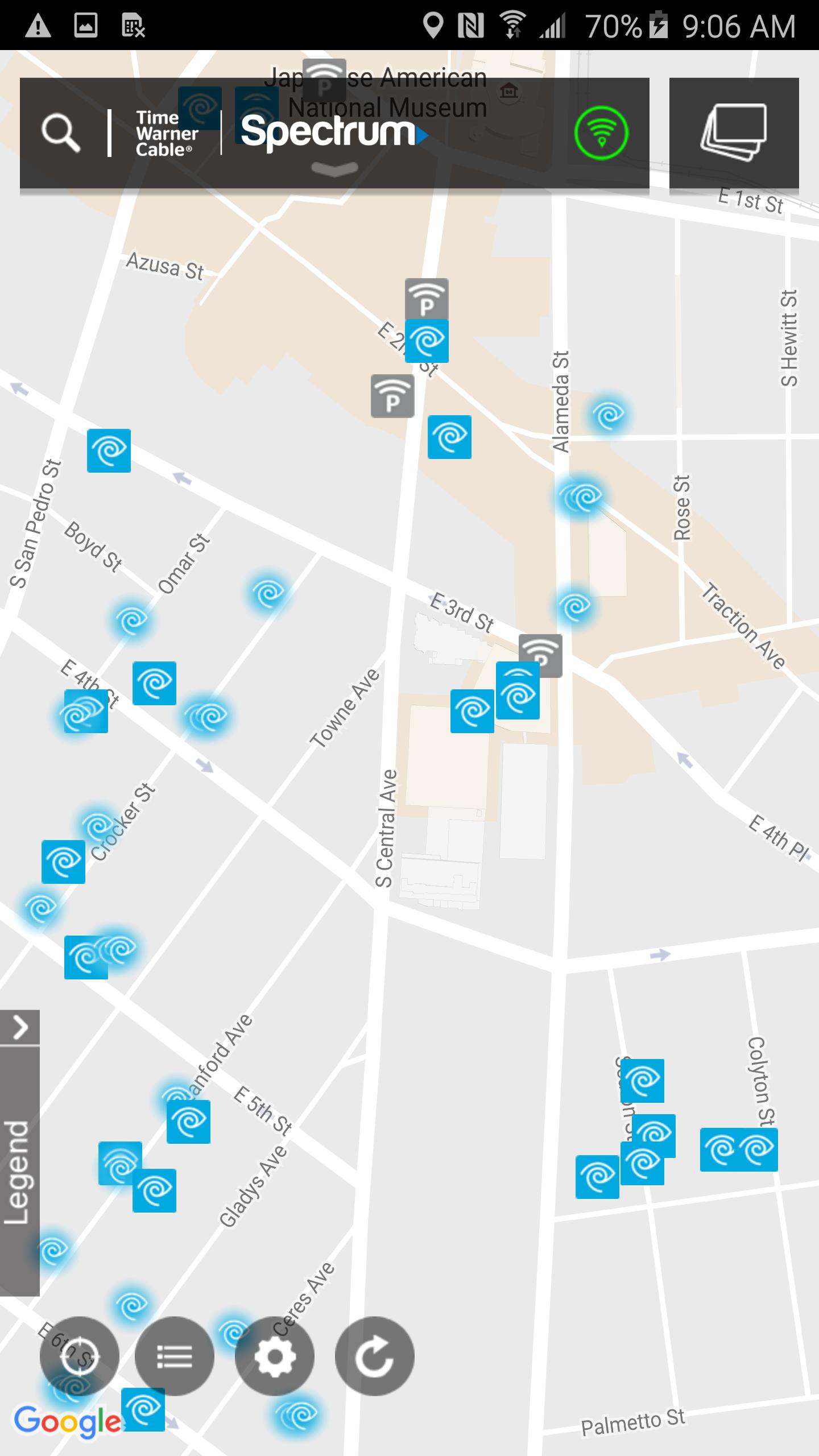
Look for our network of over 500,000 hotspots nationwide in places you shop, dine and travel.
Features of WiFi Finder include:
- Save your TWC ID and Password when prompted to enable your device to auto-connect to our most secure network
- Search for hotspots even when you are not connected to the Internet
- View hotspots in map or list format
- Request new WiFi Hotspots
- Register additional devices for seamless access to our nationwide WiFi network
- View WiFi usage and calculate savings over cellular data
Pratinjau
Informasi
Pengembang
Charter/Spectrum
Versi Terbaru
5.5.07
Terakhir Diperbarui
2018-10-09
Kategori
Alat
Tersedia di
Google Play
Menampilkan lebih banyak
Cara memainkan TWC WiFi Finder dengan GameLoop di PC
1. Download GameLoop dari situs resminya, lalu jalankan file exe untuk menginstal GameLoop.
2. Buka GameLoop dan cari “TWC WiFi Finder”, temukan TWC WiFi Finder di hasil pencarian dan klik “Install”.
3. Nikmati bermain TWC WiFi Finder di GameLoop.
Minimum requirements
OS
Windows 8.1 64-bit or Windows 10 64-bit
GPU
GTX 1050
CPU
i3-8300
Memory
8GB RAM
Storage
1GB available space
Recommended requirements
OS
Windows 8.1 64-bit or Windows 10 64-bit
GPU
GTX 1050
CPU
i3-9320
Memory
16GB RAM
Storage
1GB available space