
TS School for PC
NIC eGov Mobile Apps
Unduh TS School di PC Dengan Emulator GameLoop
TS School di PC
TS School, berasal dari pengembang NIC eGov Mobile Apps, berjalan di sistem Android di masa lalu.
Sekarang, Anda dapat memainkan TS School di PC dengan GameLoop dengan lancar.
Unduh di perpustakaan GameLoop atau hasil pencarian. Tidak ada lagi memperhatikan baterai atau panggilan frustasi pada waktu yang salah lagi.
Nikmati saja TS School PC di layar besar secara gratis!
TS School Pengantar
TS School Version 5.5
1. School Infrastructure
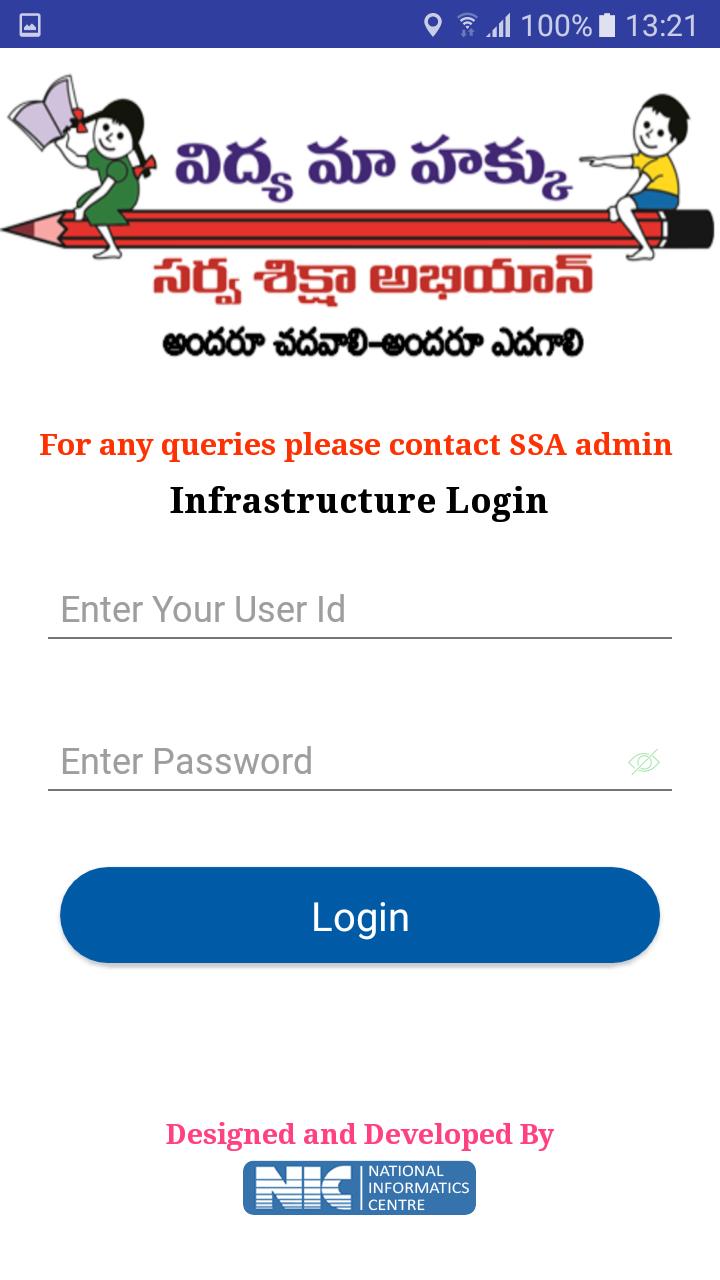
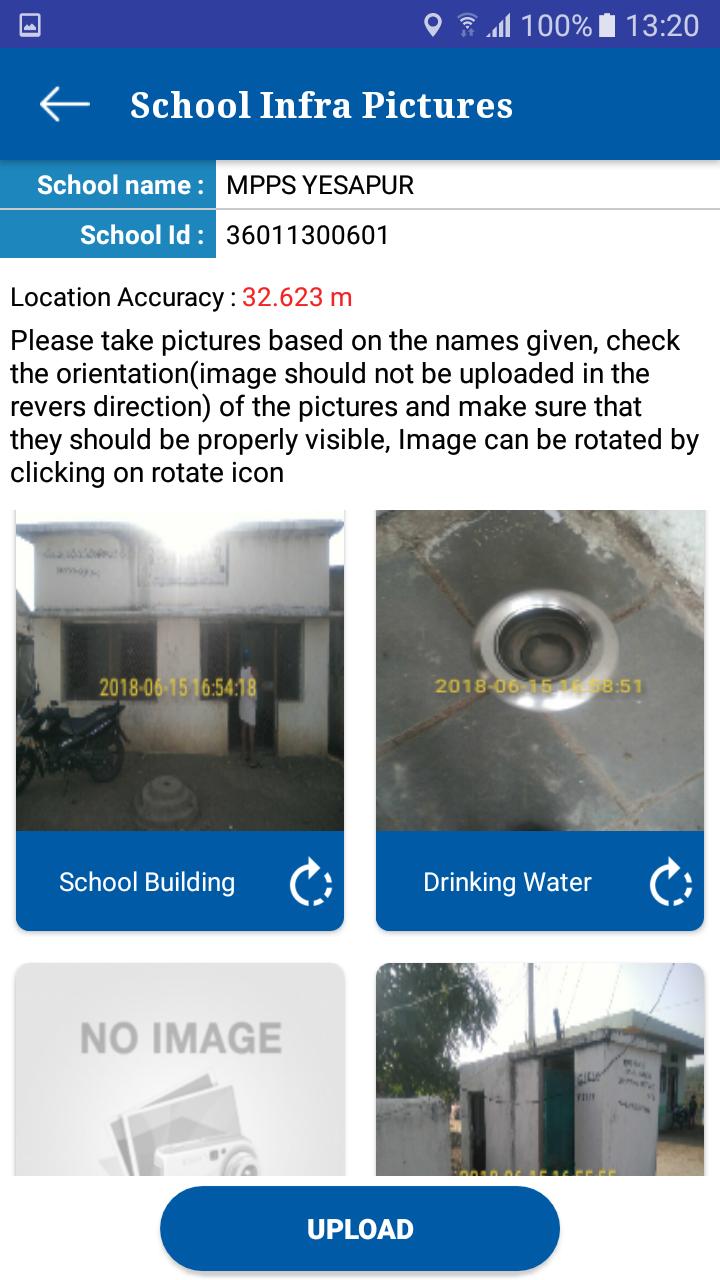
Visuals of School infrastructure like school building, class rooms, drinking water facility, compound wall, and kitchen shed etc. can be uploaded using this app.
2. School Monitoring
Toilet Monitoring: School HMs can upload the visuals of toilets at regular intervals. Authorities can monitor the functional status of toilets from time to time. It helps to track the status of individual toilets.
Attendance Monitoring: this module helps to school HM to enter the Attendance of the school children’s and employees
3. School Visit
This module allows to capture various school details like enrollment, attendance of children/teachers, syllabus covered, status of toilets, midday meal etc.
These parameters are stored in centralized database for generation of analysis reports for monitoring.
Pratinjau
Informasi
Pengembang
NIC eGov Mobile Apps
Versi Terbaru
5.5
Terakhir Diperbarui
2019-06-26
Kategori
Alat
Tersedia di
Google Play
Menampilkan lebih banyak
Cara memainkan TS School dengan GameLoop di PC
1. Download GameLoop dari situs resminya, lalu jalankan file exe untuk menginstal GameLoop.
2. Buka GameLoop dan cari “TS School”, temukan TS School di hasil pencarian dan klik “Install”.
3. Nikmati bermain TS School di GameLoop.
Minimum requirements
OS
Windows 8.1 64-bit or Windows 10 64-bit
GPU
GTX 1050
CPU
i3-8300
Memory
8GB RAM
Storage
1GB available space
Recommended requirements
OS
Windows 8.1 64-bit or Windows 10 64-bit
GPU
GTX 1050
CPU
i3-9320
Memory
16GB RAM
Storage
1GB available space