
All Language Translator App for PC
Tool Apps Hub
Unduh All Language Translator App di PC Dengan Emulator GameLoop
All Language Translator App di PC
All Language Translator App, berasal dari pengembang Tool Apps Hub, berjalan di sistem Android di masa lalu.
Sekarang, Anda dapat memainkan All Language Translator App di PC dengan GameLoop dengan lancar.
Unduh di perpustakaan GameLoop atau hasil pencarian. Tidak ada lagi memperhatikan baterai atau panggilan frustasi pada waktu yang salah lagi.
Nikmati saja All Language Translator App PC di layar besar secara gratis!
All Language Translator App Pengantar
All Language Translator App is your ultimate AI-powered solution for smooth and intelligent multilingual communication. Built with next-generation translation technology, this Voice Translator helps you translate text, voice to text, photos, and real-time conversations with remarkable speed and precision. Whether you’re traveling abroad, studying, or working globally, the Camera Translator – PDF Translator ensures you can understand and be understood in over 100+ languages anytime, anywhere.
🕮 Text Translator – Voice to Text
Break the language barrier with our Text Translator. Type or paste any text, and get accurate translations in seconds with natural phrasing. Perfect for translating messages, PDFs, or notes — the Image Translator ensures professional results for both personal and business use.
🎤 Voice Translator – Speech to Text Translation
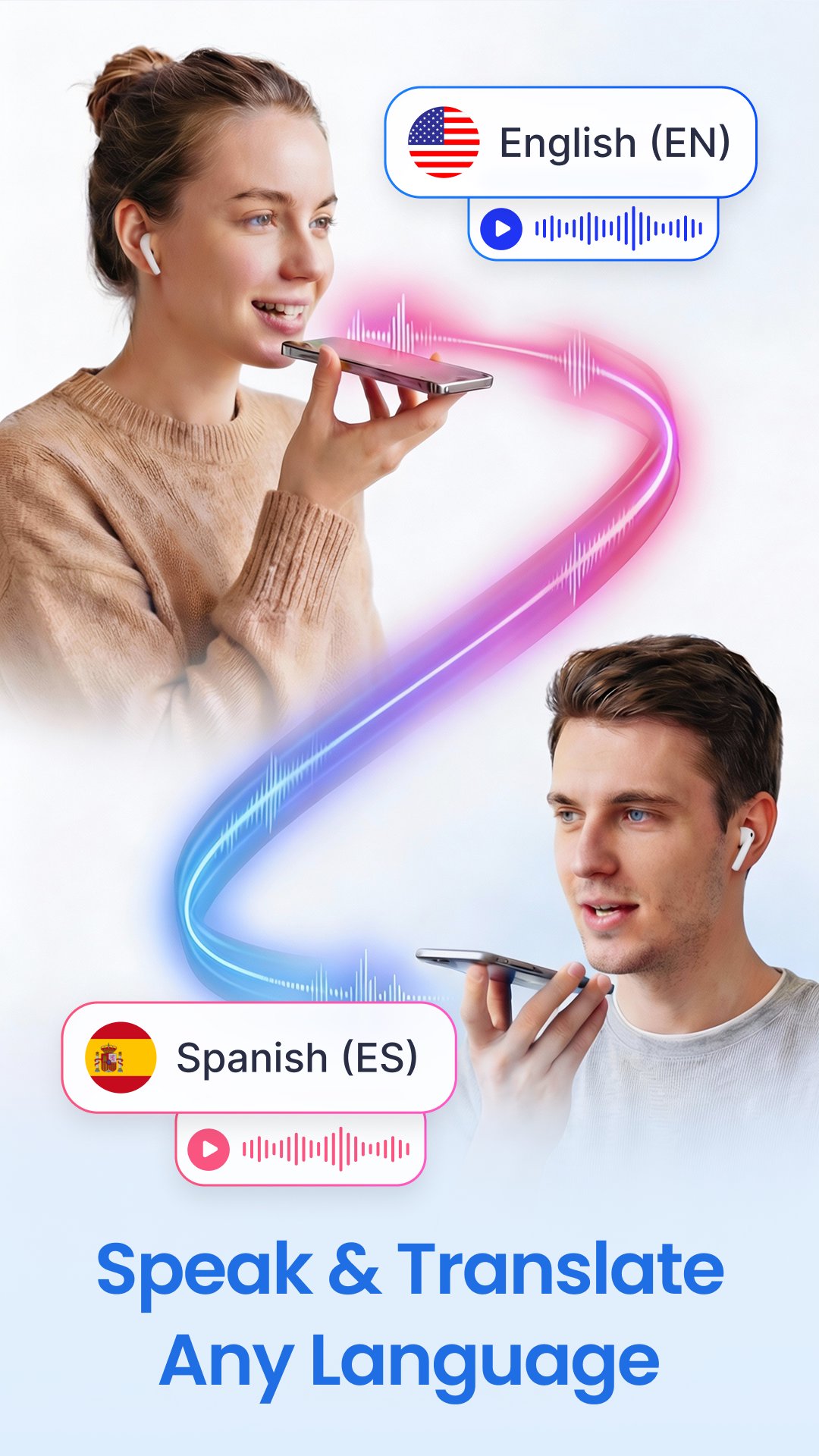
Speak freely and translate instantly using the Voice Translator. The advanced Voice to Text Translator feature converts speech into translated text within moments. Ideal for meetings, travel, and hands-free communication, the Camera Translator - Language Translator lets you translate conversations in real-time with ease and accuracy.
📸 Photo Translator – Image Translator
All Language Translator App let you experience the next level translation with the Photo Translator - Image Translator. Simply point your camera to translate signs, menus, or any printed text in real time using the Live Camera Translator. Extract and translate content from saved photos or PDF files — PDF Translator is perfect for travelers and professionals needing quick image-to-text translation.
🗣️ Voice to Voice Conversation – Speech Translator
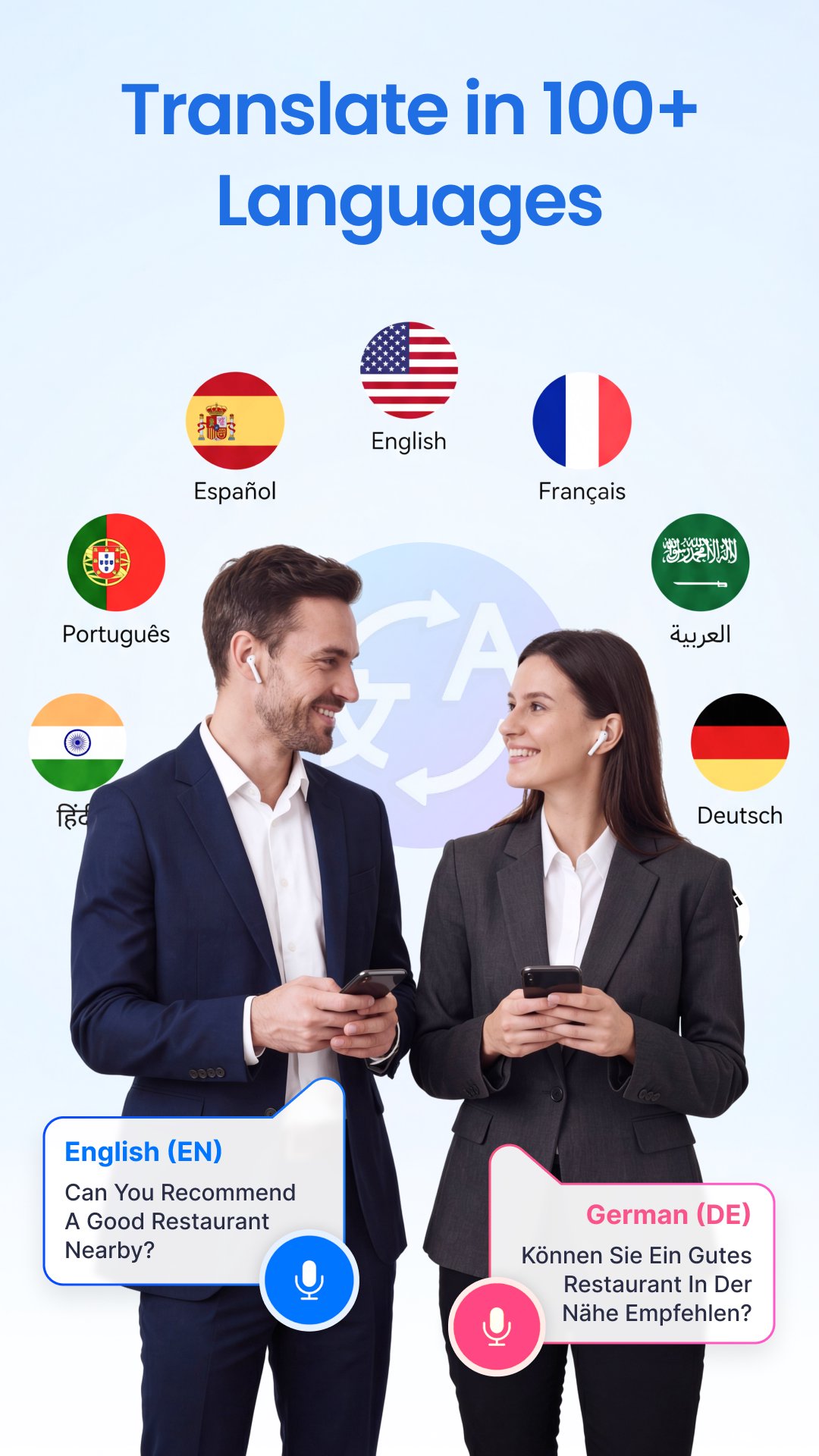
Transform global communication with Voice to Voice Translation. Speak in your language and the Speech to Text Translator vocalizes it in another instantly. Supporting more than 100+ languages with natural AI voices, voice to voice feature is ideal for business meetings, classrooms, or casual conversations abroad.
💬 Key Features of Talk & Translate - AI Translate
✅ Fast and accurate Text Translator & Voice Translation
✅ Speech to Text Translator for instant conversations
✅ Translate photos, PDFs, and objects in seconds
✅ Camera Translator for real-time visual translation
✅ Save, manage, and re-listen to your translations
✅ Works online & offline for ultimate convenience
✅ Lightweight, powerful, and easy to use
🌏 Supported Languages in Language Translator App:
All Language Translator App supports over 100+ languages, including English, Spanish, French, Chinese, German, Arabic, Hindi, Portuguese, Japanese, Korean, Russian, Italian, Turkish, Indonesian, Persian, Thai, Vietnamese, and many more.
Wherever you go, the Talk & Translate - PDF Translator ensures instant understanding — your trusted partner for travel, study, and everyday communication.
Pratinjau
Tag
AlatInformasi
Pengembang
Tool Apps Hub
Versi Terbaru
1.34
Terakhir Diperbarui
2026-08-06
Kategori
Alat
Tersedia di
Google Play
Menampilkan lebih banyak
Cara memainkan All Language Translator App dengan GameLoop di PC
1. Download GameLoop dari situs resminya, lalu jalankan file exe untuk menginstal GameLoop.
2. Buka GameLoop dan cari “All Language Translator App”, temukan All Language Translator App di hasil pencarian dan klik “Install”.
3. Nikmati bermain All Language Translator App di GameLoop.
Minimum requirements
OS
Windows 8.1 64-bit or Windows 10 64-bit
GPU
GTX 1050
CPU
i3-8300
Memory
8GB RAM
Storage
1GB available space
Recommended requirements
OS
Windows 8.1 64-bit or Windows 10 64-bit
GPU
GTX 1050
CPU
i3-9320
Memory
16GB RAM
Storage
1GB available space