TermEX - Tools Guide for Termux for PC
Eduard Merkaj
Unduh TermEX - Tools Guide for Termux di PC Dengan Emulator GameLoop
TermEX - Tools Guide for Termux di PC
TermEX - Tools Guide for Termux, berasal dari pengembang Eduard Merkaj, berjalan di sistem Android di masa lalu.
Sekarang, Anda dapat memainkan TermEX - Tools Guide for Termux di PC dengan GameLoop dengan lancar.
Unduh di perpustakaan GameLoop atau hasil pencarian. Tidak ada lagi memperhatikan baterai atau panggilan frustasi pada waktu yang salah lagi.
Nikmati saja TermEX - Tools Guide for Termux PC di layar besar secara gratis!
TermEX - Tools Guide for Termux Pengantar
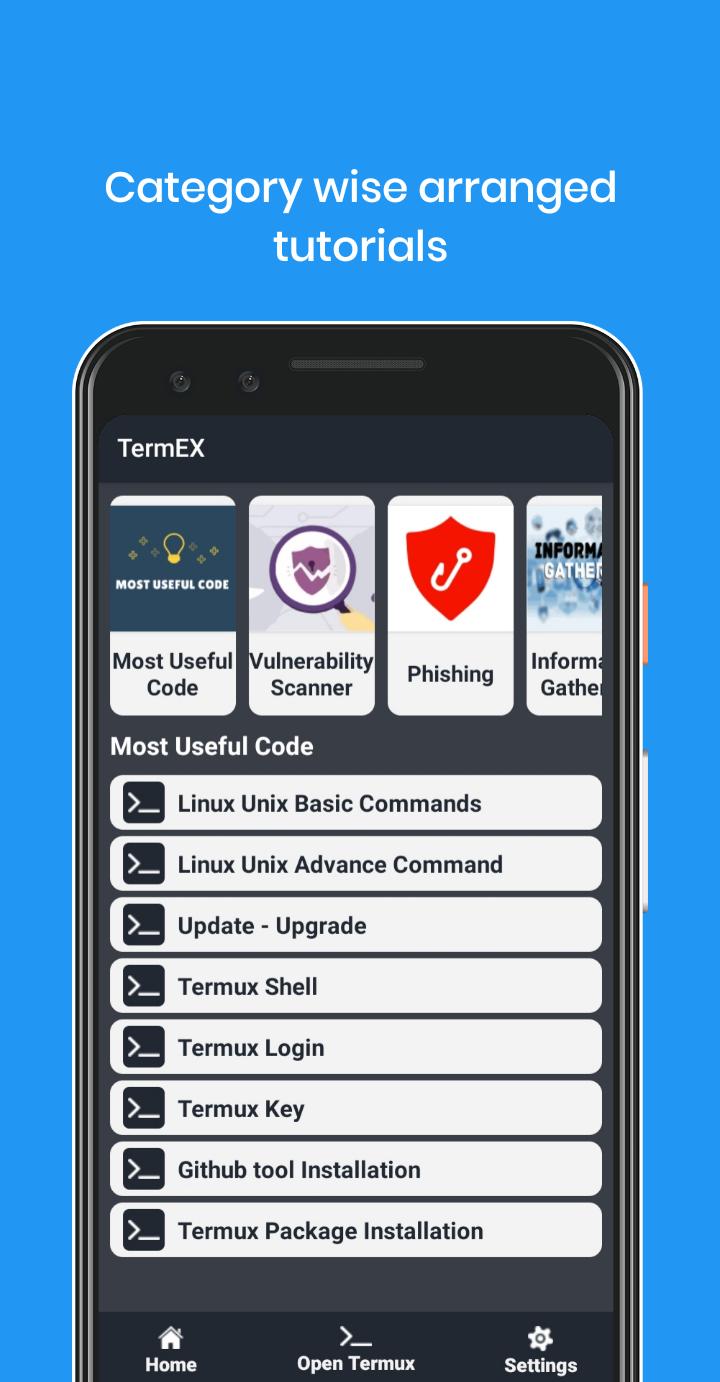
Using TermEX app you can learn Termux all tips and trick.
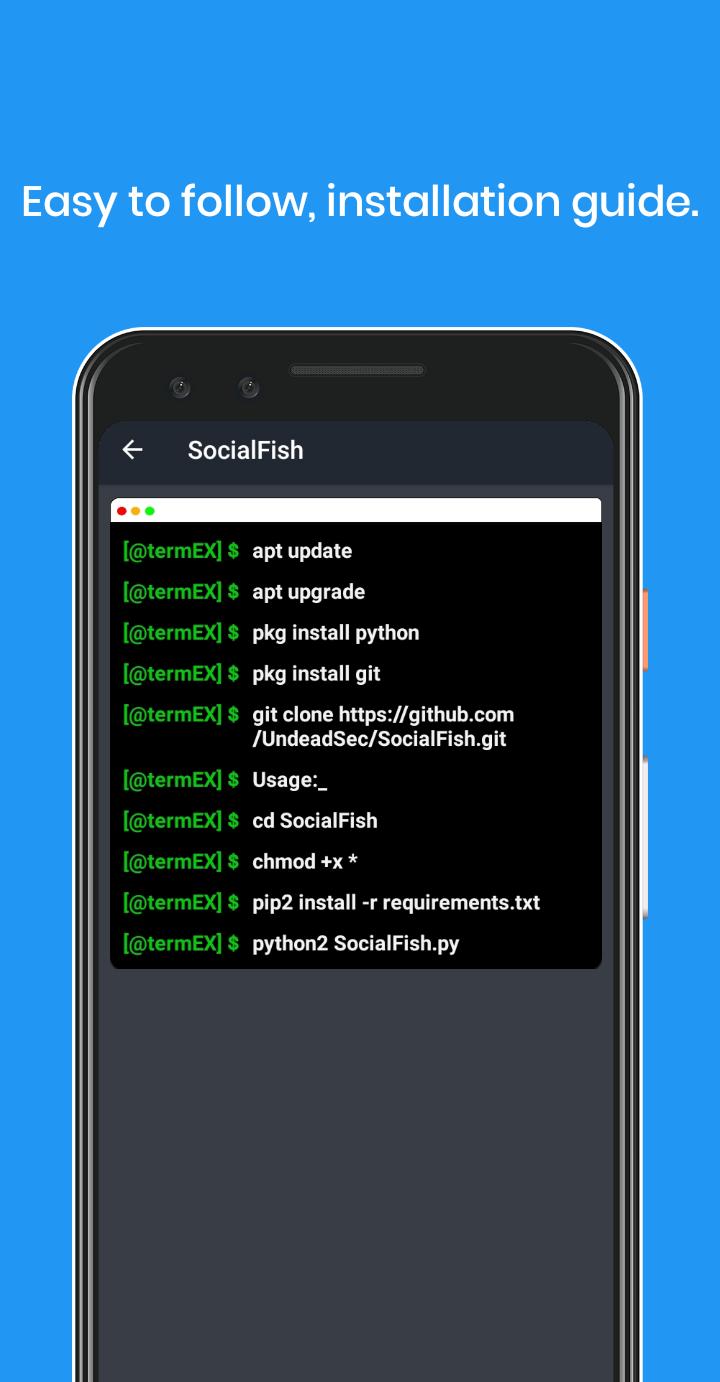
TermEX is an application that has plenty of open-source tools guides. It's easy to copy and use them on your terminal. You can use these tools for penetration tester, ethical hacking, security and for education purpose also.
Disclaimer:
This application solely motive is for Education purposes use only. Usage of these tools for attacking targets without prior mutual consent is illegal. It's the end user's responsibility to obey all applicable, local, state and federal laws. Developers assume no liability and are not responsible for any misuse or damage caused by this program. This app is created for learners to learn Hacking and this app is for Learning purposes.
Pratinjau
Informasi
Pengembang
Eduard Merkaj
Versi Terbaru
1.0.2
Terakhir Diperbarui
2020-10-25
Kategori
Alat
Tersedia di
Google Play
Menampilkan lebih banyak
Cara memainkan TermEX - Tools Guide for Termux dengan GameLoop di PC
1. Download GameLoop dari situs resminya, lalu jalankan file exe untuk menginstal GameLoop.
2. Buka GameLoop dan cari “TermEX - Tools Guide for Termux”, temukan TermEX - Tools Guide for Termux di hasil pencarian dan klik “Install”.
3. Nikmati bermain TermEX - Tools Guide for Termux di GameLoop.
Minimum requirements
OS
Windows 8.1 64-bit or Windows 10 64-bit
GPU
GTX 1050
CPU
i3-8300
Memory
8GB RAM
Storage
1GB available space
Recommended requirements
OS
Windows 8.1 64-bit or Windows 10 64-bit
GPU
GTX 1050
CPU
i3-9320
Memory
16GB RAM
Storage
1GB available space