Satbara (7/12) Maharashtra E-b for PC
Dev-Infotech
Unduh Satbara (7/12) Maharashtra E-b di PC Dengan Emulator GameLoop
Satbara (7/12) Maharashtra E-b di PC
Satbara (7/12) Maharashtra E-b, berasal dari pengembang Dev-Infotech, berjalan di sistem Android di masa lalu.
Sekarang, Anda dapat memainkan Satbara (7/12) Maharashtra E-b di PC dengan GameLoop dengan lancar.
Unduh di perpustakaan GameLoop atau hasil pencarian. Tidak ada lagi memperhatikan baterai atau panggilan frustasi pada waktu yang salah lagi.
Nikmati saja Satbara (7/12) Maharashtra E-b PC di layar besar secara gratis!
Satbara (7/12) Maharashtra E-b Pengantar
The Utara (bhumi abhilekh from mahabhulekh) gives information of the survey number of the land, Land owner name, the area of the land, the type of cultivation (irrigated / rain fed). By use of this Maharashtra E-Bhumi App can see his land 7/12, 8(a), 6and more in details. User can see more information of land via survey number, District, Taluka, Village Survey Number. User can get their land details any time and anywhere from their mobile.
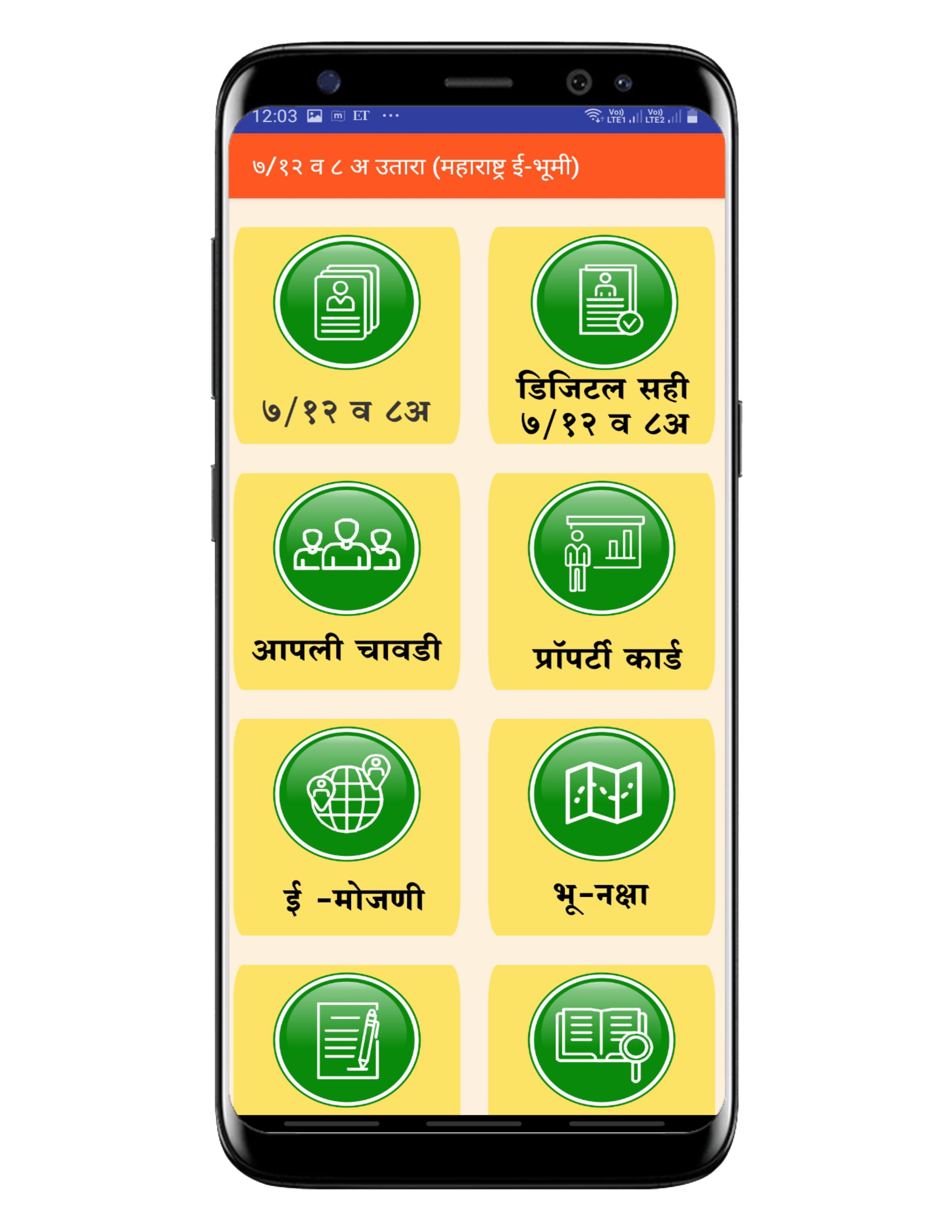
⦿ Application Features :
1) 7/ 12
2) Digital Signed 7/ 12
3) Apli Chavadi
4) Bhu naksha
5) E Search
6) Nondani & Mudrank
7) E-RECORDS
8) E-MOJANI
9) E-Hakk
10) Aaple Sarkar
11) Property card
विशेष वैशिष्ट्ये:
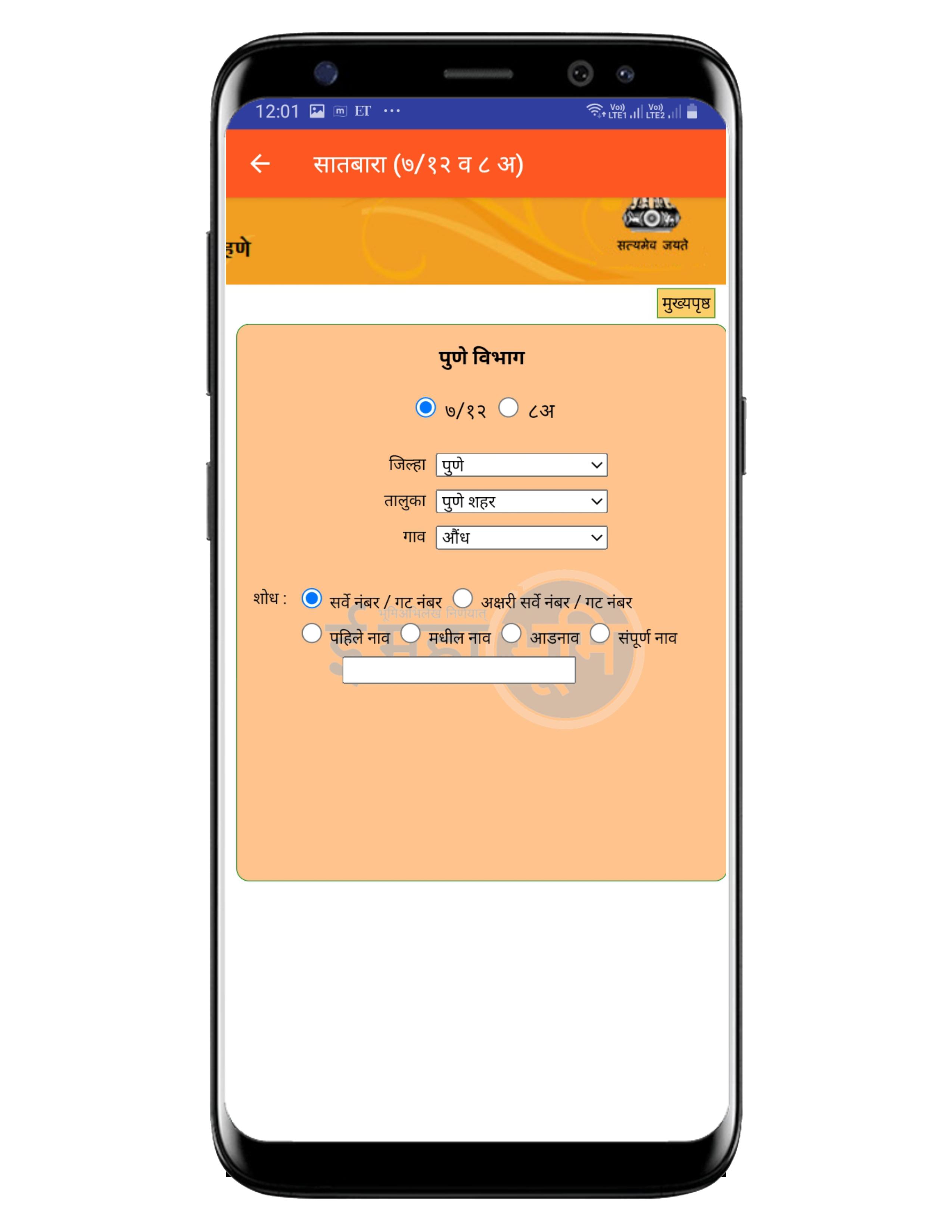
• ७/१२ उतारा शोधा सर्वे नंबर / गट नंबर, पहिले नाव, आडनावाद्वारे सर्च करून.
• ८अ उतारा शोधा खाते नंबर, नावाद्वारे सर्च करून.
• क्षेत्रफळ रूपांतरण व कर्ज गणक.
• विभाग निहाय वर्गीकरण.
• कोणत्याही स्टेप वरून, मागील स्टेपवर जाण्याची सोय.
• वापरण्यास व समजण्यास सोपे.
• जलद लोडींग.
Disclaimer:
You can view the land records only if it is registered with the Maharashtra Government official digital portal https://bhulekh.mahabhumi.gov.in. This app is not sponsored or approved by Mahabhulekh. This app is for personal use only.
Pratinjau
Tag
AlatInformasi
Pengembang
Dev-Infotech
Versi Terbaru
1.2
Terakhir Diperbarui
2021-08-27
Kategori
Alat
Tersedia di
Google Play
Menampilkan lebih banyak
Cara memainkan Satbara (7/12) Maharashtra E-b dengan GameLoop di PC
1. Download GameLoop dari situs resminya, lalu jalankan file exe untuk menginstal GameLoop.
2. Buka GameLoop dan cari “Satbara (7/12) Maharashtra E-b”, temukan Satbara (7/12) Maharashtra E-b di hasil pencarian dan klik “Install”.
3. Nikmati bermain Satbara (7/12) Maharashtra E-b di GameLoop.
Minimum requirements
OS
Windows 8.1 64-bit or Windows 10 64-bit
GPU
GTX 1050
CPU
i3-8300
Memory
8GB RAM
Storage
1GB available space
Recommended requirements
OS
Windows 8.1 64-bit or Windows 10 64-bit
GPU
GTX 1050
CPU
i3-9320
Memory
16GB RAM
Storage
1GB available space