
RAZORPAY - SKETCHWARE ~ BLOCKS | LIBRARY | EVENTS for PC
VEe Studio
Unduh RAZORPAY - SKETCHWARE ~ BLOCKS | LIBRARY | EVENTS di PC Dengan Emulator GameLoop
RAZORPAY - SKETCHWARE ~ BLOCKS | LIBRARY | EVENTS di PC
RAZORPAY - SKETCHWARE ~ BLOCKS | LIBRARY | EVENTS, berasal dari pengembang VEe Studio, berjalan di sistem Android di masa lalu.
Sekarang, Anda dapat memainkan RAZORPAY - SKETCHWARE ~ BLOCKS | LIBRARY | EVENTS di PC dengan GameLoop dengan lancar.
Unduh di perpustakaan GameLoop atau hasil pencarian. Tidak ada lagi memperhatikan baterai atau panggilan frustasi pada waktu yang salah lagi.
Nikmati saja RAZORPAY - SKETCHWARE ~ BLOCKS | LIBRARY | EVENTS PC di layar besar secara gratis!
RAZORPAY - SKETCHWARE ~ BLOCKS | LIBRARY | EVENTS Pengantar
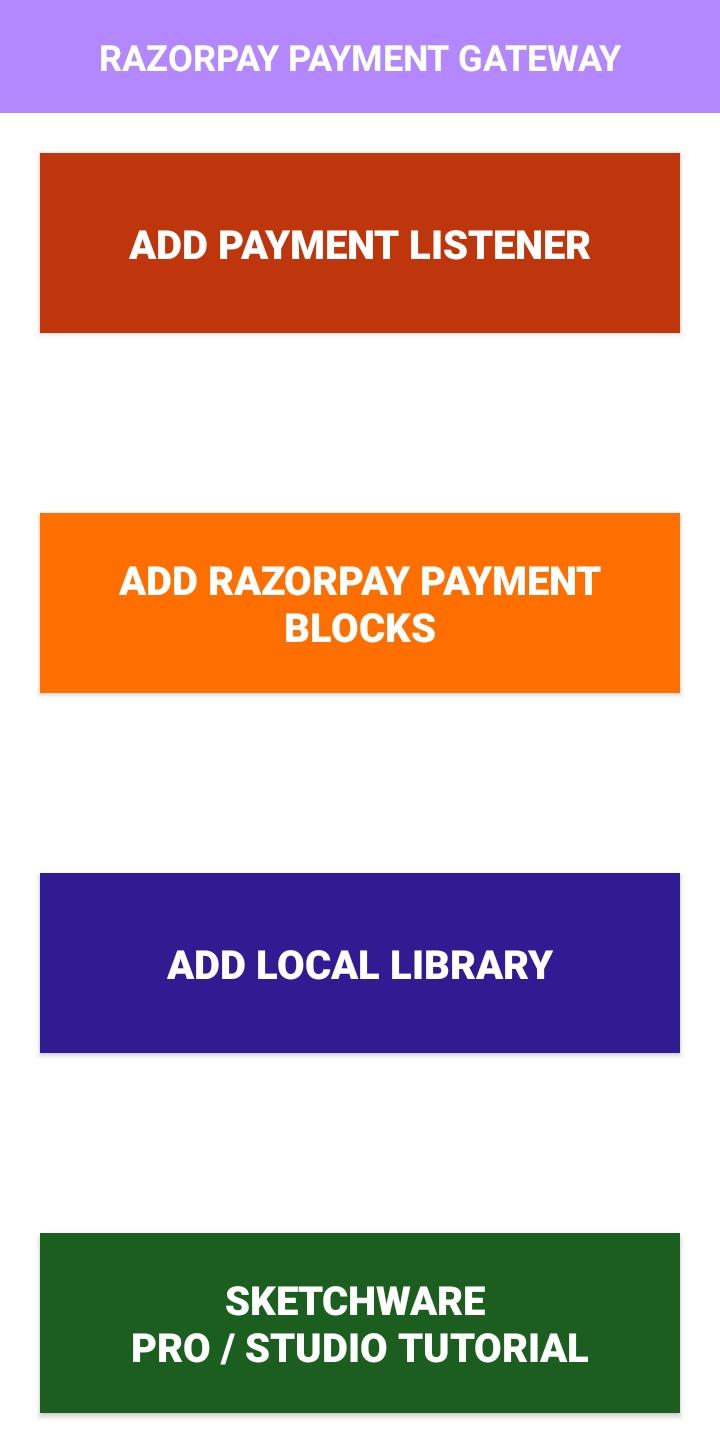
~>RAZORPAY PAYMENT GATEWAY AVAILABLE ALL COUNTRIES
https://razorpay.com/docs/payment-gateway/payments/international-payments/#supported-currencies
~>RAZORPAY PAYMENT GATEWAY | PAYMENT METHODS
https://razorpay.com/docs/payment-gateway/payment-methods/
~>SUPPORTED ON SKETCHWARE PRO & STUDIO
~> AUTOMATICALLY BLOCK, LIBRARY & EVENTS (LISTENERS) ADDED SYSTEM WITHOUT LOST OLD BLOCKS, LIBRARIES & EVENTS (LISTENERS)
Pratinjau

Informasi
Pengembang
VEe Studio
Versi Terbaru
1.3
Terakhir Diperbarui
2021-05-07
Kategori
Alat
Tersedia di
Google Play
Menampilkan lebih banyak
Cara memainkan RAZORPAY - SKETCHWARE ~ BLOCKS | LIBRARY | EVENTS dengan GameLoop di PC
1. Download GameLoop dari situs resminya, lalu jalankan file exe untuk menginstal GameLoop.
2. Buka GameLoop dan cari “RAZORPAY - SKETCHWARE ~ BLOCKS | LIBRARY | EVENTS”, temukan RAZORPAY - SKETCHWARE ~ BLOCKS | LIBRARY | EVENTS di hasil pencarian dan klik “Install”.
3. Nikmati bermain RAZORPAY - SKETCHWARE ~ BLOCKS | LIBRARY | EVENTS di GameLoop.
Minimum requirements
OS
Windows 8.1 64-bit or Windows 10 64-bit
GPU
GTX 1050
CPU
i3-8300
Memory
8GB RAM
Storage
1GB available space
Recommended requirements
OS
Windows 8.1 64-bit or Windows 10 64-bit
GPU
GTX 1050
CPU
i3-9320
Memory
16GB RAM
Storage
1GB available space