QR Code & Barcode Scanner for PC
Easy To Use (OnMobi)
Unduh QR Code & Barcode Scanner di PC Dengan Emulator GameLoop
QR Code & Barcode Scanner di PC
QR Code & Barcode Scanner, berasal dari pengembang Easy To Use (OnMobi), berjalan di sistem Android di masa lalu.
Sekarang, Anda dapat memainkan QR Code & Barcode Scanner di PC dengan GameLoop dengan lancar.
Unduh di perpustakaan GameLoop atau hasil pencarian. Tidak ada lagi memperhatikan baterai atau panggilan frustasi pada waktu yang salah lagi.
Nikmati saja QR Code & Barcode Scanner PC di layar besar secara gratis!
QR Code & Barcode Scanner Pengantar
QR X2 is a modern and free QR code scanner and barcode scanner app, with all the features you need.
Developed by a team of professional engineers, this is the smart QR code and barcode scanner app (easy to use) for Android phone that you can find on Google Play Store 👍 💪
Features:
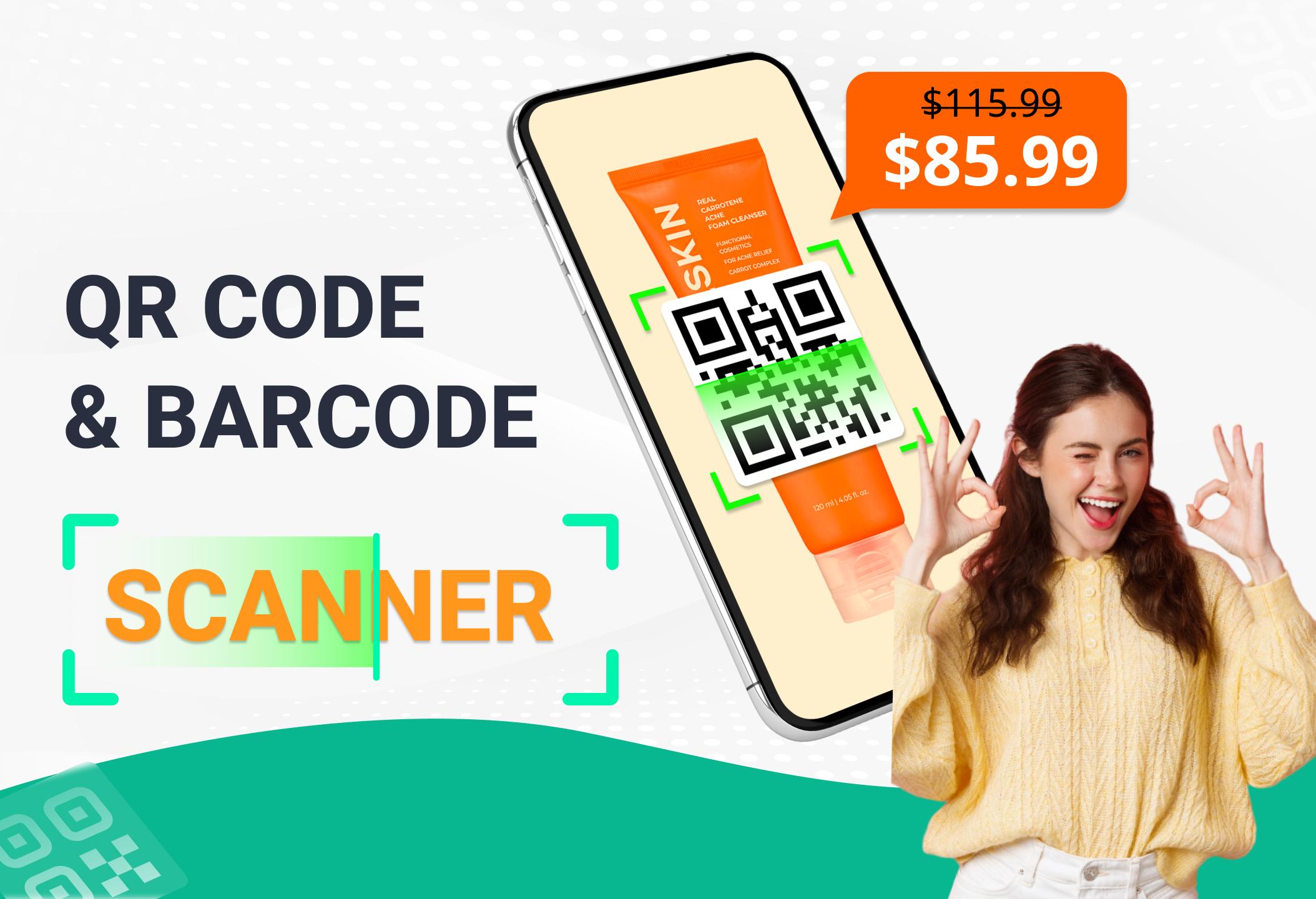
✓ Scan and read all types of QR / barcode including text, url, product, contact, email, location, Wi-Fi and many other formats.
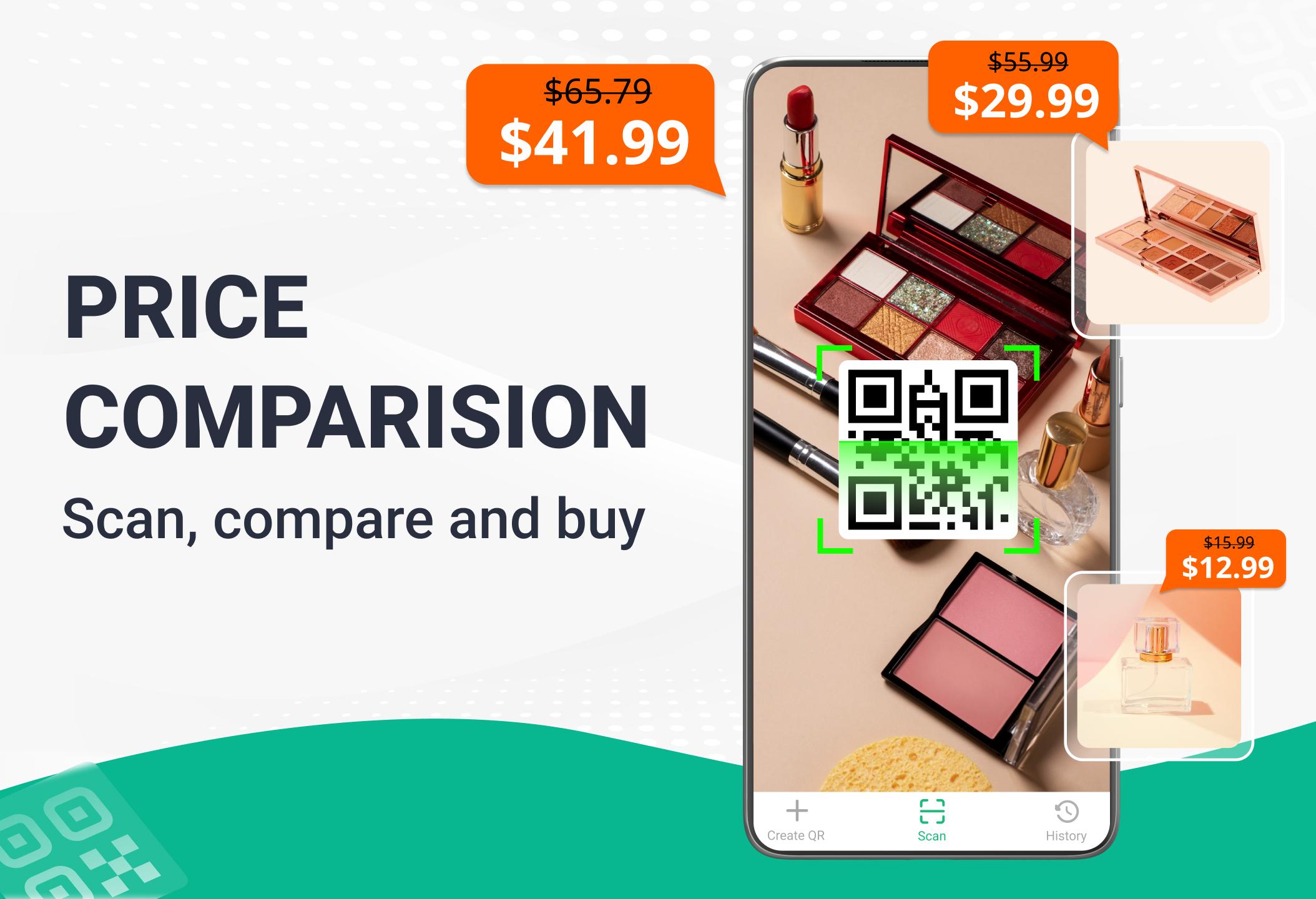
✓ Scan product barcodes in stores and compare prices online to save money.
Check product information quickly from popular online services: Amazon, eBay and Google - 100% FREE.
✓ Scan QR codes anywhere and receive information quickly.
✓ After scanning and automatically decoding, you will be given the relevant options to take the appropriate action. Helps you to check information and prices of products, open website URL, connect to WiFi, read vCards etc.
✓ View scan history easily, add annotation to results and can export to TXT, CSV files.
✓ Built-in FREE QR code generation, easy code storage and sharing after creation.
Try it now - the fastest QR code scanner & barcode scanner app.
📮 Contact us
Please contact the email below if you have any suggestions or feedback:
onmobivn@gmail.com
Pratinjau
Tag
AlatInformasi
Pengembang
Easy To Use (OnMobi)
Versi Terbaru
6.9.7
Terakhir Diperbarui
2025-08-14
Kategori
Alat
Tersedia di
Google Play
Menampilkan lebih banyak
Cara memainkan QR Code & Barcode Scanner dengan GameLoop di PC
1. Download GameLoop dari situs resminya, lalu jalankan file exe untuk menginstal GameLoop.
2. Buka GameLoop dan cari “QR Code & Barcode Scanner”, temukan QR Code & Barcode Scanner di hasil pencarian dan klik “Install”.
3. Nikmati bermain QR Code & Barcode Scanner di GameLoop.
Minimum requirements
OS
Windows 8.1 64-bit or Windows 10 64-bit
GPU
GTX 1050
CPU
i3-8300
Memory
8GB RAM
Storage
1GB available space
Recommended requirements
OS
Windows 8.1 64-bit or Windows 10 64-bit
GPU
GTX 1050
CPU
i3-9320
Memory
16GB RAM
Storage
1GB available space