
Qlinks Browser for PC
QlsMobile
Unduh Qlinks Browser di PC Dengan Emulator GameLoop
Qlinks Browser di PC
Qlinks Browser, berasal dari pengembang QlsMobile, berjalan di sistem Android di masa lalu.
Sekarang, Anda dapat memainkan Qlinks Browser di PC dengan GameLoop dengan lancar.
Unduh di perpustakaan GameLoop atau hasil pencarian. Tidak ada lagi memperhatikan baterai atau panggilan frustasi pada waktu yang salah lagi.
Nikmati saja Qlinks Browser PC di layar besar secara gratis!
Qlinks Browser Pengantar
Fast speed: surf the internet faster, even on slow or congested networks!QLinks team presents you the first main product, and the personal web browser integrating design and practicability is officially released!
*************************************************************************
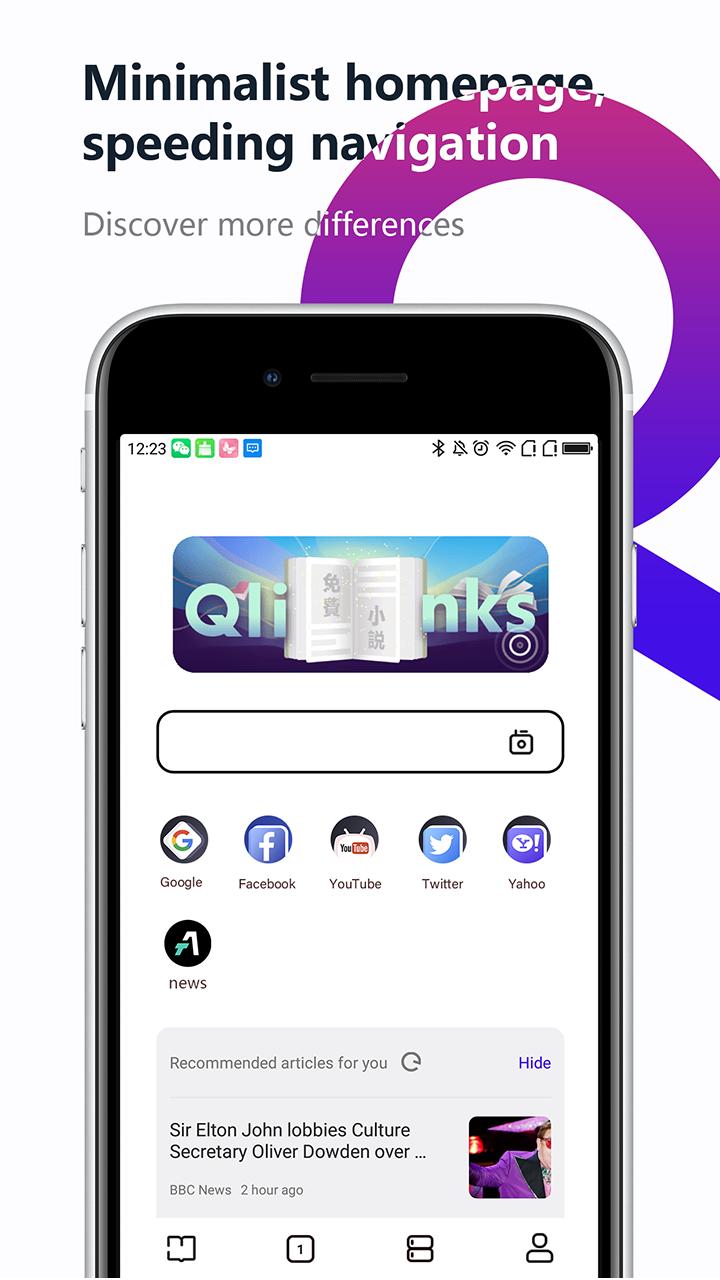
>Occupy less memory, maximize the efficiency of functions, abandon tedious advertisements and frivolous functions
>Voice input speed search, powerful intelligent prediction, quick search for what you want
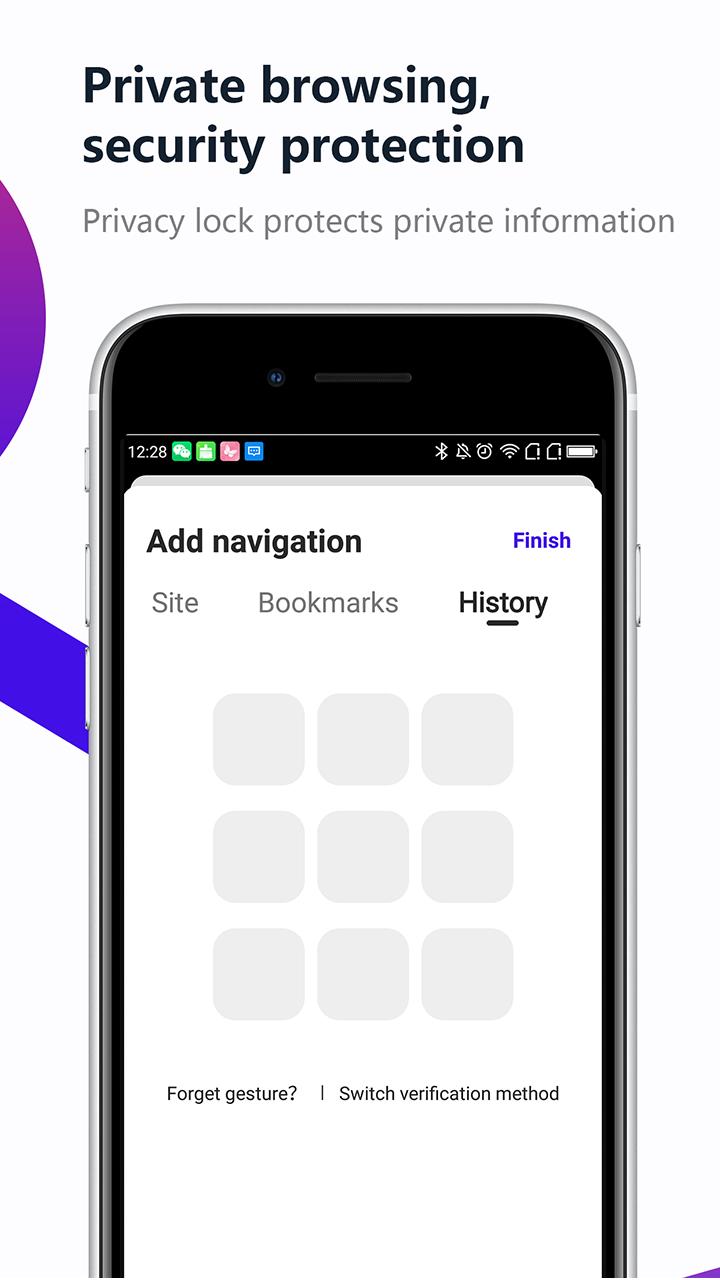
>Privacy mode, night mode, convenient navigation, classic collection, multi-search engine switching, web sharing, free download management and multiple features, this is a comprehensive browser
> Massive free original novels, updated daily, you can't miss it if you love to read
>Popular sites, one-click full browsing, in the WEB2.0 era, information is everything, all portals can be viewed
>Scan at any time, the QR code era will not be left behind, fans on the special page should support the lamp, and show your idols your brightest words
>Personalized wallpaper, Qlink understands you best, HD recommendation, your exclusive browser
If you have any suggestions or questions about our program, you can contact us on the FB page!
Pratinjau
Tag
AlatInformasi
Pengembang
QlsMobile
Versi Terbaru
1.1.5
Terakhir Diperbarui
2021-08-20
Kategori
Alat
Tersedia di
Google Play
Menampilkan lebih banyak
Cara memainkan Qlinks Browser dengan GameLoop di PC
1. Download GameLoop dari situs resminya, lalu jalankan file exe untuk menginstal GameLoop.
2. Buka GameLoop dan cari “Qlinks Browser”, temukan Qlinks Browser di hasil pencarian dan klik “Install”.
3. Nikmati bermain Qlinks Browser di GameLoop.
Minimum requirements
OS
Windows 8.1 64-bit or Windows 10 64-bit
GPU
GTX 1050
CPU
i3-8300
Memory
8GB RAM
Storage
1GB available space
Recommended requirements
OS
Windows 8.1 64-bit or Windows 10 64-bit
GPU
GTX 1050
CPU
i3-9320
Memory
16GB RAM
Storage
1GB available space