Provision PnP for PC
Provision-ISR Limited
Unduh Provision PnP di PC Dengan Emulator GameLoop
Provision PnP di PC
Provision PnP, berasal dari pengembang Provision-ISR Limited, berjalan di sistem Android di masa lalu.
Sekarang, Anda dapat memainkan Provision PnP di PC dengan GameLoop dengan lancar.
Unduh di perpustakaan GameLoop atau hasil pencarian. Tidak ada lagi memperhatikan baterai atau panggilan frustasi pada waktu yang salah lagi.
Nikmati saja Provision PnP PC di layar besar secara gratis!
Provision PnP Pengantar
Provision PnP application by Provision-ISR allows you to quickly setup and connect to any of Provision-ISR's Plug and Play cameras and effectively gain full control over it.
From basic 360 degree/Digital Zoom controls to Bi-Directional audio, playing back recorded videos and setting up the camera, with Provision PnP in hand you will have everything you need to operate your PnP cameras.
Main Features:
o Quick WiFi setup
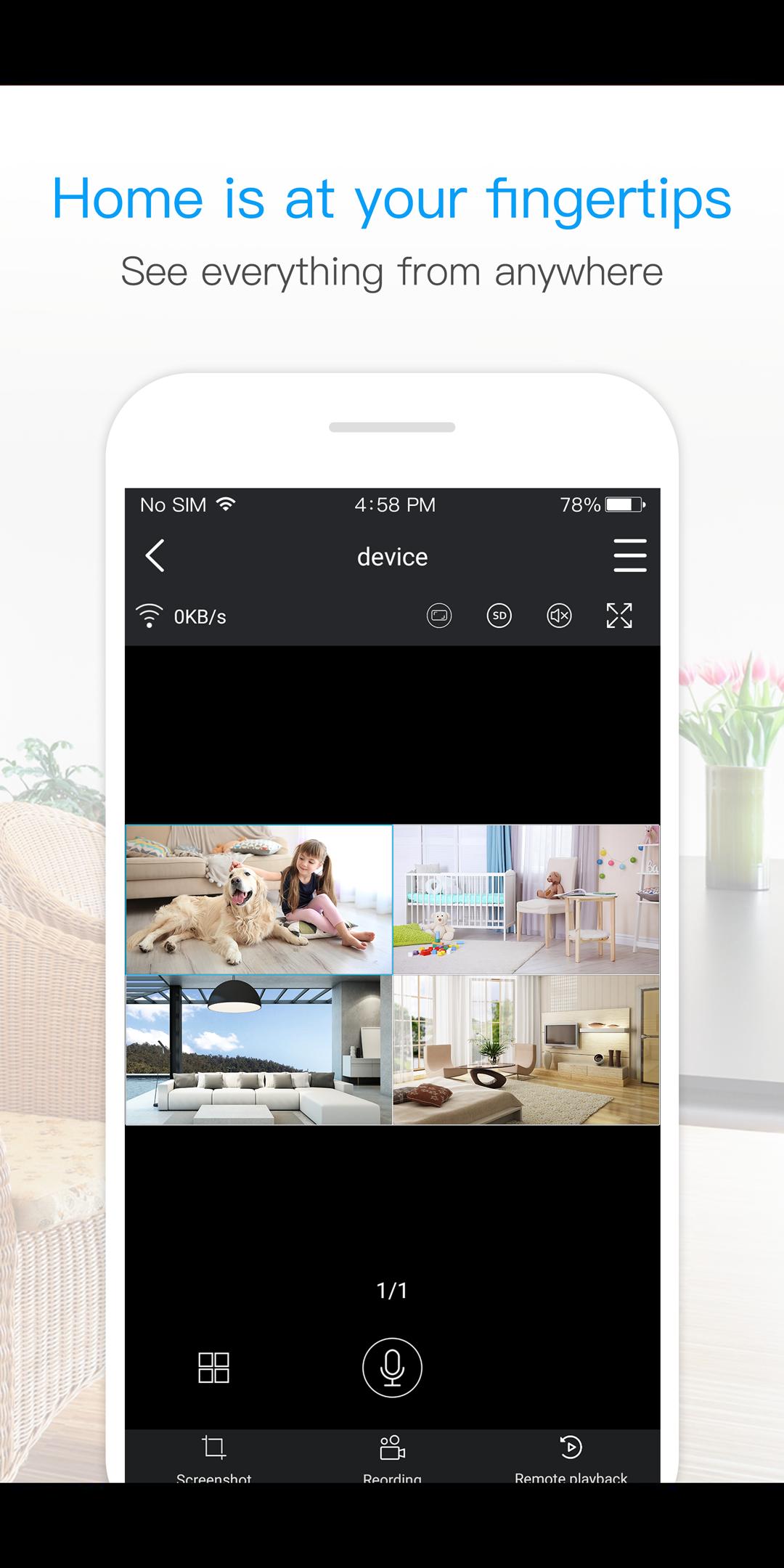
o Live View of single or multi camera display mode (Up to 4 cameras)
o Single login for all devices
o Camera access from anywhere in the world based on your user name
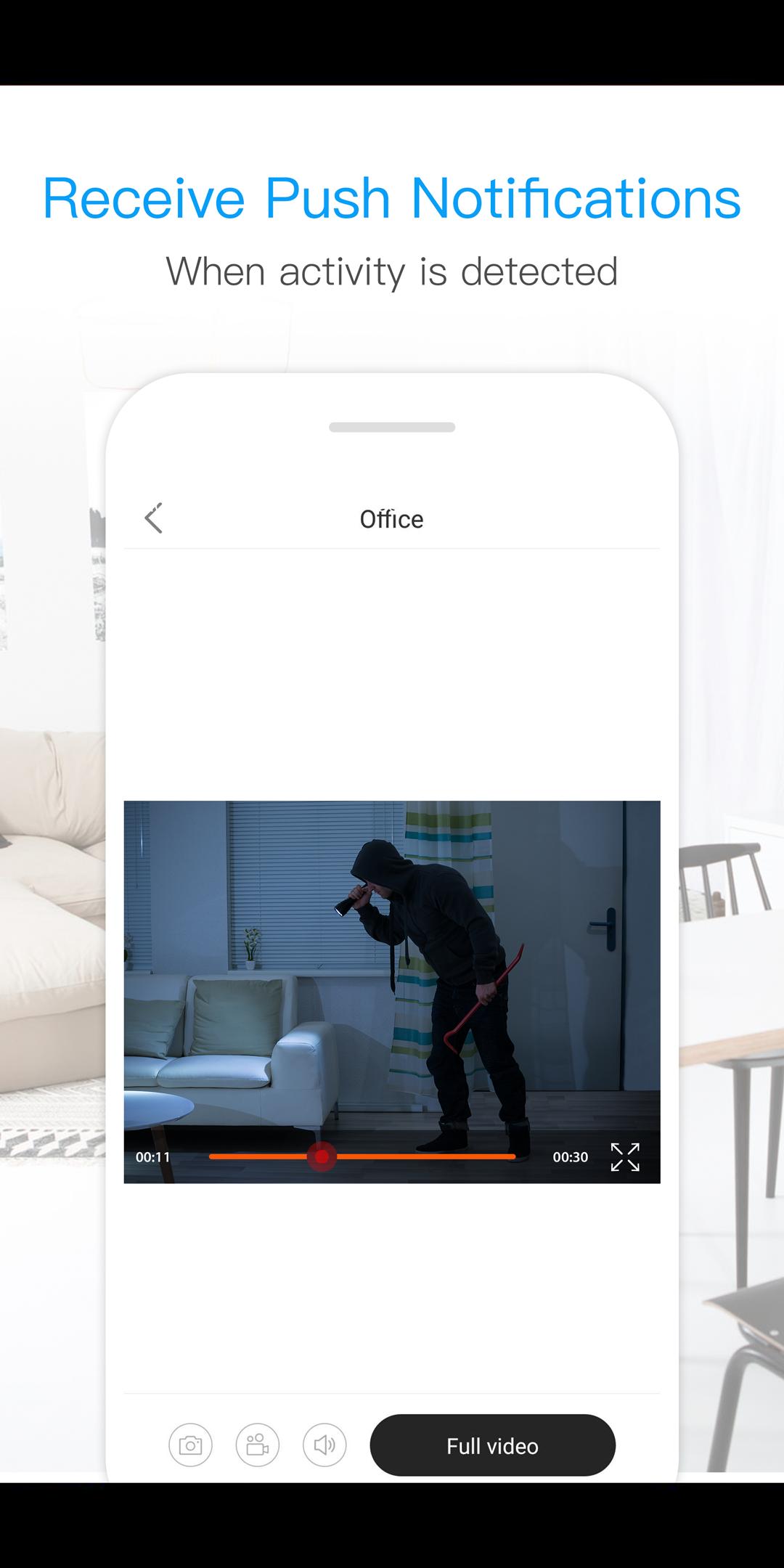
o Motion alarm with alarm schedule*
o Push Notifications
o 2 Way Audio Support - listen and talk
o Local video recording and playback on your mobile
o Landscape view with full features
o Image snapshot.
o Remote playback
o Camera configuration
o Color adjustment
o 360 degree different mode control *
o Digital Zoom
o Remote Firmware update
*(Supported Cameras Only)
Pratinjau
Informasi
Pengembang
Provision-ISR Limited
Versi Terbaru
3.3.30
Terakhir Diperbarui
2021-08-13
Kategori
Alat
Tersedia di
Google Play
Menampilkan lebih banyak
Cara memainkan Provision PnP dengan GameLoop di PC
1. Download GameLoop dari situs resminya, lalu jalankan file exe untuk menginstal GameLoop.
2. Buka GameLoop dan cari “Provision PnP”, temukan Provision PnP di hasil pencarian dan klik “Install”.
3. Nikmati bermain Provision PnP di GameLoop.
Minimum requirements
OS
Windows 8.1 64-bit or Windows 10 64-bit
GPU
GTX 1050
CPU
i3-8300
Memory
8GB RAM
Storage
1GB available space
Recommended requirements
OS
Windows 8.1 64-bit or Windows 10 64-bit
GPU
GTX 1050
CPU
i3-9320
Memory
16GB RAM
Storage
1GB available space