
Polaris - Super Privacy Proxy for PC
DanielParkApp
Unduh Polaris - Super Privacy Proxy di PC Dengan Emulator GameLoop
Polaris - Super Privacy Proxy di PC
Polaris - Super Privacy Proxy, berasal dari pengembang DanielParkApp, berjalan di sistem Android di masa lalu.
Sekarang, Anda dapat memainkan Polaris - Super Privacy Proxy di PC dengan GameLoop dengan lancar.
Unduh di perpustakaan GameLoop atau hasil pencarian. Tidak ada lagi memperhatikan baterai atau panggilan frustasi pada waktu yang salah lagi.
Nikmati saja Polaris - Super Privacy Proxy PC di layar besar secara gratis!
Polaris - Super Privacy Proxy Pengantar
✅Security and Privacy
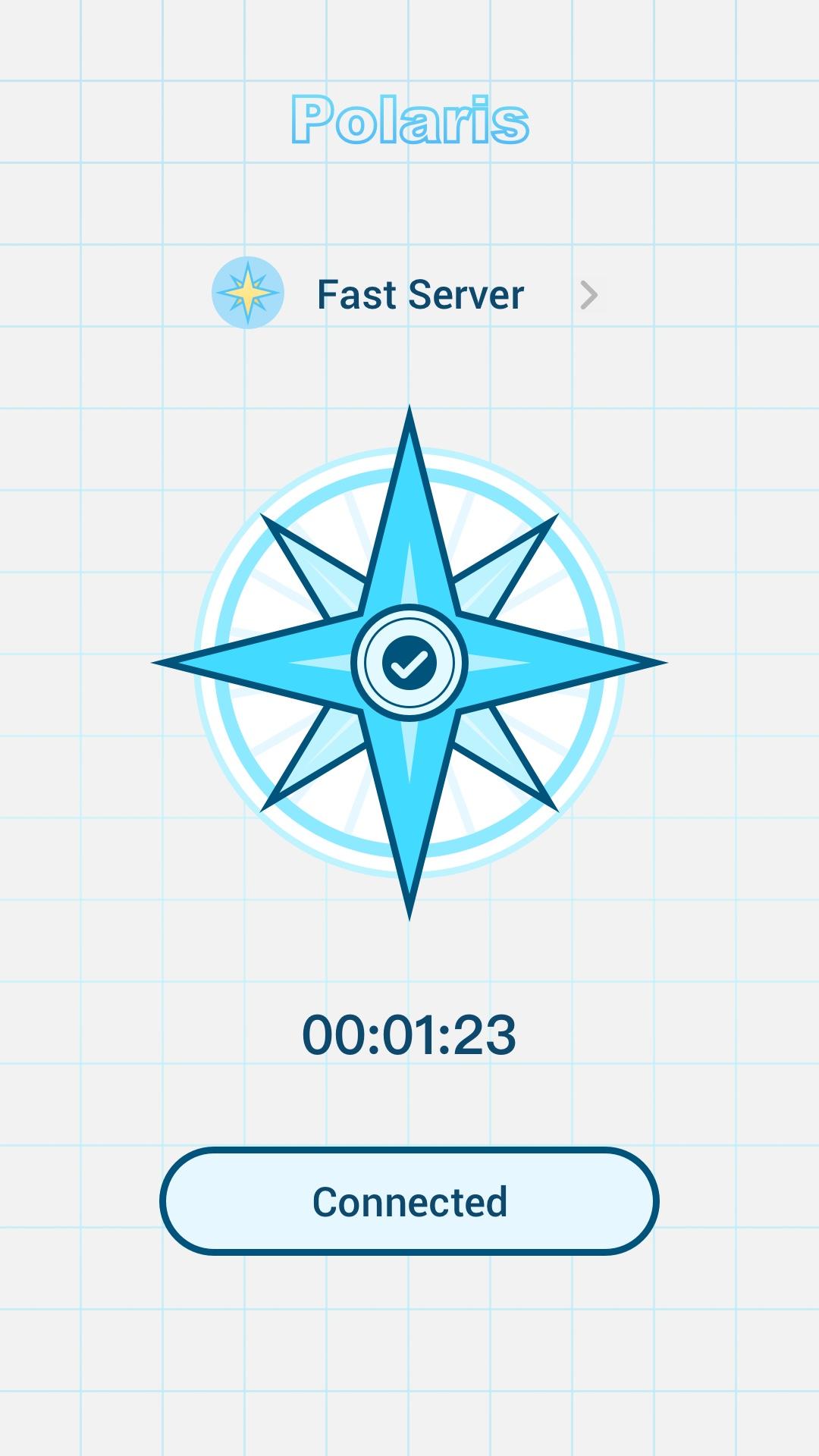
The Polaris runs in the background and encrypts the data transmitted by all your apps, so you can stay safe whether you're browsing, shopping, or streaming.
✅no log
Polaris not only provides protection from the outside, we also respect your privacy. We do not record the IP addresses of websites you visit or the content of data sent or received through our services.
✅Free Internet access with multiple fast proxy servers
Bypass blocking restrictions and firewalls to unblock websites, apps, and other streaming services. Intelligently choose the best free server for you. Quickly and anonymously browse Tiktok, Twitter, YouTube.
Feature:
Simple interface. Just click to connect
Multiple stable and fast servers around the world
Hide your IP address and location
Unblocked blocked websites such as: Netflix, YouTube, Twitter, Facebook
Strict no-logs policy. You are completely anonymous and protected.
Unlimited free service
Individual Internet users can use it to protect transactions, circumvent geographic restrictions and censorship, and connect to proxy servers to protect personal identities and locations. However, some Internet sites block access to known proxy technologies to avoid geographic restrictions.
Pratinjau

Tag
AlatInformasi
Pengembang
DanielParkApp
Versi Terbaru
1.0.0
Terakhir Diperbarui
2022-06-24
Kategori
Alat
Tersedia di
Google Play
Menampilkan lebih banyak
Cara memainkan Polaris - Super Privacy Proxy dengan GameLoop di PC
1. Download GameLoop dari situs resminya, lalu jalankan file exe untuk menginstal GameLoop.
2. Buka GameLoop dan cari “Polaris - Super Privacy Proxy”, temukan Polaris - Super Privacy Proxy di hasil pencarian dan klik “Install”.
3. Nikmati bermain Polaris - Super Privacy Proxy di GameLoop.
Minimum requirements
OS
Windows 8.1 64-bit or Windows 10 64-bit
GPU
GTX 1050
CPU
i3-8300
Memory
8GB RAM
Storage
1GB available space
Recommended requirements
OS
Windows 8.1 64-bit or Windows 10 64-bit
GPU
GTX 1050
CPU
i3-9320
Memory
16GB RAM
Storage
1GB available space