
PCS Manager for PC
Sony Storage Media Solutions Corporation
Unduh PCS Manager di PC Dengan Emulator GameLoop
PCS Manager di PC
PCS Manager, berasal dari pengembang Sony Storage Media Solutions Corporation, berjalan di sistem Android di masa lalu.
Sekarang, Anda dapat memainkan PCS Manager di PC dengan GameLoop dengan lancar.
Unduh di perpustakaan GameLoop atau hasil pencarian. Tidak ada lagi memperhatikan baterai atau panggilan frustasi pada waktu yang salah lagi.
Nikmati saja PCS Manager PC di layar besar secara gratis!
PCS Manager Pengantar
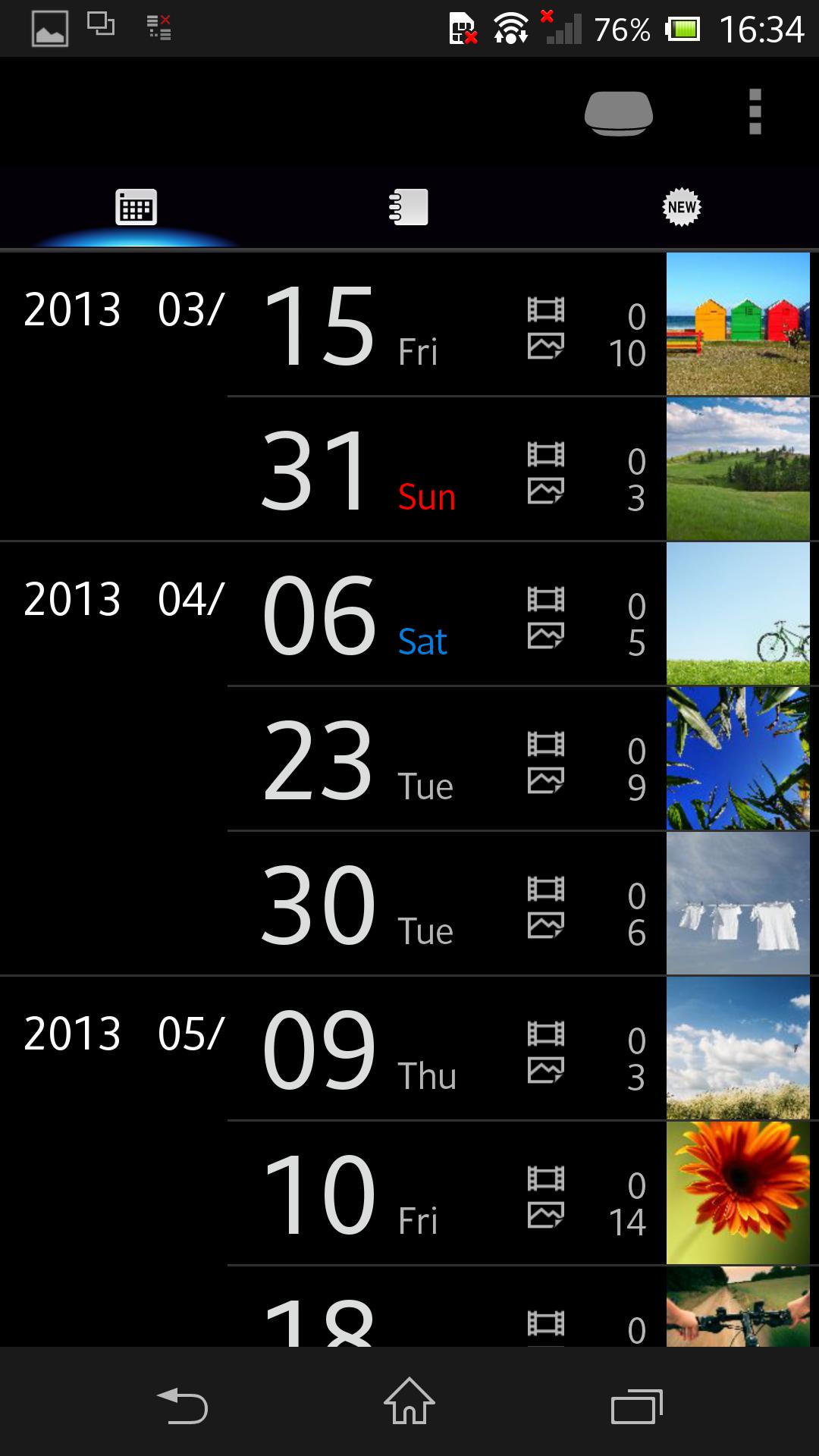
Control and manage your Sony Personal Content Station™ LLS-201 from smartphones and tablets.
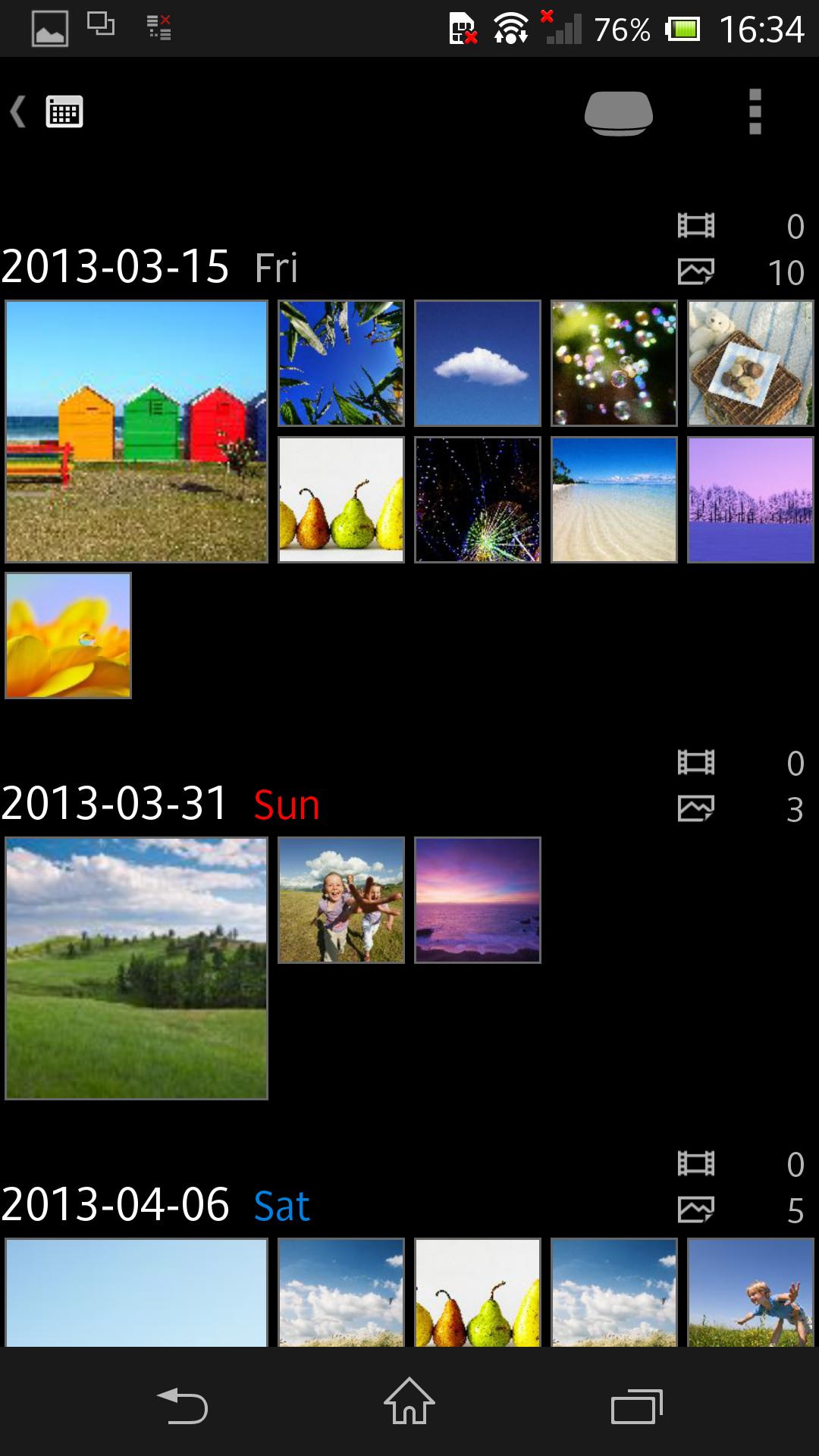
Your photos and videos can be stored to LLS-201, then be viewed and shared among smartphones and tablets, with more features enjoyable!
- Wirelessly transfer your photos and videos from your smartphone and tablet.
- Also support transfer from various shooting devices like digital still cameras, digital SLR cameras, and video cameras, via the USB terminal and memory card slot.
- The built-in video transcoder can automatically convert videos to appropriate format for playback on smartphones and tablets.
- The photos and videos stored on LLS-201 can be enjoyed in many ways -- wirelessly viewed on your smartphone and tablet; played on a large screen TV connected with an HDMI cable in full HD (up to 1080/60p) quality; transferred and posted to network services through a smartphone or tablet for sharing with your friends and family; etc.
- Back up your photos and videos to external USB storage (FAT32; up to 2TB supported) or memory card.
For details about Sony Personal Content Station LLS-201, see http://www.sony.net/pcs/.
Pratinjau
Informasi
Pengembang
Sony Storage Media Solutions Corporation
Versi Terbaru
3.1.4
Terakhir Diperbarui
2018-07-11
Kategori
Alat
Tersedia di
Google Play
Menampilkan lebih banyak
Cara memainkan PCS Manager dengan GameLoop di PC
1. Download GameLoop dari situs resminya, lalu jalankan file exe untuk menginstal GameLoop.
2. Buka GameLoop dan cari “PCS Manager”, temukan PCS Manager di hasil pencarian dan klik “Install”.
3. Nikmati bermain PCS Manager di GameLoop.
Minimum requirements
OS
Windows 8.1 64-bit or Windows 10 64-bit
GPU
GTX 1050
CPU
i3-8300
Memory
8GB RAM
Storage
1GB available space
Recommended requirements
OS
Windows 8.1 64-bit or Windows 10 64-bit
GPU
GTX 1050
CPU
i3-9320
Memory
16GB RAM
Storage
1GB available space