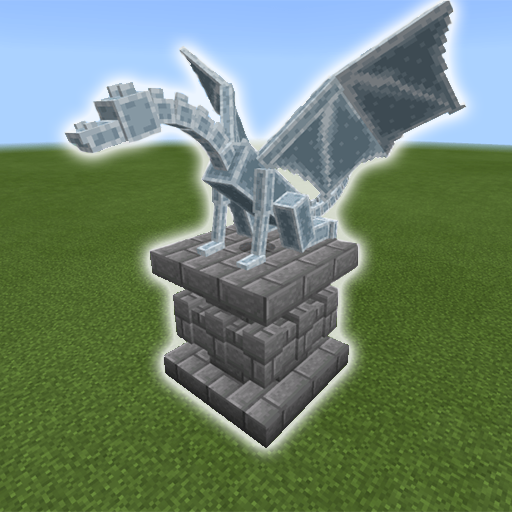
Mob Statues Addon for PC
VC Gaming Studio
Unduh Mob Statues Addon di PC Dengan Emulator GameLoop
Mob Statues Addon di PC
Mob Statues Addon, berasal dari pengembang VC Gaming Studio, berjalan di sistem Android di masa lalu.
Sekarang, Anda dapat memainkan Mob Statues Addon di PC dengan GameLoop dengan lancar.
Unduh di perpustakaan GameLoop atau hasil pencarian. Tidak ada lagi memperhatikan baterai atau panggilan frustasi pada waktu yang salah lagi.
Nikmati saja Mob Statues Addon PC di layar besar secara gratis!
Mob Statues Addon Pengantar
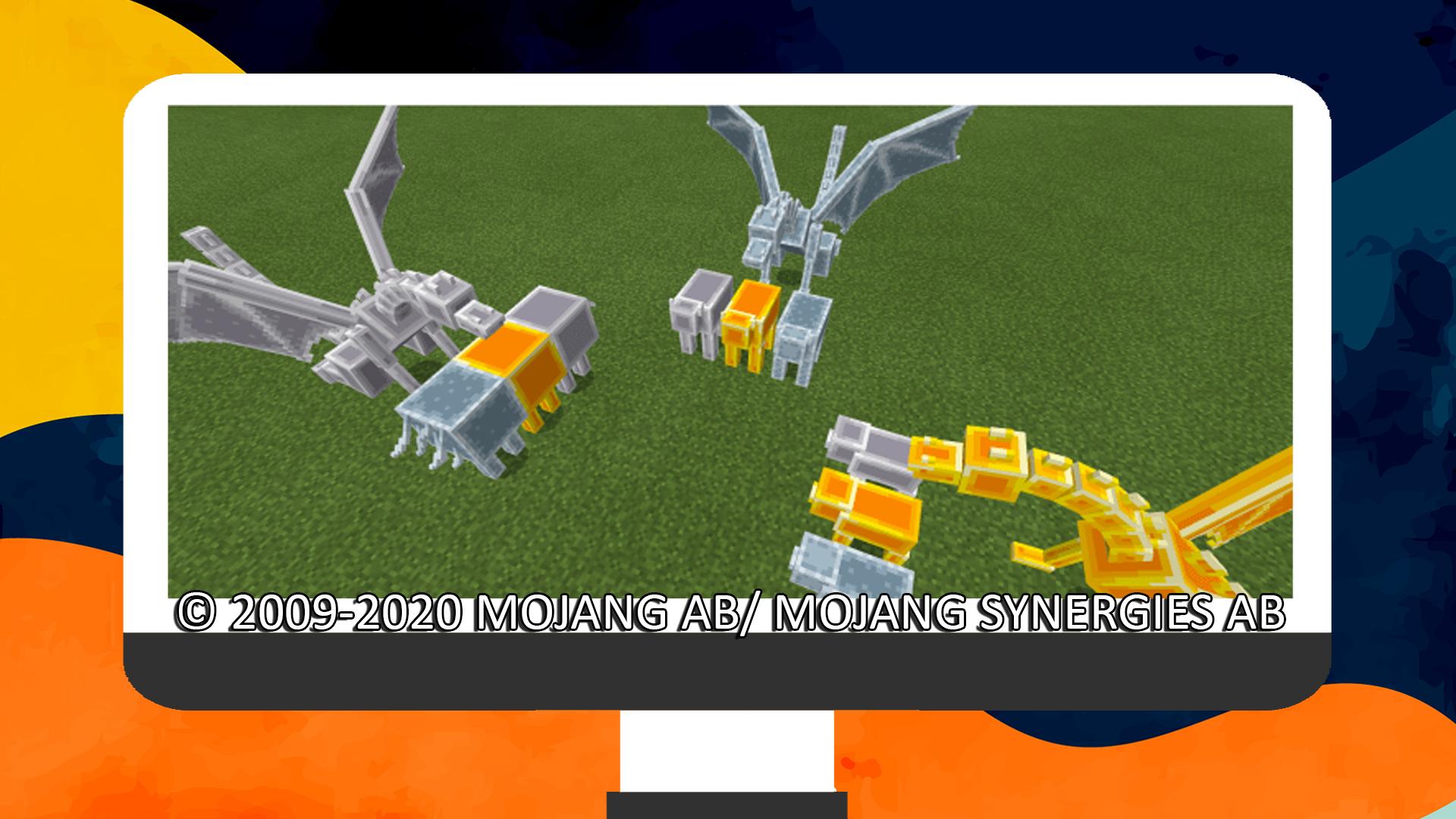
This add-on adds 53 statues that are based on the vanilla world mobs! You can use a chisel to rotate them and a pickaxe to remove them. They’re great for decorations, especially entrances, rooftops, rooms, and wherever you want them to be!
These are not craftable in survival and are only used for decorations. They use the shulker’s behavior which makes them teleport if they don’t have a block that supports them, so make sure to place them somewhere convenient.
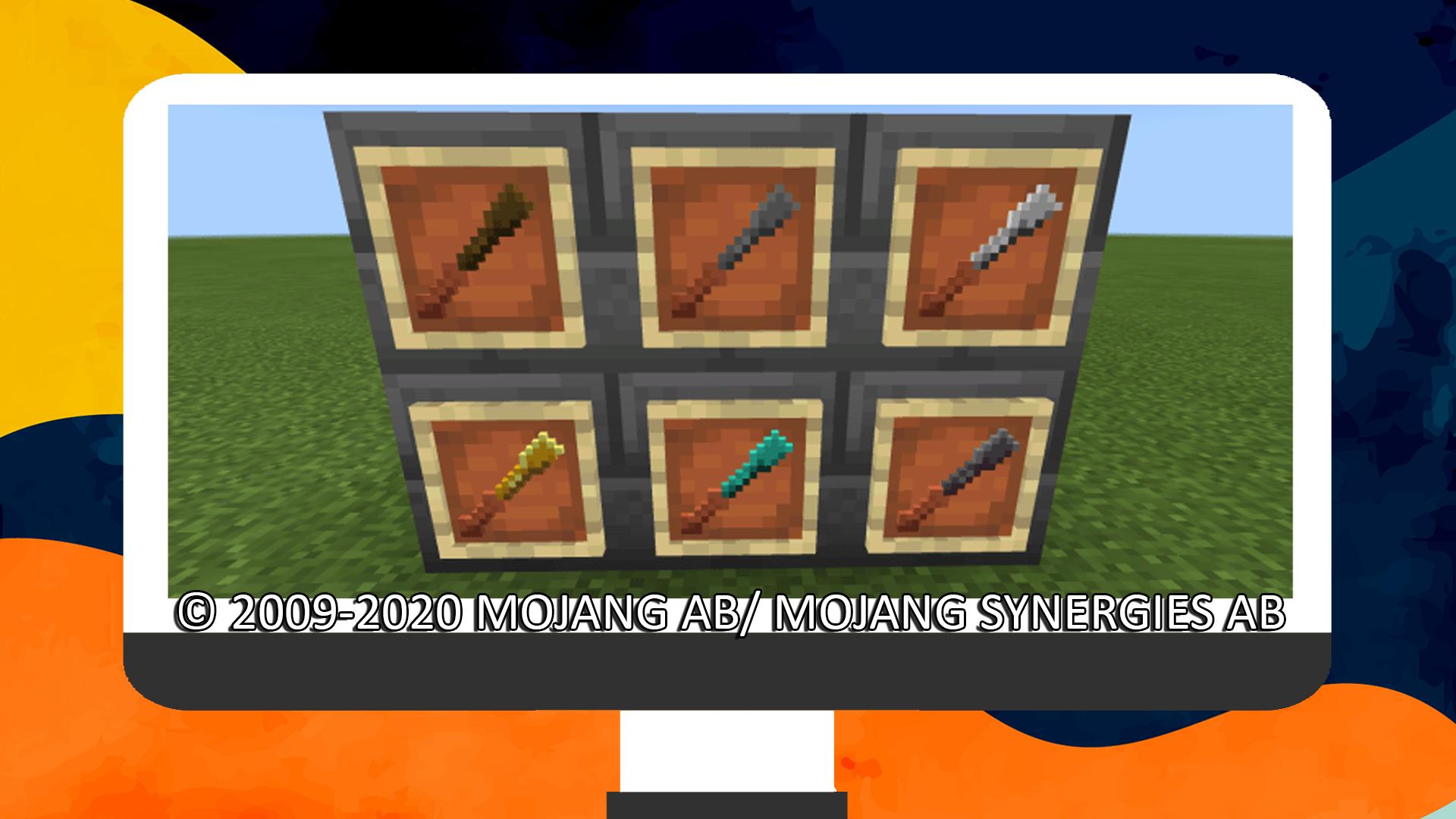
You can use a chisel to rotate statues by 45 degrees, this will wear down the chisel.
You can use a pickaxe to remove statues, make sure to crouch/sneak while interacting with it to do so.
This application was not developed by Mojang AB, and we are not affiliated with this company in any way! The Minecraft game and all related assets are the property of Mojang AB.
All rights reserved as follows from http://account.mojang.com/documents/brand_guidelines
Pratinjau
Tag
AlatInformasi
Pengembang
VC Gaming Studio
Versi Terbaru
1.0
Terakhir Diperbarui
2020-10-28
Kategori
Alat
Tersedia di
Google Play
Menampilkan lebih banyak
Cara memainkan Mob Statues Addon dengan GameLoop di PC
1. Download GameLoop dari situs resminya, lalu jalankan file exe untuk menginstal GameLoop.
2. Buka GameLoop dan cari “Mob Statues Addon”, temukan Mob Statues Addon di hasil pencarian dan klik “Install”.
3. Nikmati bermain Mob Statues Addon di GameLoop.
Minimum requirements
OS
Windows 8.1 64-bit or Windows 10 64-bit
GPU
GTX 1050
CPU
i3-8300
Memory
8GB RAM
Storage
1GB available space
Recommended requirements
OS
Windows 8.1 64-bit or Windows 10 64-bit
GPU
GTX 1050
CPU
i3-9320
Memory
16GB RAM
Storage
1GB available space