KeyMaster for PC
Perme Design
Unduh KeyMaster di PC Dengan Emulator GameLoop
KeyMaster di PC
KeyMaster, berasal dari pengembang Perme Design, berjalan di sistem Android di masa lalu.
Sekarang, Anda dapat memainkan KeyMaster di PC dengan GameLoop dengan lancar.
Unduh di perpustakaan GameLoop atau hasil pencarian. Tidak ada lagi memperhatikan baterai atau panggilan frustasi pada waktu yang salah lagi.
Nikmati saja KeyMaster PC di layar besar secara gratis!
KeyMaster Pengantar
## NOTICE: This app is not available to everyone. Only the invited can be registered.
KeyMaster is an app that keeps private data in secret
by utilizing the standard techniques in cryptography.
KeyMaster protects your data by...
- using two-factor authentication process
- encrypting/decrypting your data with symmetric-key algorithm (AES/CBC)
- transferring your data to a safe cloud-based database
- disabling your device's screenshot functionality
- not storing any of your data in your local device
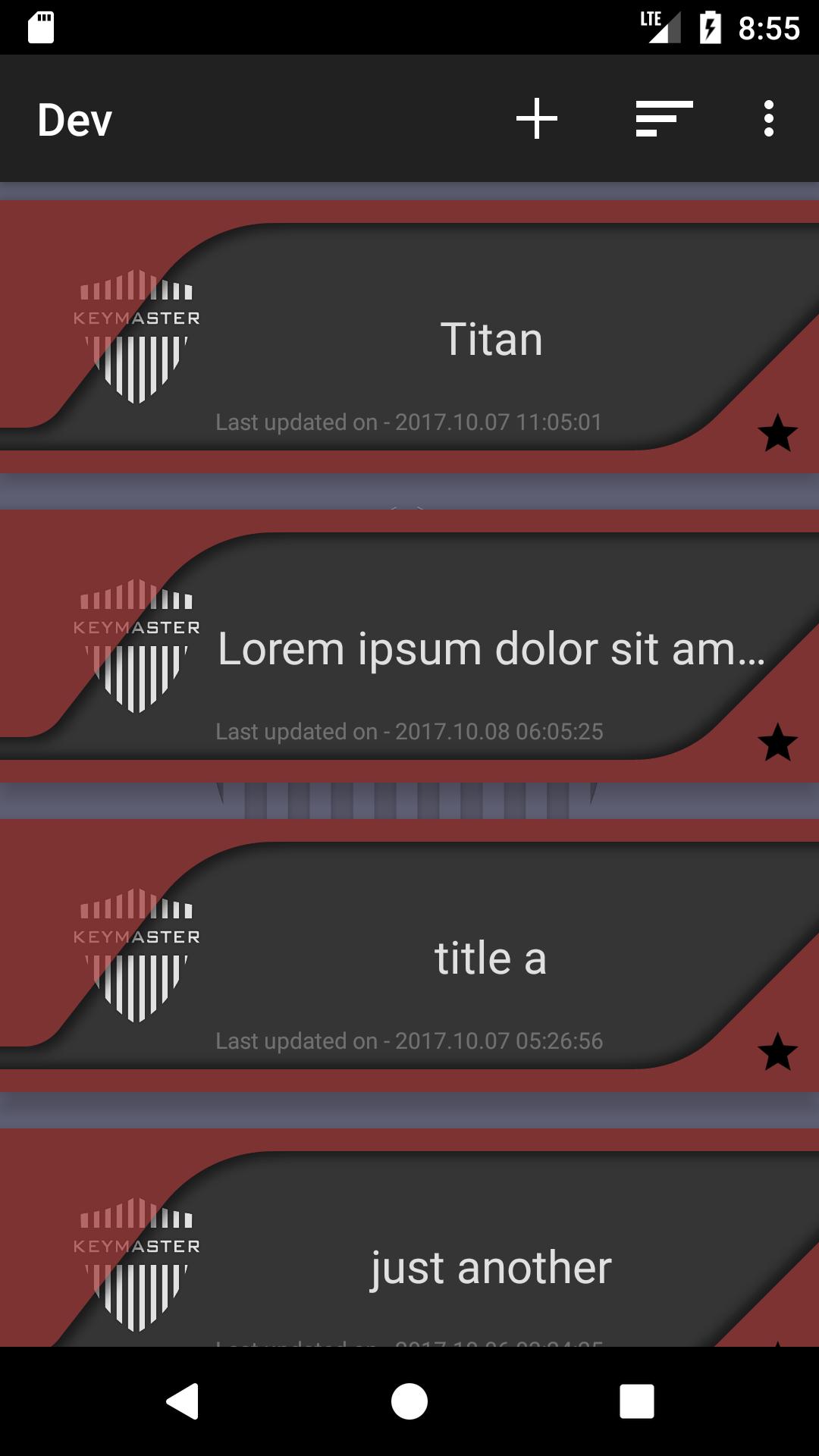
KeyMaster stores data in a simple format, [title]-[content].
Features
1. adding/saving/updating/deleting data
2. sorting by time/alphabet
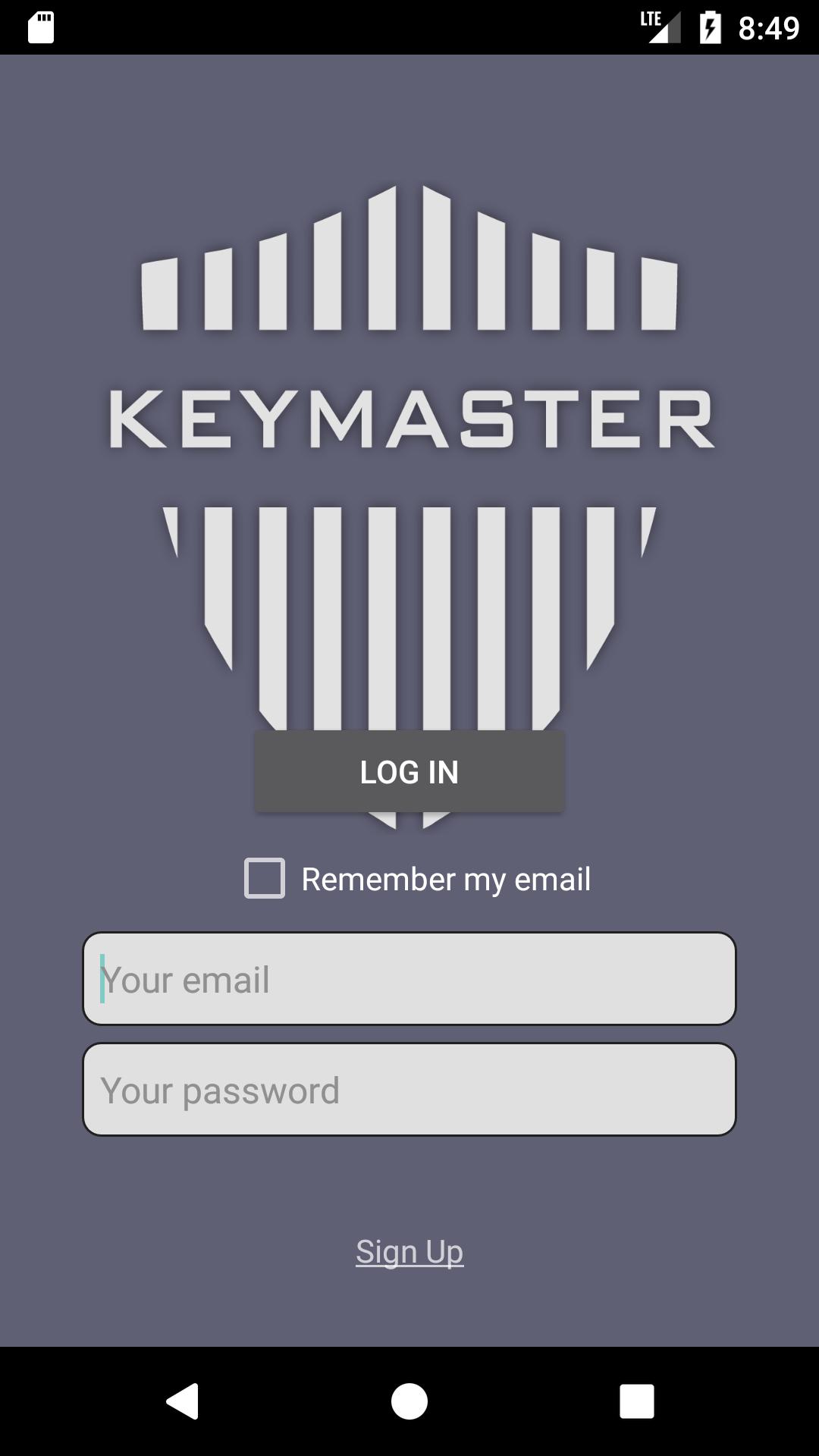
3. checking/updating the user's profile
# Word of caution:
KeyMaster uses Password-Base Encryption(PBE) to encrypt users' data.
Only the users who have their password can access to the data.
It is the user's responsibility to maintain KeyMaster's password.
If you forget your password, there is no way to decrypt your data.
In that case, You will lose all of your data.
Pratinjau
Tag
AlatInformasi
Pengembang
Perme Design
Versi Terbaru
1.0.6
Terakhir Diperbarui
2017-10-16
Kategori
Alat
Tersedia di
Google Play
Menampilkan lebih banyak
Cara memainkan KeyMaster dengan GameLoop di PC
1. Download GameLoop dari situs resminya, lalu jalankan file exe untuk menginstal GameLoop.
2. Buka GameLoop dan cari “KeyMaster”, temukan KeyMaster di hasil pencarian dan klik “Install”.
3. Nikmati bermain KeyMaster di GameLoop.
Minimum requirements
OS
Windows 8.1 64-bit or Windows 10 64-bit
GPU
GTX 1050
CPU
i3-8300
Memory
8GB RAM
Storage
1GB available space
Recommended requirements
OS
Windows 8.1 64-bit or Windows 10 64-bit
GPU
GTX 1050
CPU
i3-9320
Memory
16GB RAM
Storage
1GB available space