iClock OS15- Clock Phone 13 for PC
BaoKha
Unduh iClock OS15- Clock Phone 13 di PC Dengan Emulator GameLoop
iClock OS15- Clock Phone 13 di PC
iClock OS15- Clock Phone 13, berasal dari pengembang BaoKha, berjalan di sistem Android di masa lalu.
Sekarang, Anda dapat memainkan iClock OS15- Clock Phone 13 di PC dengan GameLoop dengan lancar.
Unduh di perpustakaan GameLoop atau hasil pencarian. Tidak ada lagi memperhatikan baterai atau panggilan frustasi pada waktu yang salah lagi.
Nikmati saja iClock OS15- Clock Phone 13 PC di layar besar secara gratis!
iClock OS15- Clock Phone 13 Pengantar
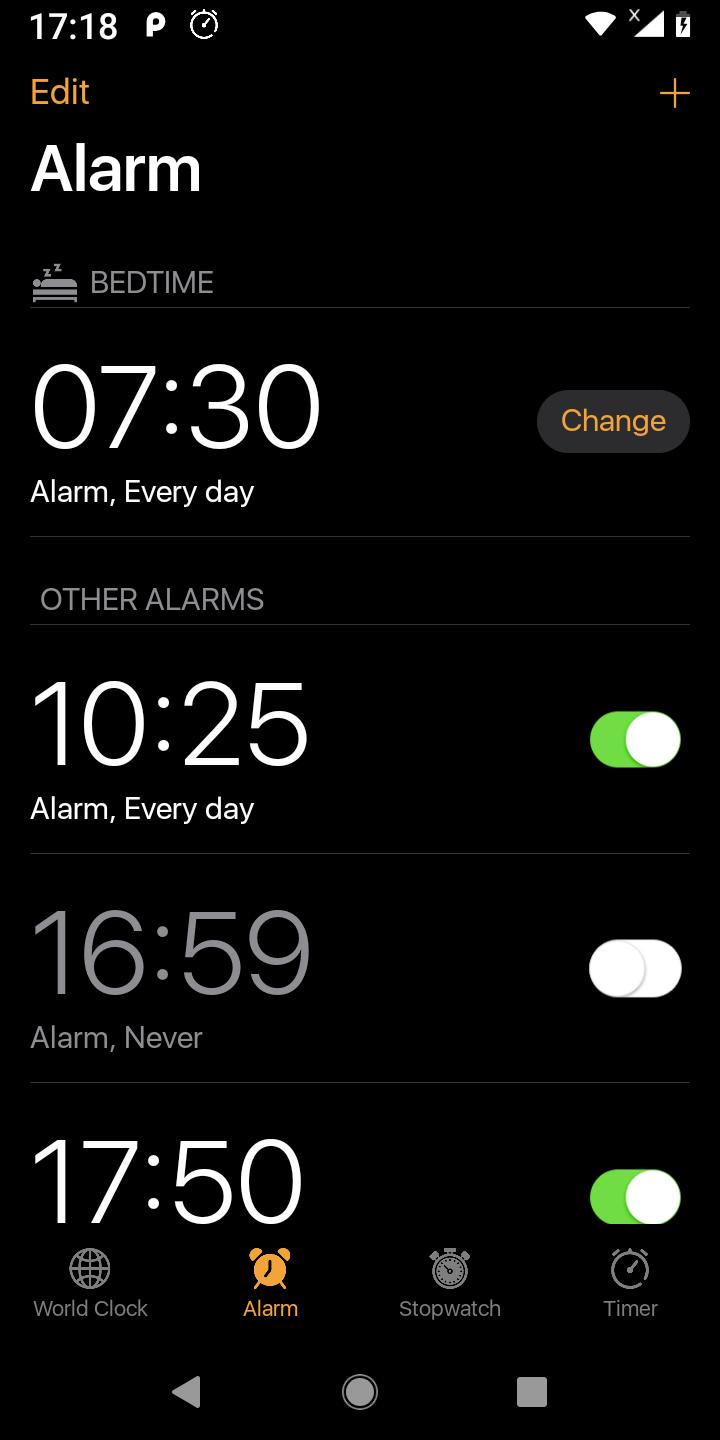
iClock OS 14 help you wake up with elegance. Designer clocks and smart algorithm for alarms.
Phone 12 Clock is designed to free you from annoyance and will obey to all your needs as to how you want to be woken up or reminded for the important things in life. Clock iphone OS 14 is the new form of simplicity with ios designed clocks and intelligent algorithm for alarm activations.
Apart from iphone ios design, we have also developed iPhone 12 Clock to use very low system resources. It can be used as an alarm manager, and it can be used as beautiful desk clock as it sits on your charger – the choice is yours. We’ve made the powerful and best effective clock alarm, so deep and heavy sleeper can wake up with gradual wake.
FEATURES
- World clock can be set up in dozens of countries and regions,Time conversions around the world
- iOS iphone style-like user interface and features
- Accurate time and easy to use
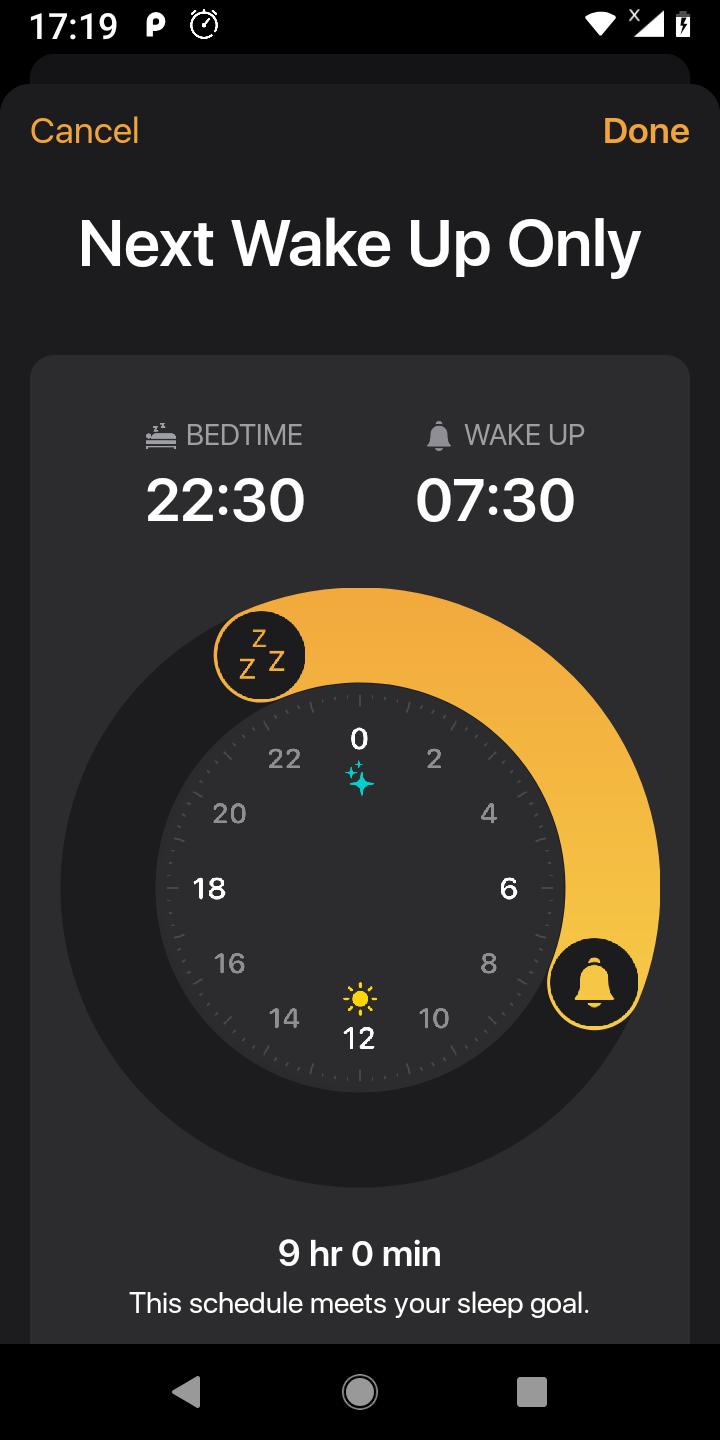
- Remind to go to bed
- Bedtime help you healthy
- Select song,ringtone from phone
- Stopwatch,countdown, auto repeat alarm
Pratinjau
Tag
AlatInformasi
Pengembang
BaoKha
Versi Terbaru
2.3
Terakhir Diperbarui
2021-04-23
Kategori
Alat
Tersedia di
Google Play
Menampilkan lebih banyak
Cara memainkan iClock OS15- Clock Phone 13 dengan GameLoop di PC
1. Download GameLoop dari situs resminya, lalu jalankan file exe untuk menginstal GameLoop.
2. Buka GameLoop dan cari “iClock OS15- Clock Phone 13”, temukan iClock OS15- Clock Phone 13 di hasil pencarian dan klik “Install”.
3. Nikmati bermain iClock OS15- Clock Phone 13 di GameLoop.
Minimum requirements
OS
Windows 8.1 64-bit or Windows 10 64-bit
GPU
GTX 1050
CPU
i3-8300
Memory
8GB RAM
Storage
1GB available space
Recommended requirements
OS
Windows 8.1 64-bit or Windows 10 64-bit
GPU
GTX 1050
CPU
i3-9320
Memory
16GB RAM
Storage
1GB available space