Screen Mirroring Cast To TV HD for PC
MoonTechZ Studio
Unduh Screen Mirroring Cast To TV HD di PC Dengan Emulator GameLoop
Screen Mirroring Cast To TV HD di PC
Screen Mirroring Cast To TV HD, berasal dari pengembang MoonTechZ Studio, berjalan di sistem Android di masa lalu.
Sekarang, Anda dapat memainkan Screen Mirroring Cast To TV HD di PC dengan GameLoop dengan lancar.
Unduh di perpustakaan GameLoop atau hasil pencarian. Tidak ada lagi memperhatikan baterai atau panggilan frustasi pada waktu yang salah lagi.
Nikmati saja Screen Mirroring Cast To TV HD PC di layar besar secara gratis!
Screen Mirroring Cast To TV HD Pengantar
Screen mirroring to TV & screen cast to TV app is a smart technology application that helps you mirror your phone screen to TVs.
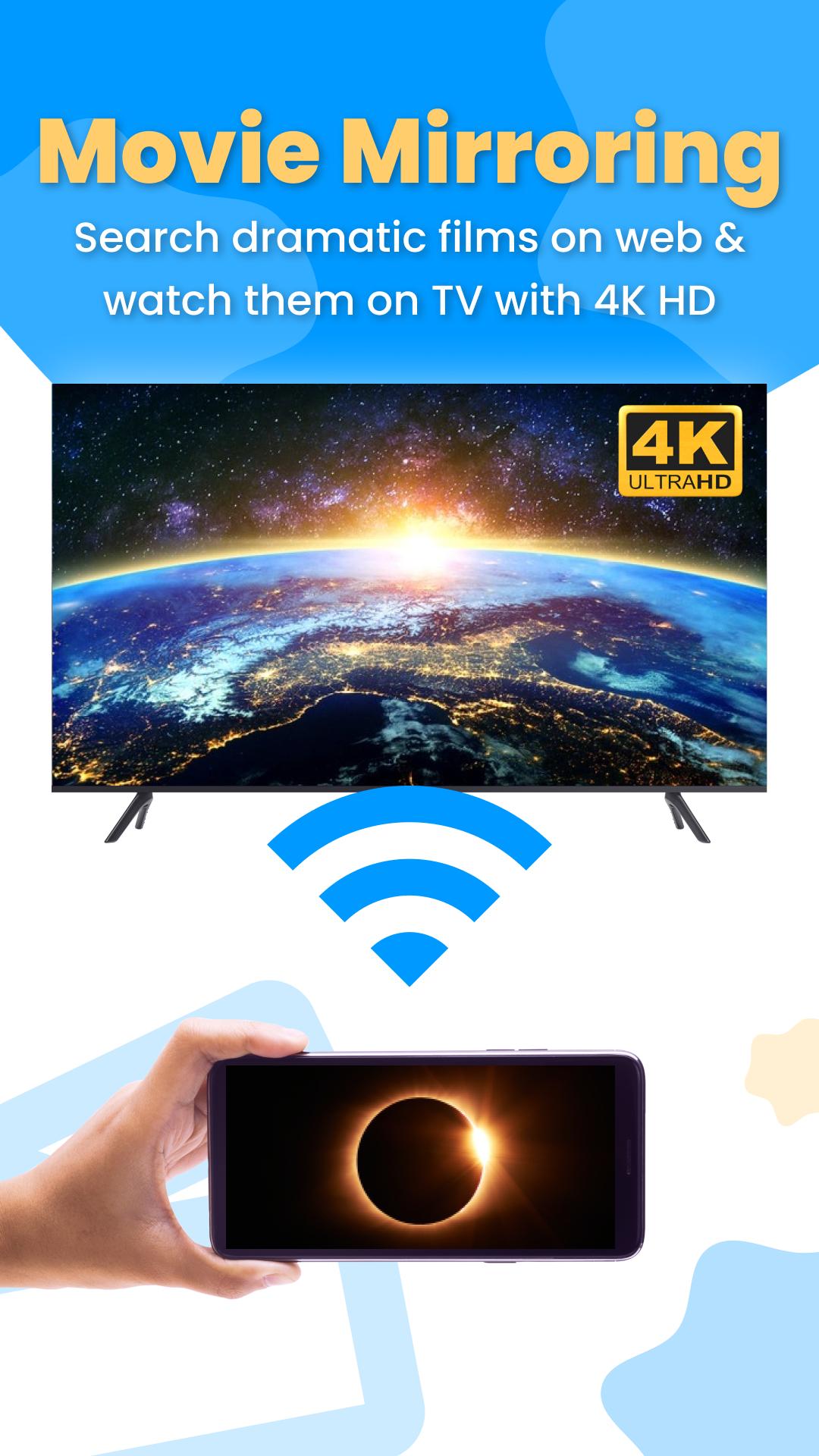
📺 You are watching a movie on your phone, but the phone screen is too small which makes your vision limited & reduces the satisfying experience of watching movies. In case you want to watch movies with friends and relatives, a small phone screen cannot meet the requirements. Screen cast - screen mirroring for TV application is an extremely practical solution for you, an screen mirroring cast phone to TV application that helps you mirror screen to your TV with HD quality.
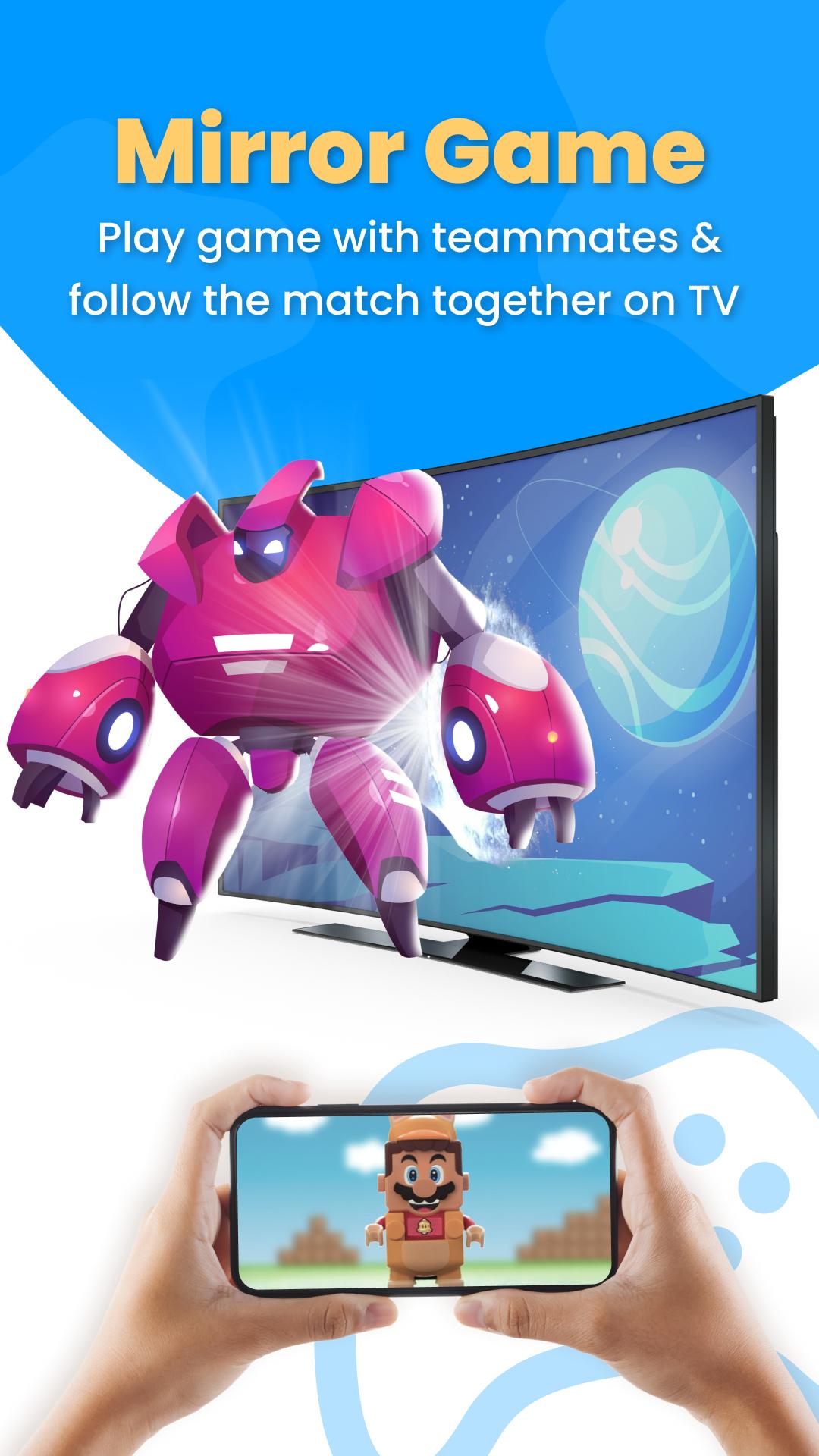
📲 Playing games on your phone is quite convenient, but if you can play games on big screens like TV, it's an interesting experience, isn't it! You can play games with teammates, watch dramatic game matches together on HD screen with screen mirroring to TV & screen cast to TV.
💻The screen mirroring cast phone to TV application supports streaming images, audio, and videos from the phone gallery to the TV screen continuously for a long time without jerking or lag. What's more, screen mirroring to TV & screen cast to TV app integrates a wide range of apps such as games, music, office, and social for convenient and quick access without opening other apps & instantly mirror to larger TVs
💥👂 Here are the main features of the screen mirroring cast phone to TV application for your reference 💥👂
💯 Outstanding feature of screen mirroring to TV & screen cast to TV: 💯
◽ Simple, extremely easy-to-use interface makes it easy to display content on your TV screen with screen mirroring cast to TV app
◽ Quickly connect a phone to the TV with just a few simple steps, save you maximum time
◽ Screen mirroring to TV smoothly and stably, improving the satisfying experience
◽ Show content from your phone to your TV in high quality up to 4K HD
◽ Screen mirroring to TV for better watching movies, football, playing game experience
◽ Users can comfortably enjoy action game screens, interesting movies, exciting football matches on TV with screen mirroring cast to TV
◽ Easily cast to TV: Display a variety of content such as images, videos, and audios stored in your phone's memory onto a larger screen for watching together, increasing your viewing pleasure.
◽ Search online image and quick mirror to the TV so everyone can view the picture together on large screen with screen mirroring cast phone to TV
◽ Experience blockbusters, romances, comedies, and reality shows on the bigger TV screen by accessing world-famous movie channels integrated right on screen mirroring to TV & screen cast to TV app
◽ Quickly choose your favorite game that is already listed according to the list on our screen mirroring cast phone to TV application. Open apps and play games on the TV
◽ Access photos right on screen mirroring cast to TV app. Share your favorite pictures on the TV screen
◽ Online group presentations and meetings are easier than ever with the integration of popular office applications in the screen mirroring application. Display all types of documents Docx, Xlsx, Ppt, Pdf, Mp3, Mp4, etc from your phone to TV with screen mirroring to TV & screen cast to TV app
✨ Note ✨
Make sure your TV and phone are connected to the same WiFi network.
🔥Subscription term 🔥
👉 Users need to become our VIP members by paying a subscription fee to use all app’s outstanding features. You will have three days to try all app features for free without paying anything and can cancel anytime during this period.
😍 The subscription will automatically renew at the end of each subscription period unless auto-renew is turned off at least 24 hours before the end of the current period. The subscription fee will be charged to the Google Play account at confirmation of purchase.
Pratinjau
Tag
AlatInformasi
Pengembang
MoonTechZ Studio
Versi Terbaru
1.1.7
Terakhir Diperbarui
2022-05-30
Kategori
Alat
Tersedia di
Google Play
Menampilkan lebih banyak
Cara memainkan Screen Mirroring Cast To TV HD dengan GameLoop di PC
1. Download GameLoop dari situs resminya, lalu jalankan file exe untuk menginstal GameLoop.
2. Buka GameLoop dan cari “Screen Mirroring Cast To TV HD”, temukan Screen Mirroring Cast To TV HD di hasil pencarian dan klik “Install”.
3. Nikmati bermain Screen Mirroring Cast To TV HD di GameLoop.
Minimum requirements
OS
Windows 8.1 64-bit or Windows 10 64-bit
GPU
GTX 1050
CPU
i3-8300
Memory
8GB RAM
Storage
1GB available space
Recommended requirements
OS
Windows 8.1 64-bit or Windows 10 64-bit
GPU
GTX 1050
CPU
i3-9320
Memory
16GB RAM
Storage
1GB available space