
Game Booster - Lag & GFX Fixer for PC
Tenbit Technology
Unduh Game Booster - Lag & GFX Fixer di PC Dengan Emulator GameLoop
Game Booster - Lag & GFX Fixer di PC
Game Booster - Lag & GFX Fixer, berasal dari pengembang Tenbit Technology, berjalan di sistem Android di masa lalu.
Sekarang, Anda dapat memainkan Game Booster - Lag & GFX Fixer di PC dengan GameLoop dengan lancar.
Unduh di perpustakaan GameLoop atau hasil pencarian. Tidak ada lagi memperhatikan baterai atau panggilan frustasi pada waktu yang salah lagi.
Nikmati saja Game Booster - Lag & GFX Fixer PC di layar besar secara gratis!
Game Booster - Lag & GFX Fixer Pengantar
Game Booster with LAG & GFX Fixer is a game quality enhancer and app boosting tool. It provides you with the most enjoyable game experience by resolve lag issues in games. Game Booster Speed up your phone and prepares the background for you with Game optimizing service most reliably. Using the Game Booster, you can fix graphics resolution problems on the phone. Speeding up applications and games with a refresh rate, you will bring yourself a gaming skill and level up your experiences because you will no longer need to waste a lot of time launching games.
Why chose this app:
HD graphics quality and special effects in gaming
Easy to use and compatible with all Android games & Apps
Boost your low games experience with Game optimizing & hardware monitor service
Fix your Lag & GFX issue with one Tap
Become to Masters of every Game
Enjoy Boosting Moments Individually
small size app and much more
Our Game Booster is an easy-to-use yet efficient game optimization service, essential for any gamer who requires a smoother gaming experience.
Features of Game Booster:
Our app has various features for boosting your phone apps & games.
Boost FPS:
An active FPS booster kills unnecessary processes and services with just 1-click. You will take a higher fps to display in your games with a hardware monitor at a safe temperature without heating.
Overclock GPU:
Do you Require smoother fast play game performance without spending your money on improving graphic cards? Overclocking a GPU is a simple tweak to get more power out of your mobile, which serves to squeeze out higher speed for your games. Our Game Booster overclocks most graphics cards and keeps them working in a reliable position.
Fast Game Launching:
Add all your mobile games & apps to the gaming booster. With just one tap, you can instantly boost your mobile to top performance and start your games immediately without delay.
Monitor Temperature:
While playing in mode gaming, it’s necessary to check your mobile temperature. This app can observe and perform your CPU & GPU heating and usage in real-time. And You are notified promptly once your mobile is overheating.
Lag fix & remover:
If you play games a lot with your Android device and You are facing lag during a Gammingmod, this is because of running services and apps in the backdrop and consuming up your device memory. It will remove lag and free up the memory of the device for a better gaming session.
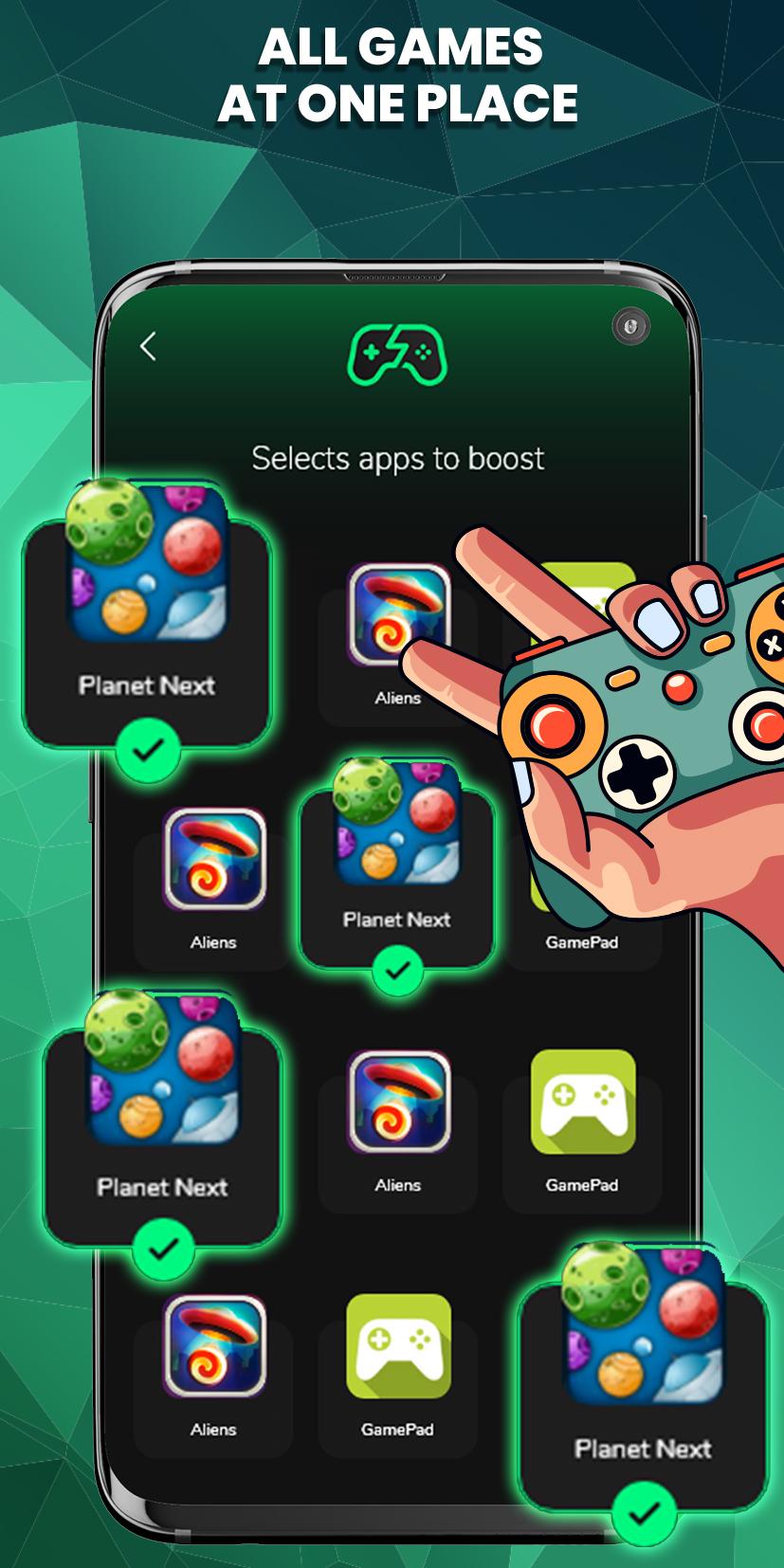
All Games at One Place:
Group your all installed games & apps in one place and boost their performance and graphics quality with this app booster for android.
Game Booster will increase speed for Live Stream Games that will provide you optimal performance during playing games. You can play live stream games without any worry, and the Game Booster clears up your phone memory. This tool can terminate unused apps/tasks to increase your games after your permissions with no disturb game mode. The most enjoyable feature of this game booster app allows Game Modes, where you can use defined settings for specific gaming modes. Either you can switch on or off mode gaming or auto boosting. The game booster will facilitate you in establishing your brightness individually for several games That you play in a particular gaming mode.
How to Use:
Install our boosting app on your android device and open it
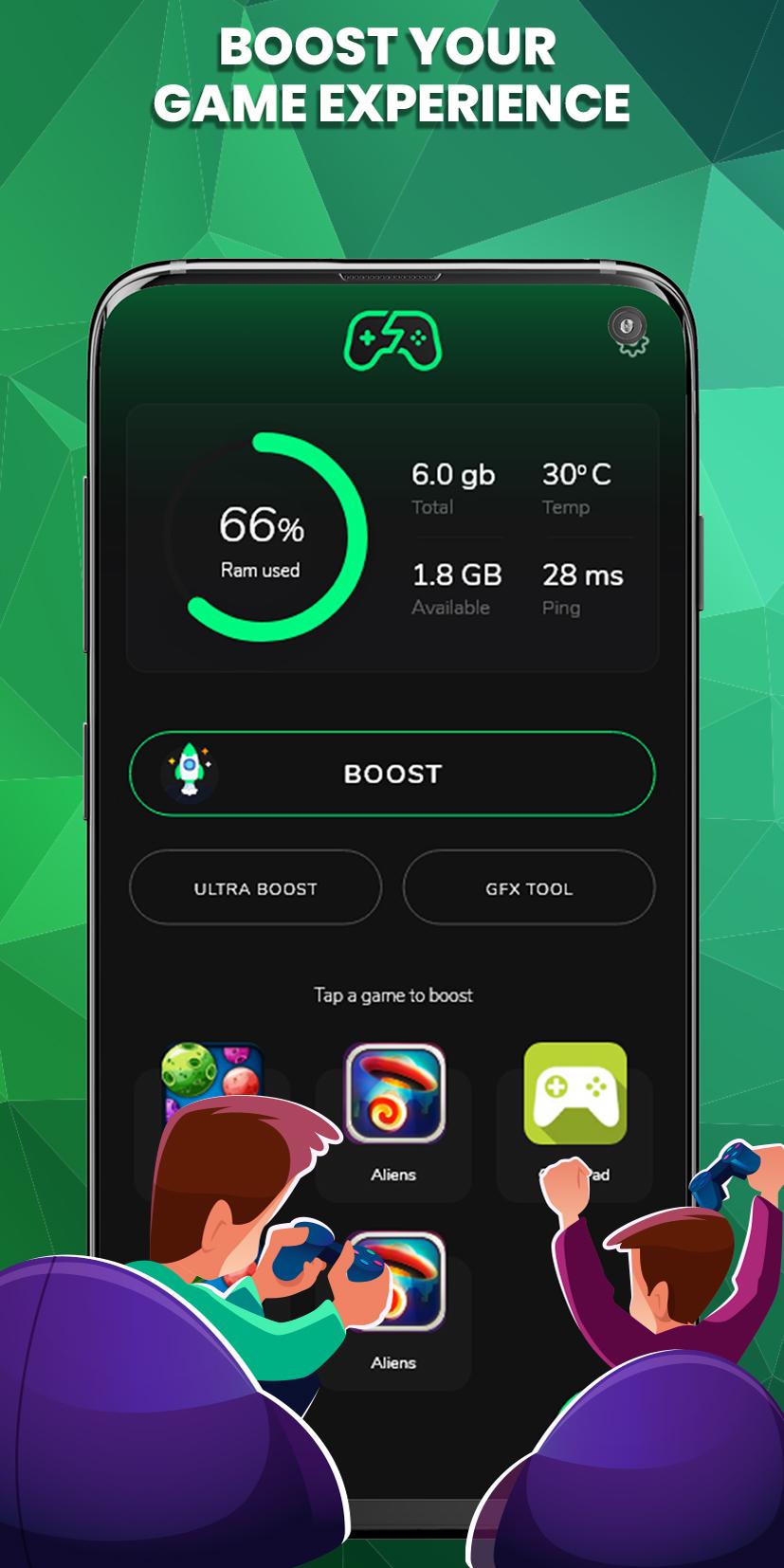
You will see Dashboard with multiple options Storge uses, Boost, Gfx Tool, and Ultra boost.
If you select Boost, then the app will optimize your apps, games, and all tools.
using the Gfx tool, you will Fix resolution and boost your graphics
Turn on Ultra boost for heavy games.
If, You are searching for the most suitable game booster for PubG or pro games to boost speed free to fast play games smoother? Then Game Booster Play Games Faster Smoother is the best option for you because you’ll nevermore find such as gaming booster for android is free.
Feel free to download game booster & game quality enhancer free and enjoy the ultimate gaming experience.
Pratinjau
Tag
AlatInformasi
Pengembang
Tenbit Technology
Versi Terbaru
3.1.0
Terakhir Diperbarui
2022-06-16
Kategori
Alat
Tersedia di
Google Play
Menampilkan lebih banyak
Cara memainkan Game Booster - Lag & GFX Fixer dengan GameLoop di PC
1. Download GameLoop dari situs resminya, lalu jalankan file exe untuk menginstal GameLoop.
2. Buka GameLoop dan cari “Game Booster - Lag & GFX Fixer”, temukan Game Booster - Lag & GFX Fixer di hasil pencarian dan klik “Install”.
3. Nikmati bermain Game Booster - Lag & GFX Fixer di GameLoop.
Minimum requirements
OS
Windows 8.1 64-bit or Windows 10 64-bit
GPU
GTX 1050
CPU
i3-8300
Memory
8GB RAM
Storage
1GB available space
Recommended requirements
OS
Windows 8.1 64-bit or Windows 10 64-bit
GPU
GTX 1050
CPU
i3-9320
Memory
16GB RAM
Storage
1GB available space