Display Phone Screen On TV for PC
ImsaTools
Unduh Display Phone Screen On TV di PC Dengan Emulator GameLoop
Display Phone Screen On TV di PC
Display Phone Screen On TV, berasal dari pengembang ImsaTools, berjalan di sistem Android di masa lalu.
Sekarang, Anda dapat memainkan Display Phone Screen On TV di PC dengan GameLoop dengan lancar.
Unduh di perpustakaan GameLoop atau hasil pencarian. Tidak ada lagi memperhatikan baterai atau panggilan frustasi pada waktu yang salah lagi.
Nikmati saja Display Phone Screen On TV PC di layar besar secara gratis!
Display Phone Screen On TV Pengantar
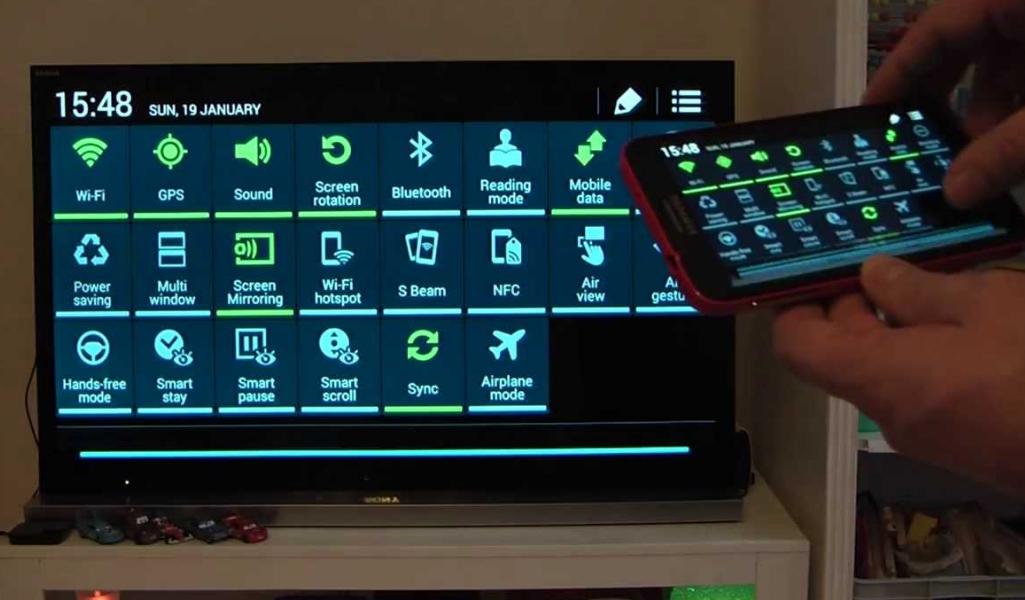
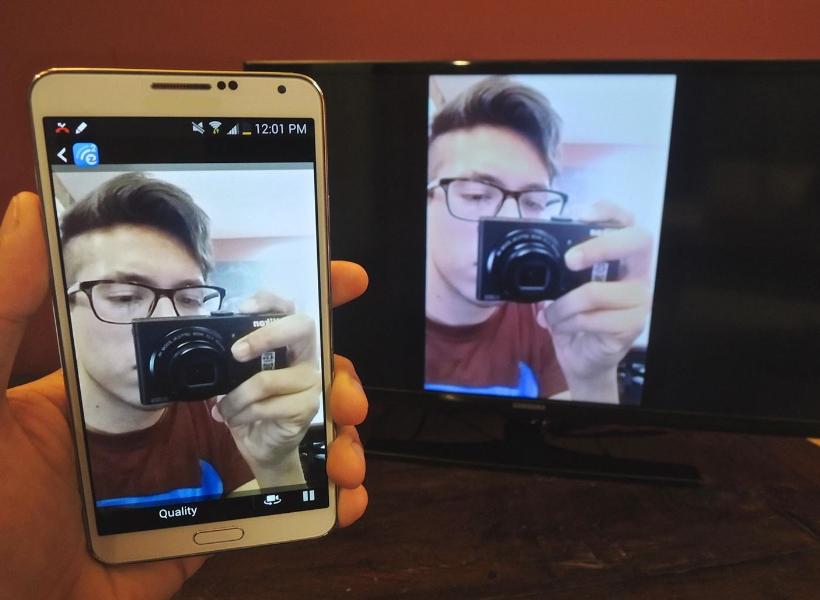
Display Phone Screen On TV App will assist you to scan and mirror your android phone or tab's screen on smart TV/Display (mira cast enabled ) or Wireless dongles or adapters.
Display Phone Screen On TV App Able to play videos, music, photos, etc in my smartphone with any devices (smartphone, smartTV, laptop, tablet, etc) at anywhere.
Display Phone Screen On TV App does not need extra dongle or cable. Click the “Start”, the Mobile hotspot will be operating automatically. and After hotspot will be operating, connect to AP from other devices.
Screen Mirroring App can only play contents but send screen as is such as HDMI, MHL, Miracast and Chromecast. It has been tested and found works on most of android mobiles.
Please follow below steps to mirror your mobile screen to smart TV.
1) Your TV should support Wireless Display or any sort of Display Dongles.
2) The TV must be connected to wifi network same as your phone.
3) The Phone version must be android 4.2 and above.
4) Download and run Display Phone Screen On TV App.
Pratinjau
Informasi
Pengembang
ImsaTools
Versi Terbaru
2.0
Terakhir Diperbarui
2017-02-03
Kategori
Alat
Tersedia di
Google Play
Menampilkan lebih banyak
Cara memainkan Display Phone Screen On TV dengan GameLoop di PC
1. Download GameLoop dari situs resminya, lalu jalankan file exe untuk menginstal GameLoop.
2. Buka GameLoop dan cari “Display Phone Screen On TV”, temukan Display Phone Screen On TV di hasil pencarian dan klik “Install”.
3. Nikmati bermain Display Phone Screen On TV di GameLoop.
Minimum requirements
OS
Windows 8.1 64-bit or Windows 10 64-bit
GPU
GTX 1050
CPU
i3-8300
Memory
8GB RAM
Storage
1GB available space
Recommended requirements
OS
Windows 8.1 64-bit or Windows 10 64-bit
GPU
GTX 1050
CPU
i3-9320
Memory
16GB RAM
Storage
1GB available space