Digital Spirit Level : Level Bubble & Ruler App for PC
Grade Star Apps
Unduh Digital Spirit Level : Level Bubble & Ruler App di PC Dengan Emulator GameLoop
Digital Spirit Level : Level Bubble & Ruler App di PC
Digital Spirit Level : Level Bubble & Ruler App, berasal dari pengembang Grade Star Apps, berjalan di sistem Android di masa lalu.
Sekarang, Anda dapat memainkan Digital Spirit Level : Level Bubble & Ruler App di PC dengan GameLoop dengan lancar.
Unduh di perpustakaan GameLoop atau hasil pencarian. Tidak ada lagi memperhatikan baterai atau panggilan frustasi pada waktu yang salah lagi.
Nikmati saja Digital Spirit Level : Level Bubble & Ruler App PC di layar besar secara gratis!
Digital Spirit Level : Level Bubble & Ruler App Pengantar
Digital Spirit Level or Ruler app is an app created for anyone to detect if the object is in an horizontal position or vertical state. Spirit level app can be used for recording the horizontal and vertical level plumb of any surface like plane or diagonal. The Bubble Level instrument which is used to record the inclination(90 degree), this app is as simple and easy alternative of it.
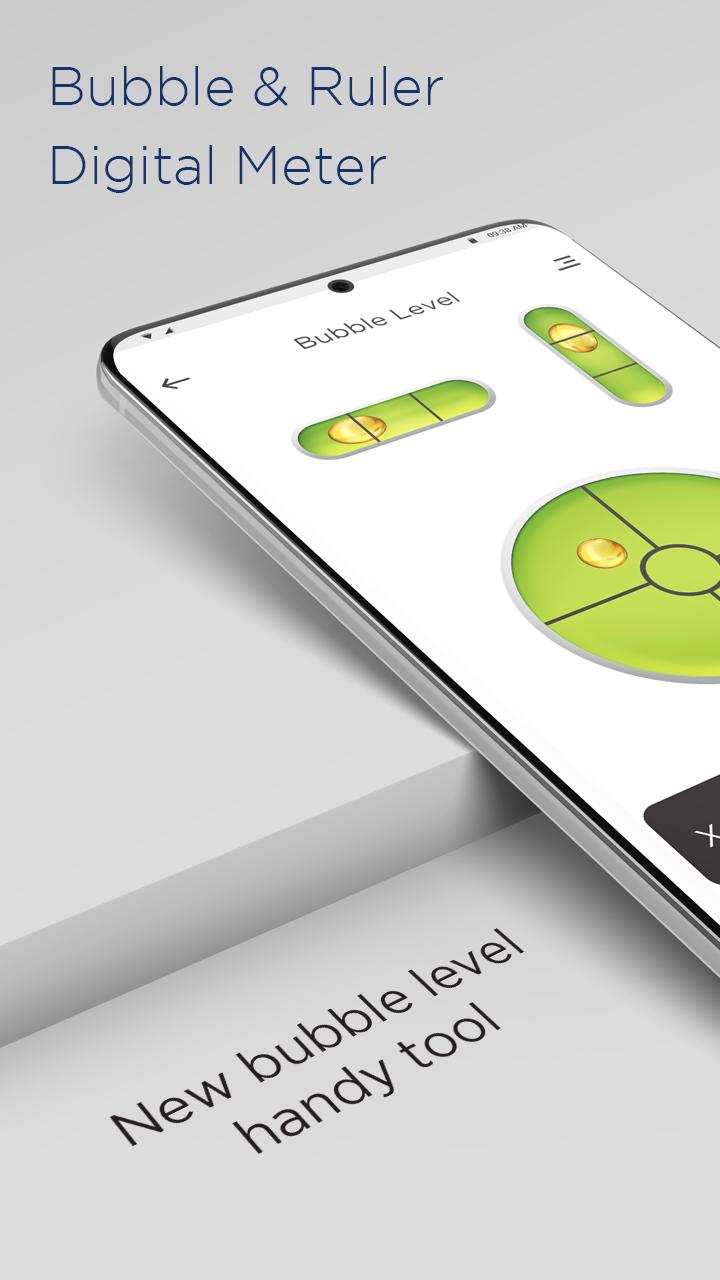
A traditional modern level meter has a slightly curved glass tube which is incompletely filled with a liquid, usually a colored spirit or alcohol, leaving a bubble in the tube. At slight inclinations the bubble travels away from the center position, which is usually marked. Bubble Level app tries to mimic the real level meter and displays the data as real level meter would.
For a carpenter, for renovation worker, for stonemason, and household. With a bubble leaving in the tube, the bubble level app will tell inclination if the bubble moves away from the center position. It’s easy to use and operate, just like a ruler or real level meter.
FEATURES OF DIGITAL SPIRIT LEVEL APP :-
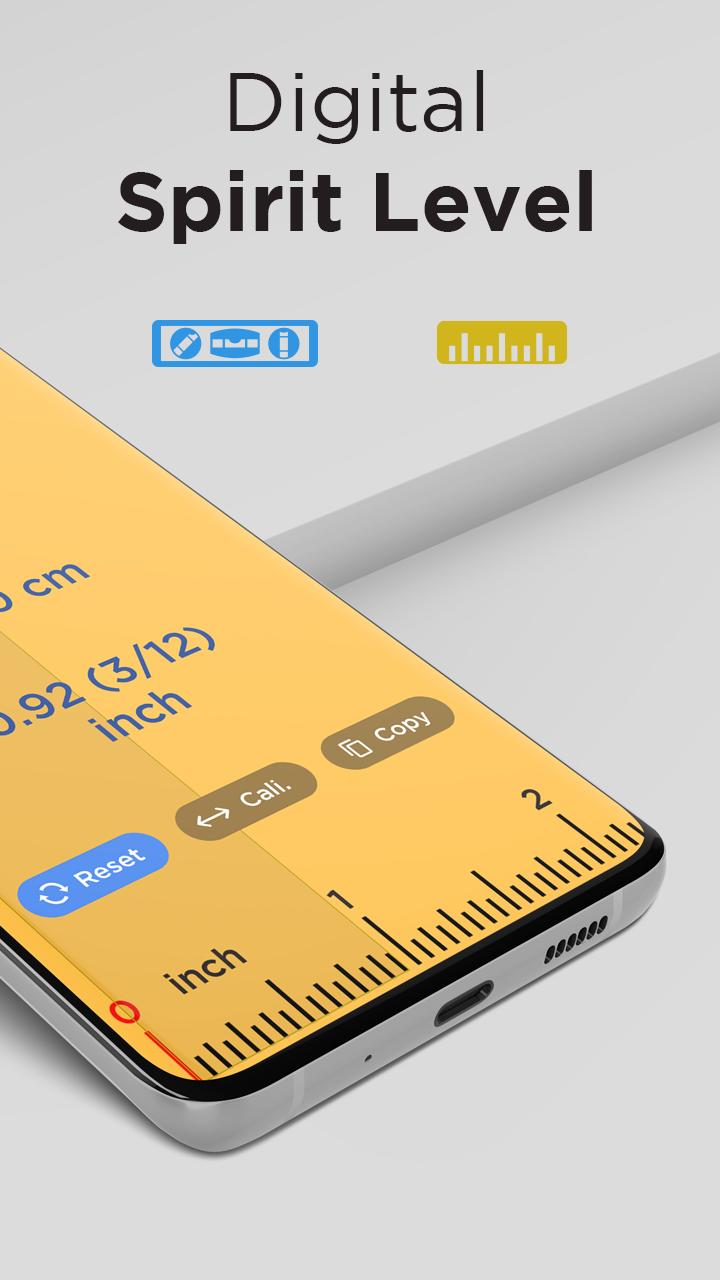
• Calibration - Increases the precision of the spirit level. It compensates for the curvatures of the phone like a protruding camera or buttons. You can calibrate one flat surface (front or back) and one edge. The selected edge will be shown on the bottom-right button.
• Save - Allows you to save the bubble level gauges in a notebook and give it a name.
• Board - Allows you to read the saved bubble level gauges.
• Calibration Time - Allows you to extend the time of calculating results from the sensor giving more stable spirit level results. Devices with a good accelerometer don't need it.
• Secondary Calibration - This option is useful for engineers in extreme cases. If you need to use a different edge or place the phone on the screen (e.g. when working with ceilings), switch the bottom right button to 2 and calibrate for these surfaces. Toggle calibrations depending on the surfaces used.
Download the all new Digital Spirit Level : Level Bubble & Ruler app for FREE!!!
Pratinjau
Tag
AlatInformasi
Pengembang
Grade Star Apps
Versi Terbaru
1.2
Terakhir Diperbarui
2022-07-28
Kategori
Alat
Tersedia di
Google Play
Menampilkan lebih banyak
Cara memainkan Digital Spirit Level : Level Bubble & Ruler App dengan GameLoop di PC
1. Download GameLoop dari situs resminya, lalu jalankan file exe untuk menginstal GameLoop.
2. Buka GameLoop dan cari “Digital Spirit Level : Level Bubble & Ruler App”, temukan Digital Spirit Level : Level Bubble & Ruler App di hasil pencarian dan klik “Install”.
3. Nikmati bermain Digital Spirit Level : Level Bubble & Ruler App di GameLoop.
Minimum requirements
OS
Windows 8.1 64-bit or Windows 10 64-bit
GPU
GTX 1050
CPU
i3-8300
Memory
8GB RAM
Storage
1GB available space
Recommended requirements
OS
Windows 8.1 64-bit or Windows 10 64-bit
GPU
GTX 1050
CPU
i3-9320
Memory
16GB RAM
Storage
1GB available space