
Crop The Video (Video Cutter) for PC
Zoftech divine
Unduh Crop The Video (Video Cutter) di PC Dengan Emulator GameLoop
Crop The Video (Video Cutter) di PC
Crop The Video (Video Cutter), berasal dari pengembang Zoftech divine, berjalan di sistem Android di masa lalu.
Sekarang, Anda dapat memainkan Crop The Video (Video Cutter) di PC dengan GameLoop dengan lancar.
Unduh di perpustakaan GameLoop atau hasil pencarian. Tidak ada lagi memperhatikan baterai atau panggilan frustasi pada waktu yang salah lagi.
Nikmati saja Crop The Video (Video Cutter) PC di layar besar secara gratis!
Crop The Video (Video Cutter) Pengantar
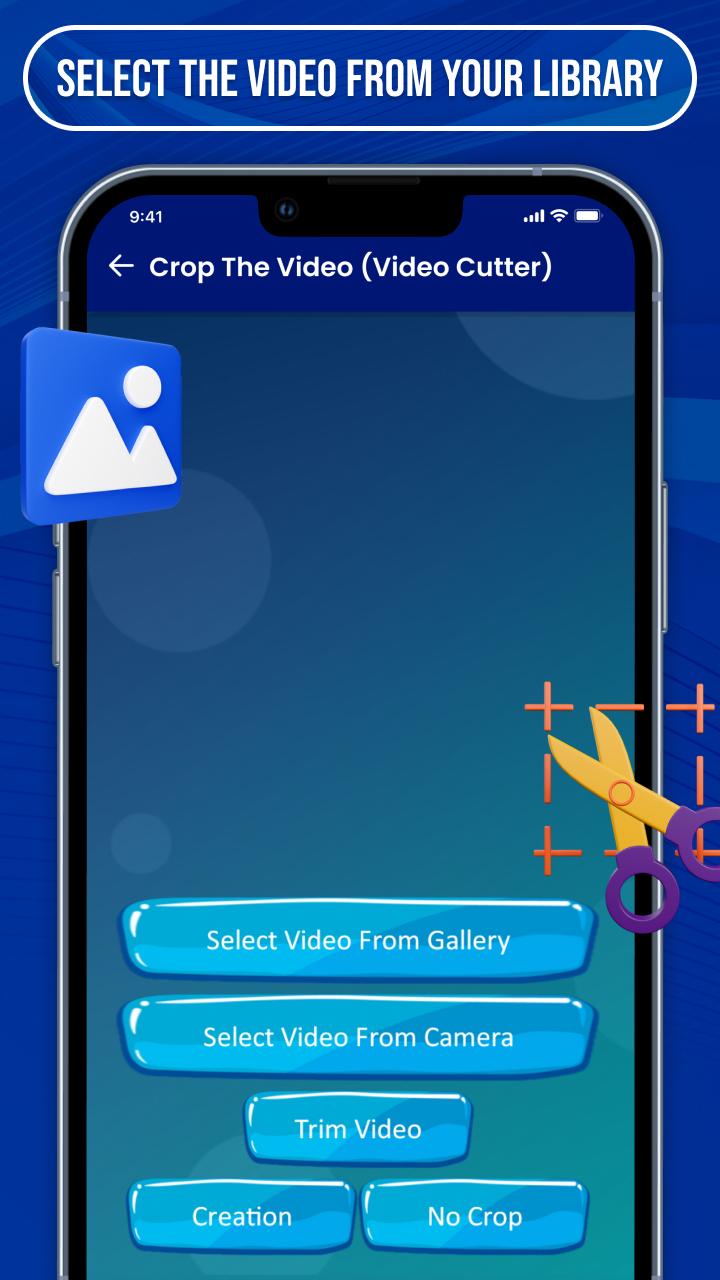
⇨ Crop The Video (Video Cutter) is established with creative options that give you the best experience to make a lyrical video for photos or songs.
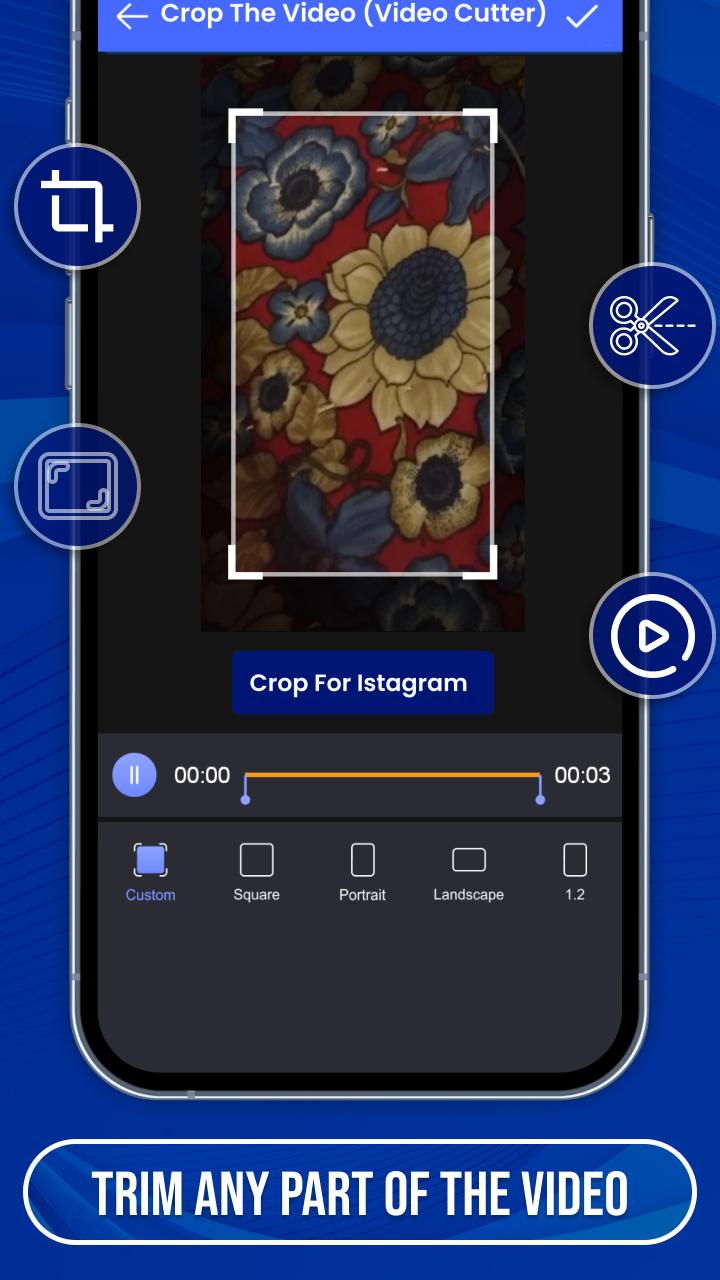
⇨ Easy to crop video as well as an audio file to make status and short story video by video cropper and joiner.
⇨ Many categories of videos are provided by crop video clip Like funny, natural, romantic, babies, cute, movie & serial clips, festival, friendship, New year, Sad, valentine’s week, Christmas, anniversary and many others with professional video cutter.
💠 Lots of Creative Features 💠
✬ User-friendly short music video crop app
✬ Filters of the images & videos
✬ Create a video with some simple steps
✬ Crop and merge videos into one clip
✬ The edited video can be re-edit after saving it
✬ High-quality video making with useful tools
✬ Make password security to your files
✬ Make your video speed slow & fast
✬ Send your special making to the media
⇨ You can choose many regional languages for easy understanding of the features of the video crop editor app.
⇨ You can upload your created videos directly on social media in HD quality, Full screen with video cropper and editor.
⇨ If you have any suggestions or queries for cut your video editor, feel free to contact us at email:zoftechdivine557@gmail.com
Pratinjau
Tag
AlatInformasi
Pengembang
Zoftech divine
Versi Terbaru
1.0.0F
Terakhir Diperbarui
2022-09-12
Kategori
Alat
Tersedia di
Google Play
Menampilkan lebih banyak
Cara memainkan Crop The Video (Video Cutter) dengan GameLoop di PC
1. Download GameLoop dari situs resminya, lalu jalankan file exe untuk menginstal GameLoop.
2. Buka GameLoop dan cari “Crop The Video (Video Cutter)”, temukan Crop The Video (Video Cutter) di hasil pencarian dan klik “Install”.
3. Nikmati bermain Crop The Video (Video Cutter) di GameLoop.
Minimum requirements
OS
Windows 8.1 64-bit or Windows 10 64-bit
GPU
GTX 1050
CPU
i3-8300
Memory
8GB RAM
Storage
1GB available space
Recommended requirements
OS
Windows 8.1 64-bit or Windows 10 64-bit
GPU
GTX 1050
CPU
i3-9320
Memory
16GB RAM
Storage
1GB available space