
Panda VPN for PC
VPN Tech Limited
Unduh Panda VPN di PC Dengan Emulator GameLoop
Panda VPN di PC
Panda VPN, berasal dari pengembang VPN Tech Limited, berjalan di sistem Android di masa lalu.
Sekarang, Anda dapat memainkan Panda VPN di PC dengan GameLoop dengan lancar.
Unduh di perpustakaan GameLoop atau hasil pencarian. Tidak ada lagi memperhatikan baterai atau panggilan frustasi pada waktu yang salah lagi.
Nikmati saja Panda VPN PC di layar besar secara gratis!
Panda VPN Pengantar
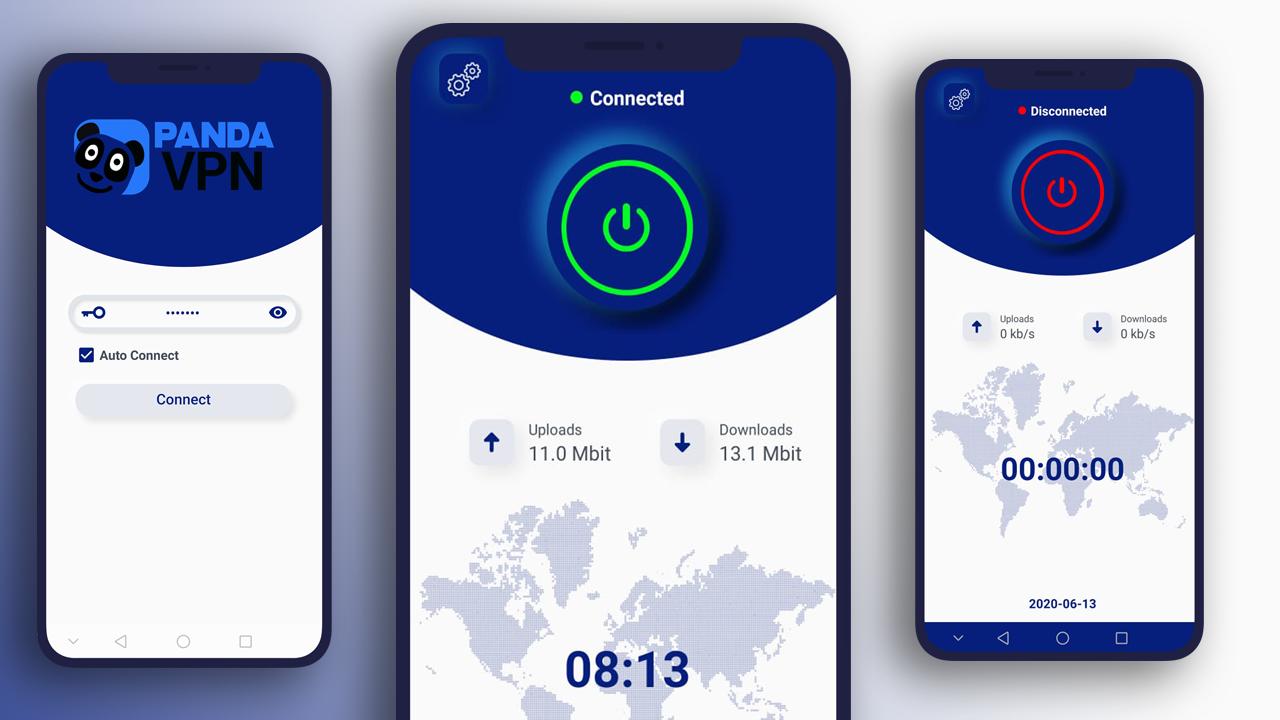
Panda VPN is High Security VPN Solution Openconnect VPN
Working UAE Du Etisalat & WiFi WORKING ON Openconnect VPN
Keep your connection safe and secure through Panda VPN application
দুবাই ডু ৩জি এতিসালাত ৩জি ওয়াইফাই ওনেক ভালো কাজ করে.
The description of Panda VPN is a A Lightweight High Speed HTTP Tunnel for Android using HTTP CONNECT Method
Tunnel Features
A super fast HTTP Tunnel using HTTP CONNECT Method
Low RAM , Battery consumption
High Speed
Works good in low speed mobile network
Change your location ; Protect your privacy.
Tunnel Server location in multiple countries.
All Servers are deployed in 1 Gbps network.
A simple and easy to use tunnel for your phone and tablet.
This App needs a few permissions including:
Access External Storage.
WRITE_EXTERNAL_STORAGE
Access Network.
For any Issue please contact Support:
itsebasoft@gmail.com
Pratinjau
Informasi
Pengembang
VPN Tech Limited
Versi Terbaru
12.0
Terakhir Diperbarui
2020-05-19
Kategori
Alat
Tersedia di
Google Play
Menampilkan lebih banyak
Cara memainkan Panda VPN dengan GameLoop di PC
1. Download GameLoop dari situs resminya, lalu jalankan file exe untuk menginstal GameLoop.
2. Buka GameLoop dan cari “Panda VPN”, temukan Panda VPN di hasil pencarian dan klik “Install”.
3. Nikmati bermain Panda VPN di GameLoop.
Minimum requirements
OS
Windows 8.1 64-bit or Windows 10 64-bit
GPU
GTX 1050
CPU
i3-8300
Memory
8GB RAM
Storage
1GB available space
Recommended requirements
OS
Windows 8.1 64-bit or Windows 10 64-bit
GPU
GTX 1050
CPU
i3-9320
Memory
16GB RAM
Storage
1GB available space