Sarimin File Manager for PC
Oscar Perdanakusuma
Unduh Sarimin File Manager di PC Dengan Emulator GameLoop
Sarimin File Manager di PC
Sarimin File Manager, berasal dari pengembang Oscar Perdanakusuma, berjalan di sistem Android di masa lalu.
Sekarang, Anda dapat memainkan Sarimin File Manager di PC dengan GameLoop dengan lancar.
Unduh di perpustakaan GameLoop atau hasil pencarian. Tidak ada lagi memperhatikan baterai atau panggilan frustasi pada waktu yang salah lagi.
Nikmati saja Sarimin File Manager PC di layar besar secara gratis!
Sarimin File Manager Pengantar
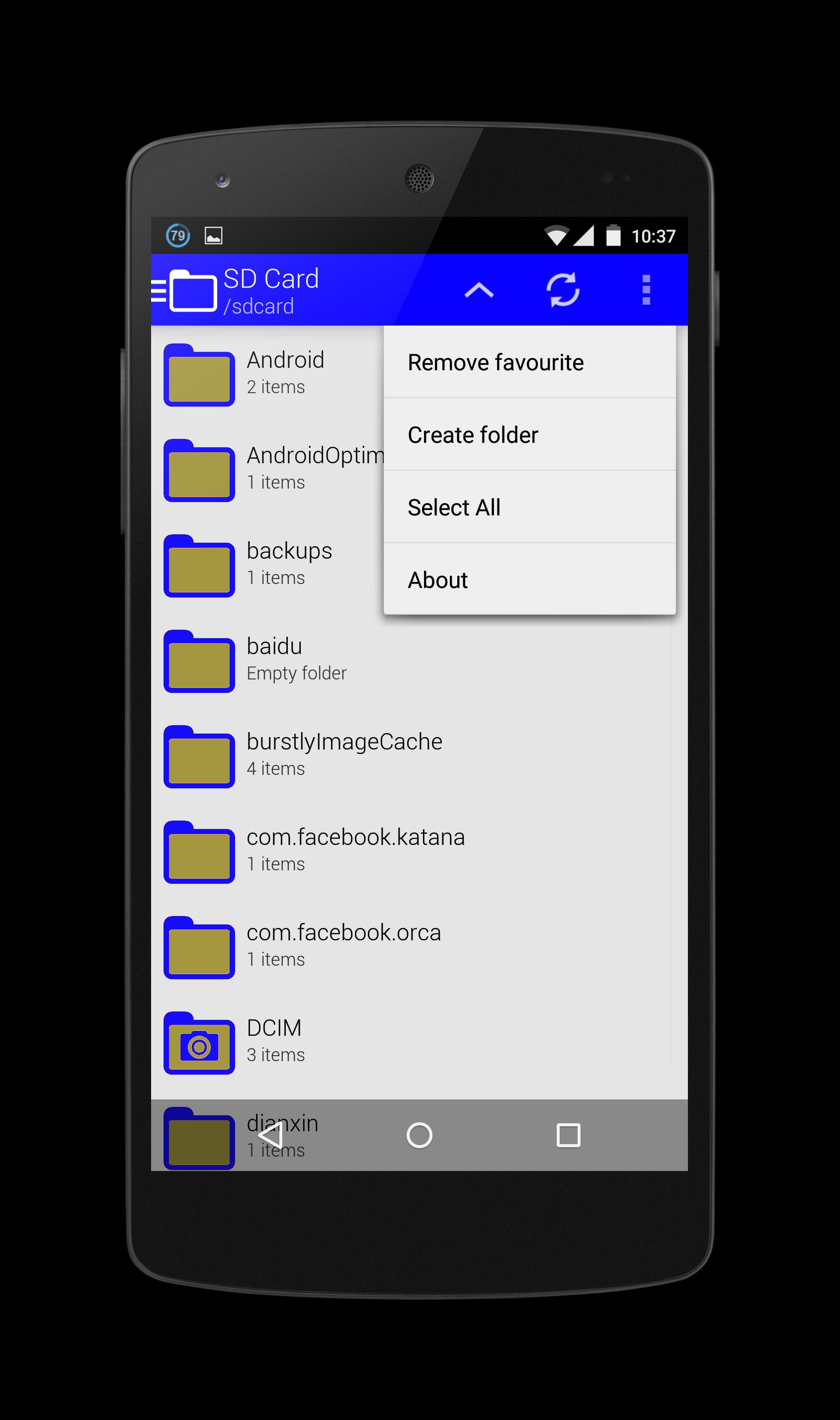
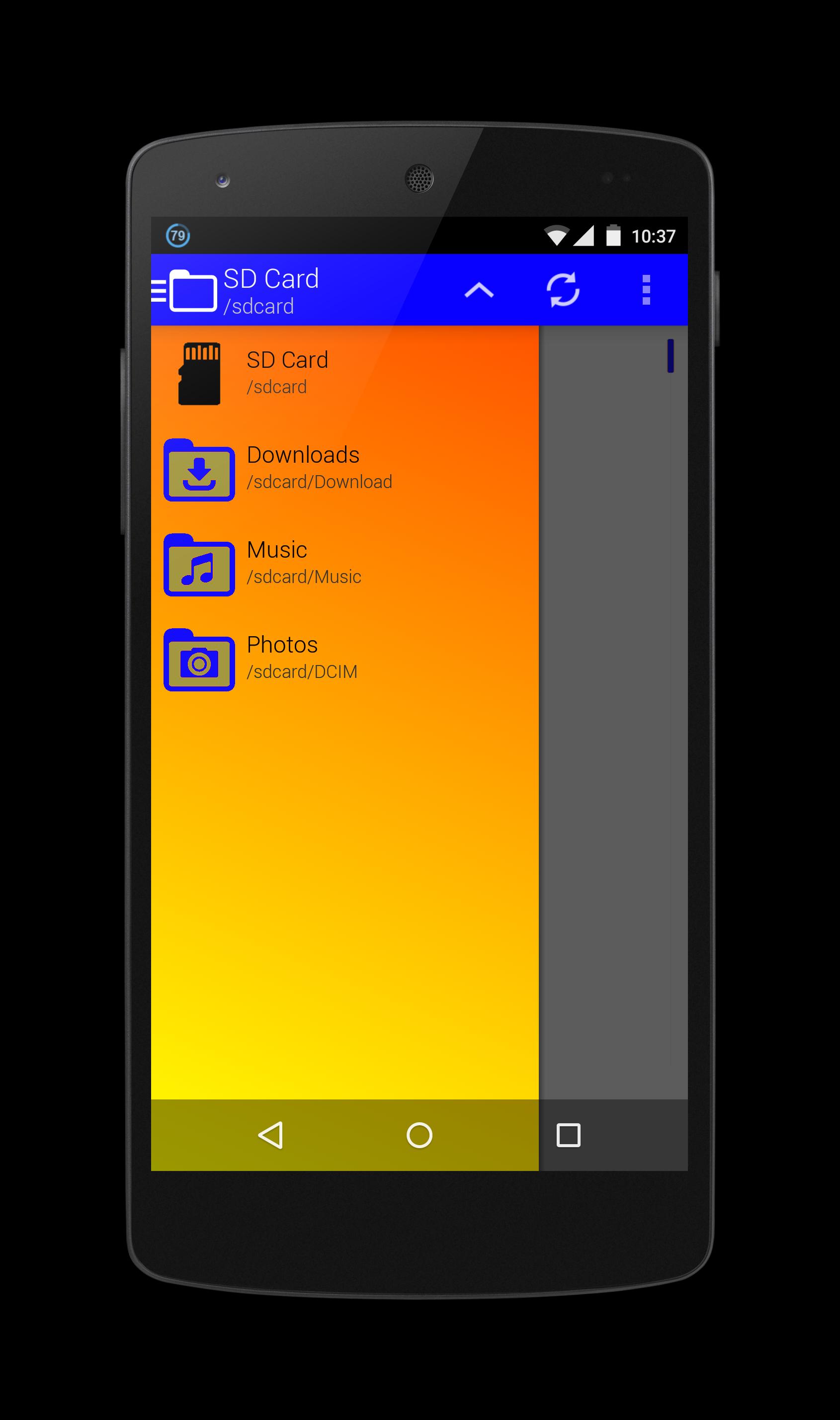
Sarimin file manager let user interaction with the files and can restrict access when required. In addition to functions of the user interface, they can carry out security functions in the background automatically. When operating on a network, such a program can let users share work, collaborate on projects and coordinate schedules.
Operation functions let the users interact with the files. These functions typically include "Open," "Save," "Close," "Copy," "Move," "Delete," "Rename," "New." A "Print" function is sometimes included if an associated printer is compatible with Sarimin file manager, and a "Manage" or "Properties" function lets users configure the program and how it stores the files.
The security aspects of a file management program include access and data integrity. The program can restrict access to itself or to particular files with log-in procedures. It can specify a user name and a password for program or folder access, or it can encrypt files and require a password to access the data. With regard to data integrity, it can keep track of modifications and deletions to make sure users can reverse unauthorized changes.
Pratinjau
Informasi
Pengembang
Oscar Perdanakusuma
Versi Terbaru
1.0
Terakhir Diperbarui
2015-07-15
Kategori
Alat
Tersedia di
Google Play
Menampilkan lebih banyak
Cara memainkan Sarimin File Manager dengan GameLoop di PC
1. Download GameLoop dari situs resminya, lalu jalankan file exe untuk menginstal GameLoop.
2. Buka GameLoop dan cari “Sarimin File Manager”, temukan Sarimin File Manager di hasil pencarian dan klik “Install”.
3. Nikmati bermain Sarimin File Manager di GameLoop.
Minimum requirements
OS
Windows 8.1 64-bit or Windows 10 64-bit
GPU
GTX 1050
CPU
i3-8300
Memory
8GB RAM
Storage
1GB available space
Recommended requirements
OS
Windows 8.1 64-bit or Windows 10 64-bit
GPU
GTX 1050
CPU
i3-9320
Memory
16GB RAM
Storage
1GB available space