File Manager for PC
gallery app Inc
Unduh File Manager di PC Dengan Emulator GameLoop
File Manager di PC
File Manager, berasal dari pengembang gallery app Inc, berjalan di sistem Android di masa lalu.
Sekarang, Anda dapat memainkan File Manager di PC dengan GameLoop dengan lancar.
Unduh di perpustakaan GameLoop atau hasil pencarian. Tidak ada lagi memperhatikan baterai atau panggilan frustasi pada waktu yang salah lagi.
Nikmati saja File Manager PC di layar besar secara gratis!
File Manager Pengantar
File Manager Plus is easy and powerful file explorer for Android devices. It’s free, fast and full-featured. Because of its simple UI, it’s extremely easy to use. With File Manager +, you can easily manage your files and folders on your device, NAS(Network-attached storage), and cloud storages.
Android File Manager is a powerful, free local and network file manager, overwrite files, file browser and Application Manager, File Manager, Network Manager, Media Manager.
ES File Browser is lightweight and Moto File Manager storage will make your life easy with es. file browser app for samsung galaxy j2, you can easily Moto File managers your es file from phone memory!
Easy access to local files:
All files are no longer hidden in the mobile system. ES File Explorer will help you find file, categorize file easily. It also supports tons of cool features: global search, moving, deleting, opening, and sharing files, as well as renaming, unzipping, and copy-paste.With Motorola File Manager, you can easily manage my file, zen file, pro file and folders on your device and cloud storages my Moto files download.
Filemanager and Moto File Manager supports tons of cool features: Localised file manager, Network Manager, Media Manager, cloud manager, Remote files.
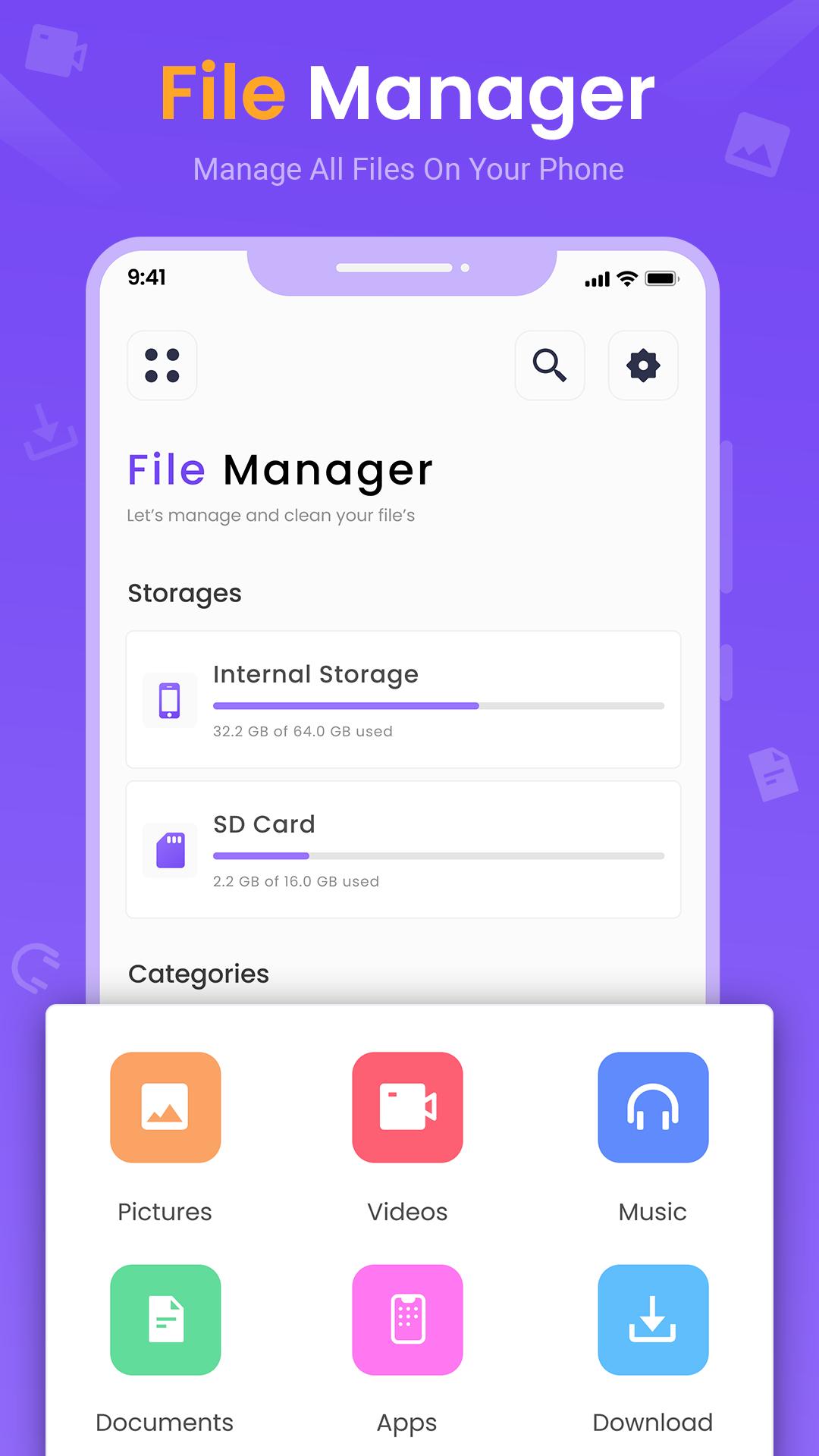
Main Storage / SD card / USB OTG : You can manage all files and folders on both your internal storage and external storage.
Key Features of File Manager:
* ALL File Formats Supported: New files, Downloads, Videos, Audios, Images, Apps, Docs and Archives
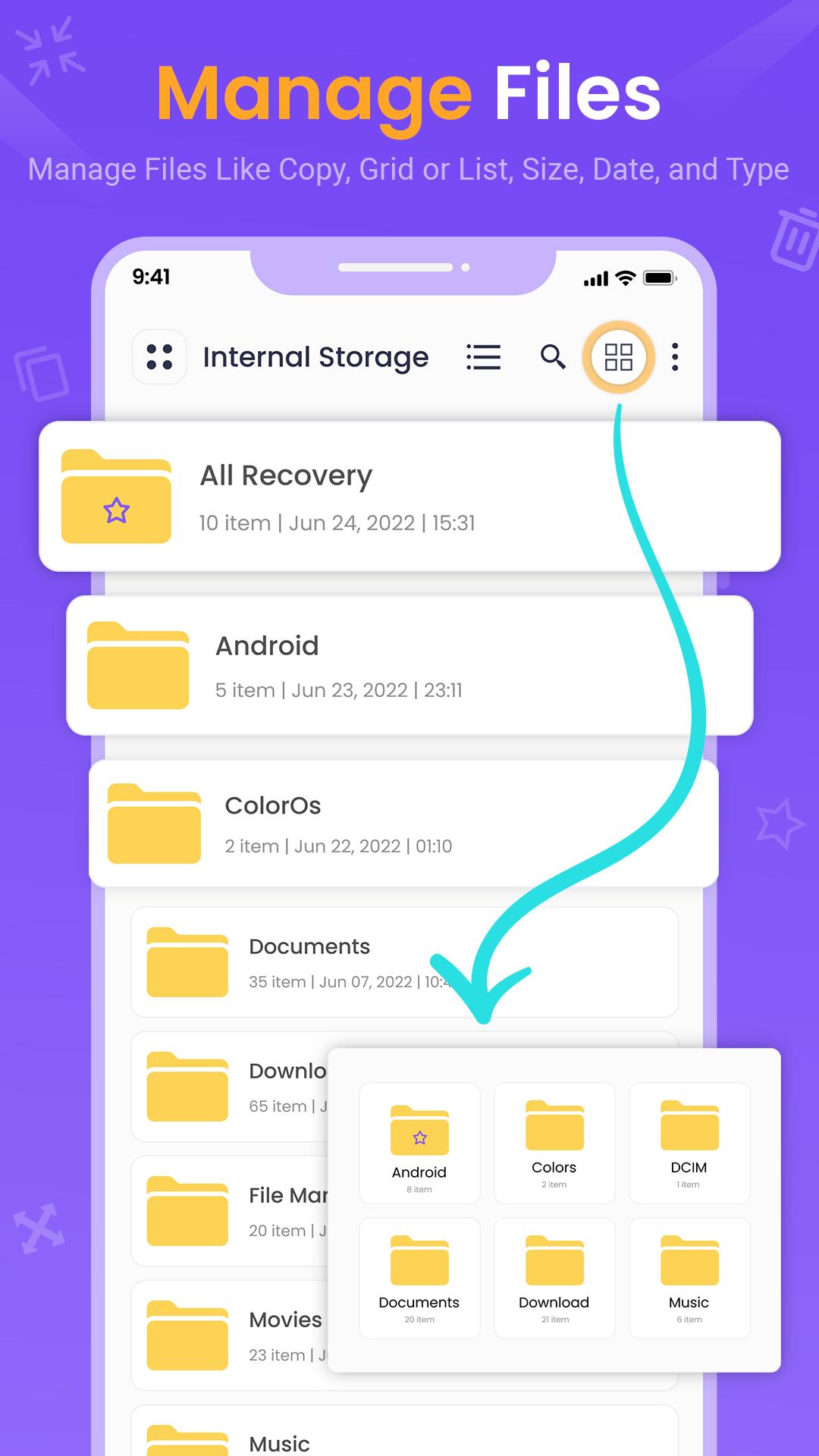
* Users can create folders; move, copy, share, and view file details on Moto file organizer
* Quickly check both internal and external storage including SD card, USB OTG
* FTP (File Transfer Protocol) : access your Android device storage from PC
* Compress & Decompress ZIP/RAR Archives
* Recycle Bin: restore your deleted files
* View Large Files: browse and delete unused items to free up more space
* App Management: check and remove unused apps
* Built-in Apps for better experience: Music Player, Image Viewer, Video Player & File Extractor
* Option to show hidden files
Quickly Free up Storage
- Scan large files that take up valuable storage space
- With a few taps, free up more space and speed up your device
Easily Find Files
- Search and find your buried files fast with only a few taps
- No longer waste much time looking for videos, music or memes you’ve downloaded before
Internal image viewer / Internal music player/ Internal text editor : You can choose to use built-in utilities for faster and better performance.
Pratinjau
Tag
AlatInformasi
Pengembang
gallery app Inc
Versi Terbaru
1.0
Terakhir Diperbarui
2022-07-06
Kategori
Alat
Tersedia di
Google Play
Menampilkan lebih banyak
Cara memainkan File Manager dengan GameLoop di PC
1. Download GameLoop dari situs resminya, lalu jalankan file exe untuk menginstal GameLoop.
2. Buka GameLoop dan cari “File Manager”, temukan File Manager di hasil pencarian dan klik “Install”.
3. Nikmati bermain File Manager di GameLoop.
Minimum requirements
OS
Windows 8.1 64-bit or Windows 10 64-bit
GPU
GTX 1050
CPU
i3-8300
Memory
8GB RAM
Storage
1GB available space
Recommended requirements
OS
Windows 8.1 64-bit or Windows 10 64-bit
GPU
GTX 1050
CPU
i3-9320
Memory
16GB RAM
Storage
1GB available space