Call Voice Changer Effects for PC
Every Day One Apps
Unduh Call Voice Changer Effects di PC Dengan Emulator GameLoop
Call Voice Changer Effects di PC
Call Voice Changer Effects, berasal dari pengembang Every Day One Apps, berjalan di sistem Android di masa lalu.
Sekarang, Anda dapat memainkan Call Voice Changer Effects di PC dengan GameLoop dengan lancar.
Unduh di perpustakaan GameLoop atau hasil pencarian. Tidak ada lagi memperhatikan baterai atau panggilan frustasi pada waktu yang salah lagi.
Nikmati saja Call Voice Changer Effects PC di layar besar secara gratis!
Call Voice Changer Effects Pengantar
Voice Changer & Call Recording
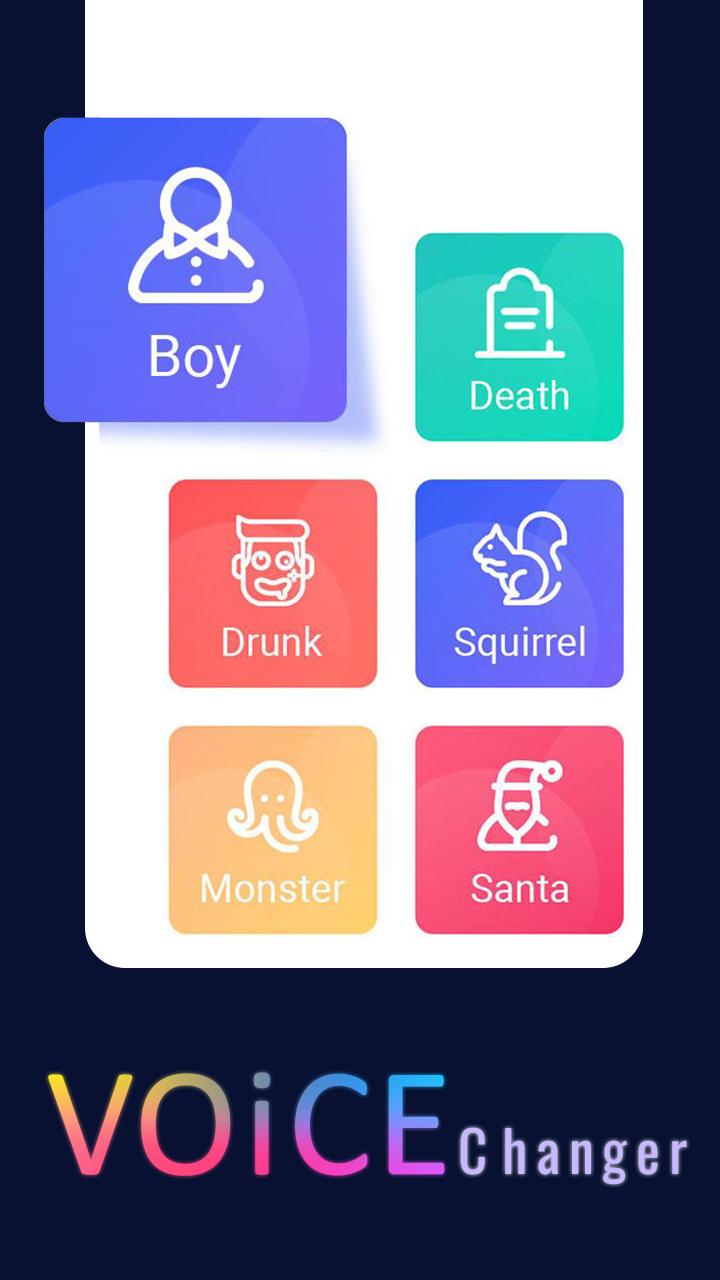
🔥Funny Voice Changer - Free Voice Changer App🔥 is a funny voice changer app that can change your voice into different voice effects and sound effects. With its voice avatar and ambient sounds, you can easily change your voice into different effects for free. You can change voice for voice
Super Voice Effects Editor Recorder
voice changer and recorder, you can easily have an enchanting voice with different effects! Download the sound changer and voice editor to customize parameters and enjoy the best sound effects right now!⚡ 😊
You can even stream live your changed voice to your media players or web browsers.
1.The best voice changer with special effects for cell phones.
2.Download voice changer to entertain you a little with calls to your friends.
3.your voice will be changed to the selected voice.
4.Record your voice or built-in special effects let you instantly change sounds effects.
5.Like talking in phone with phone sound effects.
6.Record audio and apply an effect on it.
7.Open an audio and apply an effect on it.
9.View, edit the saved audios.
Thanks!!!!!
Pratinjau

Tag
AlatInformasi
Pengembang
Every Day One Apps
Versi Terbaru
1.4
Terakhir Diperbarui
2022-10-02
Kategori
Alat
Tersedia di
Google Play
Menampilkan lebih banyak
Cara memainkan Call Voice Changer Effects dengan GameLoop di PC
1. Download GameLoop dari situs resminya, lalu jalankan file exe untuk menginstal GameLoop.
2. Buka GameLoop dan cari “Call Voice Changer Effects”, temukan Call Voice Changer Effects di hasil pencarian dan klik “Install”.
3. Nikmati bermain Call Voice Changer Effects di GameLoop.
Minimum requirements
OS
Windows 8.1 64-bit or Windows 10 64-bit
GPU
GTX 1050
CPU
i3-8300
Memory
8GB RAM
Storage
1GB available space
Recommended requirements
OS
Windows 8.1 64-bit or Windows 10 64-bit
GPU
GTX 1050
CPU
i3-9320
Memory
16GB RAM
Storage
1GB available space