Boot Animations Changer for PC
Engineering Hub
Unduh Boot Animations Changer di PC Dengan Emulator GameLoop
Boot Animations Changer di PC
Boot Animations Changer, berasal dari pengembang Engineering Hub, berjalan di sistem Android di masa lalu.
Sekarang, Anda dapat memainkan Boot Animations Changer di PC dengan GameLoop dengan lancar.
Unduh di perpustakaan GameLoop atau hasil pencarian. Tidak ada lagi memperhatikan baterai atau panggilan frustasi pada waktu yang salah lagi.
Nikmati saja Boot Animations Changer PC di layar besar secara gratis!
Boot Animations Changer Pengantar
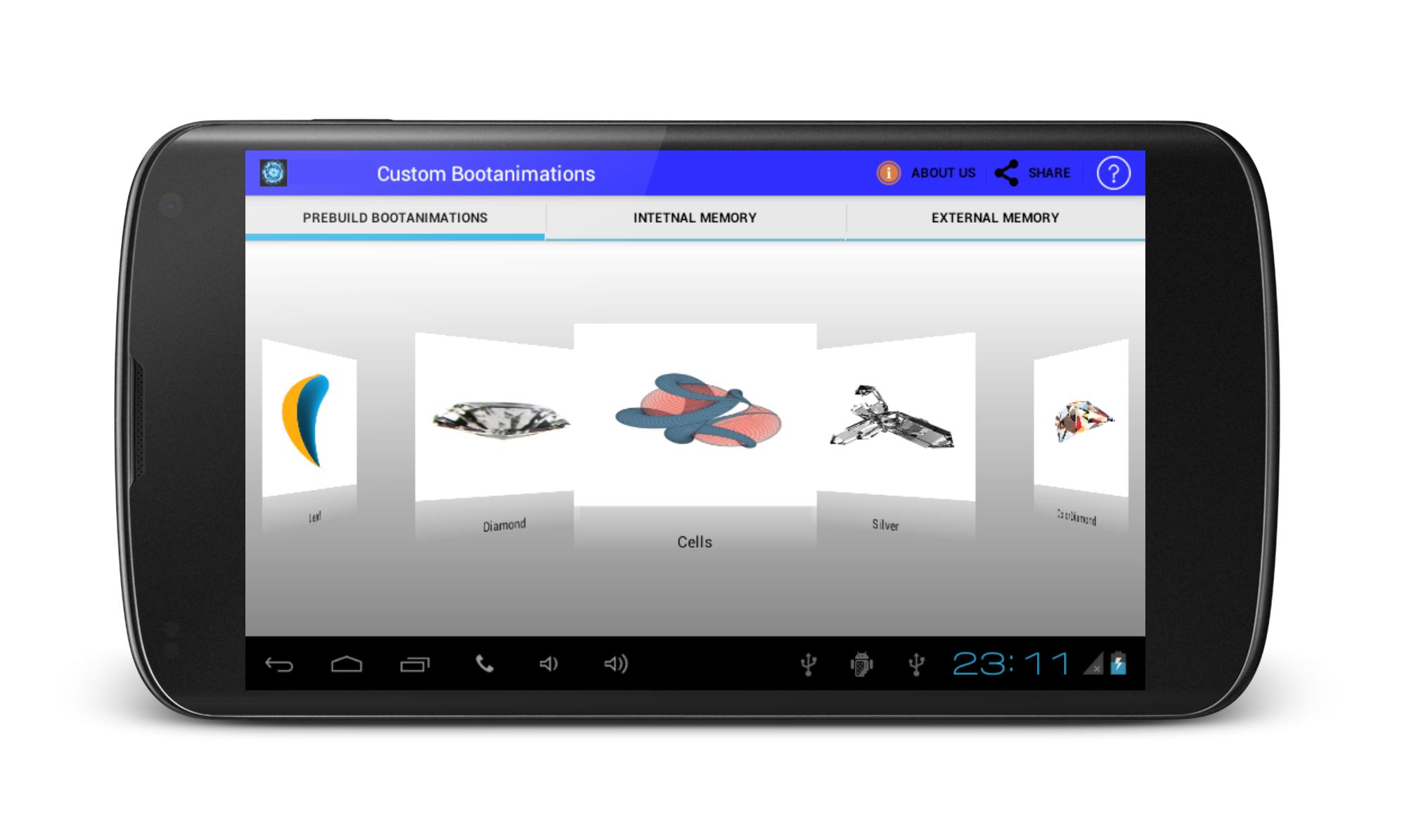
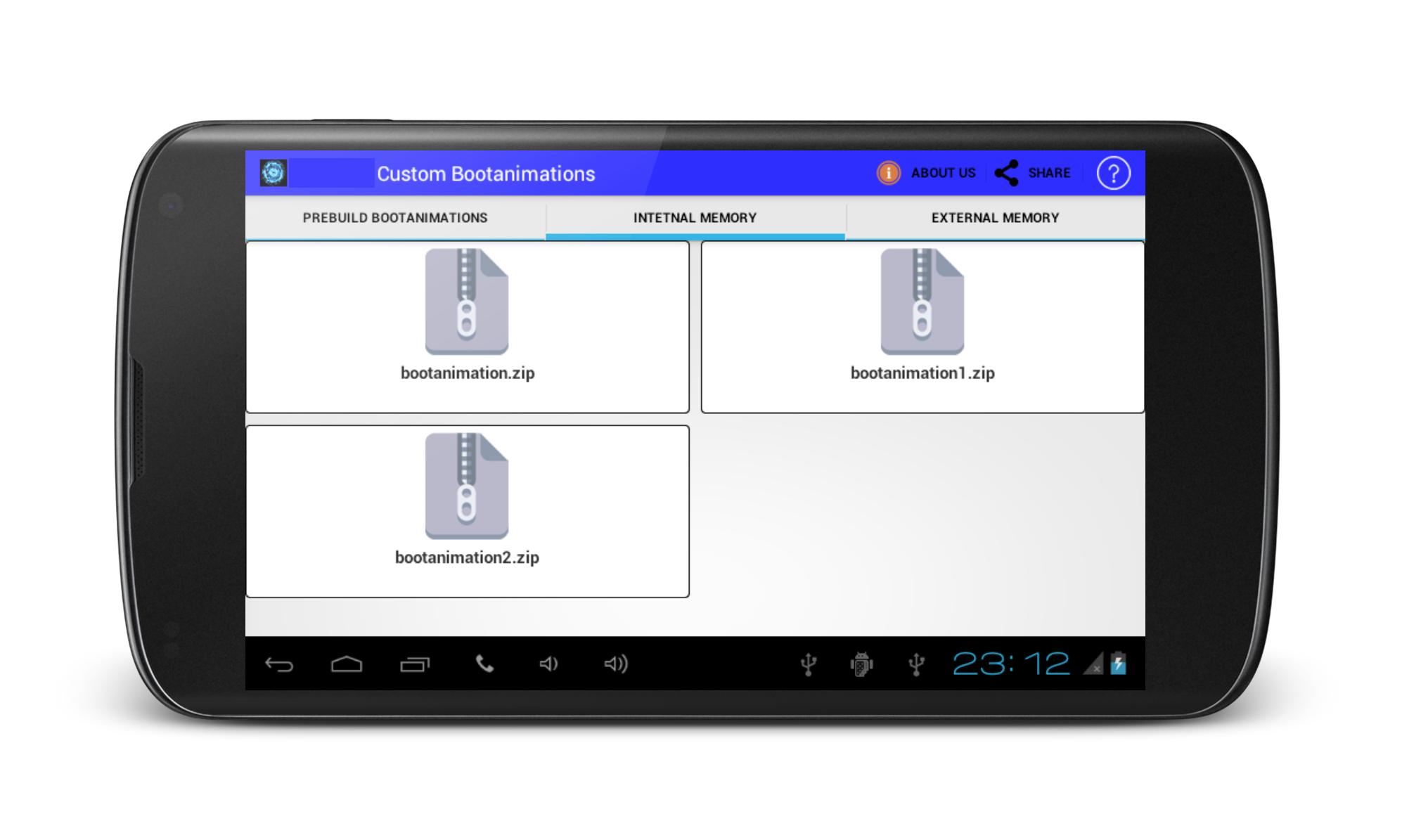
Custom BootAnimations is ROM Tool Box.If you are geting bored with your traditional boot animations on your phone, get change your phone pree-build custom boot animations if your device is rooted.Custom bootanimations Changer offered various types of pree installed bootanimations in applications. Install boot animations using sd card, But your phone must be rooted.
Note: It also works on non rooted device if your android device directory structure contain local folder.
Disclaimer:
Android OS has few places where boot anmimations can be installed.Many mobile manufacturer designed own Custom ROM & Kernel so it,s directory structure may be differ. So it may not work here. May be boot animation file format be diffrent from zip file so there it may failure to work.
Unfortunately,We have not tested on every device.We have tested on devices which owned.
Pratinjau
Informasi
Pengembang
Engineering Hub
Versi Terbaru
1.6
Terakhir Diperbarui
2016-08-29
Kategori
Alat
Tersedia di
Google Play
Menampilkan lebih banyak
Cara memainkan Boot Animations Changer dengan GameLoop di PC
1. Download GameLoop dari situs resminya, lalu jalankan file exe untuk menginstal GameLoop.
2. Buka GameLoop dan cari “Boot Animations Changer”, temukan Boot Animations Changer di hasil pencarian dan klik “Install”.
3. Nikmati bermain Boot Animations Changer di GameLoop.
Minimum requirements
OS
Windows 8.1 64-bit or Windows 10 64-bit
GPU
GTX 1050
CPU
i3-8300
Memory
8GB RAM
Storage
1GB available space
Recommended requirements
OS
Windows 8.1 64-bit or Windows 10 64-bit
GPU
GTX 1050
CPU
i3-9320
Memory
16GB RAM
Storage
1GB available space