
Online Notification - Last Seen Online for PC
Online/Offline status traker App.
Unduh Online Notification - Last Seen Online di PC Dengan Emulator GameLoop
Online Notification - Last Seen Online di PC
Online Notification - Last Seen Online, berasal dari pengembang Online/Offline status traker App., berjalan di sistem Android di masa lalu.
Sekarang, Anda dapat memainkan Online Notification - Last Seen Online di PC dengan GameLoop dengan lancar.
Unduh di perpustakaan GameLoop atau hasil pencarian. Tidak ada lagi memperhatikan baterai atau panggilan frustasi pada waktu yang salah lagi.
Nikmati saja Online Notification - Last Seen Online PC di layar besar secara gratis!
Online Notification - Last Seen Online Pengantar
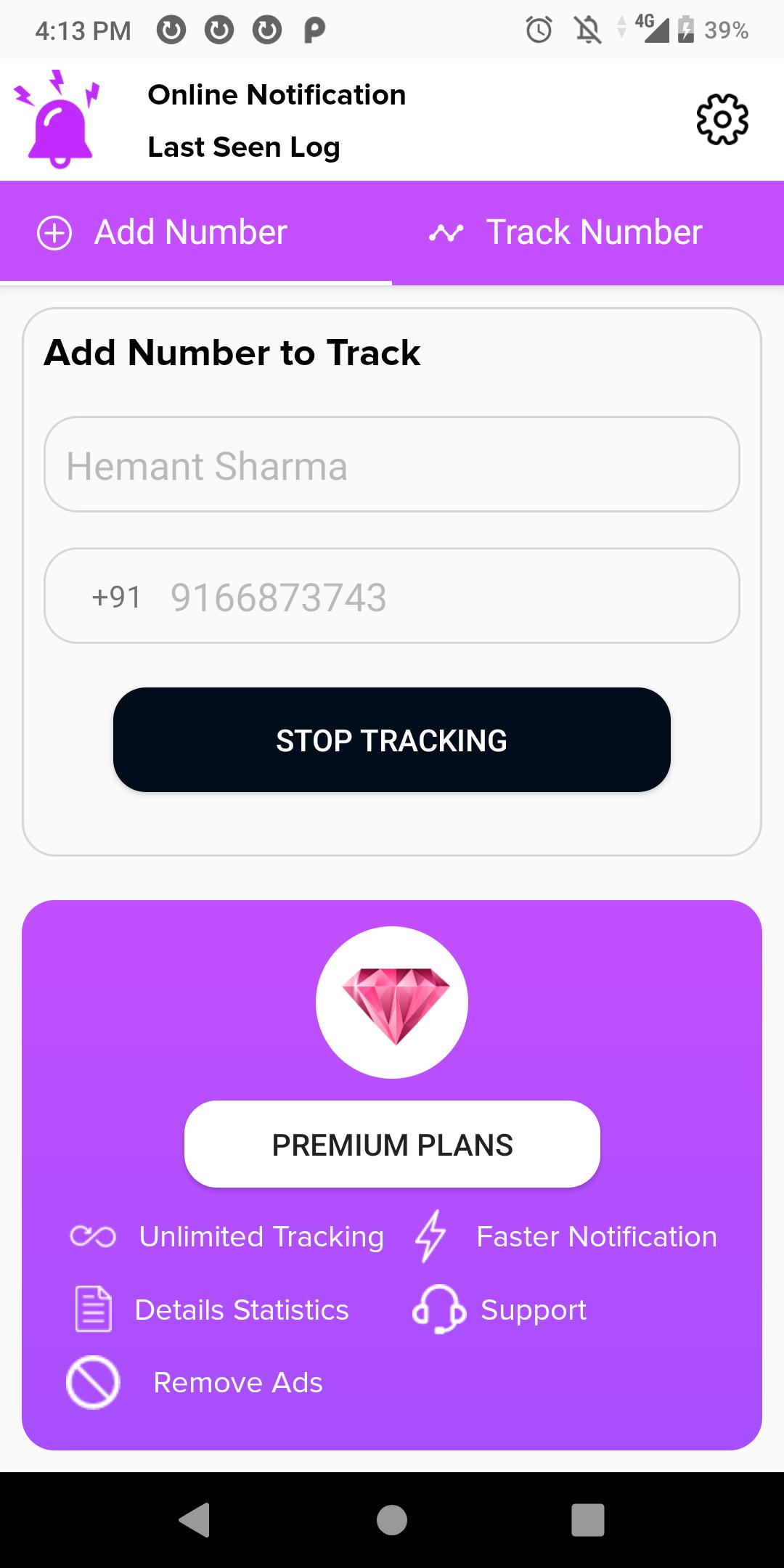
Online Status is a best tool to track your online usage. With My Online Status you can track how much time you spend on the app. You can also keep track of your children son/daughter online time to make sure they do not spend much time on online chatting.
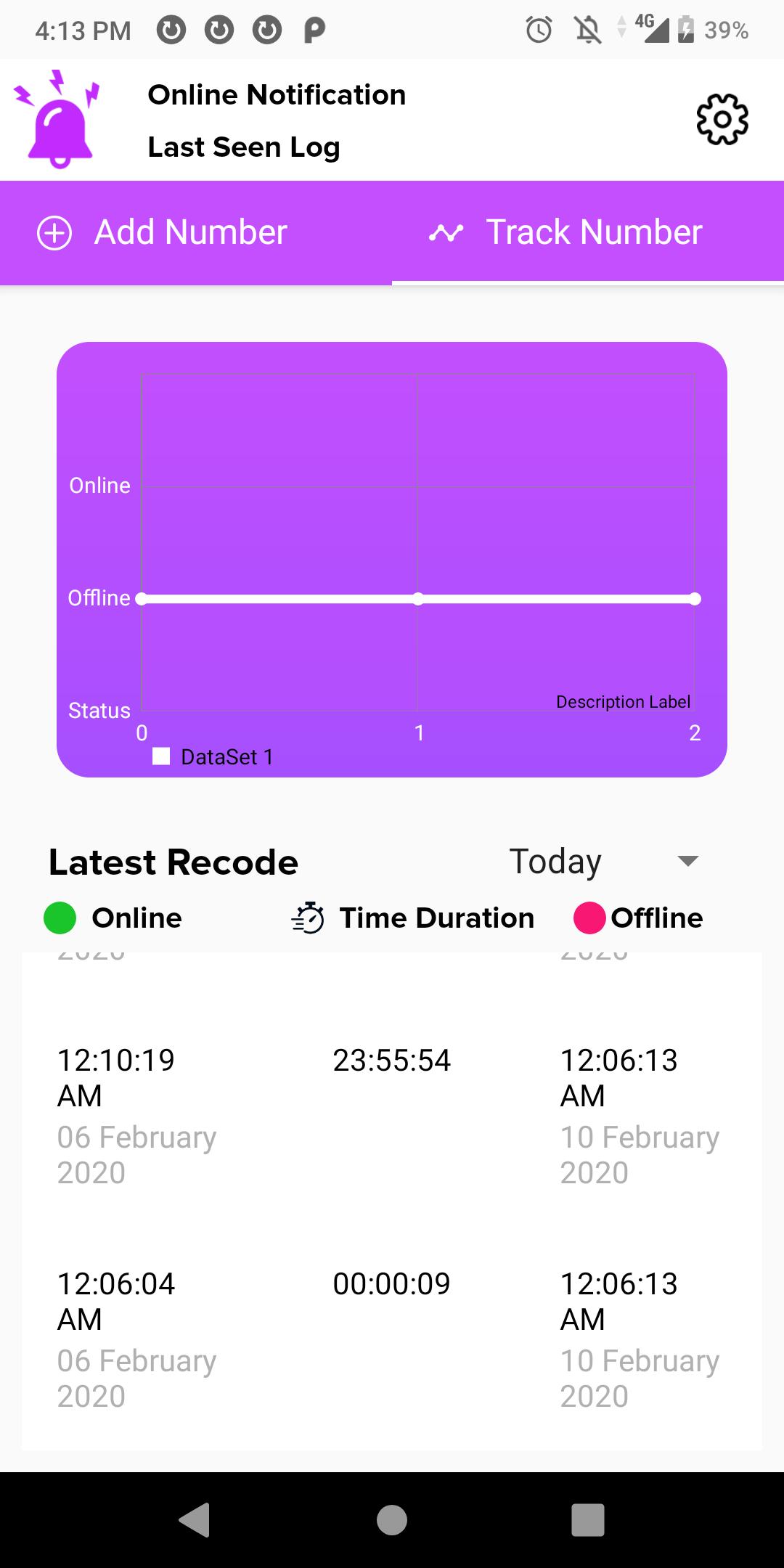
Online Status gives you daily, weekly and monthly reports with detailed usage graph.
Feature:
* Parents can check their Children's Online Status
* Track Your Online Status
* Receive Notifications on Your Online & Offline Status
* Very Easy to use
* Simple & Attractive User Interface
* 24/7 Support
In today's world peoples are becoming more and more addictive to social media, they spent most of their time on social media apps. My online Status track your online app usage and gives you detailed report about your online activities, so that you can review how much time you are spending on the social media app & how much you are actually use for productive works.
Control your social media, chatting etc. and spend less time online by tracking your online app usage. Try My Online Status to responsibly use your time. My Online Status is 100% ad free and secure. Download My Online Status today.
Pratinjau
Informasi
Pengembang
Online/Offline status traker App.
Versi Terbaru
1.4
Terakhir Diperbarui
2020-02-26
Kategori
Alat
Tersedia di
Google Play
Menampilkan lebih banyak
Cara memainkan Online Notification - Last Seen Online dengan GameLoop di PC
1. Download GameLoop dari situs resminya, lalu jalankan file exe untuk menginstal GameLoop.
2. Buka GameLoop dan cari “Online Notification - Last Seen Online”, temukan Online Notification - Last Seen Online di hasil pencarian dan klik “Install”.
3. Nikmati bermain Online Notification - Last Seen Online di GameLoop.
Minimum requirements
OS
Windows 8.1 64-bit or Windows 10 64-bit
GPU
GTX 1050
CPU
i3-8300
Memory
8GB RAM
Storage
1GB available space
Recommended requirements
OS
Windows 8.1 64-bit or Windows 10 64-bit
GPU
GTX 1050
CPU
i3-9320
Memory
16GB RAM
Storage
1GB available space