
Apk Editor 2019 - Apk Creator for PC
Celeb Eclipse
Unduh Apk Editor 2019 - Apk Creator di PC Dengan Emulator GameLoop
Apk Editor 2019 - Apk Creator di PC
Apk Editor 2019 - Apk Creator, berasal dari pengembang Celeb Eclipse, berjalan di sistem Android di masa lalu.
Sekarang, Anda dapat memainkan Apk Editor 2019 - Apk Creator di PC dengan GameLoop dengan lancar.
Unduh di perpustakaan GameLoop atau hasil pencarian. Tidak ada lagi memperhatikan baterai atau panggilan frustasi pada waktu yang salah lagi.
Nikmati saja Apk Editor 2019 - Apk Creator PC di layar besar secara gratis!
Apk Editor 2019 - Apk Creator Pengantar
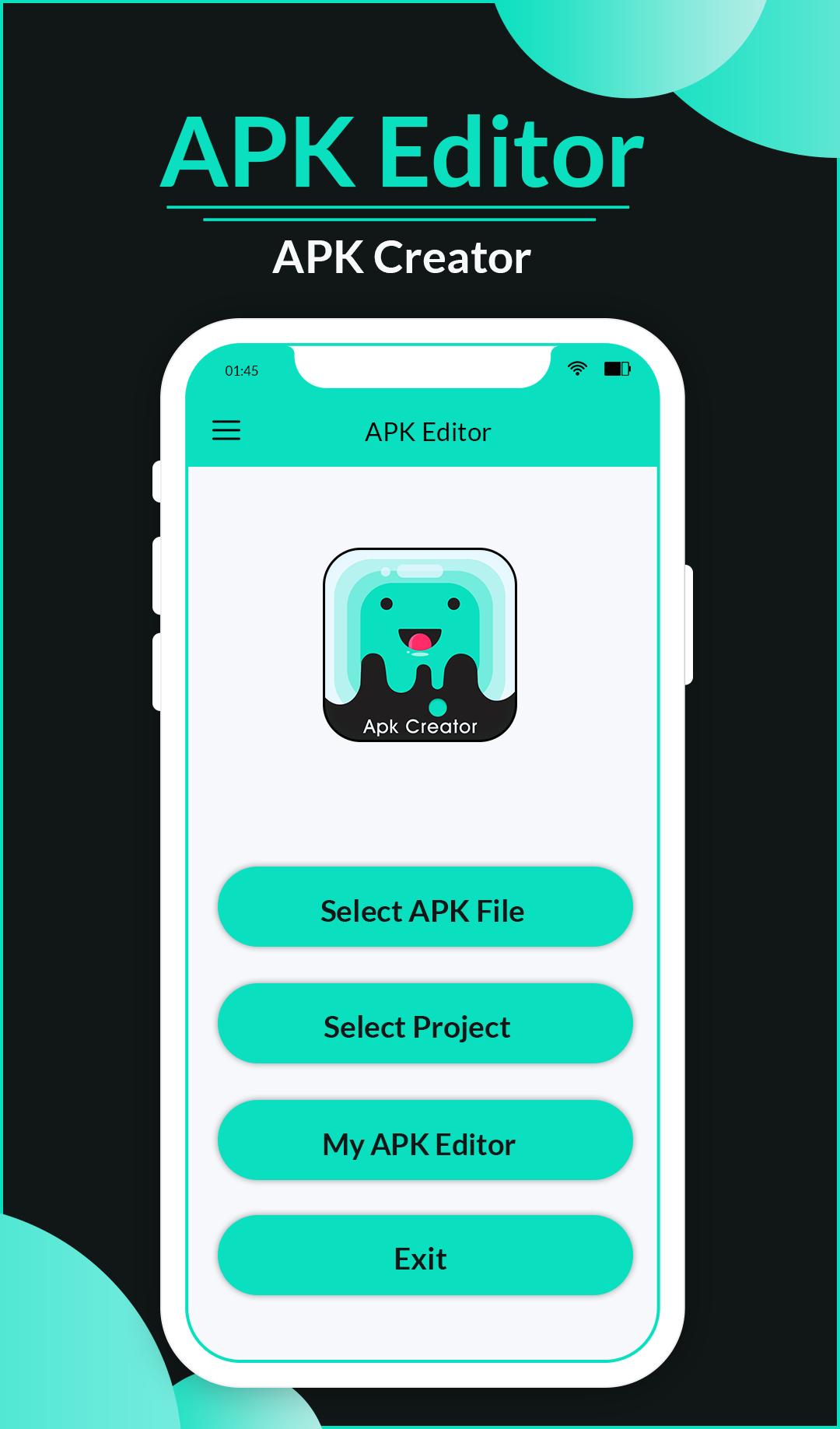
APK Editor file into possible source code. With this APK Editor App, you could deep into an apk structure, and you could also extract pictures from it. APK Installer allows you to view Package Name , APK files location and installation date, APK file MD5, SHA-1 signature, Permission, UID, Shared UID, Minimum API Level, Target API Level, Component Info(Activity, Service, Receiver and Provider).
APK Creator, you can easily create your own android apps (we call it APK before installation) without any coding. APK Editor- APK Creator will extract APK that are installed on your android device and copies them to your SD card.
Features:
* Easy to use.
* Create project based on built-in templates
* Source code editing with built-in editor or external editor
* Built-in image downloader
* 2 build environments: GUI or command line
* Quick Search for file name or file content
Key Word:
APK editor
APK Maker
APK creator
APK extractor
APK generator
APK installer
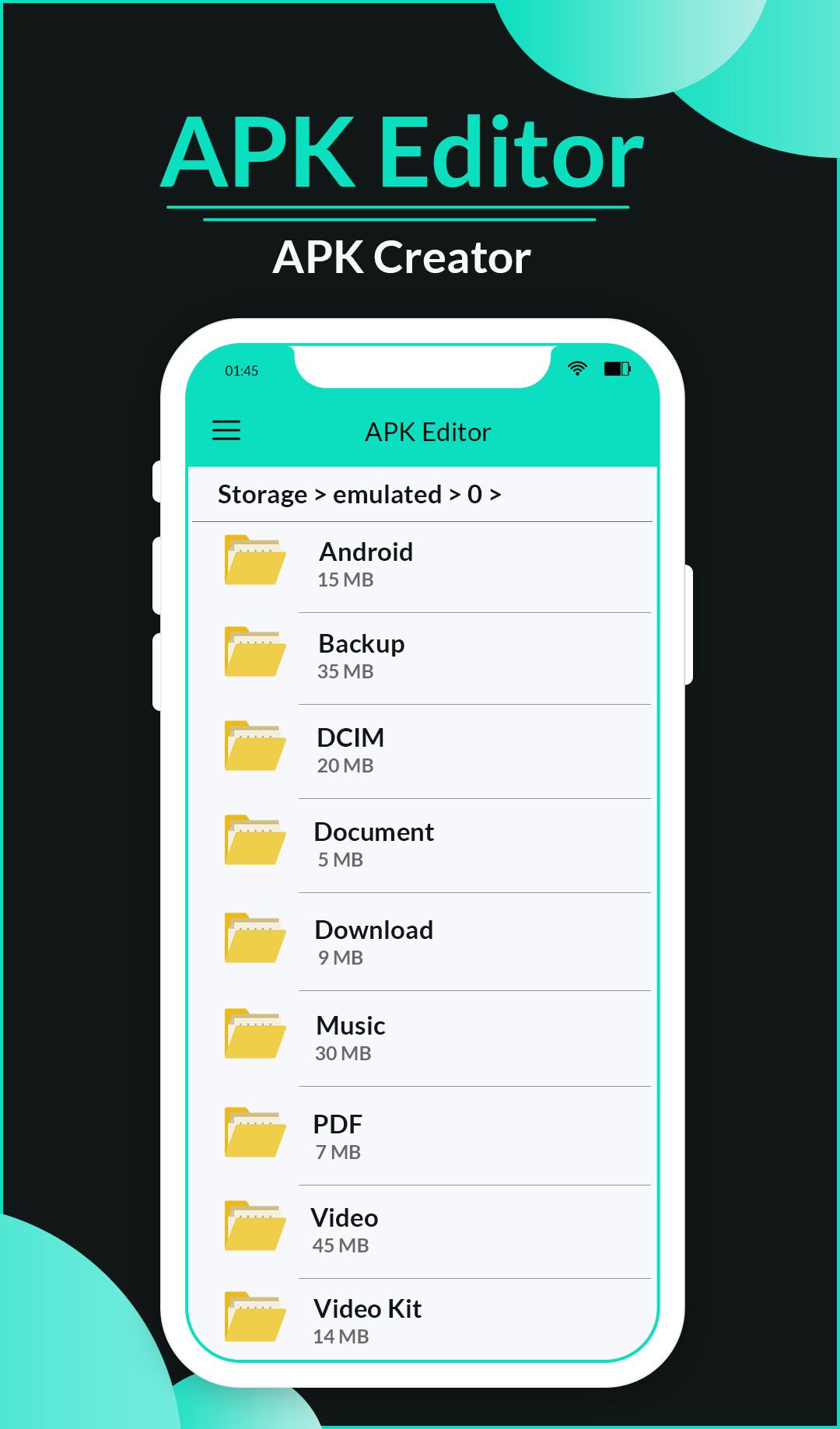
APK Editor will extracts/share/backup APK of all application which is installed in your device andalso show the list of all apk that were saved in your sd-card
If you like this app give a rate and review.
Thank you!!!!
Pratinjau
Informasi
Pengembang
Celeb Eclipse
Versi Terbaru
1.3
Terakhir Diperbarui
2019-08-14
Kategori
Alat
Tersedia di
Google Play
Menampilkan lebih banyak
Cara memainkan Apk Editor 2019 - Apk Creator dengan GameLoop di PC
1. Download GameLoop dari situs resminya, lalu jalankan file exe untuk menginstal GameLoop.
2. Buka GameLoop dan cari “Apk Editor 2019 - Apk Creator”, temukan Apk Editor 2019 - Apk Creator di hasil pencarian dan klik “Install”.
3. Nikmati bermain Apk Editor 2019 - Apk Creator di GameLoop.
Minimum requirements
OS
Windows 8.1 64-bit or Windows 10 64-bit
GPU
GTX 1050
CPU
i3-8300
Memory
8GB RAM
Storage
1GB available space
Recommended requirements
OS
Windows 8.1 64-bit or Windows 10 64-bit
GPU
GTX 1050
CPU
i3-9320
Memory
16GB RAM
Storage
1GB available space