Amoled Clock On Display - AOD for PC
Bhatrani Apps
Unduh Amoled Clock On Display - AOD di PC Dengan Emulator GameLoop
Amoled Clock On Display - AOD di PC
Amoled Clock On Display - AOD, berasal dari pengembang Bhatrani Apps, berjalan di sistem Android di masa lalu.
Sekarang, Anda dapat memainkan Amoled Clock On Display - AOD di PC dengan GameLoop dengan lancar.
Unduh di perpustakaan GameLoop atau hasil pencarian. Tidak ada lagi memperhatikan baterai atau panggilan frustasi pada waktu yang salah lagi.
Nikmati saja Amoled Clock On Display - AOD PC di layar besar secara gratis!
Amoled Clock On Display - AOD Pengantar
To show digital clock always on display we use AMOLED feature of smart phone. This super amoled feature is called ambient display or active display. Always on display (AOD) keep a limited portion of the screen on during sleep mode.
Super amoled lock screen clock widget does not drain battery because, always on display clock on screen just turns on those pixels LED required to show text, image or graphics while other pixels turned off.
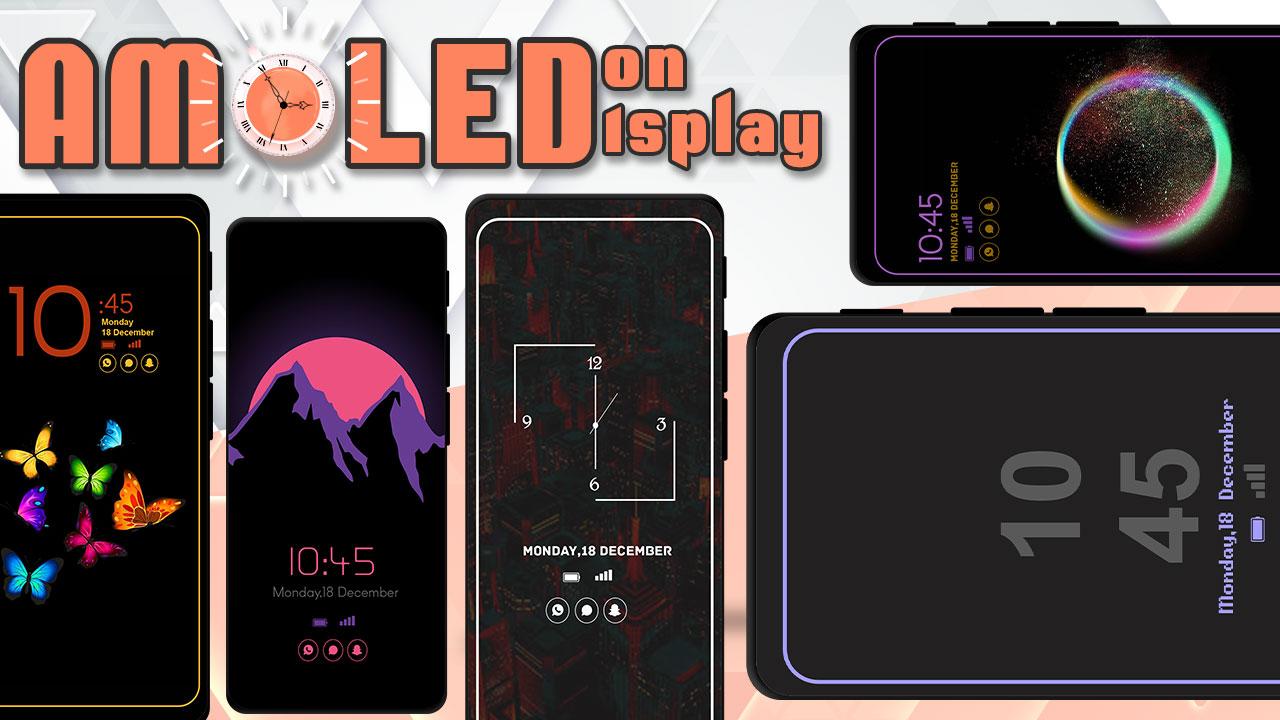
It will display the Amoled Clock on your mobile screens with the Digital clock AMOLED Display, Analog clock AMOLED Display, Calendar clock, Emoji clock, Picture Display clock, Funny clock, with notifications, and Time at your screen without having to touch the phone.
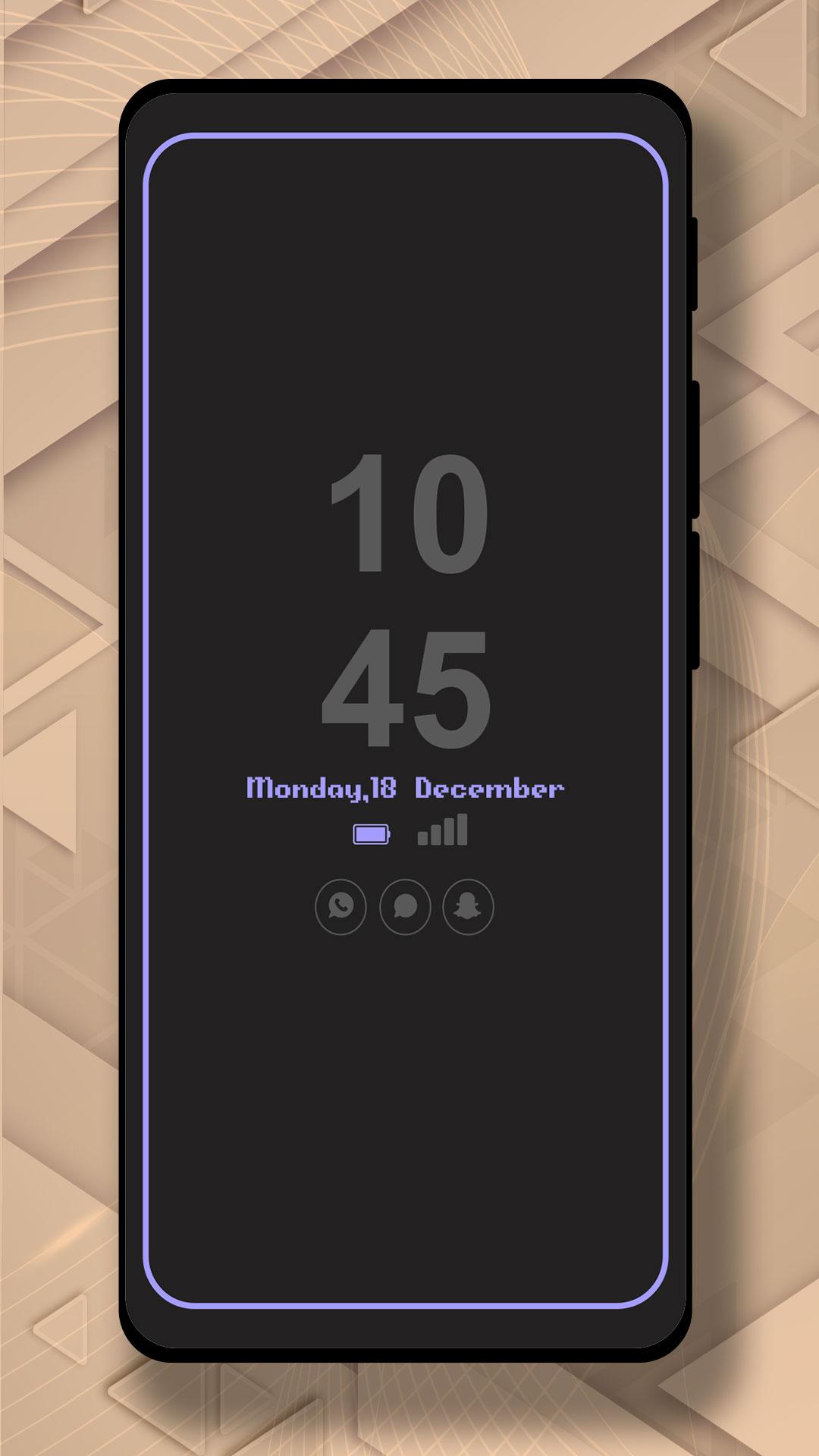
Now, screen time or digital clock is right in front of your eyes. The app provides you information about the date, time, notifications, and more. You won't even have to touch your phone screen to get all of the information as mentioned above. The Always on Display app is developed to show basic information on the black screen.
Settings:-
* Collection of Awesome digital clock and analog clocks
* Amazing UI/UX design and very easy to use
* Show battery level and less battery consumption
* Highly in-demand of these days Always On Display Screen
* Enable/Disable showing notifications
* Stunning Black Backgrounds
* Change clock style there a vast variety of styles of clocks like Analog and Digital Formates
* Social Media Notifications
* Always on Display - AOD
* Variety of AMOLED Clock styles always on display
* Can be used as a night clock
Pratinjau
Tag
AlatInformasi
Pengembang
Bhatrani Apps
Versi Terbaru
5.0.0
Terakhir Diperbarui
2022-08-20
Kategori
Alat
Tersedia di
Google Play
Menampilkan lebih banyak
Cara memainkan Amoled Clock On Display - AOD dengan GameLoop di PC
1. Download GameLoop dari situs resminya, lalu jalankan file exe untuk menginstal GameLoop.
2. Buka GameLoop dan cari “Amoled Clock On Display - AOD”, temukan Amoled Clock On Display - AOD di hasil pencarian dan klik “Install”.
3. Nikmati bermain Amoled Clock On Display - AOD di GameLoop.
Minimum requirements
OS
Windows 8.1 64-bit or Windows 10 64-bit
GPU
GTX 1050
CPU
i3-8300
Memory
8GB RAM
Storage
1GB available space
Recommended requirements
OS
Windows 8.1 64-bit or Windows 10 64-bit
GPU
GTX 1050
CPU
i3-9320
Memory
16GB RAM
Storage
1GB available space