
AirPush - Nearby File Sharing in Web Browser for PC
OmniaShare
Unduh AirPush - Nearby File Sharing in Web Browser di PC Dengan Emulator GameLoop
AirPush - Nearby File Sharing in Web Browser di PC
AirPush - Nearby File Sharing in Web Browser, berasal dari pengembang OmniaShare, berjalan di sistem Android di masa lalu.
Sekarang, Anda dapat memainkan AirPush - Nearby File Sharing in Web Browser di PC dengan GameLoop dengan lancar.
Unduh di perpustakaan GameLoop atau hasil pencarian. Tidak ada lagi memperhatikan baterai atau panggilan frustasi pada waktu yang salah lagi.
Nikmati saja AirPush - Nearby File Sharing in Web Browser PC di layar besar secara gratis!
AirPush - Nearby File Sharing in Web Browser Pengantar
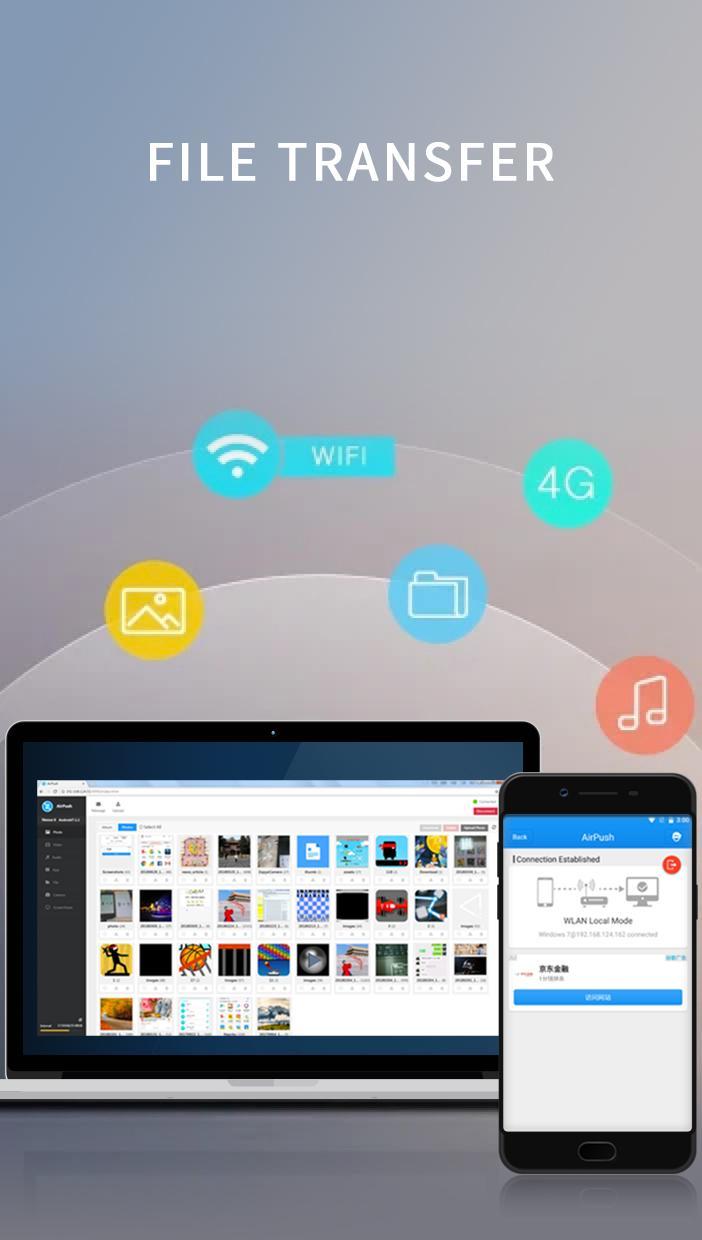
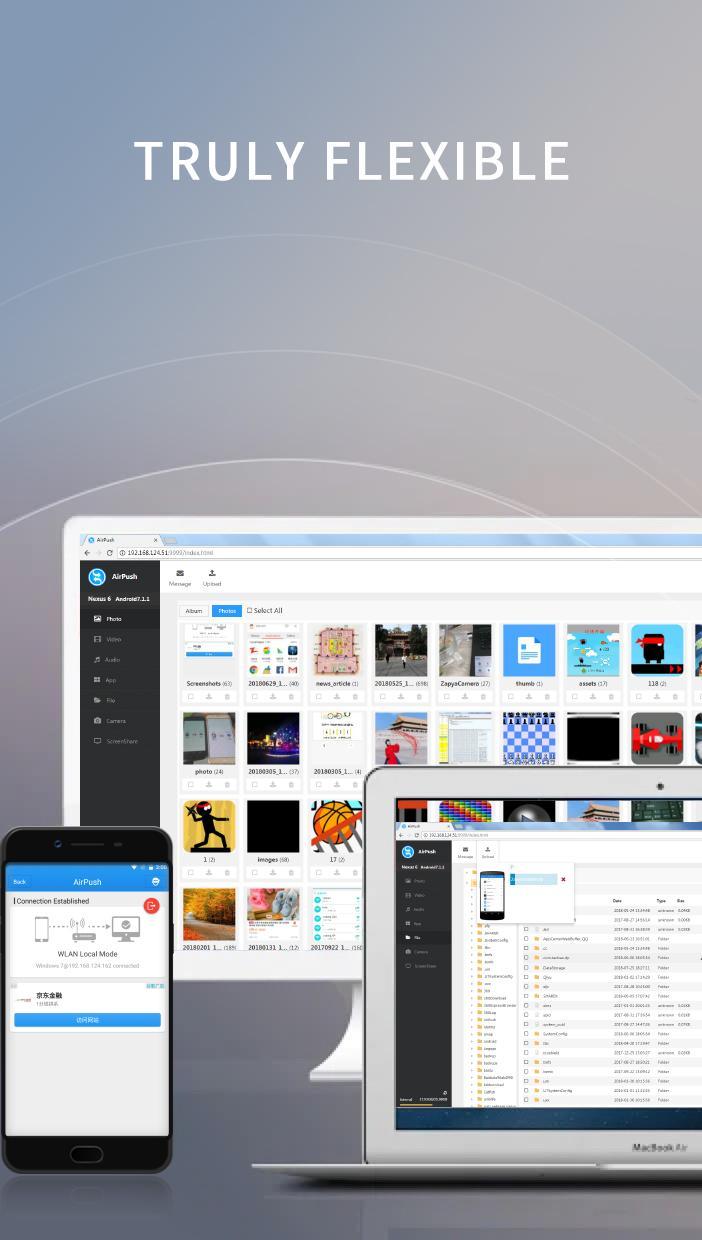
AirPush is a simple and yet powerful tool that allow Android users to push files to any other platforms in the same WLAN network. The idea is that this app includes a web server that has full access to all files on the Android device. Any devices in the same network can connect to the web server via a web browser to gain full access of files of this Android device.
With this app, you do not need the peer devices to install a matching app first before starting file transfer as many file sharing apps do. You just need to start the system web browser on the other devices, connect to the IP address of the web server running inside of AirPush, and then manage all files on the Android device.
All these tasks can be done in the web interface:
- View Photos
- Play Songs
- Watch Videos
- Access any folders on the phone
- Download files from the Android device
- Upload files onto the Android device
- Access Android Apps(.apk)
- Remote control the camera on the Android device
Install once and share files to any platforms!
Pratinjau
Tag
AlatInformasi
Pengembang
OmniaShare
Versi Terbaru
1.0
Terakhir Diperbarui
2018-07-29
Kategori
Alat
Tersedia di
Google Play
Menampilkan lebih banyak
Cara memainkan AirPush - Nearby File Sharing in Web Browser dengan GameLoop di PC
1. Download GameLoop dari situs resminya, lalu jalankan file exe untuk menginstal GameLoop.
2. Buka GameLoop dan cari “AirPush - Nearby File Sharing in Web Browser”, temukan AirPush - Nearby File Sharing in Web Browser di hasil pencarian dan klik “Install”.
3. Nikmati bermain AirPush - Nearby File Sharing in Web Browser di GameLoop.
Minimum requirements
OS
Windows 8.1 64-bit or Windows 10 64-bit
GPU
GTX 1050
CPU
i3-8300
Memory
8GB RAM
Storage
1GB available space
Recommended requirements
OS
Windows 8.1 64-bit or Windows 10 64-bit
GPU
GTX 1050
CPU
i3-9320
Memory
16GB RAM
Storage
1GB available space