Action Widgets for PC
Hoot Apps
Unduh Action Widgets di PC Dengan Emulator GameLoop
Action Widgets di PC
Action Widgets, berasal dari pengembang Hoot Apps, berjalan di sistem Android di masa lalu.
Sekarang, Anda dapat memainkan Action Widgets di PC dengan GameLoop dengan lancar.
Unduh di perpustakaan GameLoop atau hasil pencarian. Tidak ada lagi memperhatikan baterai atau panggilan frustasi pada waktu yang salah lagi.
Nikmati saja Action Widgets PC di layar besar secara gratis!
Action Widgets Pengantar
A handy tools to toggle and start most common actions.
Features
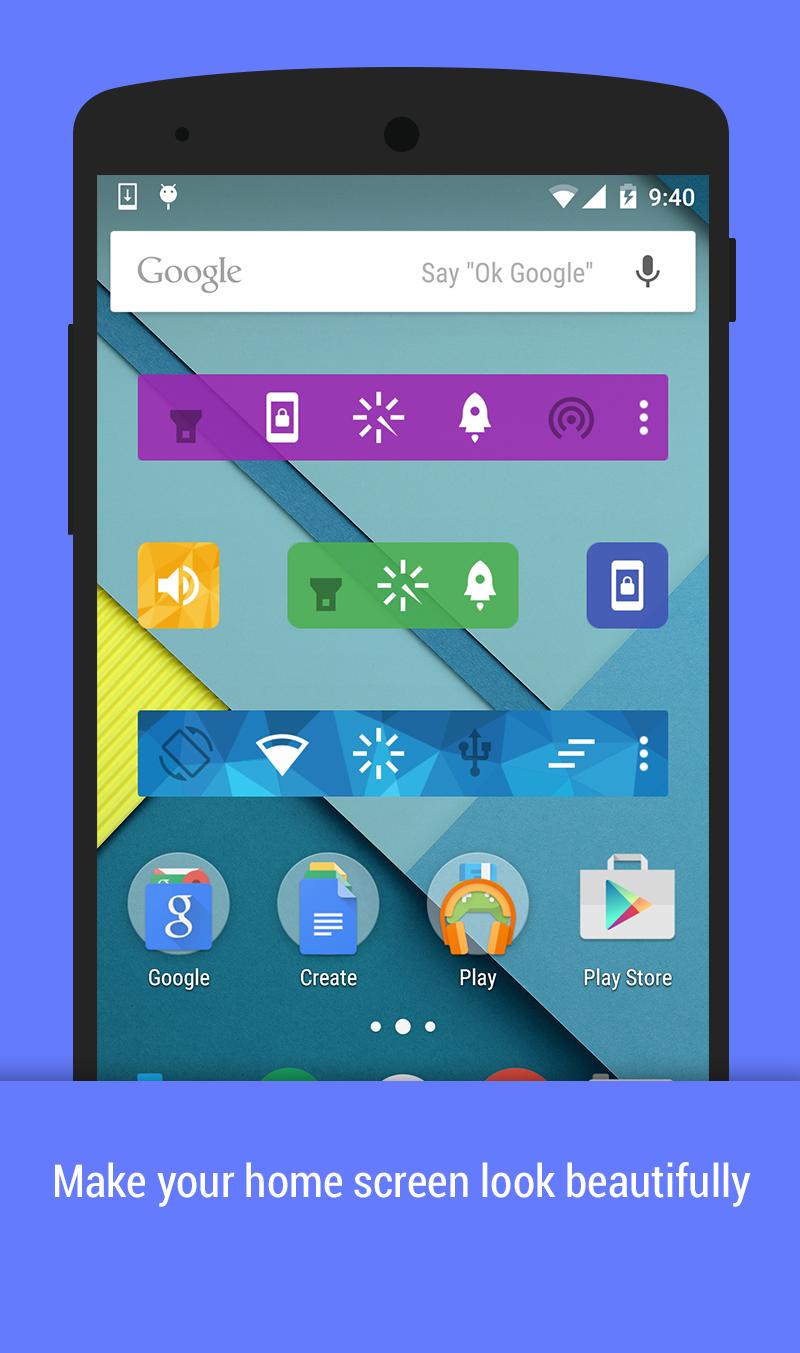
✓ 25 common toggles and actions
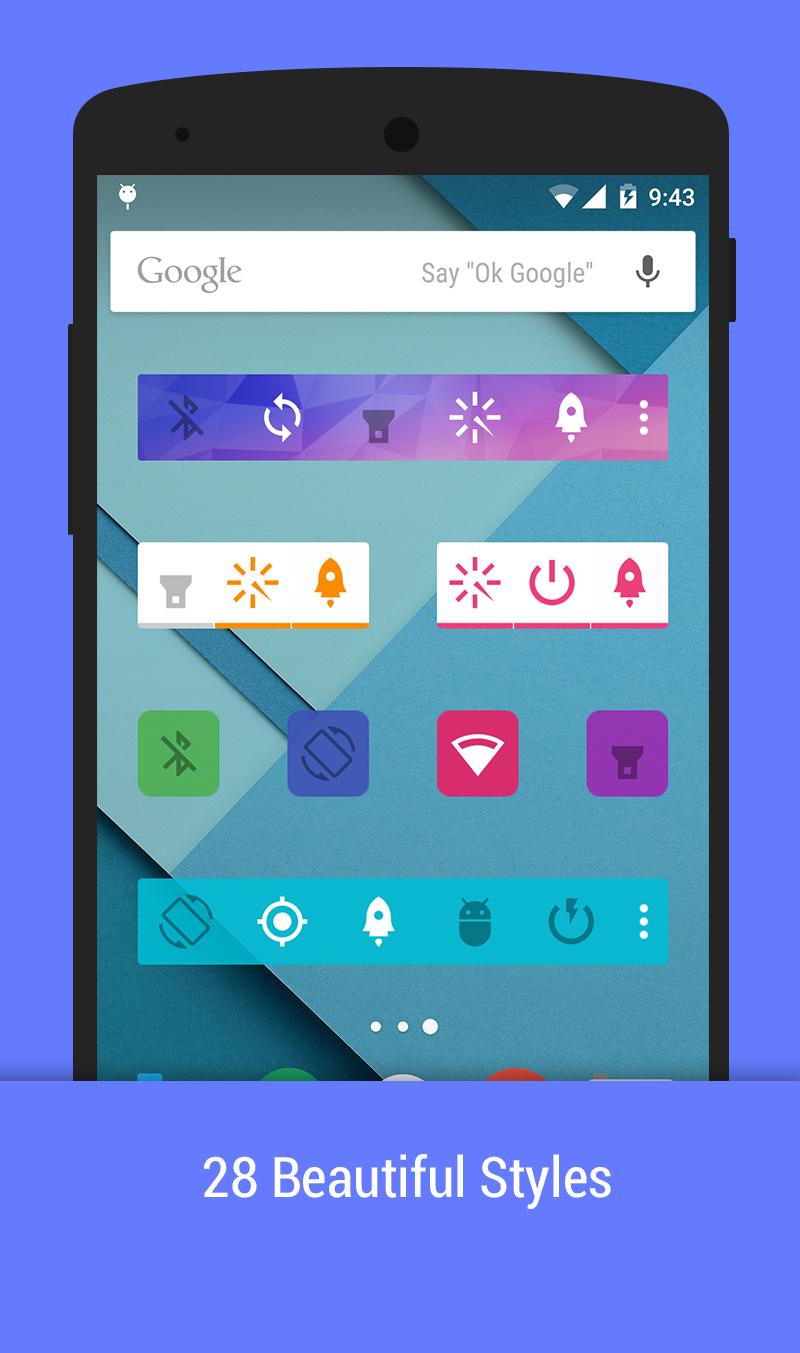
❤ 28 beautiful themes
✓ Unlimited home screen widgets: 1x1, 2x1, 4x1
✓ Notification area, action pad
✓ Auto-actions: show most use action on widgets
Toggles and action supports
☘ Mobile data - (Lollipop requires root)
☘ WiFi
☘ Bluetooth
❤ Flashlight
❤ Lock Screen
❤ Smart ram booster
☀ Sound/Silent/Vibrate mode
☀ Brightness
☀ Auto Sync
☀ Sync now
☀ GPS (Xposed)
☀ Screen off Time
☀ Screen Orientation
☘ WiFi tethering
☘ USB tethering
☘ Bluetooth tethering
✓ AirPlane (root)
✓ Adb (root)
✓ Fast reboot (root)
✓ Reboot (root)
✓ PowerOff (root)
✓ Reboot recovery (root)
✓ Clear recent apps (xposed)
✓ Power saving mode (root, Lollipop+)
❤ Clear notification (Jelly Bean+)
✓ Scream
Compose togglers:
✓ WiFi+Mobile data
✓ WiFi + Mobile data + Bluetooth
Some toggles and actions require root permission or xposed mod
Enjoy beautiful widgets. Happy customization. Also save battery with power widgets.
Pratinjau
Informasi
Pengembang
Hoot Apps
Versi Terbaru
1.4
Terakhir Diperbarui
2015-04-21
Kategori
Alat
Tersedia di
Google Play
Menampilkan lebih banyak
Cara memainkan Action Widgets dengan GameLoop di PC
1. Download GameLoop dari situs resminya, lalu jalankan file exe untuk menginstal GameLoop.
2. Buka GameLoop dan cari “Action Widgets”, temukan Action Widgets di hasil pencarian dan klik “Install”.
3. Nikmati bermain Action Widgets di GameLoop.
Minimum requirements
OS
Windows 8.1 64-bit or Windows 10 64-bit
GPU
GTX 1050
CPU
i3-8300
Memory
8GB RAM
Storage
1GB available space
Recommended requirements
OS
Windows 8.1 64-bit or Windows 10 64-bit
GPU
GTX 1050
CPU
i3-9320
Memory
16GB RAM
Storage
1GB available space