
Radio Olahraga for PC
MyIndieApp.com
Unduh Radio Olahraga di PC Dengan Emulator GameLoop
Radio Olahraga di PC
Radio Olahraga, berasal dari pengembang MyIndieApp.com, berjalan di sistem Android di masa lalu.
Sekarang, Anda dapat memainkan Radio Olahraga di PC dengan GameLoop dengan lancar.
Unduh di perpustakaan GameLoop atau hasil pencarian. Tidak ada lagi memperhatikan baterai atau panggilan frustasi pada waktu yang salah lagi.
Nikmati saja Radio Olahraga PC di layar besar secara gratis!
Radio Olahraga Pengantar
Radio Olahraga - Memutar Musik Radio Amerika
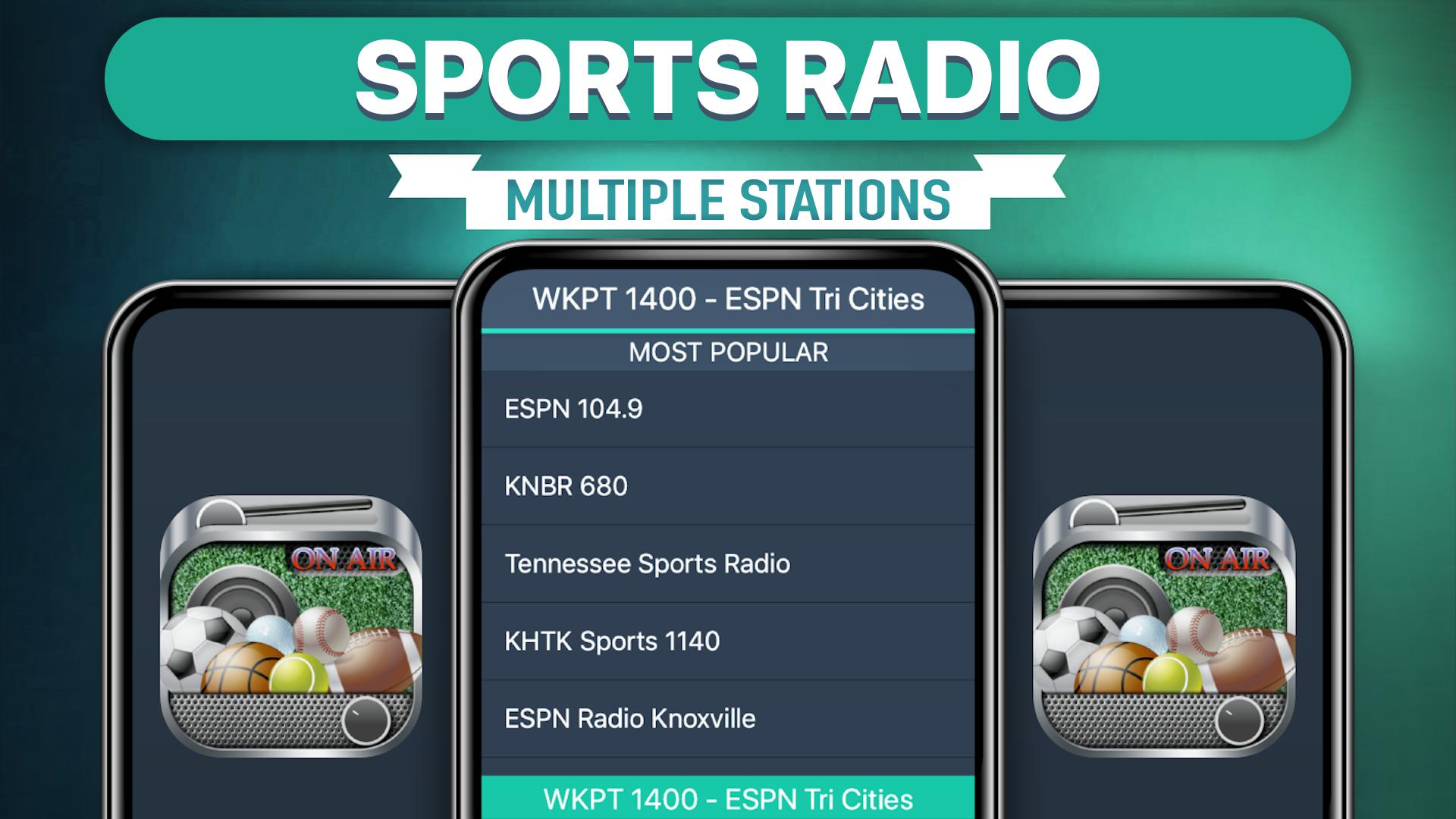
Stasiun yang tersedia:
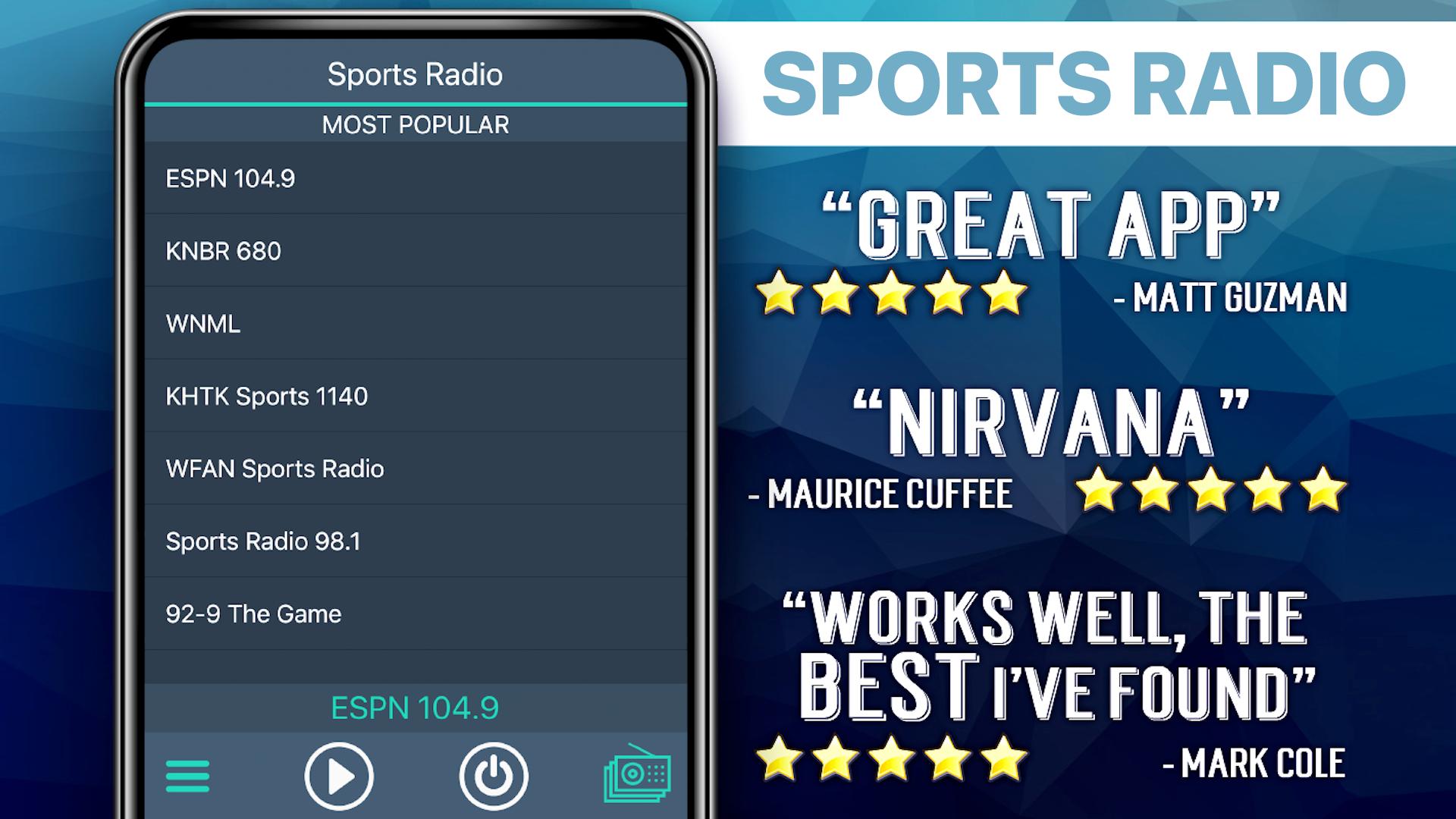
***** Most Popular *****
Sports 620 KTAR
ESPN 103.9FM
Tennessee Sports Radio
1450 ESPN
****** Sports Mix ******
95.7 The Game - The Bay Area
Danburys ESPN Radio
97.5 The Fanatic - Philly
Sports Radio 950 AM ESPN
ESPN 1250 AM Texas
97.1 The Ticket
Patriots.com Radio
RFENC 105.9FM
1450 AM ESPN
ESPN 980
******* Leftovers *******
KNBR
Sport Total FM
NRK Radio Sports
WGBT Sports
World Rally Radio
FAQs
Q: Why does the music stop playing when the screen goes dark?
A: There are several possible explanations for why this is happening. Many devices have built-in power saving settings (ex. Doze mode) that can cause disruptions in online streaming. Additionally, wifi settings need to be set to stay on when the device falls asleep. Please follow the link to our FAQ to find detailed instructions for how to adjust your settings to ensure seamless streaming: http://myindieapp.com/faq
Q: Why is the music skipping?
A: When songs are skipping, it is often because 1) that station's server has recently been reset or 2) the internet isn't filling the audio buffer fast enough. Usually these issues are resolved with faster internet, changing the wifi settings on your device, or they resolve on their own after the server resets.
Q: Where can I find these stations online?
A: Follow the link to the MadCalfApps.blogspot.com page in the app.
Q: Why is the app not working on my device?
A: Unfortunately, the app doesn't support all devices and operating systems. This is the main reason we have decided to bring this app to you totally FREE! Try it out to see if we are coming in loud and clear, "Nothing ventured nothing gained." We are adding support for new devices all the time.
Q: Why are some stations blank at times?
A: Some of these stations are controlled by real DJs and if they aren't playing anything at the time or their site is down no music will play. Fortunately we have a variety of channels so you will always have a lot to choose from.
Radio Olahraga
Selamat Menikmati!
Pratinjau
Tag
OlahragaInformasi
Pengembang
MyIndieApp.com
Versi Terbaru
26.1
Terakhir Diperbarui
2025-08-26
Kategori
Olahraga
Tersedia di
Google Play
Menampilkan lebih banyak
Cara memainkan Radio Olahraga dengan GameLoop di PC
1. Download GameLoop dari situs resminya, lalu jalankan file exe untuk menginstal GameLoop.
2. Buka GameLoop dan cari “Radio Olahraga”, temukan Radio Olahraga di hasil pencarian dan klik “Install”.
3. Nikmati bermain Radio Olahraga di GameLoop.
Minimum requirements
OS
Windows 8.1 64-bit or Windows 10 64-bit
GPU
GTX 1050
CPU
i3-8300
Memory
8GB RAM
Storage
1GB available space
Recommended requirements
OS
Windows 8.1 64-bit or Windows 10 64-bit
GPU
GTX 1050
CPU
i3-9320
Memory
16GB RAM
Storage
1GB available space