
LivChat - Live Video Chat for PC
BakBak GROUP
Unduh LivChat - Live Video Chat di PC Dengan Emulator GameLoop
LivChat - Live Video Chat di PC
LivChat - Live Video Chat, berasal dari pengembang BakBak GROUP, berjalan di sistem Android di masa lalu.
Sekarang, Anda dapat memainkan LivChat - Live Video Chat di PC dengan GameLoop dengan lancar.
Unduh di perpustakaan GameLoop atau hasil pencarian. Tidak ada lagi memperhatikan baterai atau panggilan frustasi pada waktu yang salah lagi.
Nikmati saja LivChat - Live Video Chat PC di layar besar secara gratis!
LivChat - Live Video Chat Pengantar
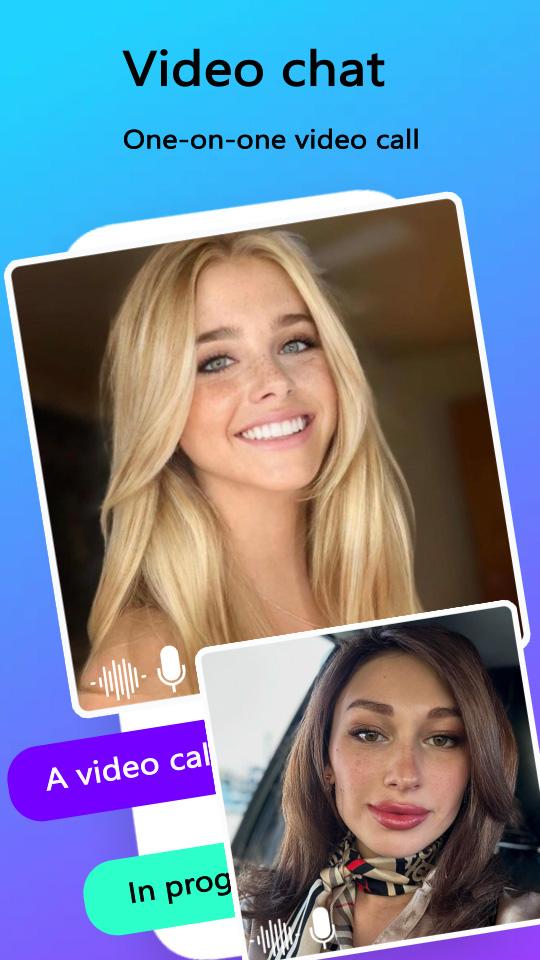
This online video chat app is the perfect place to discover and connect with interesting people from different parts of the globe.
Get to know their likes, hobbies, and interests by looking at their profiles, and make friends with video chat.
You can even collaborate with new friends to perform free video calls, share common interests, and chat anytime you want using fun emojis.
LivChat Pro is the best video chat app for anyone looking to make new friends and have a good time.
Make HD-quality free video calls with your friends or add new ones to start a call at any time.
You can also send messages and share moments in a fun, seamless, reliable, and secure manner.
Plus, showcase your talent and interesting side to your new friends on the app, and share and watch entertainment videos with them.
LivChat Pro is compatible with both smartphones and tablets and offers several other key features, including the ability to share content, create your own friend list, view your video chat history, use filters, and stay connected.
The app requires permissions for the camera, microphone, and photo library to enable video calls, sound delivery, and photo sharing.
Privacy is also a top priority for LivChat Pro , as we strictly adhere to privacy protection guidelines to ensure the complete security and privacy of all users.
Pratinjau

Tag
SosialInformasi
Pengembang
BakBak GROUP
Versi Terbaru
1.3.2
Terakhir Diperbarui
2025-07-29
Kategori
Sosial
Tersedia di
Google Play
Menampilkan lebih banyak
Cara memainkan LivChat - Live Video Chat dengan GameLoop di PC
1. Download GameLoop dari situs resminya, lalu jalankan file exe untuk menginstal GameLoop.
2. Buka GameLoop dan cari “LivChat - Live Video Chat”, temukan LivChat - Live Video Chat di hasil pencarian dan klik “Install”.
3. Nikmati bermain LivChat - Live Video Chat di GameLoop.
Minimum requirements
OS
Windows 8.1 64-bit or Windows 10 64-bit
GPU
GTX 1050
CPU
i3-8300
Memory
8GB RAM
Storage
1GB available space
Recommended requirements
OS
Windows 8.1 64-bit or Windows 10 64-bit
GPU
GTX 1050
CPU
i3-9320
Memory
16GB RAM
Storage
1GB available space