Lord Shiva : Mahadev Stickers For WhatsApp for PC
Ocean Developer Team
Unduh Lord Shiva : Mahadev Stickers For WhatsApp di PC Dengan Emulator GameLoop
Lord Shiva : Mahadev Stickers For WhatsApp di PC
Lord Shiva : Mahadev Stickers For WhatsApp, berasal dari pengembang Ocean Developer Team, berjalan di sistem Android di masa lalu.
Sekarang, Anda dapat memainkan Lord Shiva : Mahadev Stickers For WhatsApp di PC dengan GameLoop dengan lancar.
Unduh di perpustakaan GameLoop atau hasil pencarian. Tidak ada lagi memperhatikan baterai atau panggilan frustasi pada waktu yang salah lagi.
Nikmati saja Lord Shiva : Mahadev Stickers For WhatsApp PC di layar besar secara gratis!
Lord Shiva : Mahadev Stickers For WhatsApp Pengantar
Lord Shiva Stickers For WhatsApp is a free amazing mahakal stickers application.
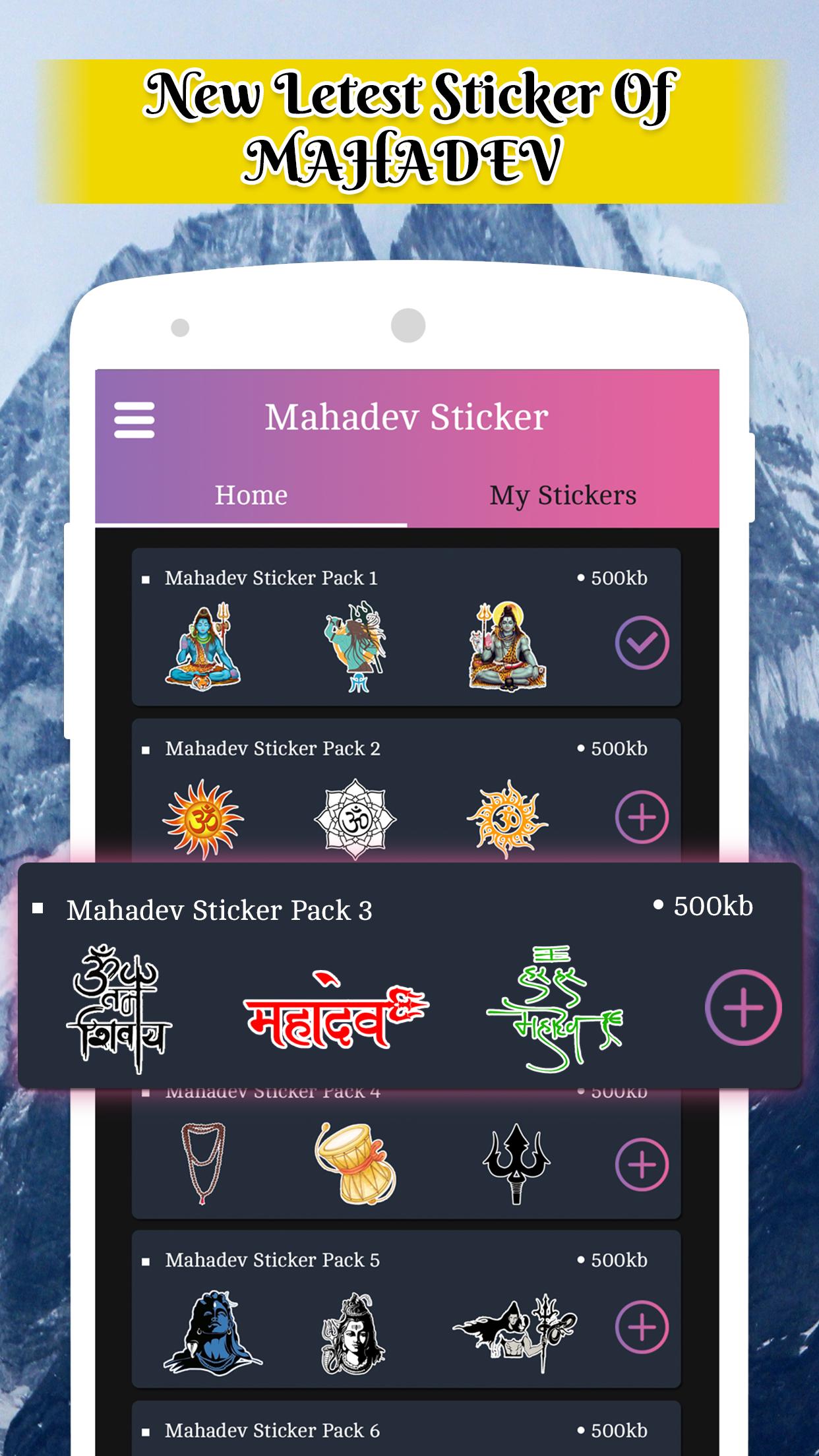
There are lots of stickers of lord mahadev and also there is may stickers for wish maha shivratri.
Share these Shiva Sticker WAStickerApps with your friend and family on WhatsApp and begin your day with God Shiva blessings.
☛ App features:-
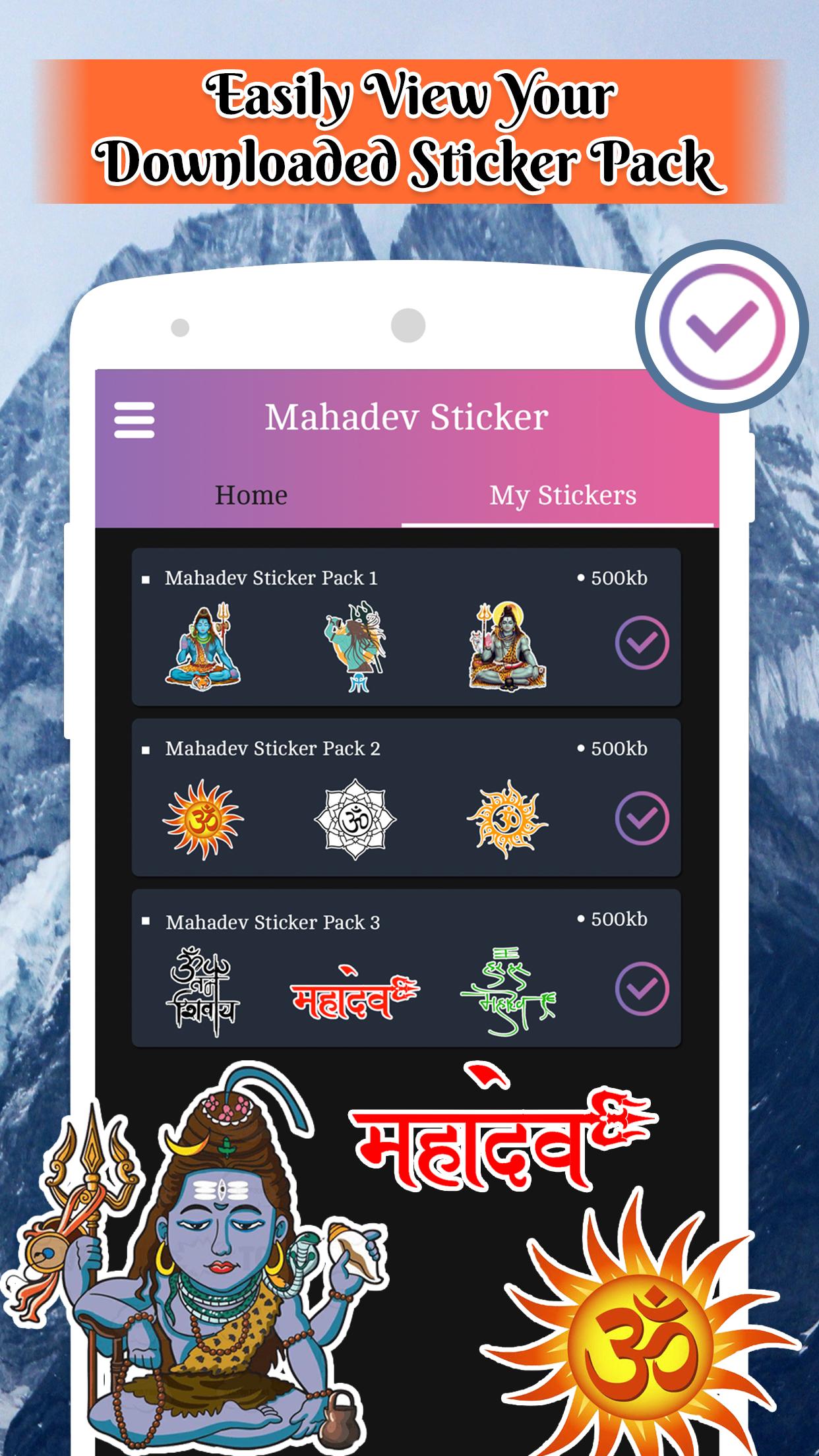
★ Huge Collection of WhatsApp stickers [Mahadev Stickers For WhatsApp].
★ One tap to add sticker packs.
★ Easy to Use: Open WhatsApp and start sharing stickers!
★ Scroll through the list of stickers.
★ Simple Design and Very Easy to use application.
☛ Categories:-
★ Mahadev Stickers
★ Shiva WAStickerApps
★ Mahashivratri Stickers 2021
☛ How to use:-
★ Install and open this app
★ Select sticker pack
★ Tap on 'ADD TO WHATSAPP' button
★ Confirm your action
★ Open WhatsApp and go to a chat
★ Tap on the Emoji icon
★ You will see a new sticker icon at the bottom and can now use this sticker pack
☛ Issues for some users *
For some One Plus mobile users, the stickers are getting disappeared after WhatsApp is closed or mobile re-start.
☛ Solution:- On your phone,
Go to... >> Settings >> Battery >> Battery optimization >> Click on our App and Select "Don't optimize"
Note: The sticker pack is not affiliated with any Brand or any of its respective partners. All Stickers are trademarks of their respective owners and its not under our Property.
Disclaimer: All copyrights reserved to their respective owners. Any of the stickers are not our personal brands or property. We are not affiliated with any Brand or any of its respective partners whose stickers are used in this app.
This application is not endorsed by or affiliated with WhatsApp Inc. WhatsApp Messenger, its name, trademark, and other aspects of the app are trademarked and owned by their respective owners.
If any found the copyright issue, credit issue, trademark issues or any issues related with this App, they can contact us on our email. We are happy to solve the issue.
Pratinjau
Informasi
Pengembang
Ocean Developer Team
Versi Terbaru
3.0
Terakhir Diperbarui
2020-12-01
Kategori
Sosial
Tersedia di
Google Play
Menampilkan lebih banyak
Cara memainkan Lord Shiva : Mahadev Stickers For WhatsApp dengan GameLoop di PC
1. Download GameLoop dari situs resminya, lalu jalankan file exe untuk menginstal GameLoop.
2. Buka GameLoop dan cari “Lord Shiva : Mahadev Stickers For WhatsApp”, temukan Lord Shiva : Mahadev Stickers For WhatsApp di hasil pencarian dan klik “Install”.
3. Nikmati bermain Lord Shiva : Mahadev Stickers For WhatsApp di GameLoop.
Minimum requirements
OS
Windows 8.1 64-bit or Windows 10 64-bit
GPU
GTX 1050
CPU
i3-8300
Memory
8GB RAM
Storage
1GB available space
Recommended requirements
OS
Windows 8.1 64-bit or Windows 10 64-bit
GPU
GTX 1050
CPU
i3-9320
Memory
16GB RAM
Storage
1GB available space