MultiCraft Adventure for PC
Nara Dev
Unduh MultiCraft Adventure di PC Dengan Emulator GameLoop
MultiCraft Adventure di PC
MultiCraft Adventure, berasal dari pengembang Nara Dev, berjalan di sistem Android di masa lalu.
Sekarang, Anda dapat memainkan MultiCraft Adventure di PC dengan GameLoop dengan lancar.
Unduh di perpustakaan GameLoop atau hasil pencarian. Tidak ada lagi memperhatikan baterai atau panggilan frustasi pada waktu yang salah lagi.
Nikmati saja MultiCraft Adventure PC di layar besar secara gratis!
MultiCraft Adventure Pengantar
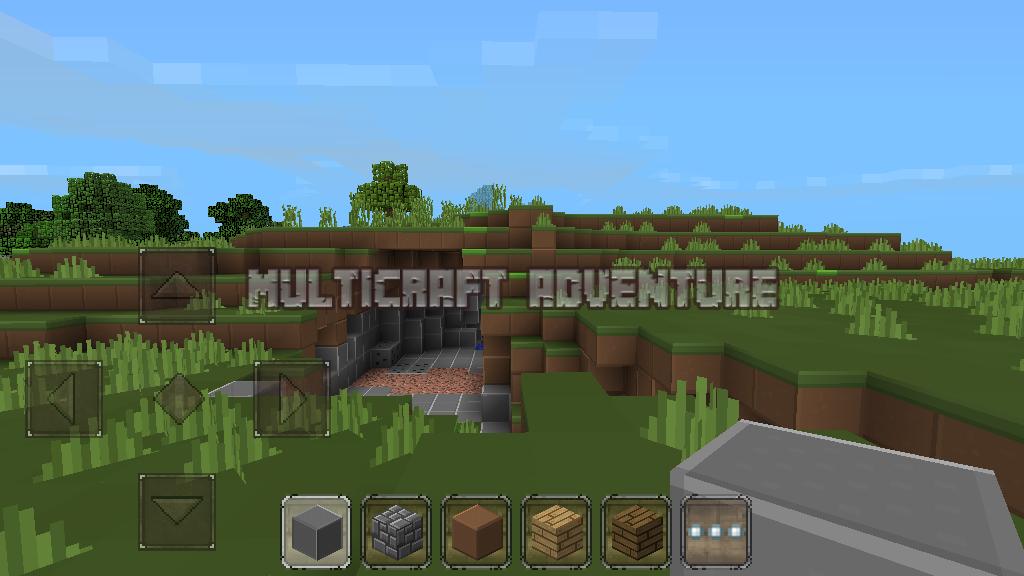
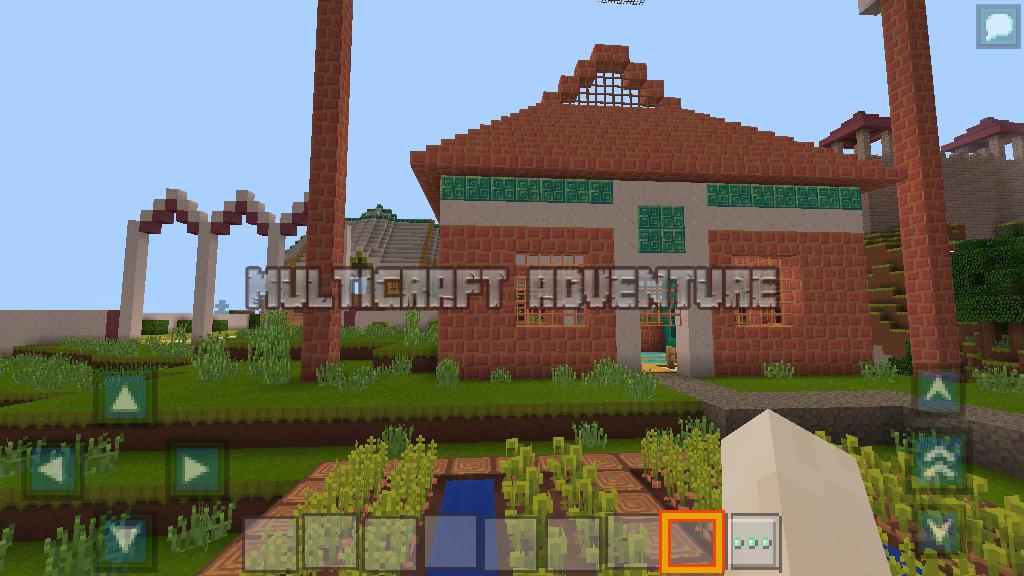
in multicraft adventure you can tame a horse before you cattle or you ride to avoid the attack of monsters or zombies, meaniki horses are very exciting, invite your friends to play multiplayer for the game more exciting, monster opponent together with sword or ax, you also can build a house or building with your friends to make the building faster in the voxel world, we can build castles, modern houses, bridges, towers, or just a small shack you can use to shelter from the sun, rain, ice, or snow. in the daytime of peace you can garden, plant a variety of plants to meet your needs
Features:
- Two different mode ready, survival and creative
- Day and a night time change
- HQ texture packs
- Survival from attack of monsters and bad zombies;
- Farming many flower and plants, raise a chicken, pigs, cows, sheep mobs, and tamed horse
- Flight mode ready
Pratinjau
Informasi
Pengembang
Nara Dev
Versi Terbaru
63.1.0
Terakhir Diperbarui
2018-04-10
Kategori
Simulasi
Tersedia di
Google Play
Menampilkan lebih banyak
Cara memainkan MultiCraft Adventure dengan GameLoop di PC
1. Download GameLoop dari situs resminya, lalu jalankan file exe untuk menginstal GameLoop.
2. Buka GameLoop dan cari “MultiCraft Adventure”, temukan MultiCraft Adventure di hasil pencarian dan klik “Install”.
3. Nikmati bermain MultiCraft Adventure di GameLoop.
Minimum requirements
OS
Windows 8.1 64-bit or Windows 10 64-bit
GPU
GTX 1050
CPU
i3-8300
Memory
8GB RAM
Storage
1GB available space
Recommended requirements
OS
Windows 8.1 64-bit or Windows 10 64-bit
GPU
GTX 1050
CPU
i3-9320
Memory
16GB RAM
Storage
1GB available space