
AEM for PC
AEM TECHNOLOGY LIMITED
Unduh AEM di PC Dengan Emulator GameLoop
AEM di PC
AEM, berasal dari pengembang AEM TECHNOLOGY LIMITED, berjalan di sistem Android di masa lalu.
Sekarang, Anda dapat memainkan AEM di PC dengan GameLoop dengan lancar.
Unduh di perpustakaan GameLoop atau hasil pencarian. Tidak ada lagi memperhatikan baterai atau panggilan frustasi pada waktu yang salah lagi.
Nikmati saja AEM PC di layar besar secara gratis!
AEM Pengantar
About AEM Technology Limited (AEM)
AEM integrates IT and IOT components across the data center infrastructure with DCIM for designing and building energy saving data centers in APAC. To keep Fortune 500 client's data centers more cost effective and more intelligent, we offer best-in-class data center infrastructure solutions with leading edge global industrial standards by Uptime Institute. As well as partner with top-tier global data center solution suppliers such as Vertiv, CommScope, Black Box, APC to provide cost-effective, sustainable and reliable solutions for our customers.
The New Online Store
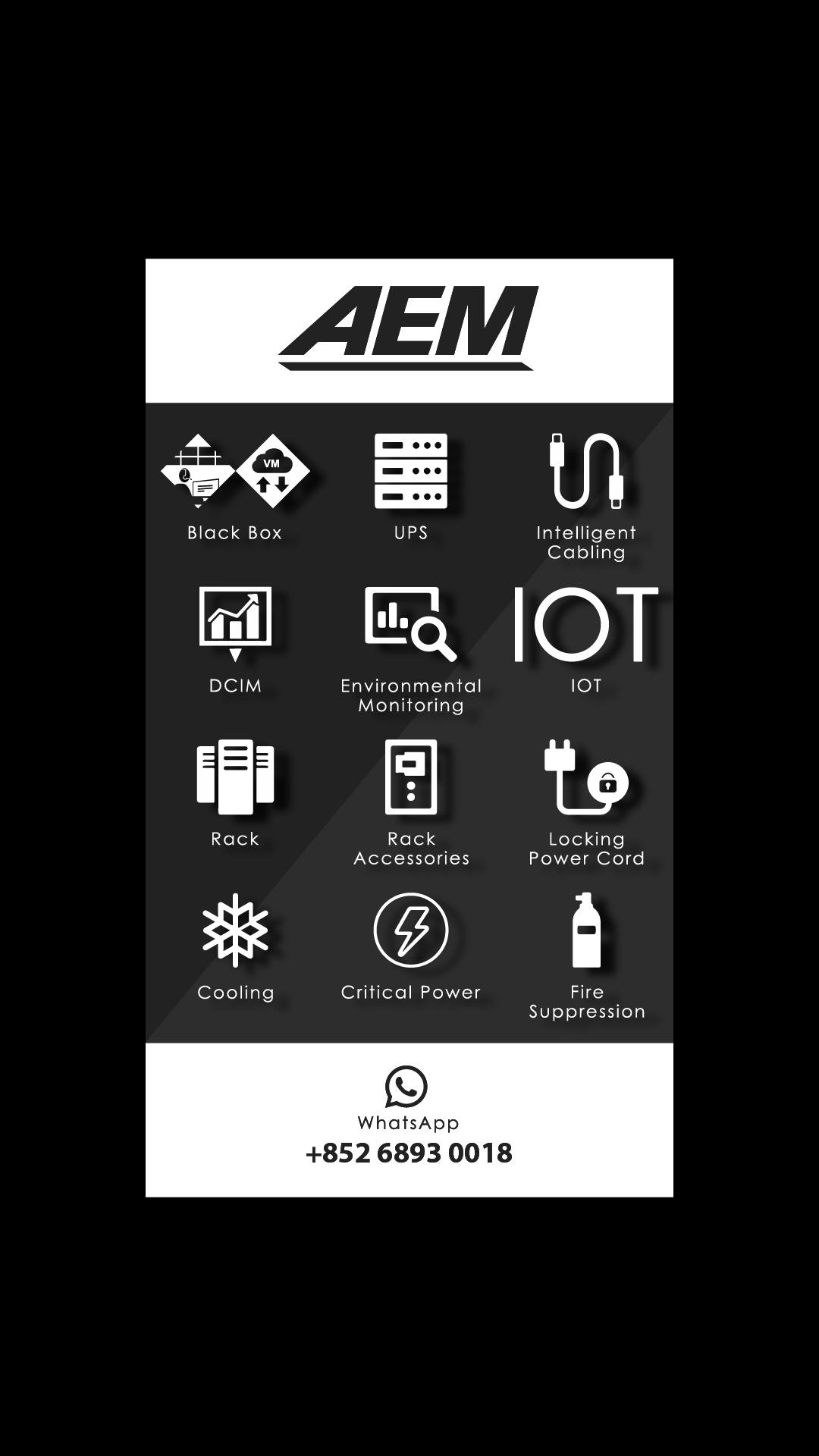
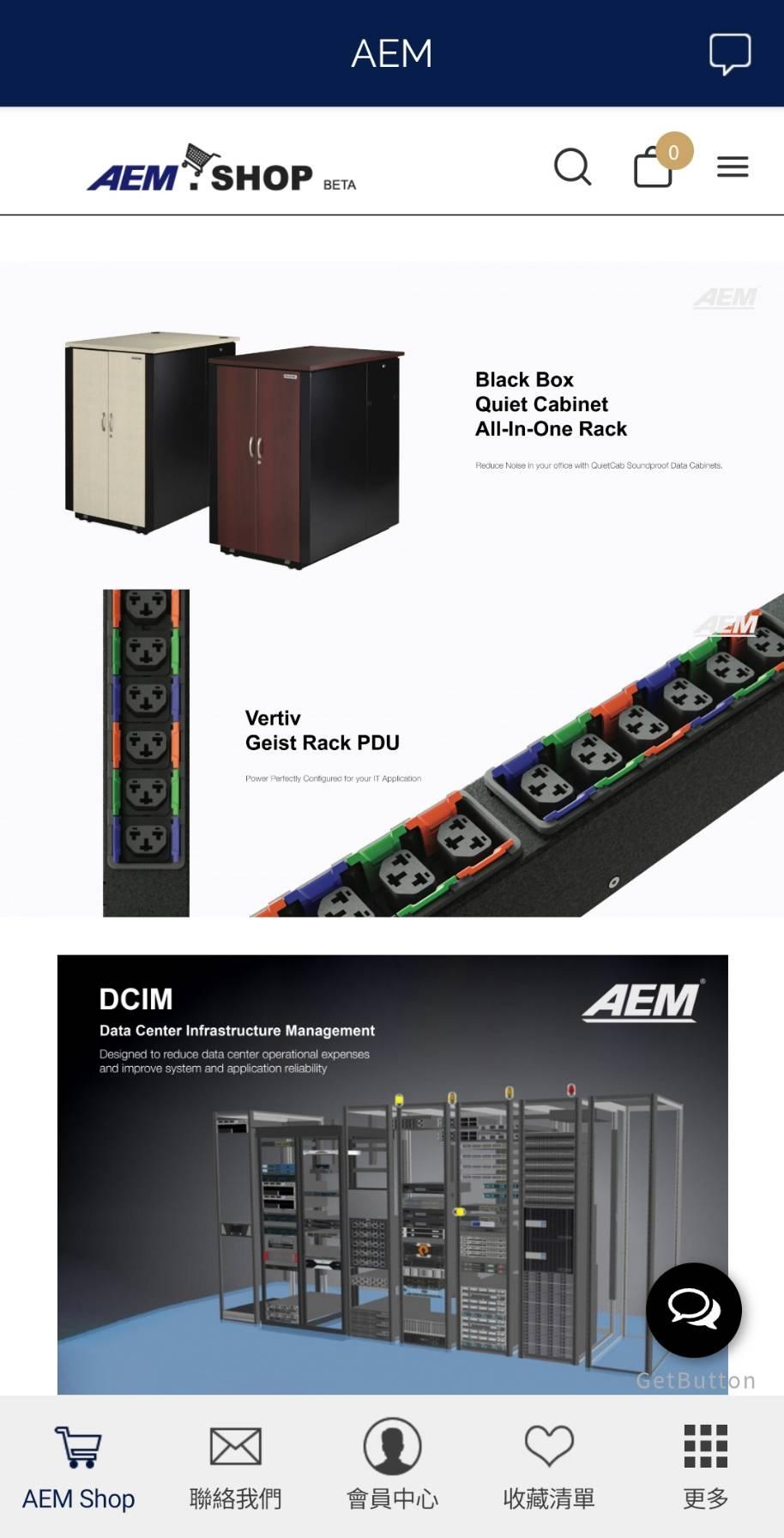
AEM Shop is the new online store, provides 1st Tier Data Center Products in APAC, including BlackBox, Intelligent Cabling, Rack, Rack Accessories, Locking Power Cord, Critical Power and more premier products forthcoming.
Contact AEM
AEM WhatsApp: (852) 6893 0018AEM Office: (852) 3628 6636AEM Shop Email: cs@aem.shopAEM Shop Website: http://www.aem.shop AEM Official Website: http://www.aemtech.com
Pratinjau
Tag
BelanjaInformasi
Pengembang
AEM TECHNOLOGY LIMITED
Versi Terbaru
2.3.9.0
Terakhir Diperbarui
2022-02-25
Kategori
Belanja
Tersedia di
Google Play
Menampilkan lebih banyak
Cara memainkan AEM dengan GameLoop di PC
1. Download GameLoop dari situs resminya, lalu jalankan file exe untuk menginstal GameLoop.
2. Buka GameLoop dan cari “AEM”, temukan AEM di hasil pencarian dan klik “Install”.
3. Nikmati bermain AEM di GameLoop.
Minimum requirements
OS
Windows 8.1 64-bit or Windows 10 64-bit
GPU
GTX 1050
CPU
i3-8300
Memory
8GB RAM
Storage
1GB available space
Recommended requirements
OS
Windows 8.1 64-bit or Windows 10 64-bit
GPU
GTX 1050
CPU
i3-9320
Memory
16GB RAM
Storage
1GB available space