Game Tetris Classic for PC
BRIAN CURRAN
Unduh Game Tetris Classic di PC Dengan Emulator GameLoop
Game Tetris Classic di PC
Game Tetris Classic, berasal dari pengembang BRIAN CURRAN, berjalan di sistem Android di masa lalu.
Sekarang, Anda dapat memainkan Game Tetris Classic di PC dengan GameLoop dengan lancar.
Unduh di perpustakaan GameLoop atau hasil pencarian. Tidak ada lagi memperhatikan baterai atau panggilan frustasi pada waktu yang salah lagi.
Nikmati saja Game Tetris Classic PC di layar besar secara gratis!
Game Tetris Classic Pengantar
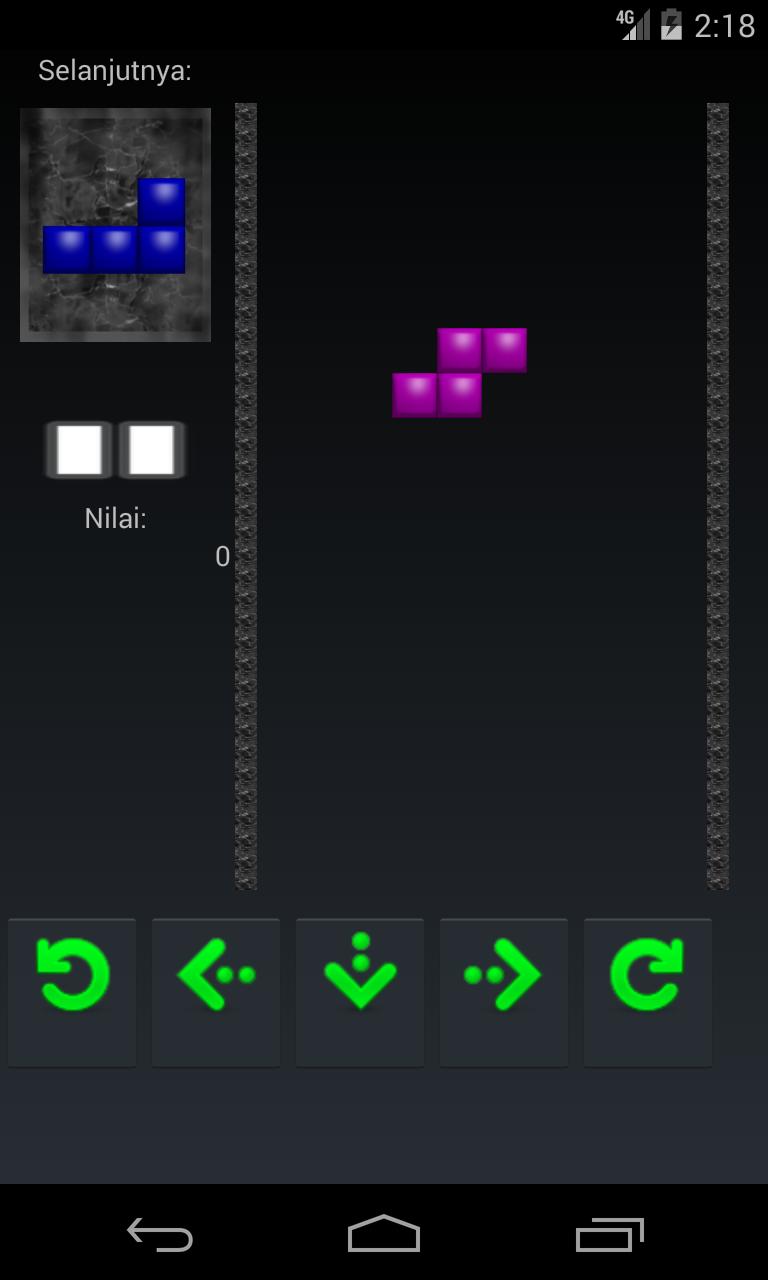
The player must move and turn the pieces as they fall, endeavoring to fit them together. In the event that the player can totally fill one level line with hued squares, that line vanishes and any filled squares above move down. On the off chance that the player can't fill lines totally, the Blocks will stack up and in the end achieve the highest point of the playing field. The diversion closes when another hinders that is set at the highest point of the playing field can't drop at all because of the filled pieces. lets play tetris classic
The distinctive pieces of block:
J-pieces confront the other way as L-squares.
S-hinders for filling little openings.
O-hinders for filling expansive crevices.
Z-squares confront the other way as S-pieces.
I-pieces are helpful for contending four lines immediately.
L-obstructs for filling medium-sized gaps.
Pratinjau
Informasi
Pengembang
BRIAN CURRAN
Versi Terbaru
1.5
Terakhir Diperbarui
2017-06-10
Kategori
Teka-Teki
Tersedia di
Google Play
Menampilkan lebih banyak
Cara memainkan Game Tetris Classic dengan GameLoop di PC
1. Download GameLoop dari situs resminya, lalu jalankan file exe untuk menginstal GameLoop.
2. Buka GameLoop dan cari “Game Tetris Classic”, temukan Game Tetris Classic di hasil pencarian dan klik “Install”.
3. Nikmati bermain Game Tetris Classic di GameLoop.
Minimum requirements
OS
Windows 8.1 64-bit or Windows 10 64-bit
GPU
GTX 1050
CPU
i3-8300
Memory
8GB RAM
Storage
1GB available space
Recommended requirements
OS
Windows 8.1 64-bit or Windows 10 64-bit
GPU
GTX 1050
CPU
i3-9320
Memory
16GB RAM
Storage
1GB available space